Skip to content
View in the app

A better way to browse. Learn more.

mega MINI forum

A full-screen app on your home screen with push notifications, badges and more.

To install this app on iOS and iPadOS
  1. Tap the Share icon in Safari
  2. Scroll the menu and tap Add to Home Screen.
  3. Tap Add in the top-right corner.
To install this app on Android
  1. Tap the 3-dot menu (⋮) in the top-right corner of the browser.
  2. Tap Add to Home screen or Install app.
  3. Confirm by tapping Install.
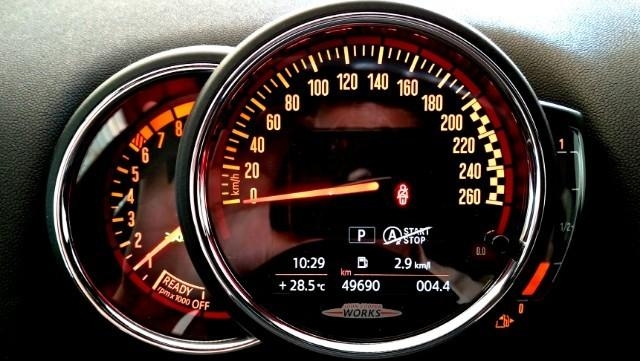
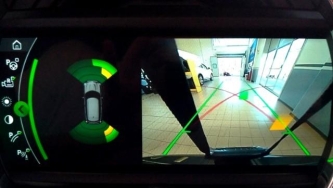
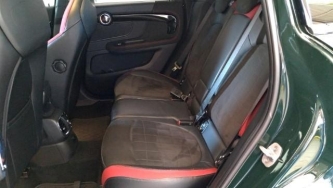
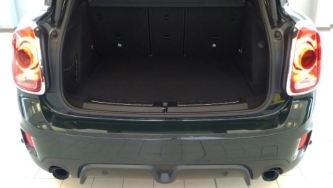
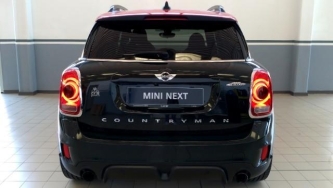
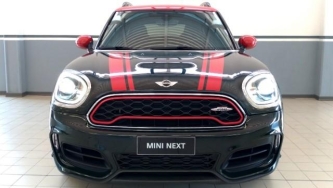
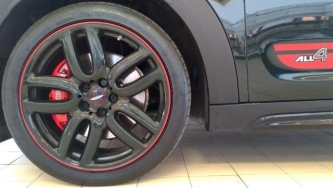
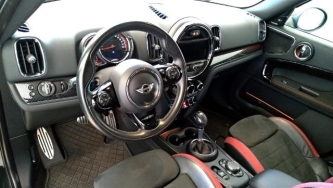
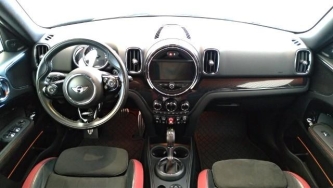
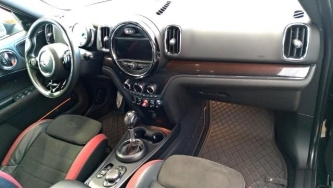
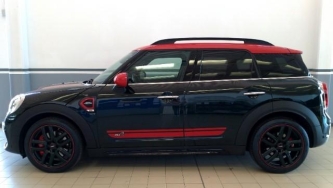
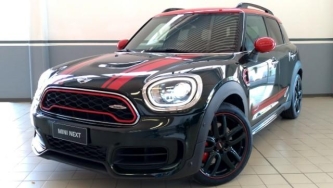
MINI Countryman JCW HYPE ALL4 8M+ {F60} Rebel Green

MINI Countryman JCW HYPE ALL4 8M+ {F60} Rebel Green

Album created by wwleone · Updated

La mia MINI

large.453407026_JCW01.jpg.03366ba13e6c67

large.360703849_JCW02.jpg.9b195873748534

large.1244132962_JCW03.jpg.e67a6e52715b1

large.241576658_JCW05.jpg.ba44acbd732760

large.403454970_JCW04.jpg.ba989ee4b62544

large.451670423_JCW07.jpg.de6c68df877179

large.1655120776_JCW08.jpg.7043ddb6e9631

large.1498459184_JCW09.jpg.9e2dd7cbb2919

large.445449117_JCW11.jpg.9e06d36c3ef96a

large.47669693_JCW10.jpg.77b1ebc89801da3

large.161829014_JCW12.jpg.2d0b57e6fc7707

large.1608564276_JCW13.jpg.b16dd0fc95c26


There are no comments to display.

Account

Navigation

Search

Search

Configure browser push notifications

Chrome (Android)
  1. Tap the lock icon next to the address bar.
  2. Tap Permissions → Notifications.
  3. Adjust your preference.
Chrome (Desktop)
  1. Click the padlock icon in the address bar.
  2. Select Site settings.
  3. Find Notifications and adjust your preference.