Vai al contenuto
View in the app

A better way to browse. Learn more.

mega MINI forum

A full-screen app on your home screen with push notifications, badges and more.

To install this app on iOS and iPadOS
  1. Tap the Share icon in Safari
  2. Scroll the menu and tap Add to Home Screen.
  3. Tap Add in the top-right corner.
To install this app on Android
  1. Tap the 3-dot menu (⋮) in the top-right corner of the browser.
  2. Tap Add to Home screen or Install app.
  3. Confirm by tapping Install.
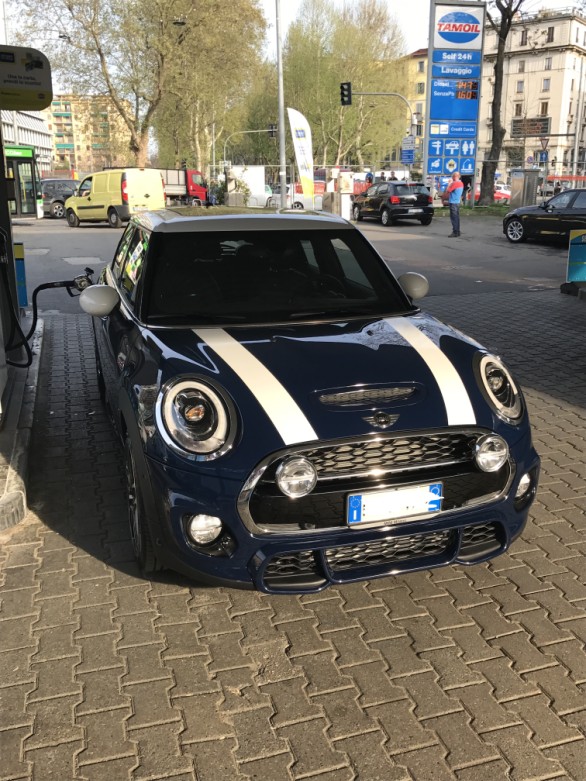
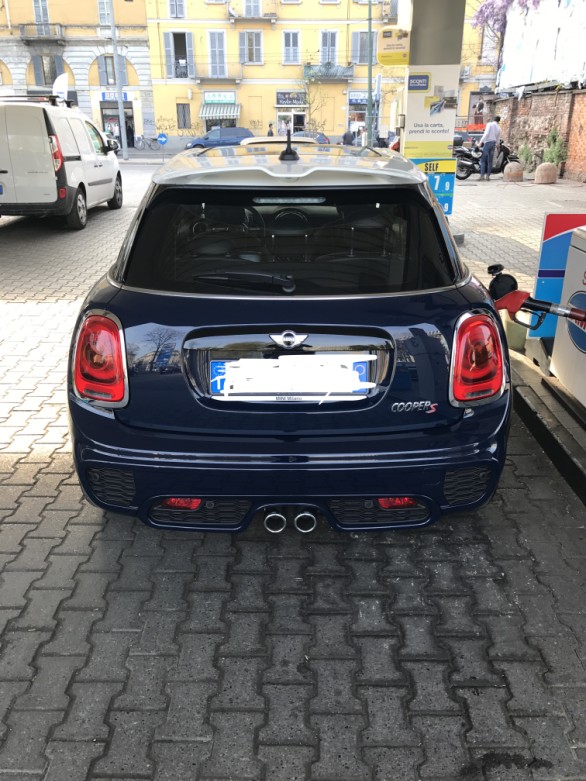
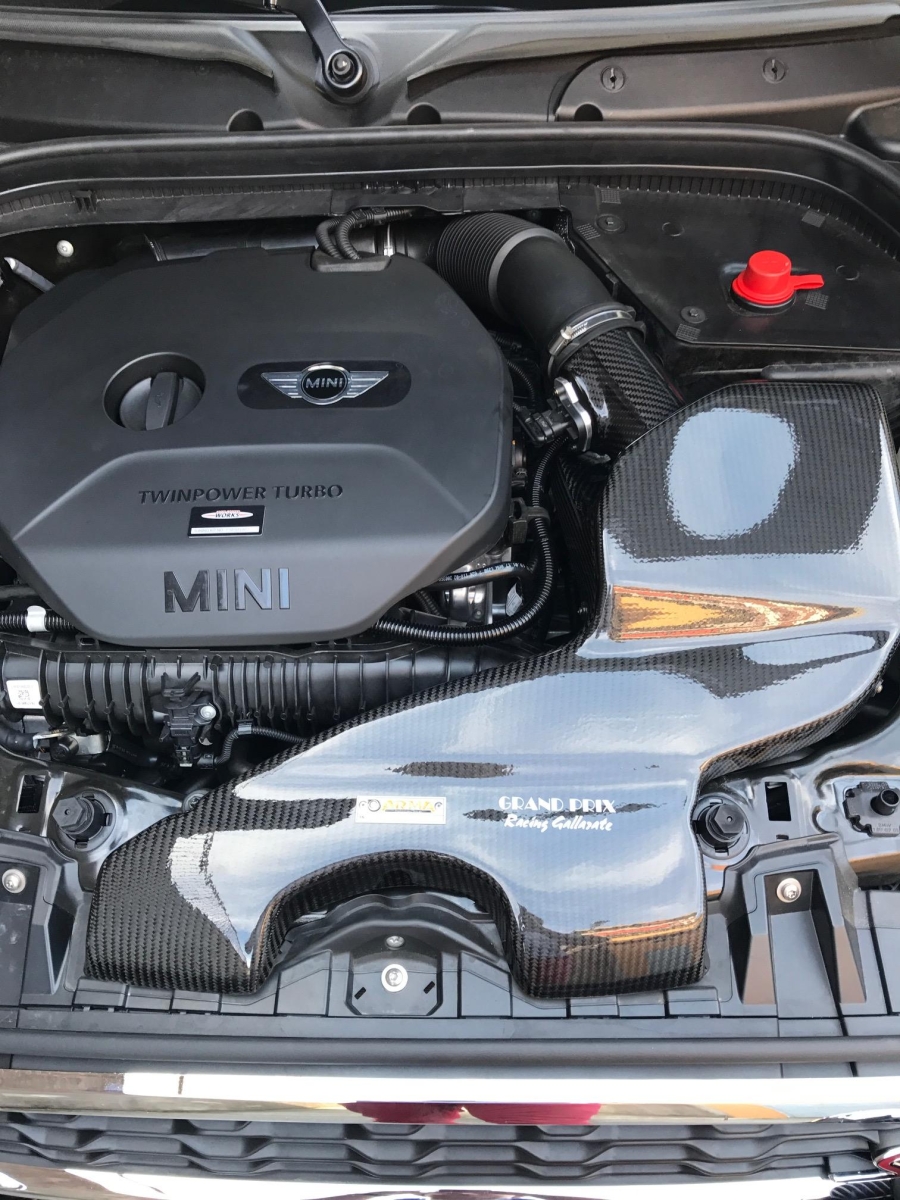
Mini F55 Cooper S JCW de IlPunitore

Mini F55 Cooper S JCW de IlPunitore

Album creato da IlPunitore · Aggiornato
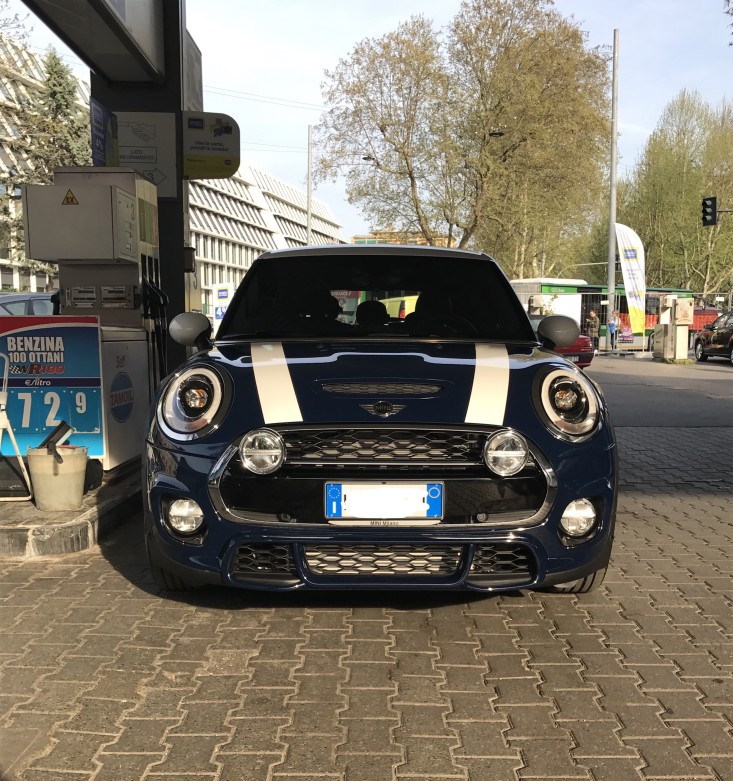
73f841445c58eb99945809538849e2af.jpg

efb9f1d577c8997c2576d99e693dc2ff.jpg

939de49c167b196cee32fcdde78cc6e2.jpg

Non ci sono commenti da visualizzare.

Account

Navigation

Cerca

Cerca

Configure browser push notifications

Chrome (Android)
  1. Tap the lock icon next to the address bar.
  2. Tap Permissions → Notifications.
  3. Adjust your preference.
Chrome (Desktop)
  1. Click the padlock icon in the address bar.
  2. Select Site settings.
  3. Find Notifications and adjust your preference.