
Vai al contenuto
View in the app

A better way to browse. Learn more.

mega MINI forum

A full-screen app on your home screen with push notifications, badges and more.

To install this app on iOS and iPadOS
  1. Tap the Share icon in Safari
  2. Scroll the menu and tap Add to Home Screen.
  3. Tap Add in the top-right corner.
To install this app on Android
  1. Tap the 3-dot menu (⋮) in the top-right corner of the browser.
  2. Tap Add to Home screen or Install app.
  3. Confirm by tapping Install.

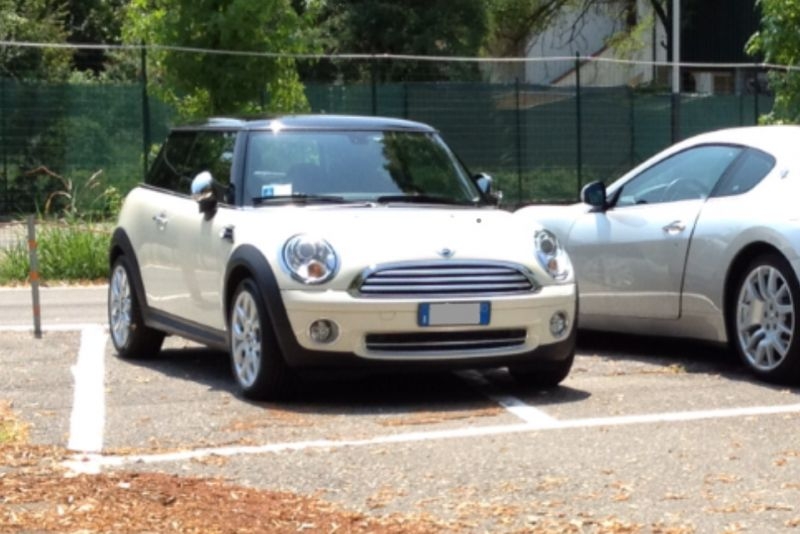
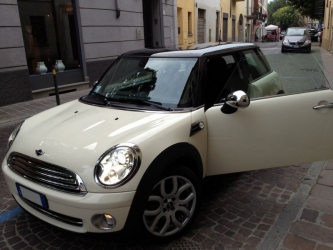
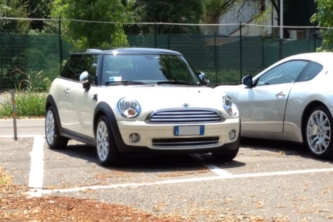
mini 2

Mini Cooper 122cv

cerchi 17''

Sedili pelle/stoffa neri

Calotte cromate

Specchietti ripiegabili elettronicamente

Fari Bixeno

Fari fendinebbia

Sensore luminosità-pioggia

Retrovisore automatico (regola luminosità)

Comandi al volante

Cruise control

Pacchetto visibilità

Pacchetto luci interne

Pacchetto portaoggetti

Clima automatico

Chrome line interna

Chrome line esterna

Clima automatico

Radio boost

Computer di bordo

<3

  • Account

    Navigation

    Cerca

    Cerca

    Configure browser push notifications

    Chrome (Android)
    1. Tap the lock icon next to the address bar.
    2. Tap Permissions → Notifications.
    3. Adjust your preference.
    Chrome (Desktop)
    1. Click the padlock icon in the address bar.
    2. Select Site settings.
    3. Find Notifications and adjust your preference.