Vai al contenuto
View in the app

A better way to browse. Learn more.

mega MINI forum

A full-screen app on your home screen with push notifications, badges and more.

To install this app on iOS and iPadOS
  1. Tap the Share icon in Safari
  2. Scroll the menu and tap Add to Home Screen.
  3. Tap Add in the top-right corner.
To install this app on Android
  1. Tap the 3-dot menu (⋮) in the top-right corner of the browser.
  2. Tap Add to Home screen or Install app.
  3. Confirm by tapping Install.

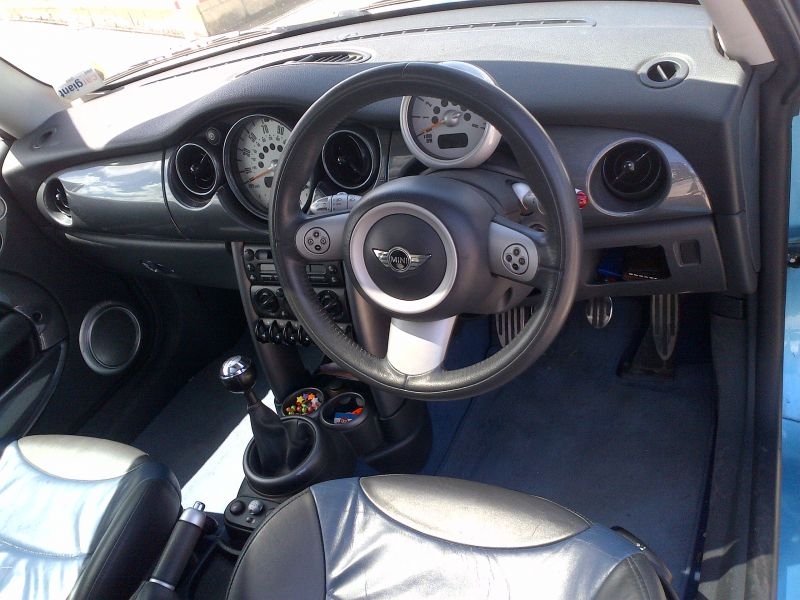
plancia "right hand drive"

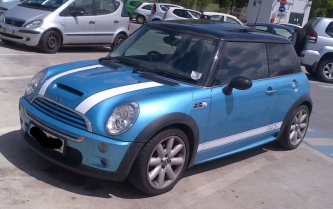
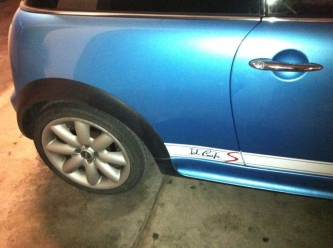
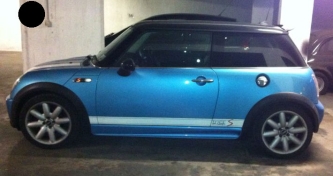
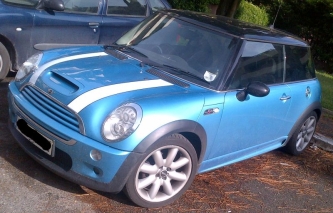
Ecco la plancia "con guida a destra". La mia Mini è mooolto British (io vivo a Londra).

Tra le varie cose ho:

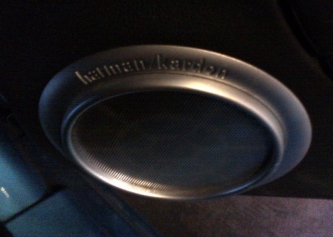
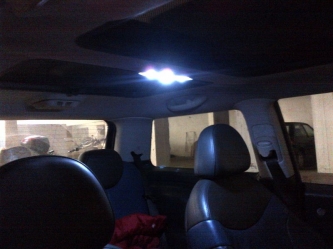
Interno in pelle blu-nero, volante a 3 razze con "comandi al volante" e "cruise control", audio "Harman Kardon" e tetto panoramico.

Adesso monto anche led interni su:

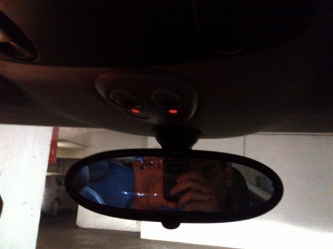
plafoniera centrale e luci di cortesia, luci di lettura, led ambiente, luci vano piedi, luci sottoporta, cassettino, bagagliaio, luci targa, luci di posizione ecc. ecc.

    • Like 1

    Dall'album:

    la mia piccina.....

    · 8 immagini

    Informazioni foto per plancia "right hand drive"

    • Scattata con Research In Motion BlackBerry 9900
    • Tempo di esposizione 0/1

    Account

    Navigation

    Cerca

    Cerca

    Configure browser push notifications

    Chrome (Android)
    1. Tap the lock icon next to the address bar.
    2. Tap Permissions → Notifications.
    3. Adjust your preference.
    Chrome (Desktop)
    1. Click the padlock icon in the address bar.
    2. Select Site settings.
    3. Find Notifications and adjust your preference.