simone93s
Utente forum
-
Iscritto
-
Ultima visita
Tutti i contenuti di simone93s
-
buongiorno ragazziiiiii
-
buongiorno boyyyyyyyyyyyyy
-
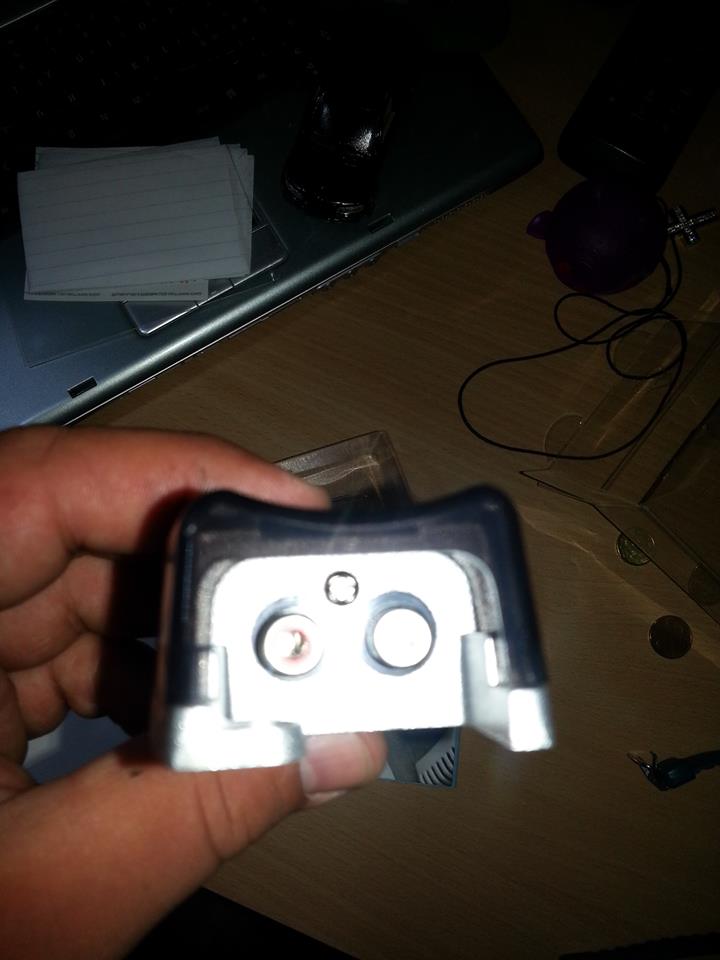
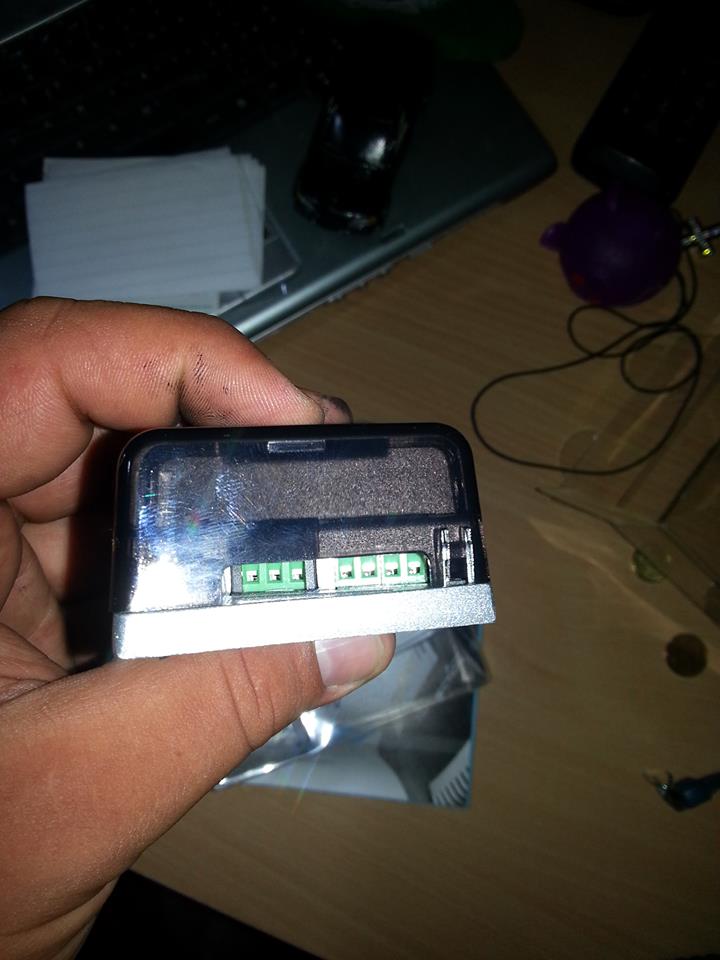
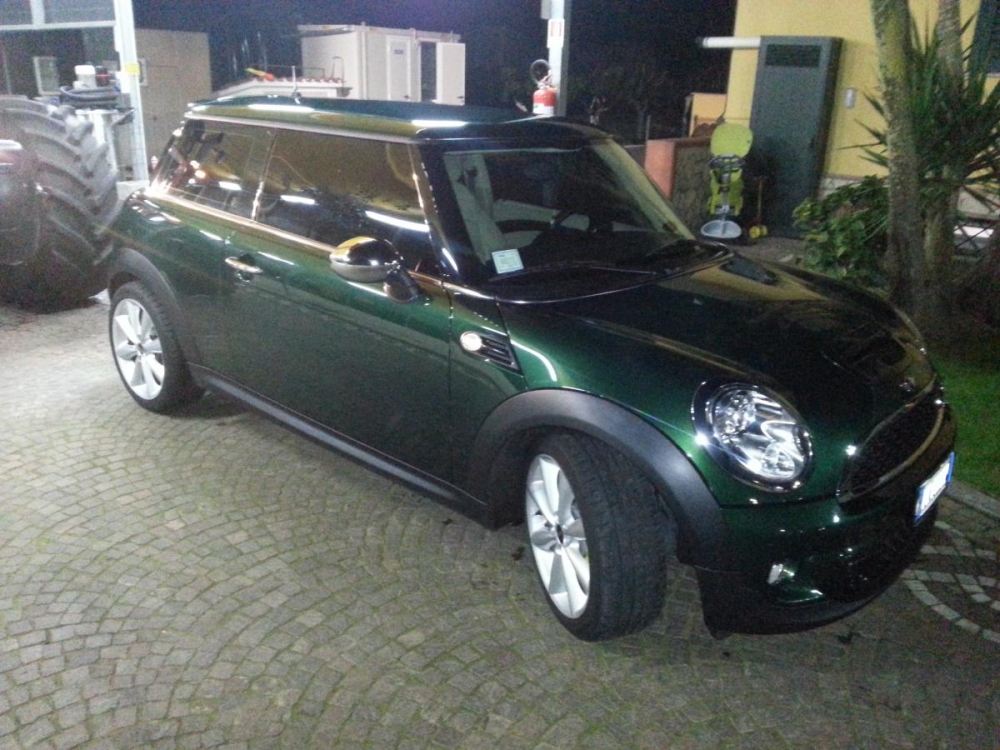
Giornooooooooooooooo a tuttiiiiiiiiiiiiiiiiiiRagazzi non ho trovato niente a riguardo e mi piacerebbe avere delle delucidazioni sull'apri garage cancello o come volete che si trova nella specchietto retrovisore interno..... magari il prezzo ecc GraziassssBuongiorno ragazzacci...dopo una luuuuuuuuunghissima assenza rieccomiiiiiiiiiiiiiiiiii :yahoo:Giorno ragazzuoliragazzi voglio mettere i borbet neri lucidi sulla mia mosca solo che di nero non ho niente e avevo pensato di fargli anche il tetto e le bonnet, sempre nero lucido, che ne pensate? p.s. di nero ho solo tutti i vetri :lol2:
 buongiorno ragazzi
Account
Navigation
Cerca
Configure browser push notifications
Chrome (Android)
- Tap the lock icon next to the address bar.
- Tap Permissions → Notifications.
- Adjust your preference.
Chrome (Desktop)
- Click the padlock icon in the address bar.
- Select Site settings.
- Find Notifications and adjust your preference.
Safari (iOS 16.4+)
- Ensure the site is installed via Add to Home Screen.
- Open Settings App → Notifications.
- Find your app name and adjust your preference.
Safari (macOS)
- Go to Safari → Preferences.
- Click the Websites tab.
- Select Notifications in the sidebar.
- Find this website and adjust your preference.
Edge (Android)
- Tap the lock icon next to the address bar.
- Tap Permissions.
- Find Notifications and adjust your preference.
Edge (Desktop)
- Click the padlock icon in the address bar.
- Click Permissions for this site.
- Find Notifications and adjust your preference.
Firefox (Android)
- Go to Settings → Site permissions.
- Tap Notifications.
- Find this site in the list and adjust your preference.
Firefox (Desktop)
- Open Firefox Settings.
- Search for Notifications.
- Find this site in the list and adjust your preference.