Vai al contenuto
View in the app

A better way to browse. Learn more.

mega MINI forum

A full-screen app on your home screen with push notifications, badges and more.

To install this app on iOS and iPadOS
  1. Tap the Share icon in Safari
  2. Scroll the menu and tap Add to Home Screen.
  3. Tap Add in the top-right corner.
To install this app on Android
  1. Tap the 3-dot menu (⋮) in the top-right corner of the browser.
  2. Tap Add to Home screen or Install app.
  3. Confirm by tapping Install.

A4ndrea98

Utente forum
  • Iscritto

  • Ultima visita

Tutti i contenuti di A4ndrea98

  1. A4ndrea98 ha risposto a ZioMini nella discussione New megaMINI DRIVERS
    sorella della mia!!
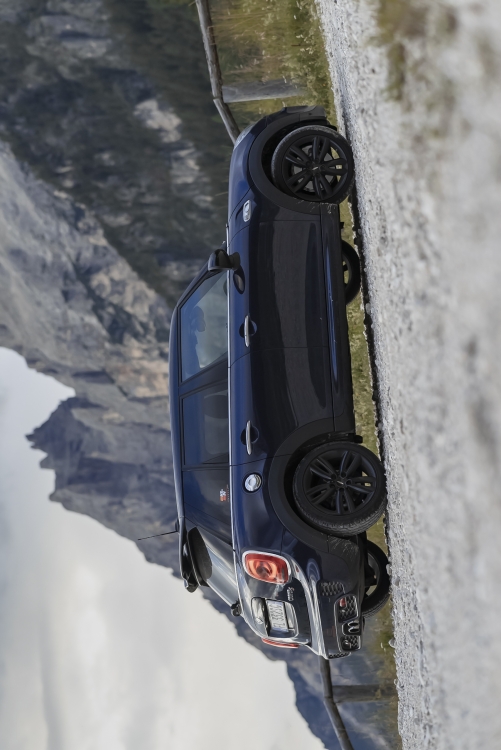
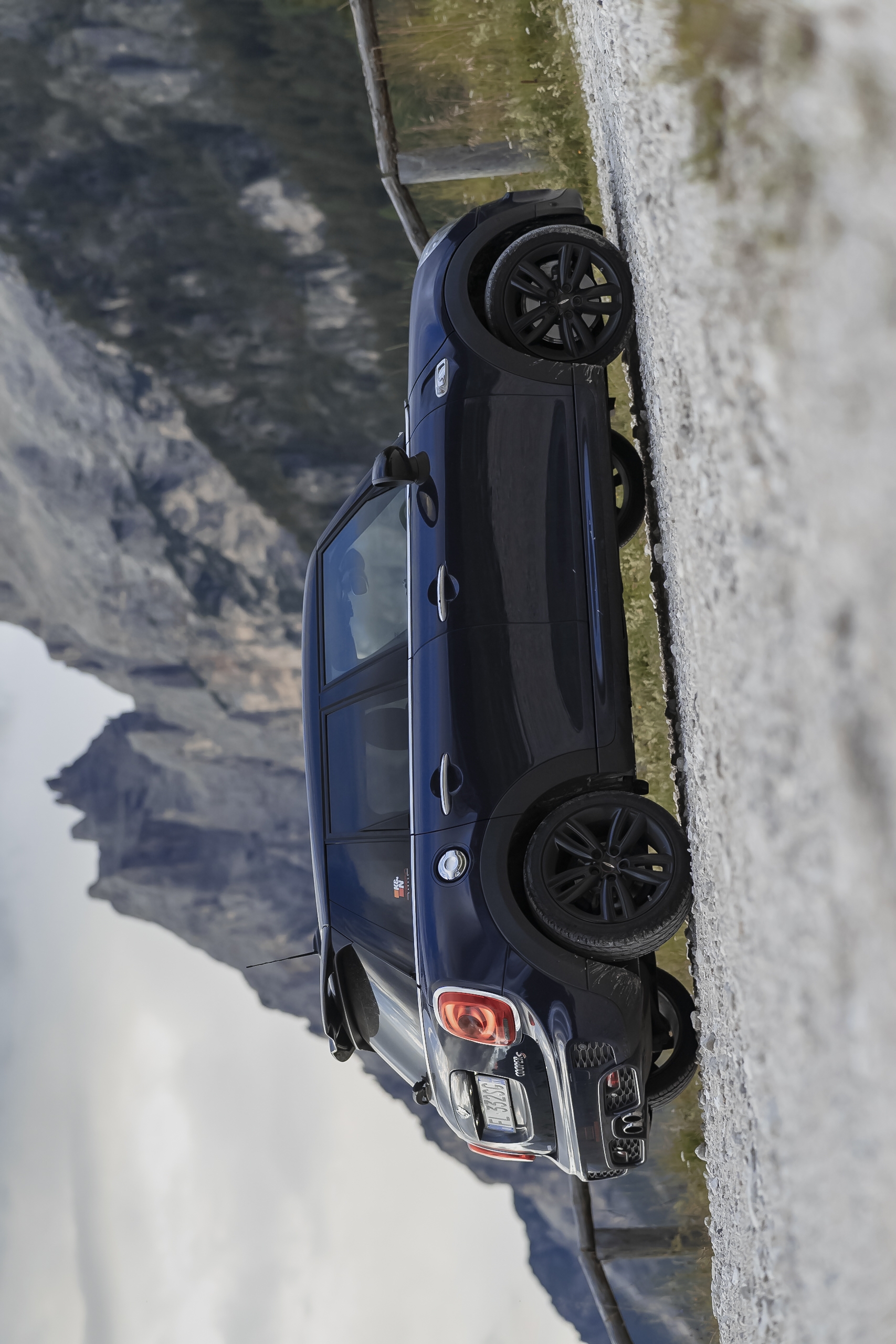
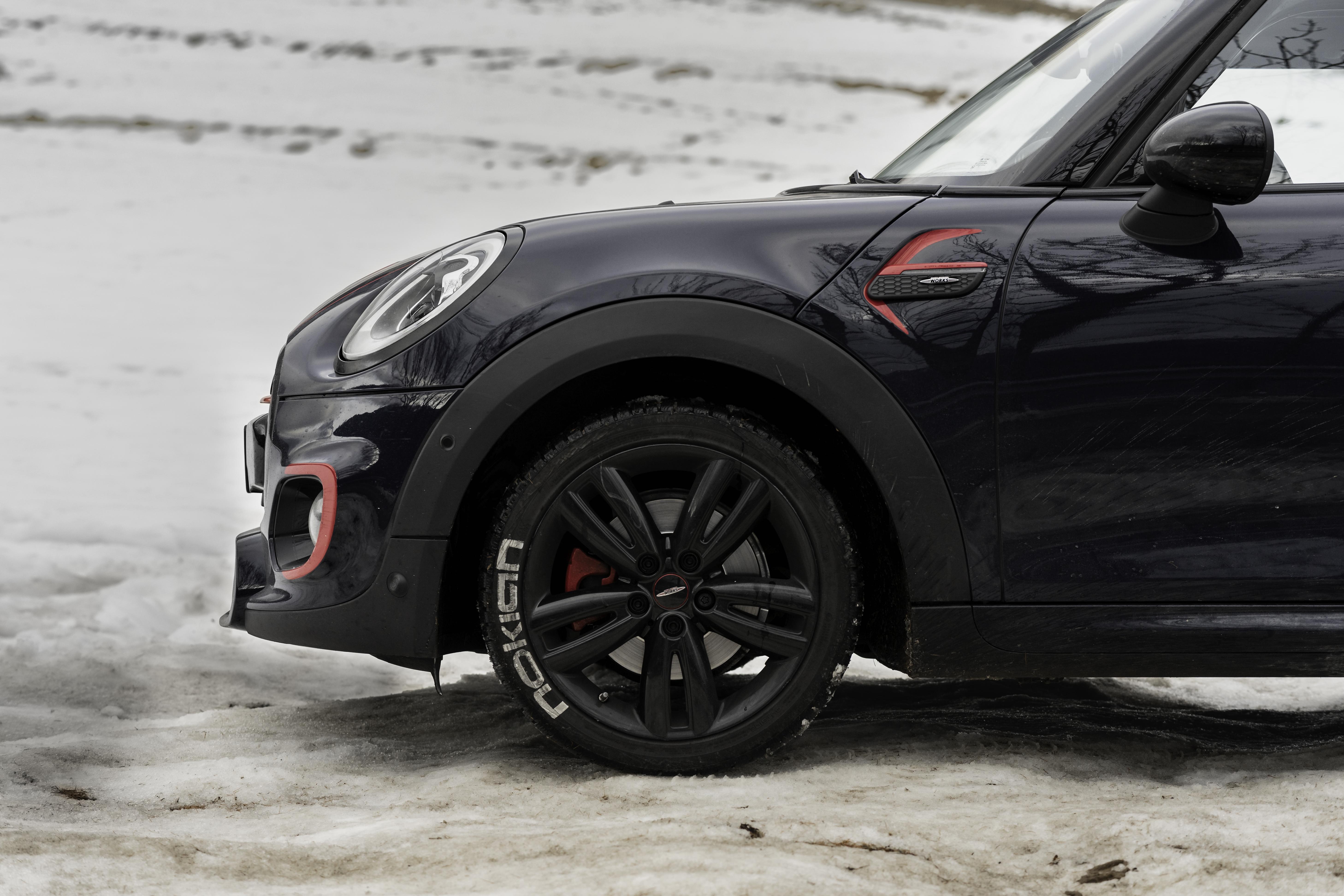
  2. Ciao ragazzi, mi chiamo Andrea, vivo a Treviso e sono un appassionato di motori. Dopo 3 anni con un alfa romeo Mito da neopatentati ho fatto il grande passo: acquistato la mia prima mini cooper S!! E dove poter andare se non qui nel cercare approfondimenti e consigli? ed eccomi qua signor giudice!!!! Un saluto :)
Account

Navigation

Cerca

Cerca

Configure browser push notifications

Chrome (Android)
  1. Tap the lock icon next to the address bar.
  2. Tap Permissions → Notifications.
  3. Adjust your preference.
Chrome (Desktop)
  1. Click the padlock icon in the address bar.
  2. Select Site settings.
  3. Find Notifications and adjust your preference.