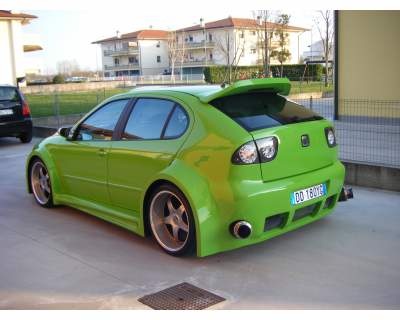
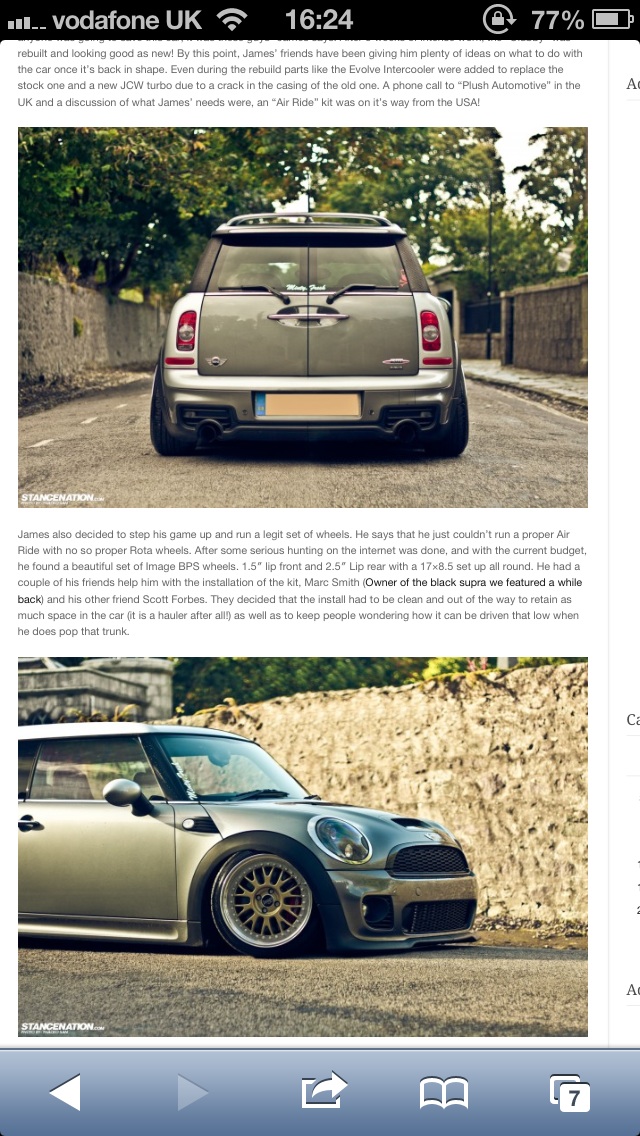
Albert clubman soho
Utente forum
-
Iscritto
-
Ultima visita
Tutti i contenuti di Albert clubman soho
-
Albert clubman soho ha commentato al immagine della galleria Albert clubman soho in MINI degli utenti
 Gran mini!! :)
 -
Purtroppo il carrozziere mi ha detto che non riesce a farmele entrare nel prezzo.. Peccato.. Forse più avanti sarà un up però prima ho altre cose nella lista della spesa.. :)Montali sulla tua Ahahahah ;)Se nel forum c'è qualche padre.. Ahahahah :D http://www.ansa.it/motori/notizie/rubriche/news/2013/07/26/Primo-passeggino-dedicato-papa-Corsaiolo-maggiorato_9079954.htmlSi certo! :)Be non è male come prezzo.. Conta che senza tessera costano minimo 400 più montaggio..Canale rovesciato tamarro!!!! Dai su! Però da 18!Albert clubman soho ha commentato al immagine della galleria Albert clubman soho in MINI degli utenti
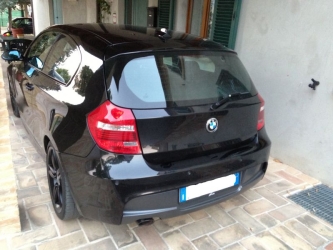 Bella!! Davvero cattiva.. Mettici 2 terminalini ;) Io preferisco la 5 porte però!Io non ci sono, vabbe ci vedremo più avanti!
Account
Navigation
Cerca
Configure browser push notifications
Chrome (Android)
- Tap the lock icon next to the address bar.
- Tap Permissions → Notifications.
- Adjust your preference.
Chrome (Desktop)
- Click the padlock icon in the address bar.
- Select Site settings.
- Find Notifications and adjust your preference.
Safari (iOS 16.4+)
- Ensure the site is installed via Add to Home Screen.
- Open Settings App → Notifications.
- Find your app name and adjust your preference.
Safari (macOS)
- Go to Safari → Preferences.
- Click the Websites tab.
- Select Notifications in the sidebar.
- Find this website and adjust your preference.
Edge (Android)
- Tap the lock icon next to the address bar.
- Tap Permissions.
- Find Notifications and adjust your preference.
Edge (Desktop)
- Click the padlock icon in the address bar.
- Click Permissions for this site.
- Find Notifications and adjust your preference.
Firefox (Android)
- Go to Settings → Site permissions.
- Tap Notifications.
- Find this site in the list and adjust your preference.
Firefox (Desktop)
- Open Firefox Settings.
- Search for Notifications.
- Find this site in the list and adjust your preference.