Albert clubman soho
Utente forum
-
Iscritto
-
Ultima visita
Tutti i contenuti di Albert clubman soho
-
Non è vero.. Poi dipende da auto ad auto ovviamente ma così tanto non ne consuma!
-
Ahahahahah tu gayone sopra tutti!!
-
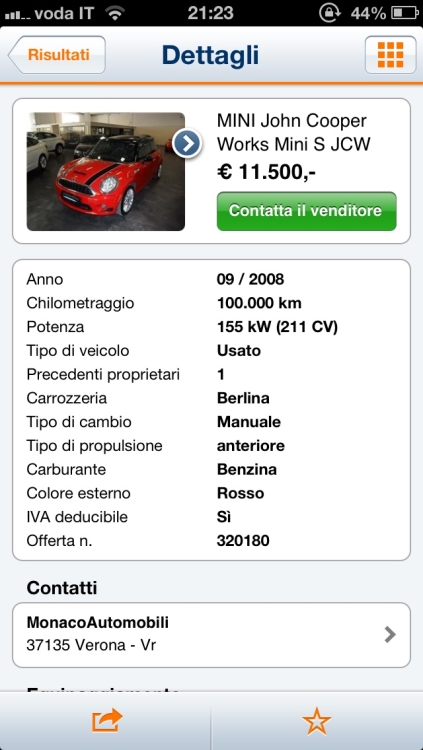
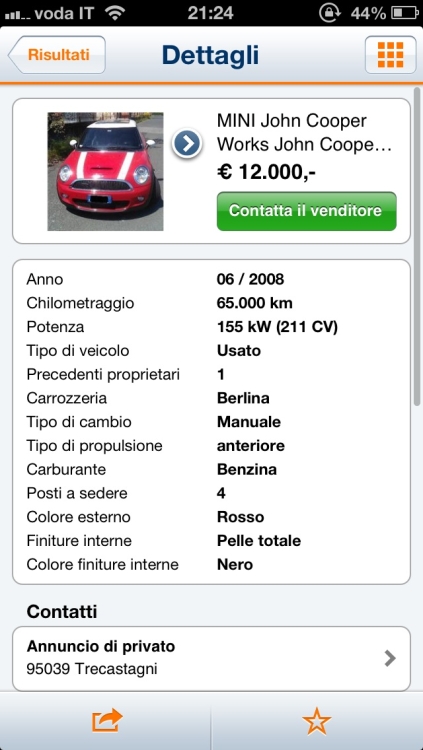
Notte kiss kiss"De gustibus non disputandum est"..Secondo me se non la alza non va neanche li tanto lontano!Okkkk grazie ;)Comunque io la consiglio manualeÈ 2000 ;)Io sono del parere che meglio pezzi in carbonio che pellicola! Poi ognuno sulla propria mini fa ciò che vuole!Io consiglio sempre di mettere un cerchio da 18 con canale rovesciato..Seguo interessato ;)Ciao, se guardavi auto anche abbastanza chilometrate c'è qualche Jcw 56 in vendita..
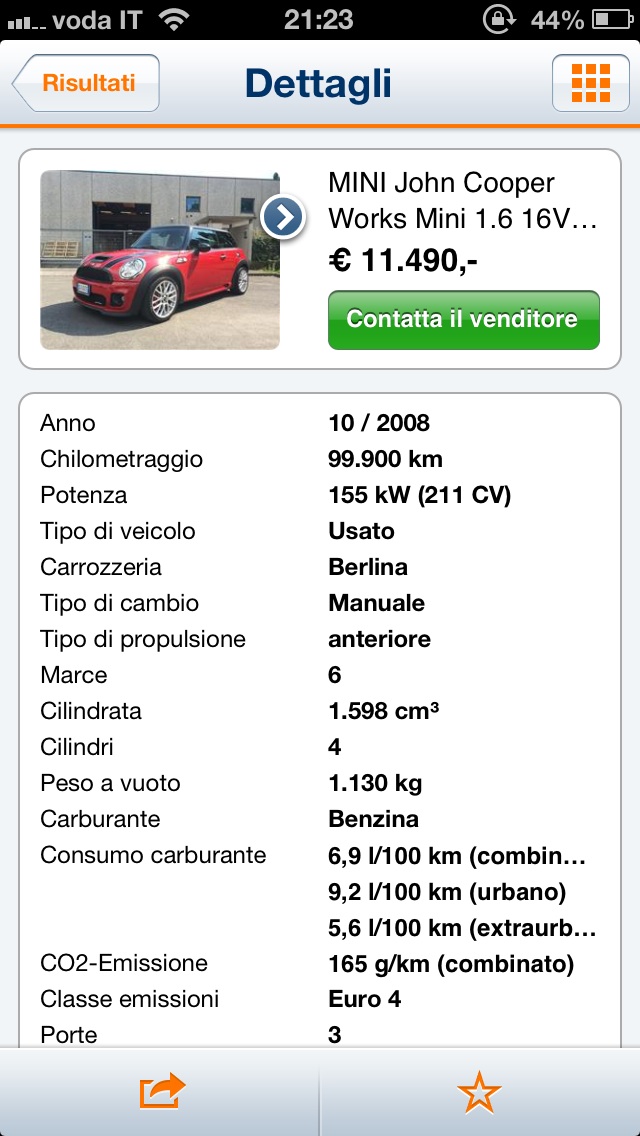
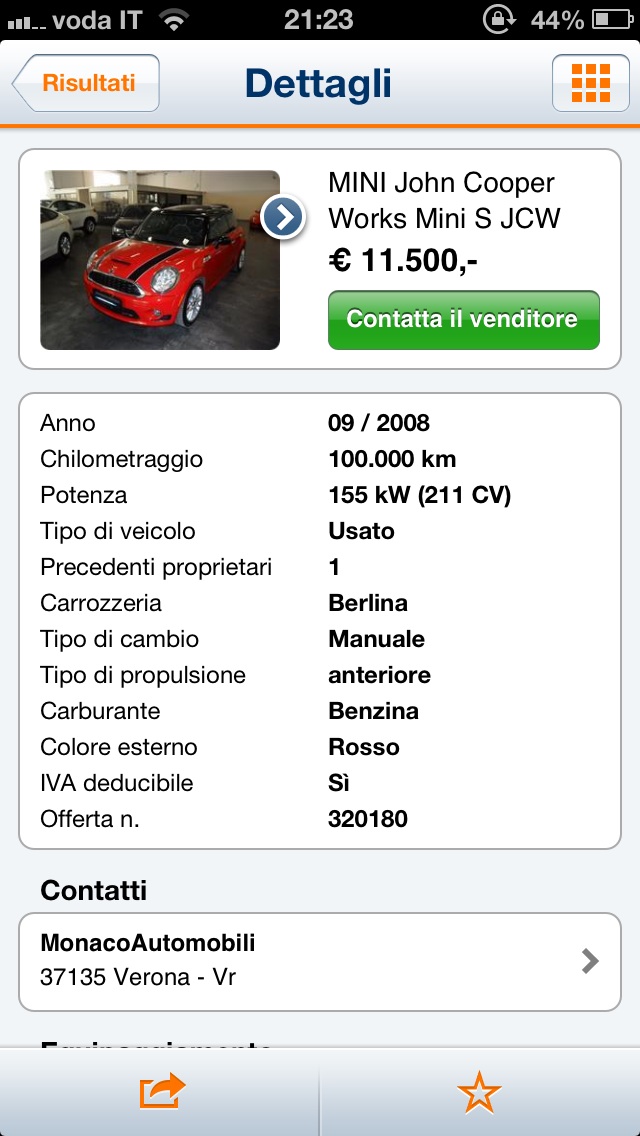
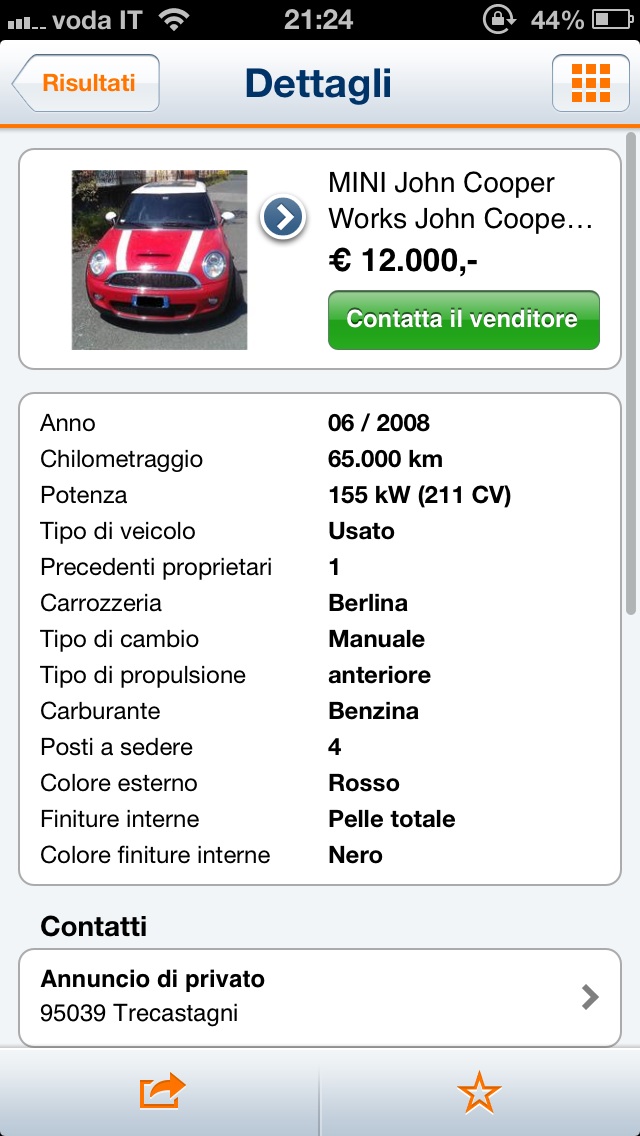
 Garage mp ad erba! Un ragazzi che conosco ha portato da poco la sua! Puoi tirare tranquillamente tra i 135 e i 140 cv ;)
Account
Navigation
Cerca
Configure browser push notifications
Chrome (Android)
- Tap the lock icon next to the address bar.
- Tap Permissions → Notifications.
- Adjust your preference.
Chrome (Desktop)
- Click the padlock icon in the address bar.
- Select Site settings.
- Find Notifications and adjust your preference.
Safari (iOS 16.4+)
- Ensure the site is installed via Add to Home Screen.
- Open Settings App → Notifications.
- Find your app name and adjust your preference.
Safari (macOS)
- Go to Safari → Preferences.
- Click the Websites tab.
- Select Notifications in the sidebar.
- Find this website and adjust your preference.
Edge (Android)
- Tap the lock icon next to the address bar.
- Tap Permissions.
- Find Notifications and adjust your preference.
Edge (Desktop)
- Click the padlock icon in the address bar.
- Click Permissions for this site.
- Find Notifications and adjust your preference.
Firefox (Android)
- Go to Settings → Site permissions.
- Tap Notifications.
- Find this site in the list and adjust your preference.
Firefox (Desktop)
- Open Firefox Settings.
- Search for Notifications.
- Find this site in the list and adjust your preference.