Classifica
-

marcello4895
Moderatore2Punti5.135Numero contenuti -
Rynoxx
Utente forum2Punti3Numero contenuti -
VR46
Socio 20231Punti746Numero contenuti


Contenuto Popolare
Mostra il contenuto con la massima reputazione di 08/12/2023 in Risposte
-
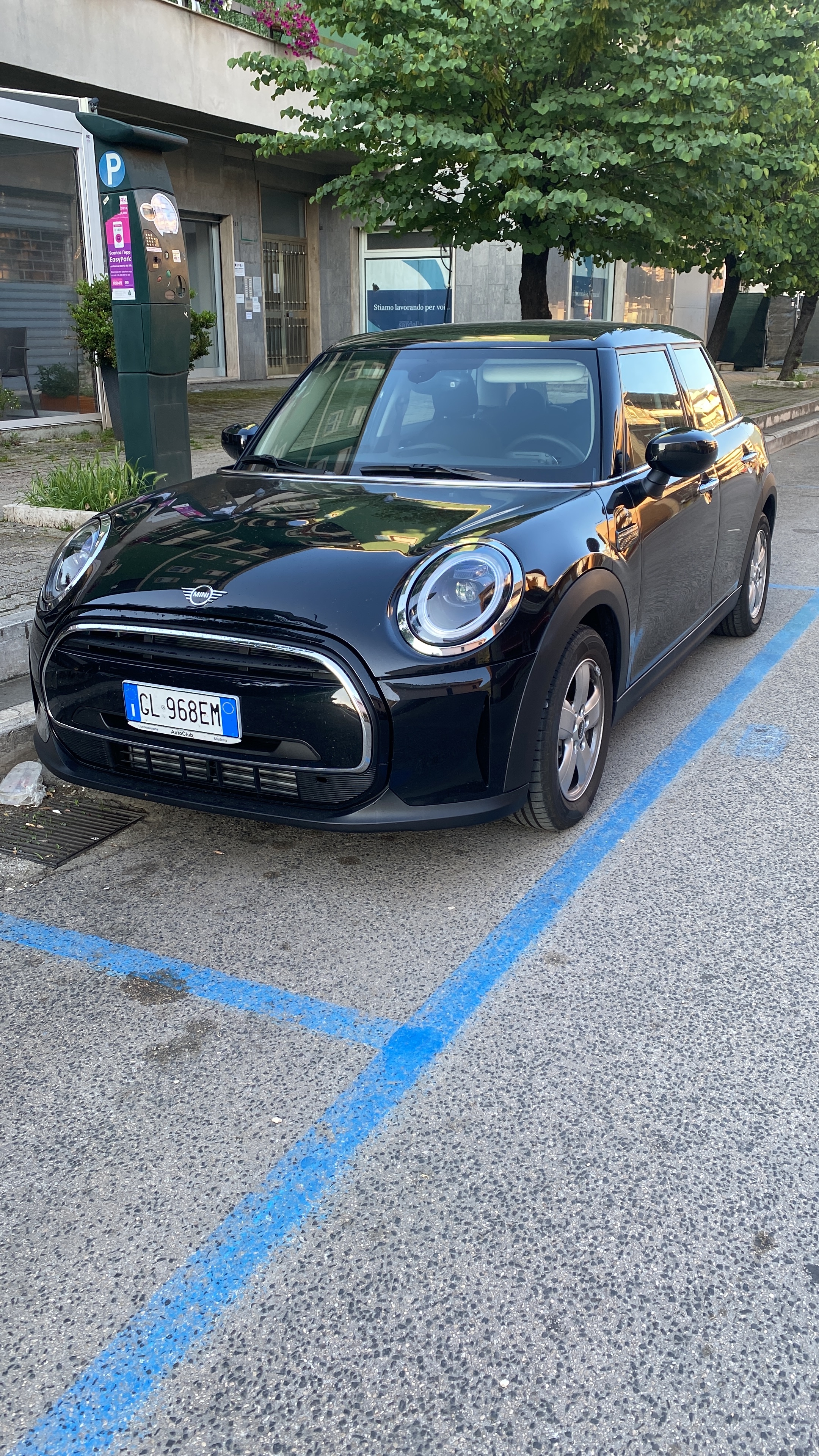
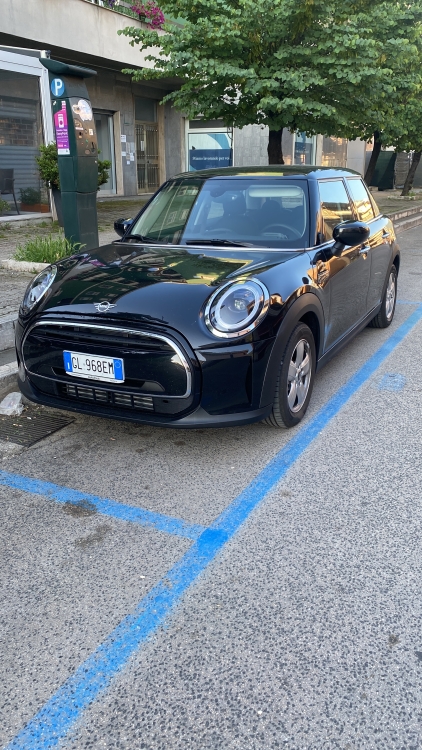
2 puntiBuongiorno a tutti, mi chiamo Rino e provengo da Reggio Emilia. Possiedo da 7 mesi una nuova F55 di colore midnight black di cui sono davvero soddisfatto!
 2 punti
 -
https://www.ricambi-MINI.it/MINI-macchina/COOPER-S/2013/Cooper-S/Equipaggiamento-della-vettura/Cielo/9/51_9675/51/56545XP711 punto
-
Dipende dalla tua manualità, io personalmente farei fare a chi è del mestiere, smontare un imperiale e relativi montanti non è una passeggiata. Detto questo preparati ad eventuali scricchiolii, chiunque smonti l’auto. Per il buco chissà, io penso che sia meglio trovare il suo…1 punto
-
1 punto