Andreajcw
Utente forum
-
Iscritto
-
Ultima visita
-
Sono nuovo e non só come usare il sito, dove mi devo presentare? Sarei lieto di farlo :) grazie cippy
-
Anche io ragazzi spia gialla potenza motore, cooper s r56 2009 help :(
-
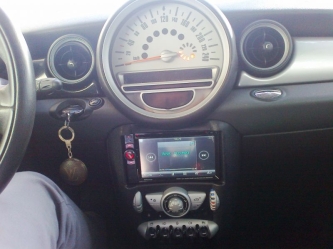 Opinioni violente, capisco viva la sincerità ma non è male come lavoro, e poi non scordiamoci che I LOVE MINI <3
 -
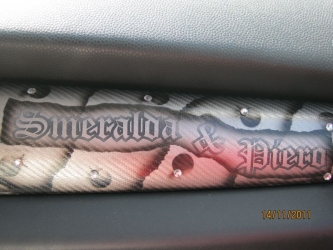 Beh a tutti il proprio parere e la propria mini.....simpatico ma pur sempre I LOVE MINI ;)
 -
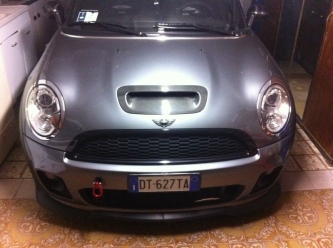 Gancio stupendo ;)
 -
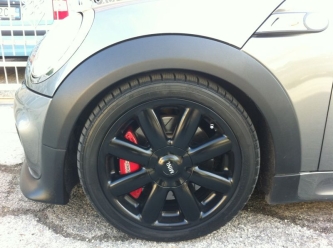 Pinze stupende <3 che voglia di Jcw.....i cerchi li ho appena cambiati, avevo questi ma ho montato i 35 anniversary neri.....anche se a vederli di nuovo sono stupendi, li conservo con cura :)
 -
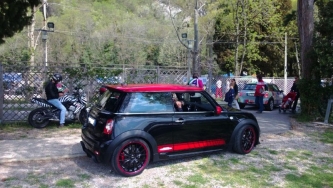 Mini stupenda, ma la moto zebrata? Ahahahah
 -
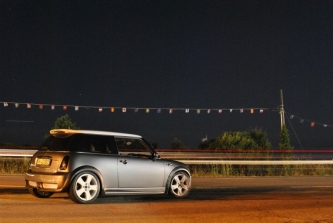 Una belva Paolo, l'ho guidata una marea di volte, era quella di Mirko di la Spezia....stupenda mini e stupendi interni....metti qualche altra fotina e mostra meglio questa meraviglia ;)
 -
 C'è anche un ufo ahahahah