Vai al contenuto
View in the app

A better way to browse. Learn more.

mega MINI forum

A full-screen app on your home screen with push notifications, badges and more.

To install this app on iOS and iPadOS
  1. Tap the Share icon in Safari
  2. Scroll the menu and tap Add to Home Screen.
  3. Tap Add in the top-right corner.
To install this app on Android
  1. Tap the 3-dot menu (⋮) in the top-right corner of the browser.
  2. Tap Add to Home screen or Install app.
  3. Confirm by tapping Install.

MarcoS

Utente forum
  • Iscritto

  • Ultima visita

  1. MarcoS ha risposto a MarcoS nella discussione New megaMINI DRIVERS
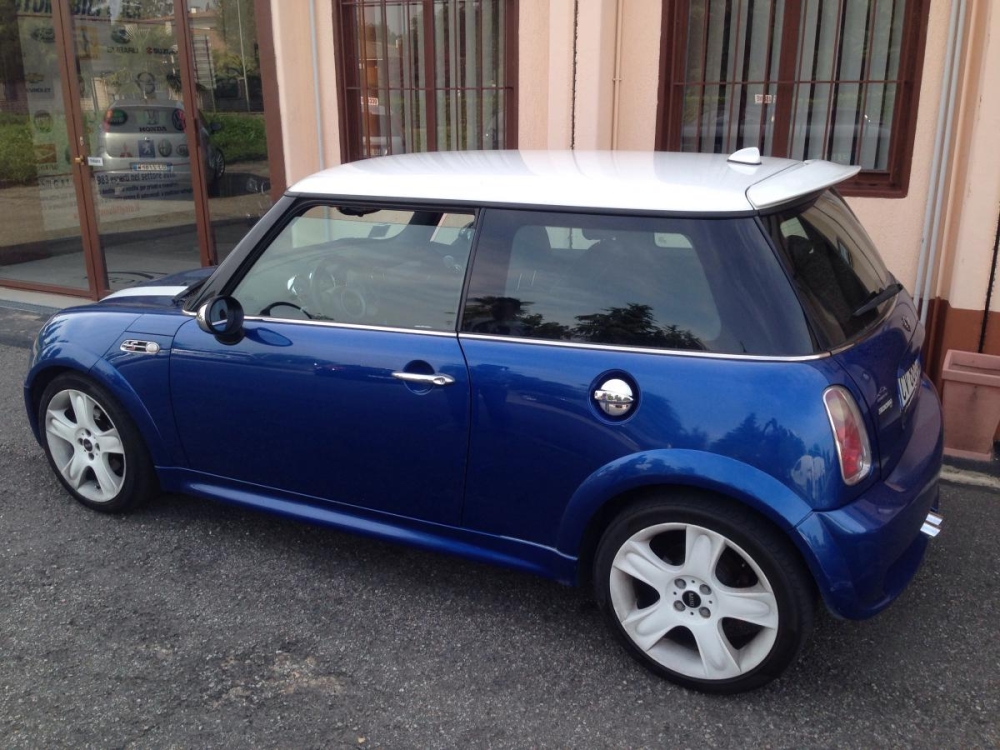
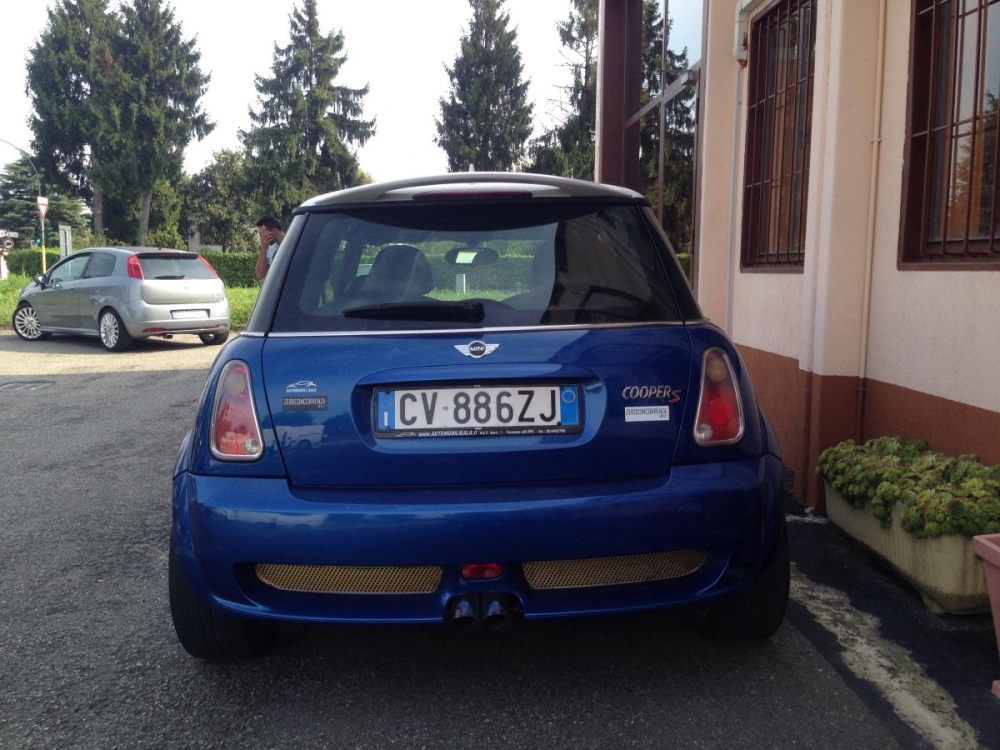
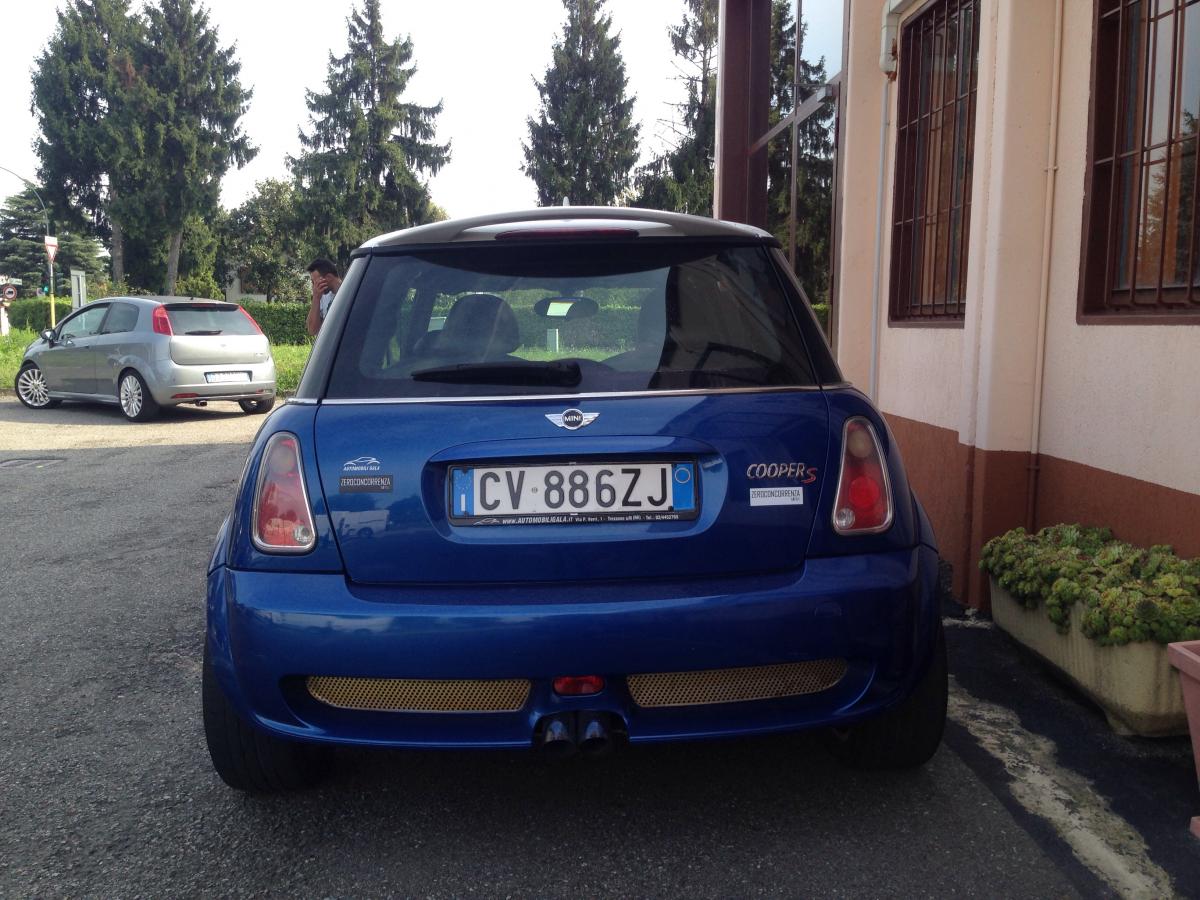
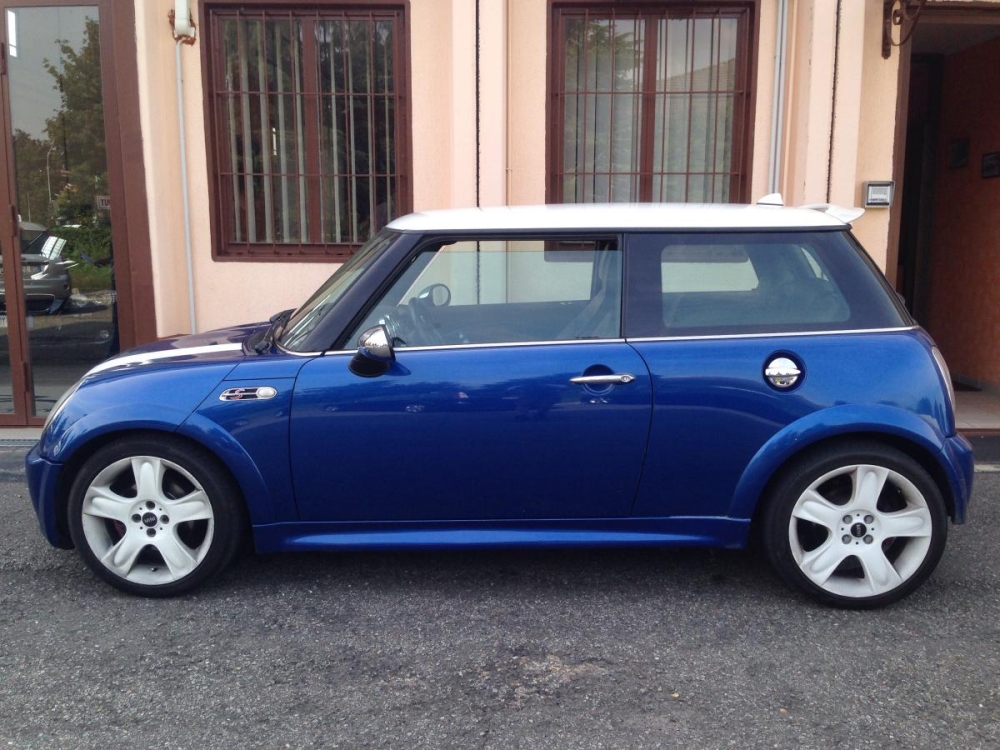
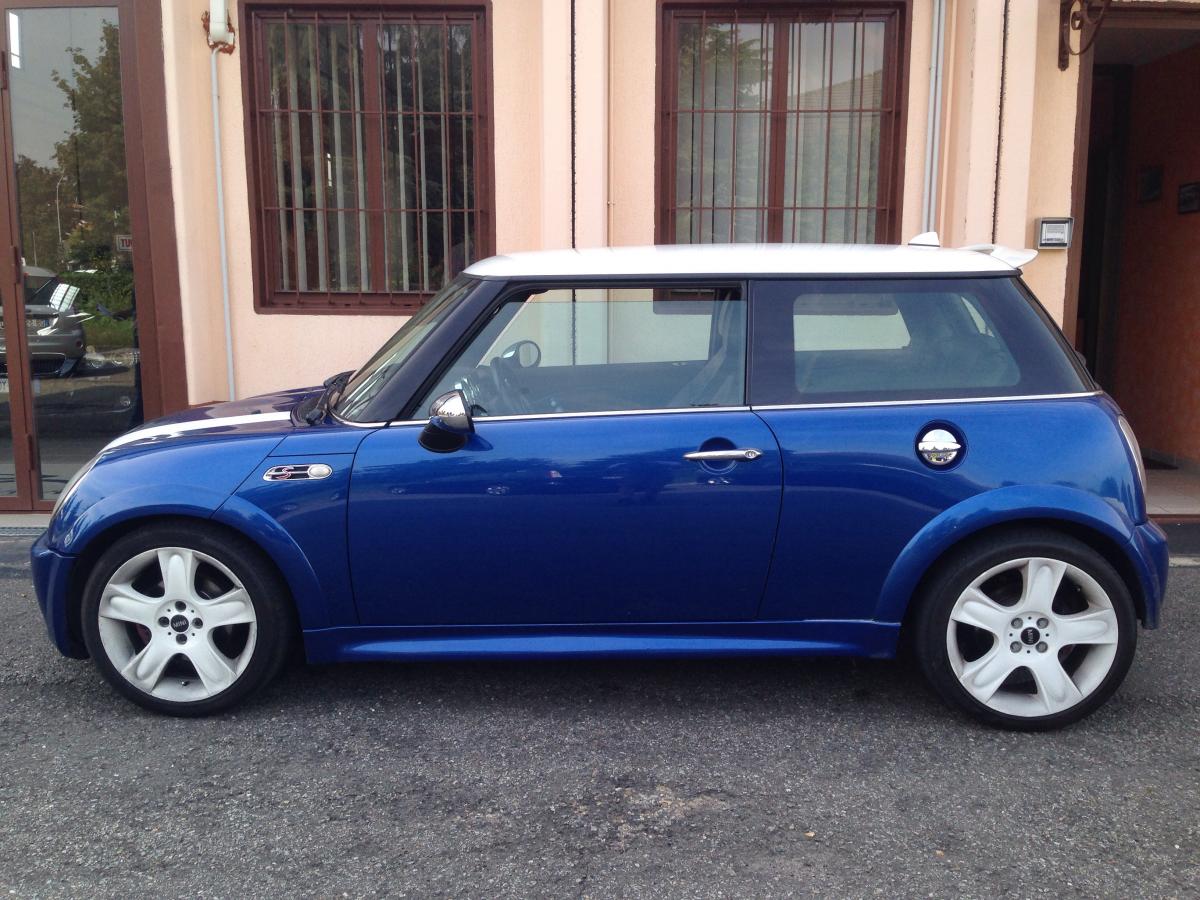
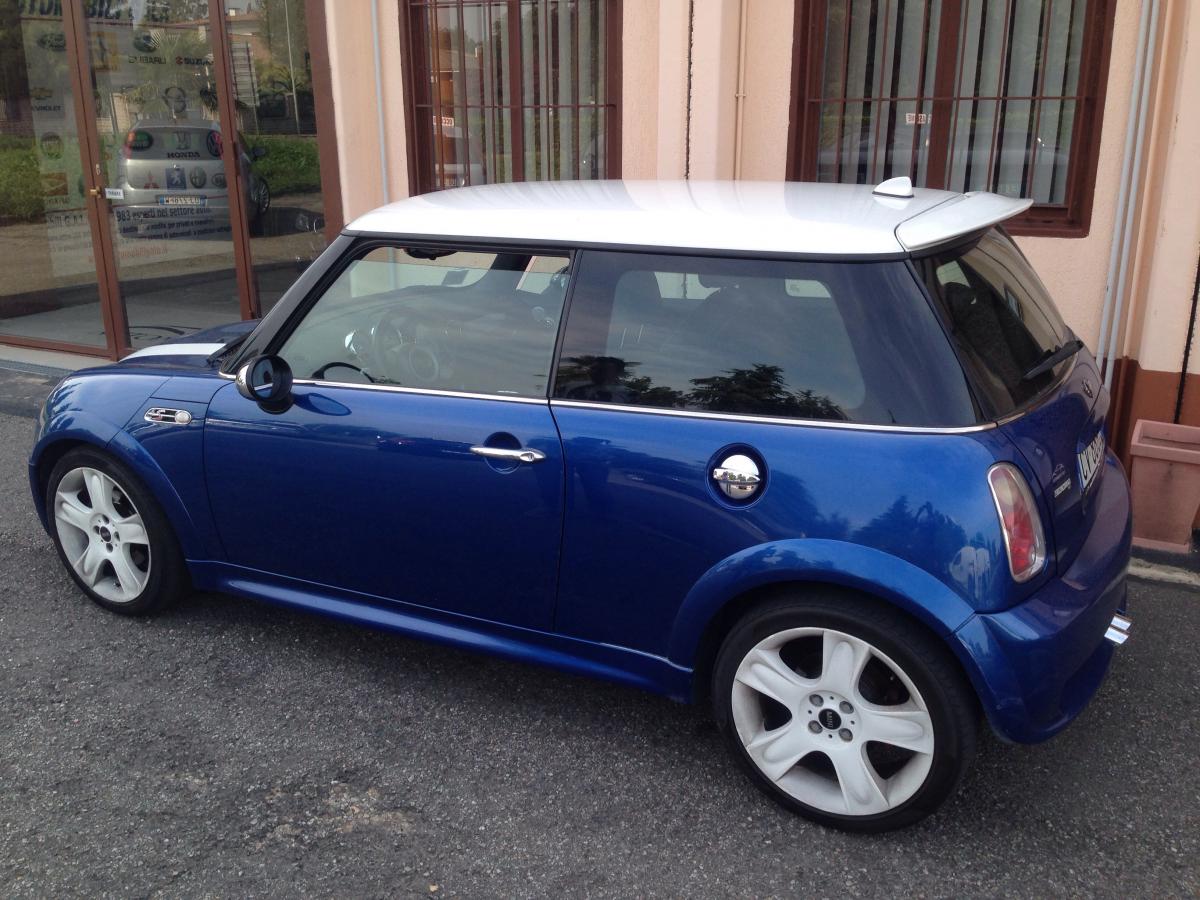
    Ecco a voi le foto! La macchina non resterà così di estetica. Ma si vedrà poi Quando c'è l'avrò a casa! Ciao a tutti MINISTI ;)
  2. MarcoS ha pubblicato una discussione in New megaMINI DRIVERS
    Ciao a tutti a breve cioè tra 1 mesetto (mi scade la legge dei kw) sarò in possesso di una mini Cooper S r53 blu e bianca... Se qualcuno mi spiega gentilmente come si mettono le foto ne carico alcune... Saluti :)
Account

Navigation

Cerca

Cerca

Configure browser push notifications

Chrome (Android)
  1. Tap the lock icon next to the address bar.
  2. Tap Permissions → Notifications.
  3. Adjust your preference.
Chrome (Desktop)
  1. Click the padlock icon in the address bar.
  2. Select Site settings.
  3. Find Notifications and adjust your preference.