Vai al contenuto
View in the app

A better way to browse. Learn more.

mega MINI forum

A full-screen app on your home screen with push notifications, badges and more.

To install this app on iOS and iPadOS
  1. Tap the Share icon in Safari
  2. Scroll the menu and tap Add to Home Screen.
  3. Tap Add in the top-right corner.
To install this app on Android
  1. Tap the 3-dot menu (⋮) in the top-right corner of the browser.
  2. Tap Add to Home screen or Install app.
  3. Confirm by tapping Install.

Countryman

Utente forum
  • Iscritto

  • Ultima visita

  1. Countryman ha pubblicato una discussione in New megaMINI DRIVERS
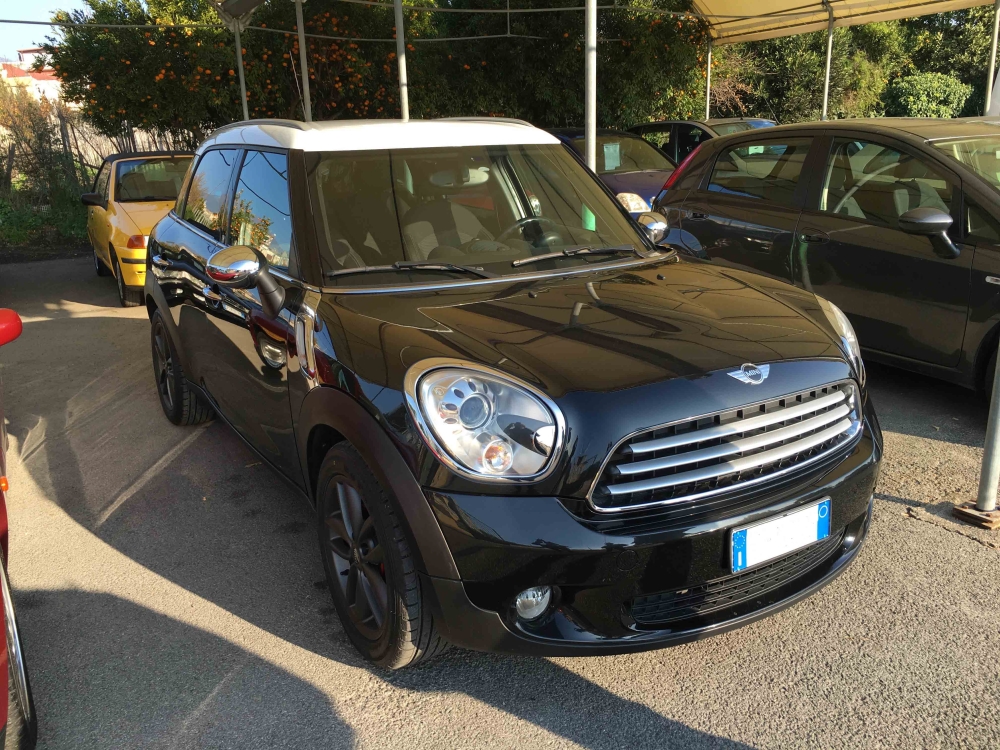
    Salve a tutti, mi presento Francesco possessore di una Countryman Cooper D R60 12/2010 1.6D
  2. Countryman ha pubblicato una discussione in Sound
    Salve a tutti :) possiedo una Mini Countryman R60 2010 con cd boost aux e comandi al volante vorrei poter aggiungere il bluetooth all'impianto di serie potendo sfruttare i comandi al volante senza spendere troppo, voi cosa consigliate? sò che sono state aperte altre discussioni in merito e che esistono molti modi per installare il bluetooth a tal proposito prima di fare un acquisto sbagliato volevo un consiglio da qualcuno che lo ha gia fatto su quale sia per voi la miglior soluzione qualità/prezzo. Grazie
  3. Countryman ha risposto a Draix nella discussione Sound
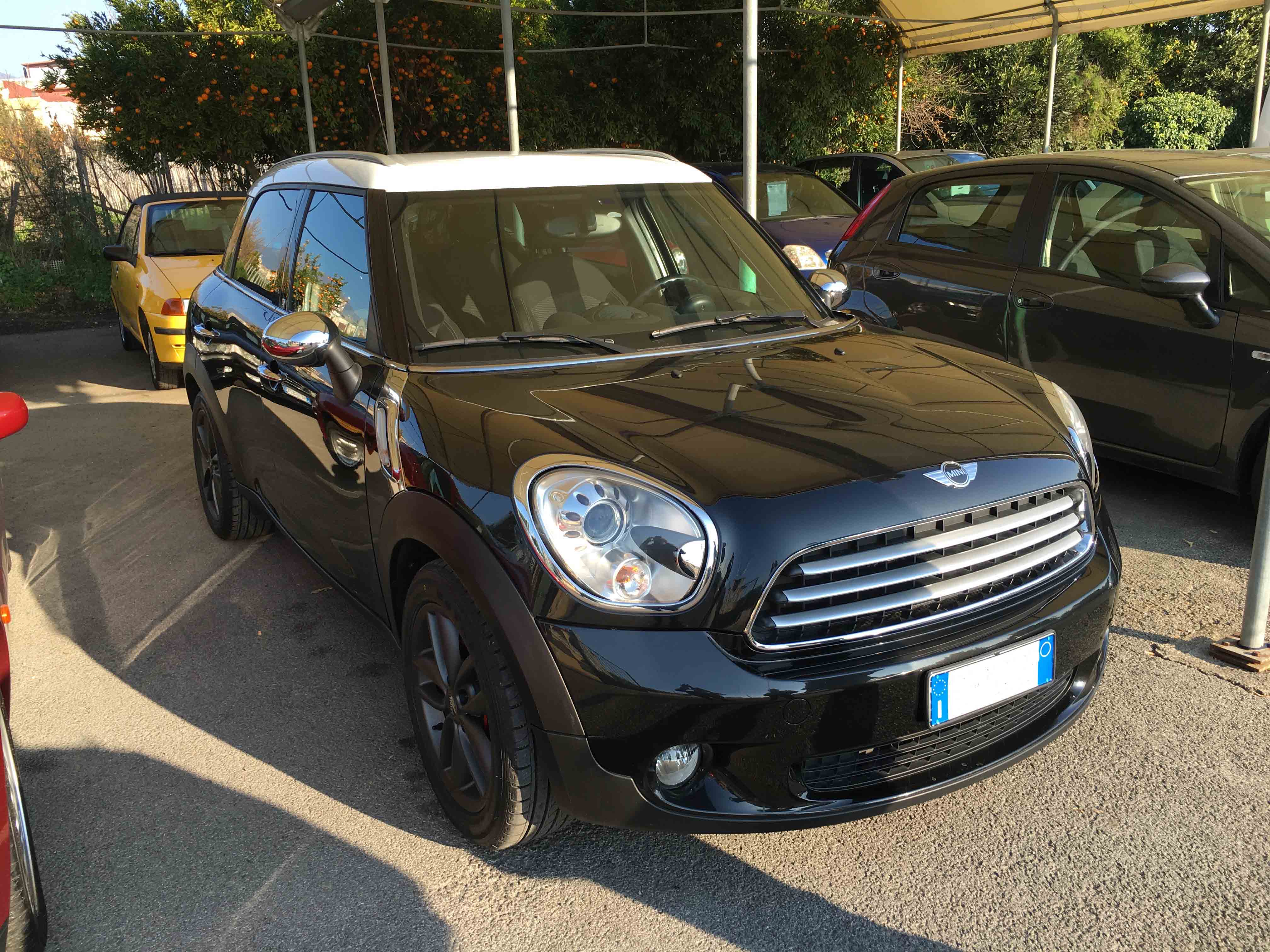
    @megalo84 la radio boost bluetooth che vendi è compatibile con la mia Countryman R60 (2010)? a quanto la vendi?
Account

Navigation

Cerca

Cerca

Configure browser push notifications

Chrome (Android)
  1. Tap the lock icon next to the address bar.
  2. Tap Permissions → Notifications.
  3. Adjust your preference.
Chrome (Desktop)
  1. Click the padlock icon in the address bar.
  2. Select Site settings.
  3. Find Notifications and adjust your preference.