Vai al contenuto
View in the app

A better way to browse. Learn more.

mega MINI forum

A full-screen app on your home screen with push notifications, badges and more.

To install this app on iOS and iPadOS
  1. Tap the Share icon in Safari
  2. Scroll the menu and tap Add to Home Screen.
  3. Tap Add in the top-right corner.
To install this app on Android
  1. Tap the 3-dot menu (⋮) in the top-right corner of the browser.
  2. Tap Add to Home screen or Install app.
  3. Confirm by tapping Install.

ManuelP.

Utente forum
  • Iscritto

  • Ultima visita

  1. ManuelP. ha pubblicato una discussione in New megaMINI DRIVERS
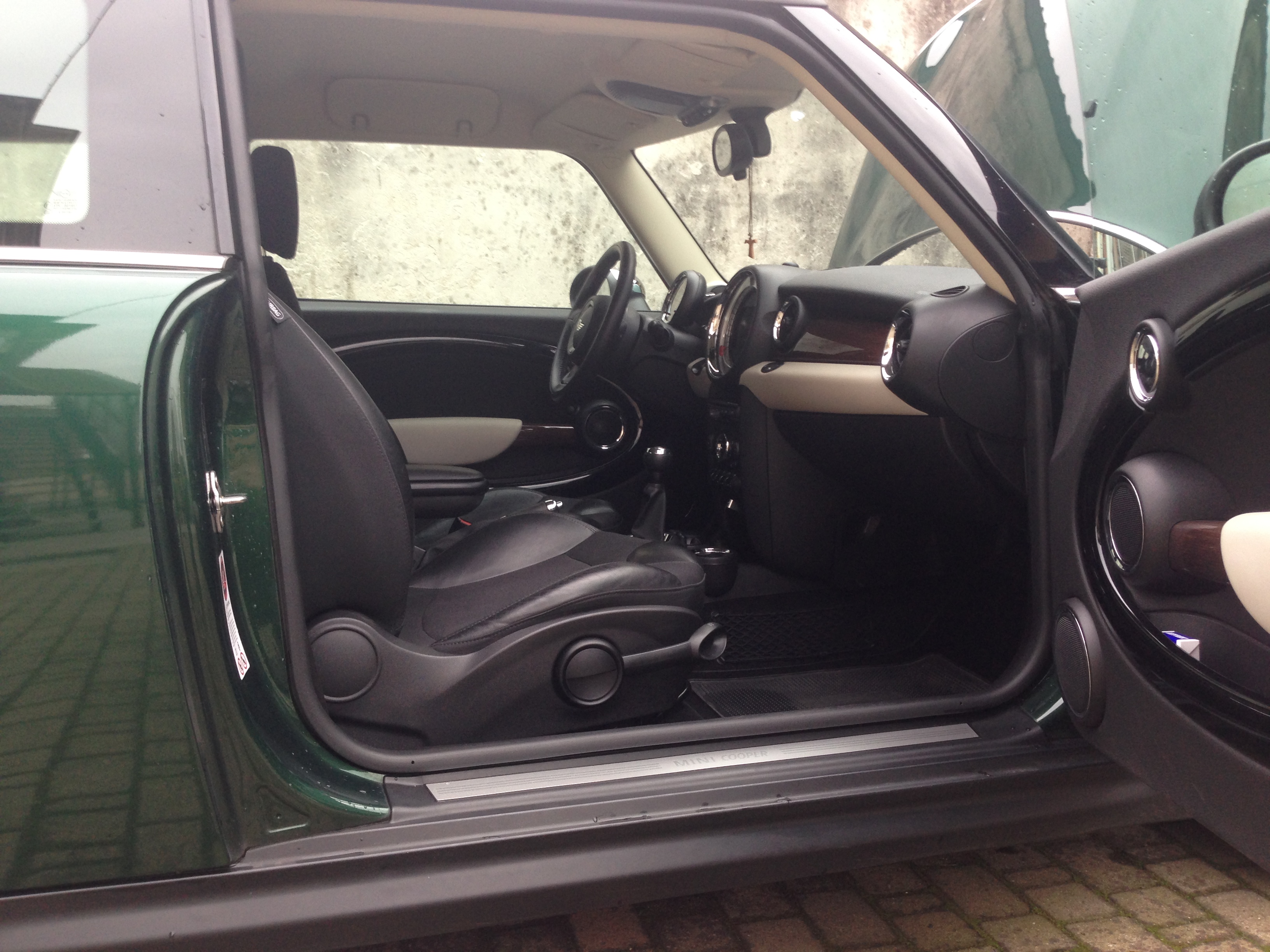
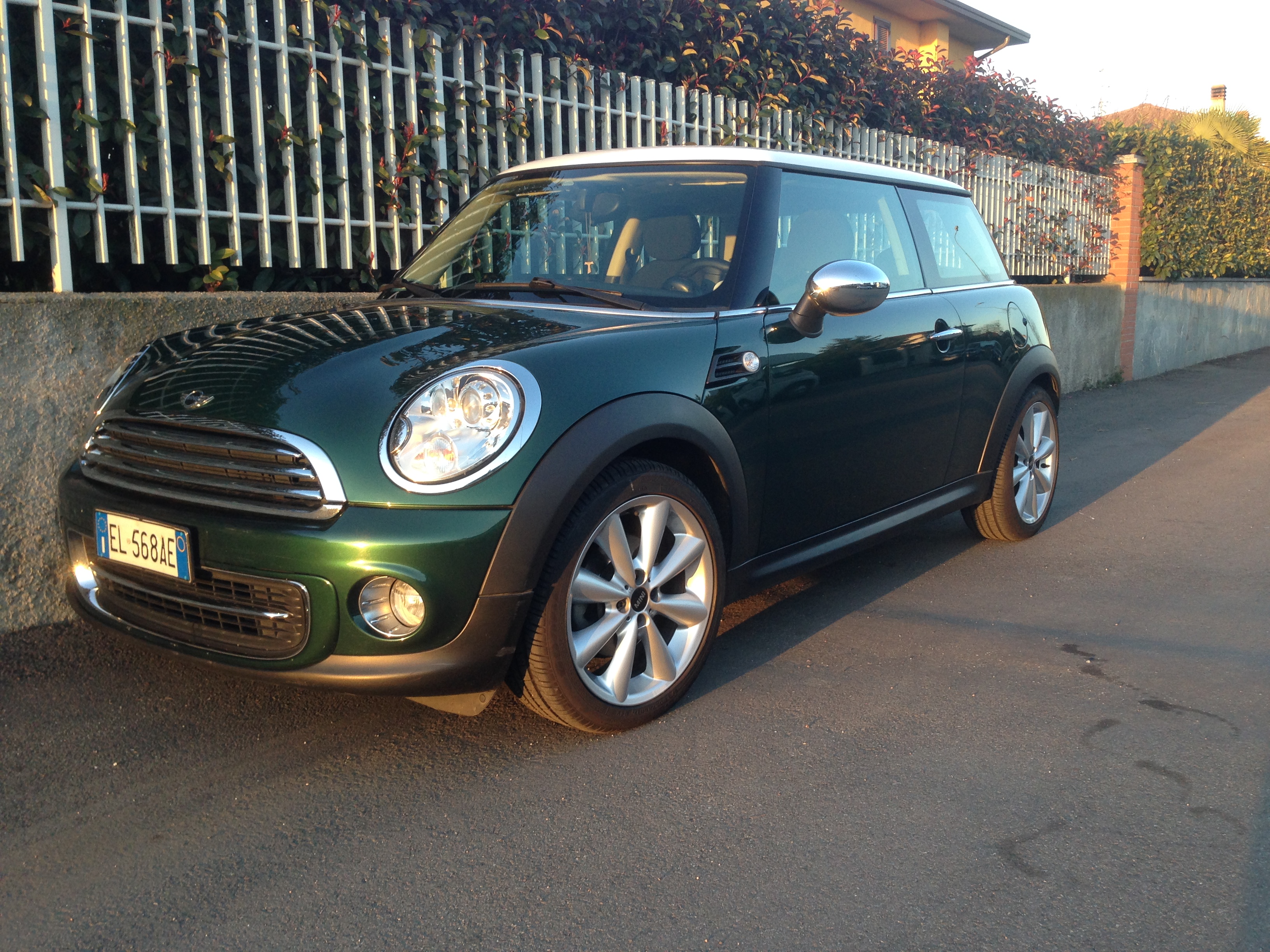
    Buonasera a tutti, mi presento ora anche se sono iscritto da qualche mese, direi che è ora! mi chiamo Manuel e ho una Cooper r56 e per me è la seconda mini, prima avevo una Cooper r50; sono della provincia di Pavia e spero di poter essere di aiuto a qualcuno e soprattutto che la cosa sia reciproca :P Purtroppo ora la mia mini è dal meccanico perché mi si è rotta la pompa del acqua che va cambiata insieme alla cinghia dei servizi..a nessuno è successo ? ho anche comprato un cat 200 celle e il mio meccanico di fiducia me lo monta intanto che fa il lavoro della pompa..indi settimana prossima sentiamo un po come va! Grazie e Buona serata a tutti!!
Account

Navigation

Cerca

Cerca

Configure browser push notifications

Chrome (Android)
  1. Tap the lock icon next to the address bar.
  2. Tap Permissions → Notifications.
  3. Adjust your preference.
Chrome (Desktop)
  1. Click the padlock icon in the address bar.
  2. Select Site settings.
  3. Find Notifications and adjust your preference.