Vai al contenuto
View in the app

A better way to browse. Learn more.

mega MINI forum

A full-screen app on your home screen with push notifications, badges and more.

To install this app on iOS and iPadOS
  1. Tap the Share icon in Safari
  2. Scroll the menu and tap Add to Home Screen.
  3. Tap Add in the top-right corner.
To install this app on Android
  1. Tap the 3-dot menu (⋮) in the top-right corner of the browser.
  2. Tap Add to Home screen or Install app.
  3. Confirm by tapping Install.

Powerman

Utente forum
  • Iscritto

  • Ultima visita

Tutti i contenuti di Powerman

  1. Powerman ha risposto a zack_ab nella discussione Sound
    Onestamene CarPlay senza touch non ha molto senso, è super-macchinoso da usare...
  2. Ciao, riesumo per chiedere se qualcuno sa se è ancora operativo... ho mandato mail ma non ho ricevuto risposta... Marco
  3. Powerman ha pubblicato una discussione in New megaMINI DRIVERS
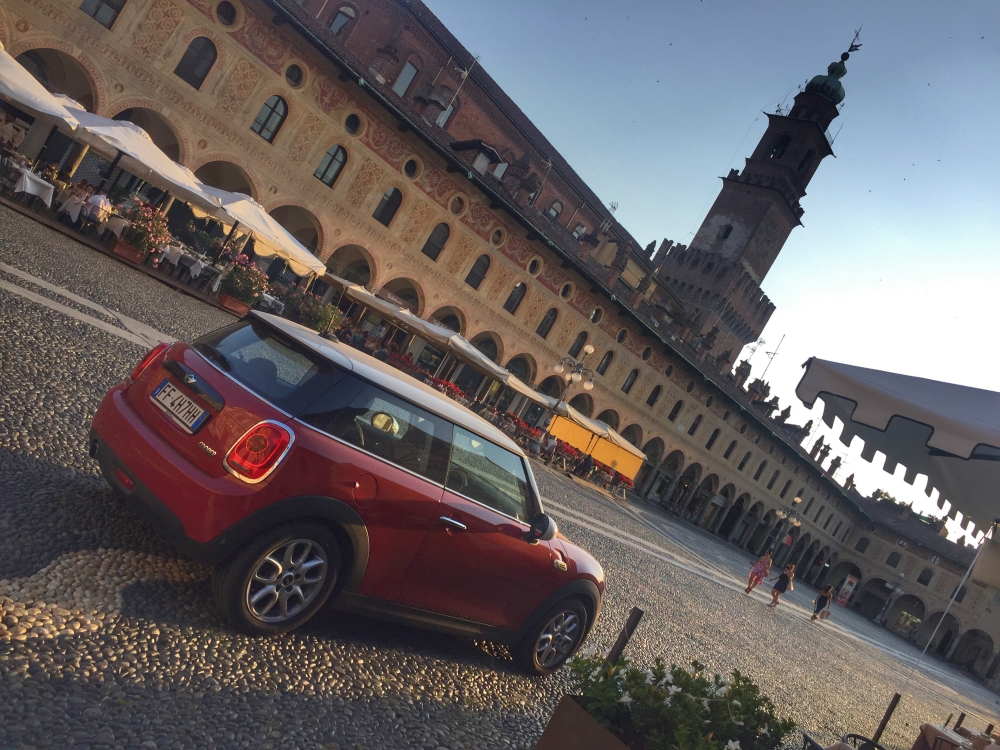
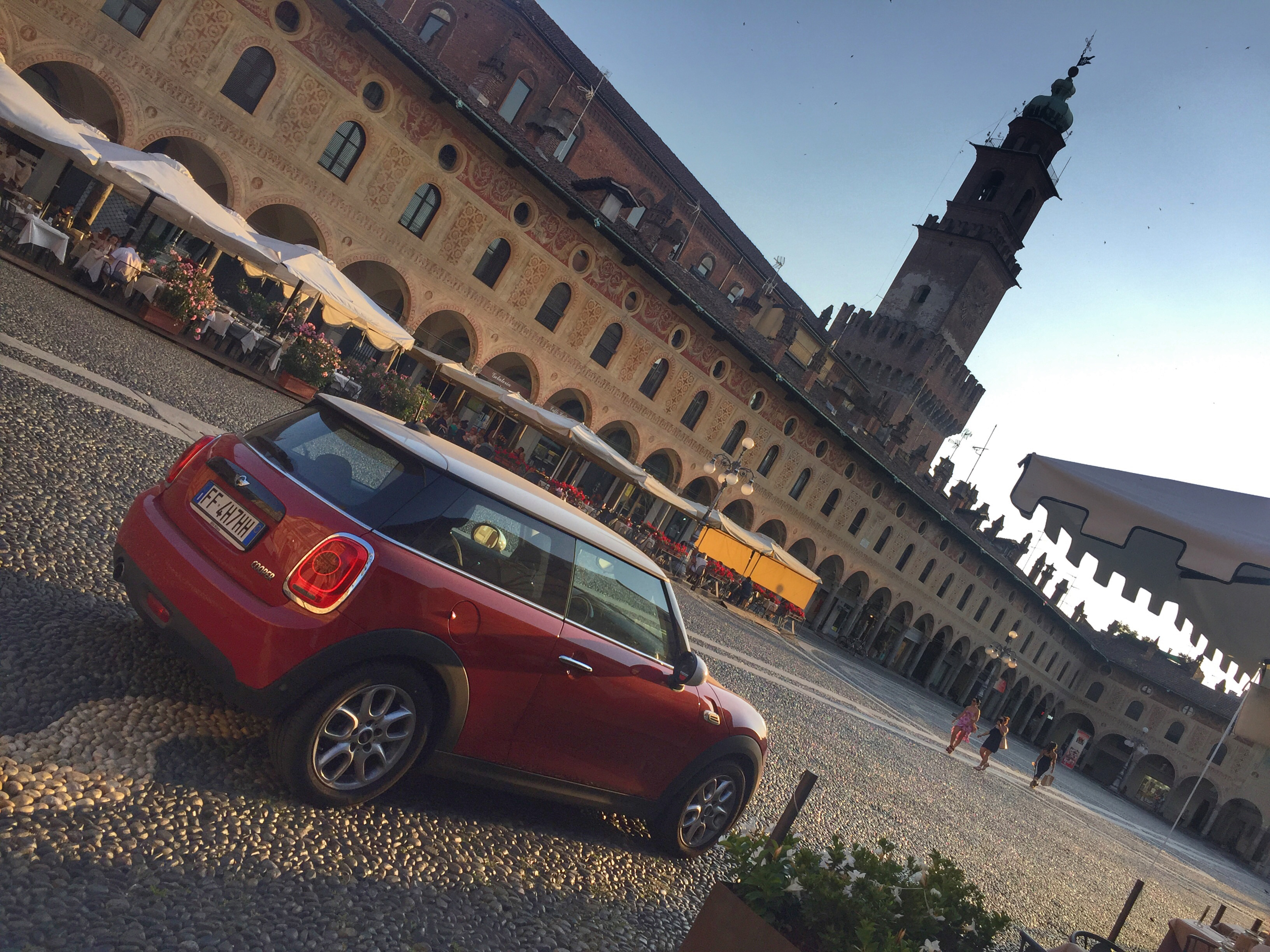
    Ciao! Visto che ho letto spesso questo forum ho pensato di presentarmi (anche se non sono molto tipo da club e community) e ringraziare per le info. Mi chiamo Marco ho 36 anni. Lavoro nell'automotive e vivo a Bergamo, anche se spesso per lavoro sono in provincia di Pavia o... in giro. Da marzo sono felicemente possessore di una Cooper F56
Account

Navigation

Cerca

Cerca

Configure browser push notifications

Chrome (Android)
  1. Tap the lock icon next to the address bar.
  2. Tap Permissions → Notifications.
  3. Adjust your preference.
Chrome (Desktop)
  1. Click the padlock icon in the address bar.
  2. Select Site settings.
  3. Find Notifications and adjust your preference.