Vai al contenuto
View in the app

A better way to browse. Learn more.

mega MINI forum

A full-screen app on your home screen with push notifications, badges and more.

To install this app on iOS and iPadOS
  1. Tap the Share icon in Safari
  2. Scroll the menu and tap Add to Home Screen.
  3. Tap Add in the top-right corner.
To install this app on Android
  1. Tap the 3-dot menu (⋮) in the top-right corner of the browser.
  2. Tap Add to Home screen or Install app.
  3. Confirm by tapping Install.

Stefano S

Utente forum
  • Iscritto

  • Ultima visita

Tutti i contenuti di Stefano S

  1. Ciao a tutti, tempo fa acquistai il codice lifetime sul sito sopra indicato: oggi volevo riaggiornare il navigatore ma sembra che la url non esista più... Qualcuno di voi sà qualcosa? Ciao e grazie a tutti!! S
  2. Stefano S ha risposto a Stefano S nella discussione New megaMINI DRIVERS
    Grazie mille! Devi vedere com'è facile localizzarla nei parcheggi affollati!! :D
  3. Stefano S ha pubblicato una discussione in New megaMINI DRIVERS
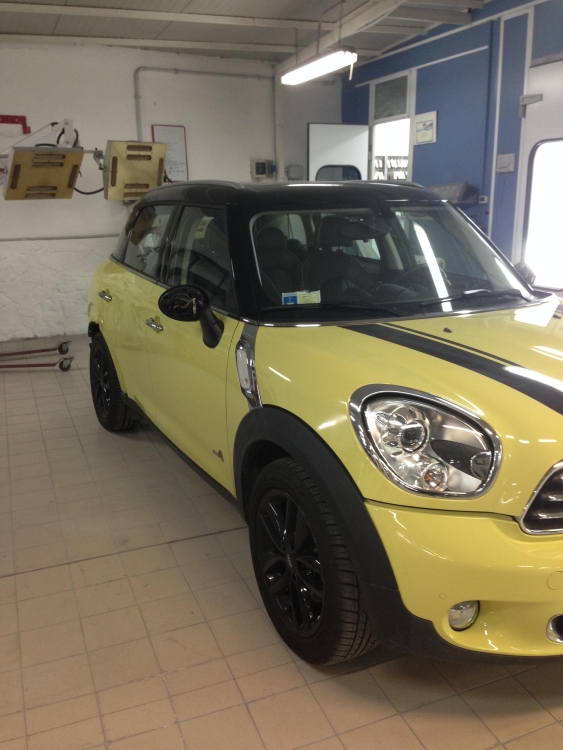
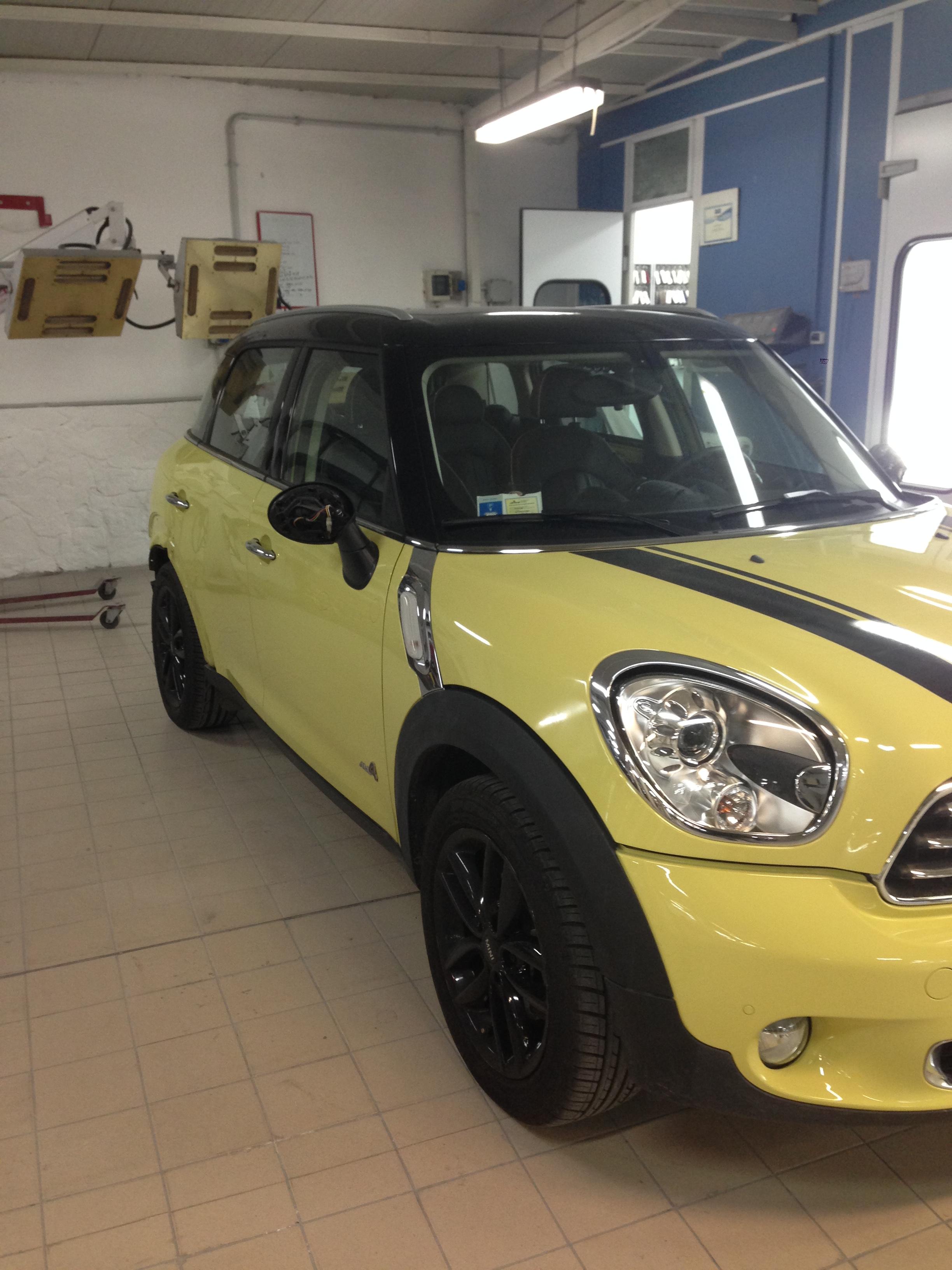
    Ciao a tutti, mi iscrivo anche se in realtà la Mini è di mia moglie, mi accettate lo stesso? :) Si tratta di una mini contryman Cooper D ALL4, come da foto. Un saluto! Stefano
Account

Navigation

Cerca

Cerca

Configure browser push notifications

Chrome (Android)
  1. Tap the lock icon next to the address bar.
  2. Tap Permissions → Notifications.
  3. Adjust your preference.
Chrome (Desktop)
  1. Click the padlock icon in the address bar.
  2. Select Site settings.
  3. Find Notifications and adjust your preference.