Vai al contenuto
View in the app

A better way to browse. Learn more.

mega MINI forum

A full-screen app on your home screen with push notifications, badges and more.

To install this app on iOS and iPadOS
  1. Tap the Share icon in Safari
  2. Scroll the menu and tap Add to Home Screen.
  3. Tap Add in the top-right corner.
To install this app on Android
  1. Tap the 3-dot menu (⋮) in the top-right corner of the browser.
  2. Tap Add to Home screen or Install app.
  3. Confirm by tapping Install.

benemini

Utente forum
  • Iscritto

  • Ultima visita

Tutti i contenuti di benemini

  1. Grazie
  2. benemini ha pubblicato una discussione in Varie
    Buongiorno a tutti, ho acquistato da 1 mese la mia nuova MINI countryman f60 sono molto felice 🤩 volevo acquistare la rete divisoria vano bagagli che fino a poco tempo fa era visibile come accessorio ma nn riesco più' a trovare il codice o foto... sapreste darmi notizie voi che sapete tutto? Ho cercato sul sito ma non ho trovato niente ( forse nn sono troppo capace e mi scuso se e' cosi? )Vi ringrazio anticipatamente .
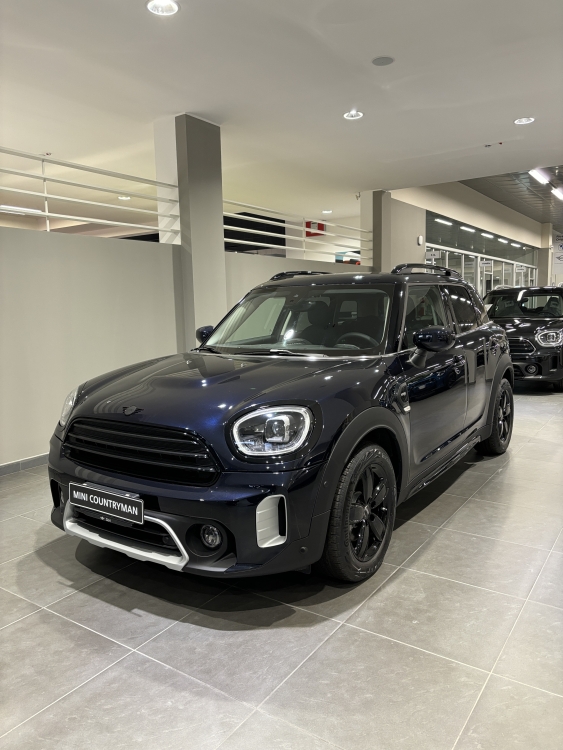
  3. benemini ha commentato al immagine della galleria benemini in MINI degli utenti
  4. benemini ha pubblicato una discussione in New megaMINI DRIVERS
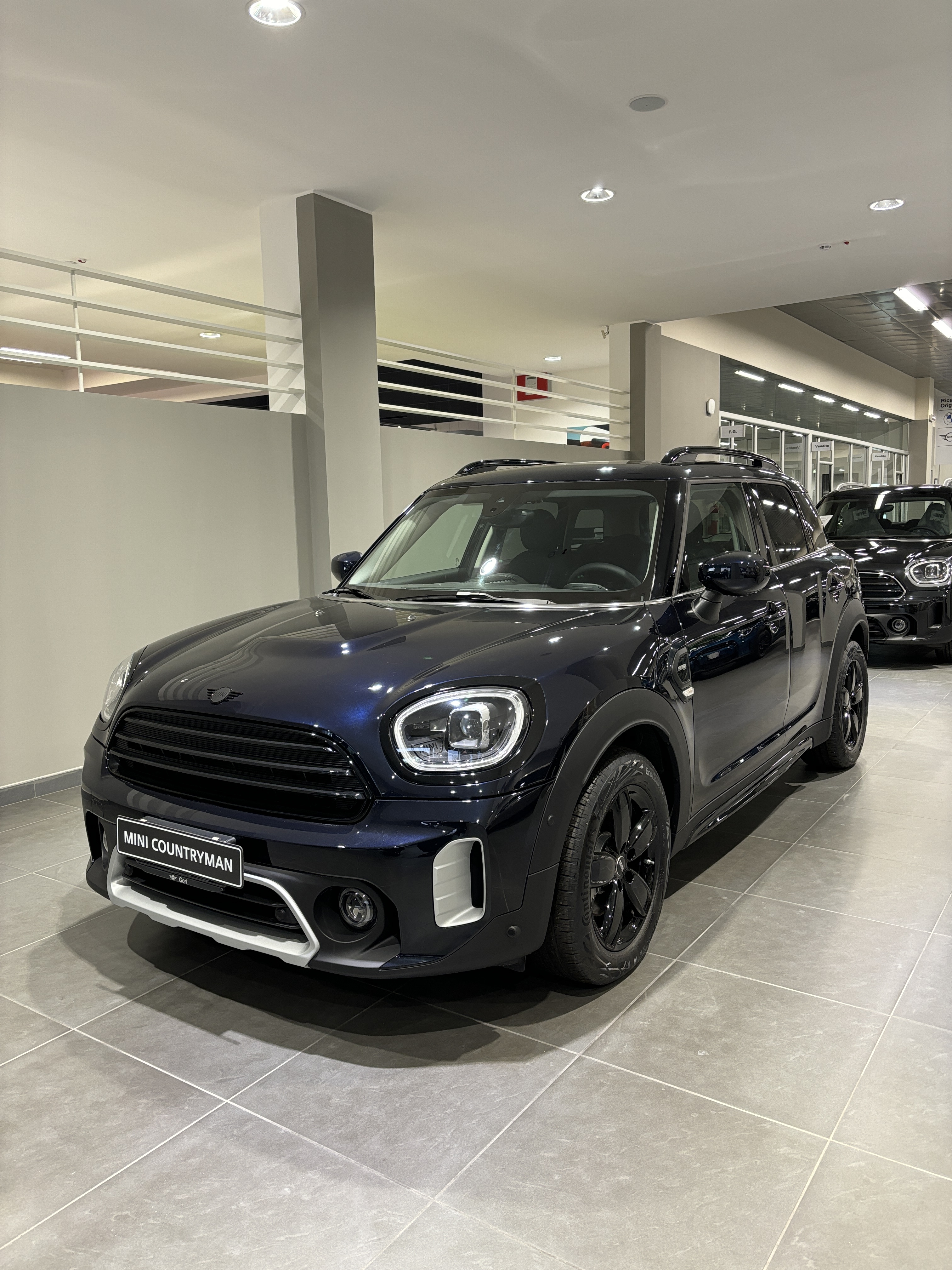
    Ciao a tutti, ho da pochi giorni ritirato la mia countryman e sono molto felice, un saluto a tutti.
Account

Navigation

Cerca

Cerca

Configure browser push notifications

Chrome (Android)
  1. Tap the lock icon next to the address bar.
  2. Tap Permissions → Notifications.
  3. Adjust your preference.
Chrome (Desktop)
  1. Click the padlock icon in the address bar.
  2. Select Site settings.
  3. Find Notifications and adjust your preference.