Vai al contenuto
View in the app

A better way to browse. Learn more.

mega MINI forum

A full-screen app on your home screen with push notifications, badges and more.

To install this app on iOS and iPadOS
  1. Tap the Share icon in Safari
  2. Scroll the menu and tap Add to Home Screen.
  3. Tap Add in the top-right corner.
To install this app on Android
  1. Tap the 3-dot menu (⋮) in the top-right corner of the browser.
  2. Tap Add to Home screen or Install app.
  3. Confirm by tapping Install.

mirkofalcone1981

Utente forum
  • Iscritto

  • Ultima visita

Tutti i contenuti di mirkofalcone1981

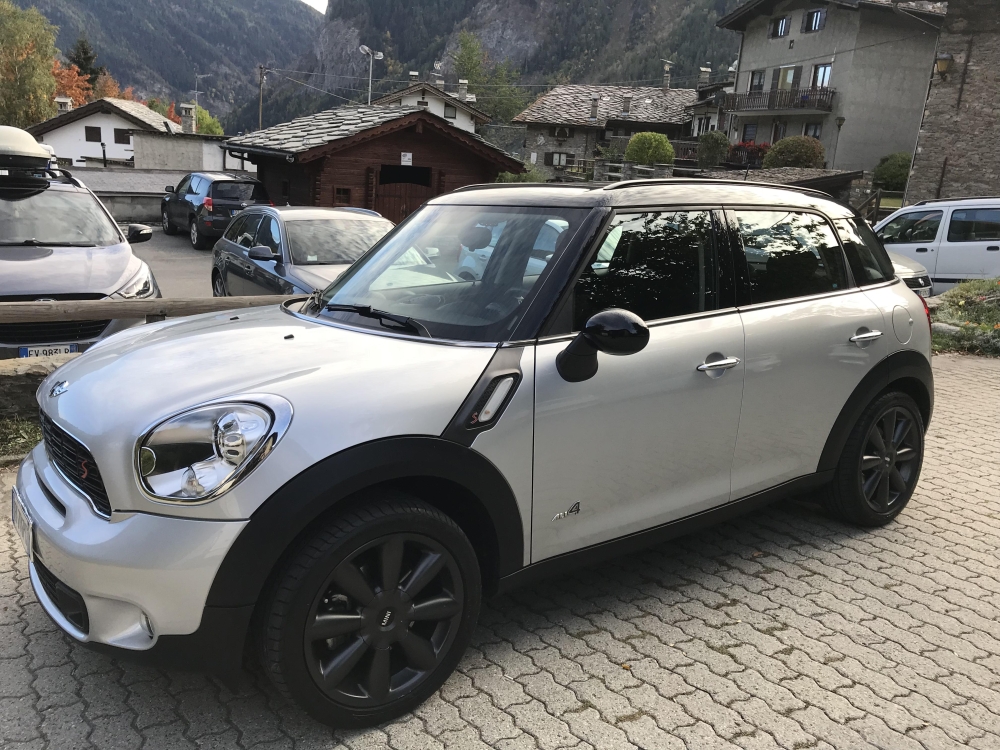
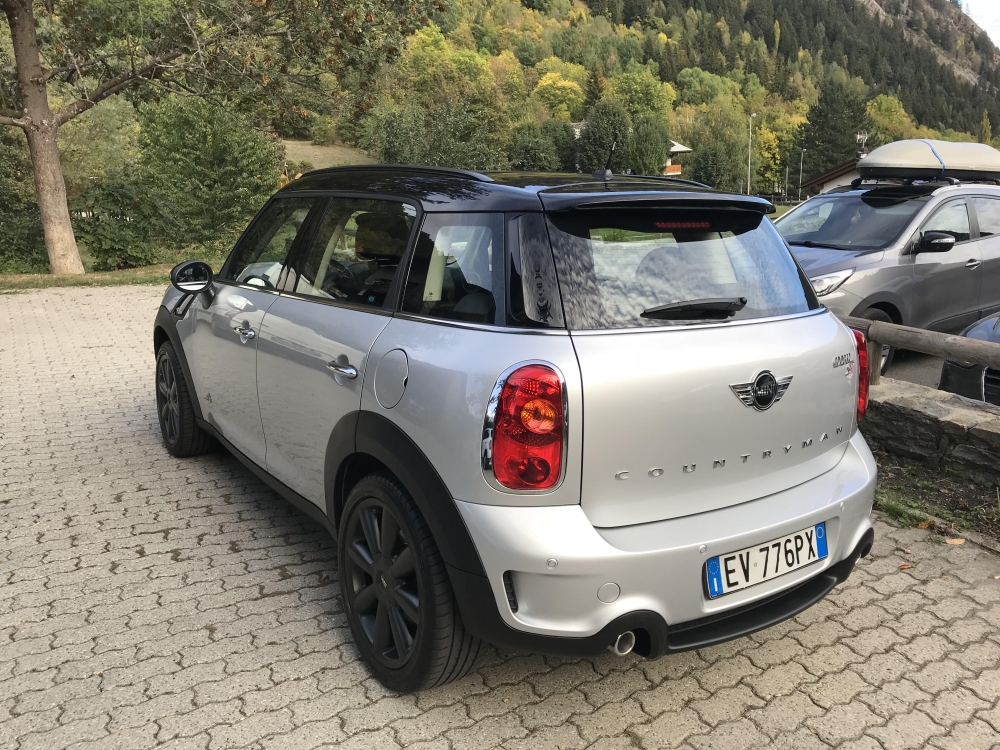
  1. Ciao..eccola..
  2. l'ultima cosa per cui lo faccio è il navi...è per togliere il lancettone e avere uno schermo...che si interfaccia con il cellulare...ha lo screen mirroring, quindi usando google maps lo vedresti sullo schermo...per tutta una questione di multimedialità...no?
  3. perchè con 500€ me la cavo, mettere quello originale verrebbe il triplo credo...ho cercato mano ho trovato nulla...come funzioni non dovrei perdere nulla...questo è quello in questione:
  4. mirkofalcone1981 ha pubblicato una discussione in Navigatori & palmari
    Ciao a tutti, qualcuno ha montato navi Giantech? Impressioni, problemi..lo consigliate? Grazie mille Mirko
  5. mirkofalcone1981 ha pubblicato una discussione in New megaMINI DRIVERS
    Ciao a tutti, qualcuno ha navigatore Giantech? Impressioni me lo consigliate? Grazie mille a tutti Mirko
Account

Navigation

Cerca

Cerca

Configure browser push notifications

Chrome (Android)
  1. Tap the lock icon next to the address bar.
  2. Tap Permissions → Notifications.
  3. Adjust your preference.
Chrome (Desktop)
  1. Click the padlock icon in the address bar.
  2. Select Site settings.
  3. Find Notifications and adjust your preference.