Vai al contenuto
View in the app

A better way to browse. Learn more.

mega MINI forum

A full-screen app on your home screen with push notifications, badges and more.

To install this app on iOS and iPadOS
  1. Tap the Share icon in Safari
  2. Scroll the menu and tap Add to Home Screen.
  3. Tap Add in the top-right corner.
To install this app on Android
  1. Tap the 3-dot menu (⋮) in the top-right corner of the browser.
  2. Tap Add to Home screen or Install app.
  3. Confirm by tapping Install.

Andrea S

Utente forum
  • Iscritto

  • Ultima visita

  1. Ciao, io mi sono informato dalla mia concessionaria MINI-B;MW e mi è stato riposto che in fase POST vendita, non è previsto tale intervento sulla mia nuova Cooper S. Pertanto, dato che vorrei installarla (quella originale non aftermarket) avendo il display da 8.8 pollici, sapete a chi posso rivolgermi ? Vi ringrazio fin da subito qualora qualcuno mi possa dare le dovute informazioni.
  2. Andrea S ha cambiato la sua immagine del profilo
  3. Andrea S ha pubblicato una discussione in New megaMINI DRIVERS
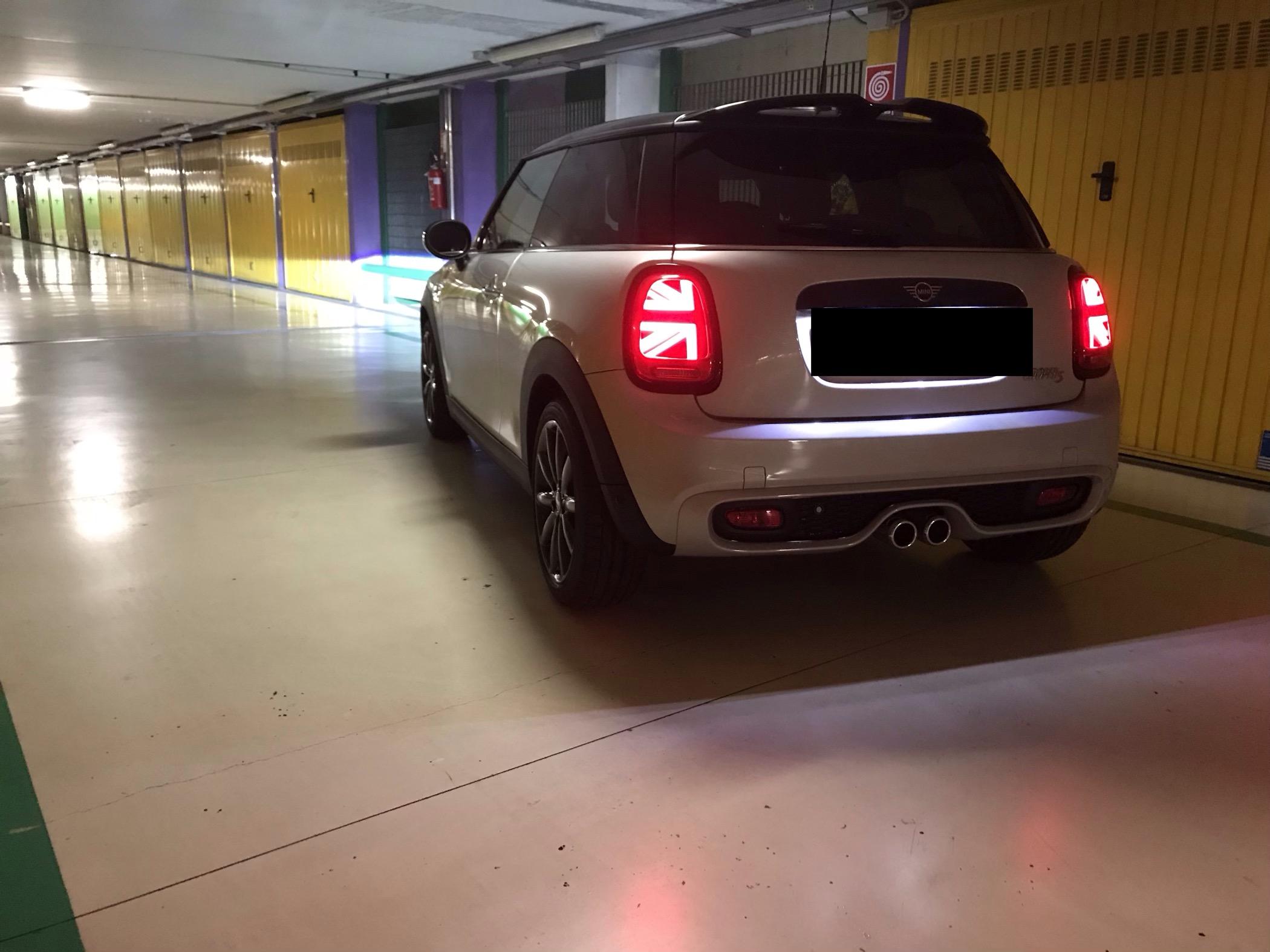
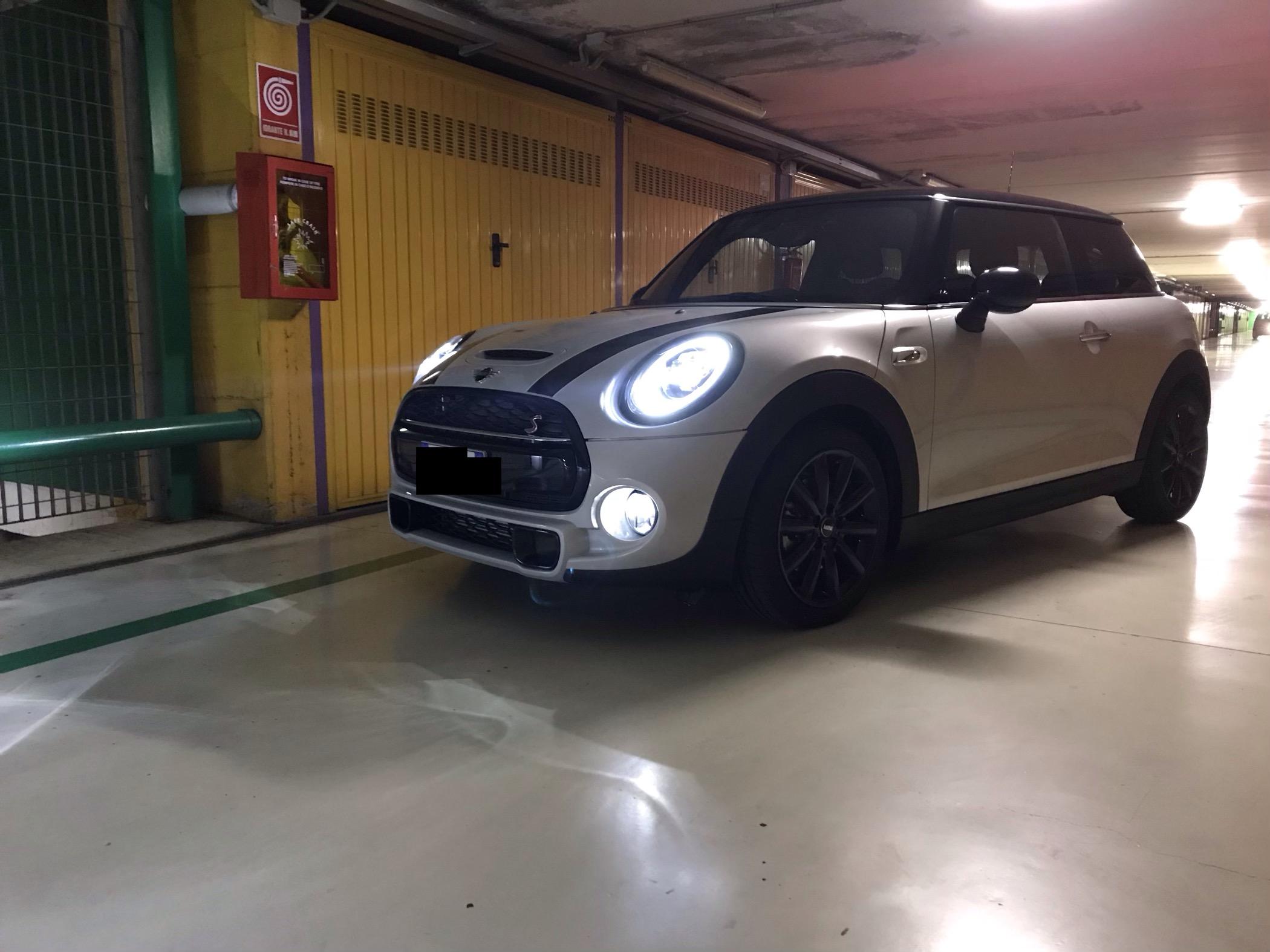
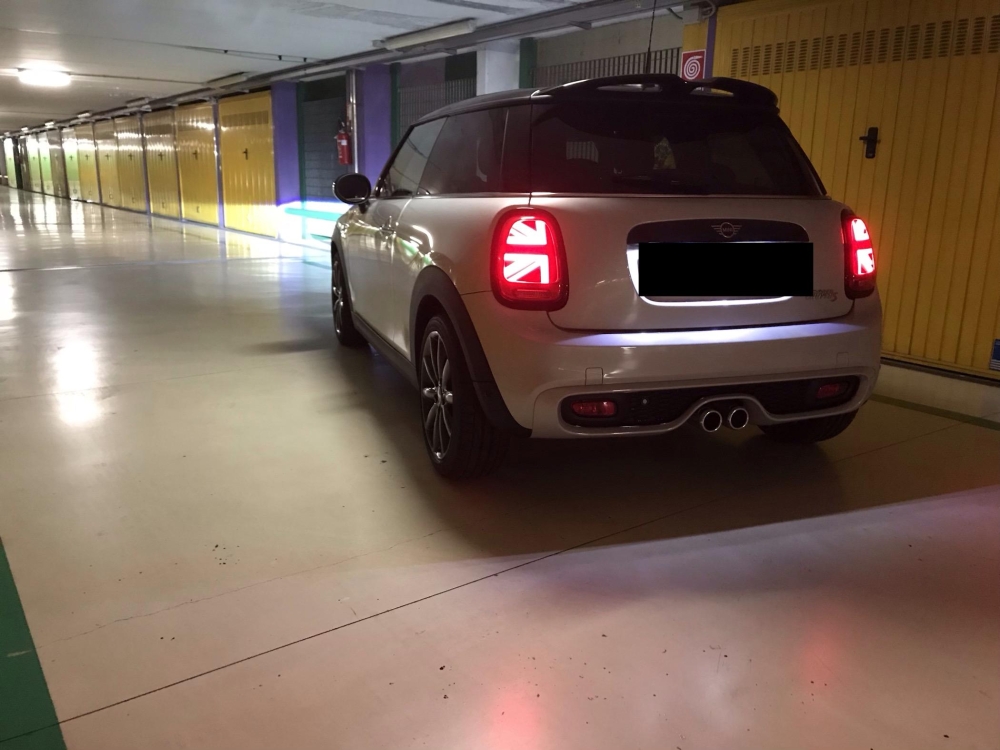
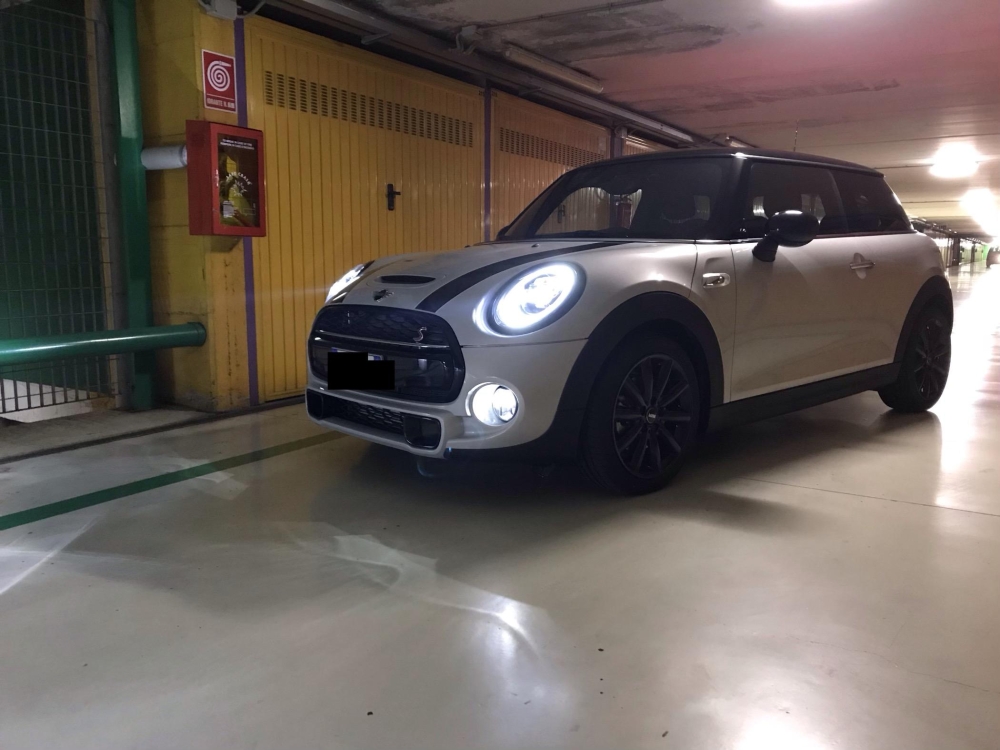
    Salve a tutti, sono Andrea e da poco sono un "fortunato" possessore di una nuova MINI COOPER S, con il desiderio di condividere con voi le mie avventure e i miei progetti sulla mia Lady (vedere foto).Auspico di intraprendere con Lei ma anche con voi un piacevole rapporto. Grazie per avermi accettato Buona giornata
Account

Navigation

Cerca

Cerca

Configure browser push notifications

Chrome (Android)
  1. Tap the lock icon next to the address bar.
  2. Tap Permissions → Notifications.
  3. Adjust your preference.
Chrome (Desktop)
  1. Click the padlock icon in the address bar.
  2. Select Site settings.
  3. Find Notifications and adjust your preference.