
Vai al contenuto
View in the app

A better way to browse. Learn more.

mega MINI forum

A full-screen app on your home screen with push notifications, badges and more.

To install this app on iOS and iPadOS
  1. Tap the Share icon in Safari
  2. Scroll the menu and tap Add to Home Screen.
  3. Tap Add in the top-right corner.
To install this app on Android
  1. Tap the 3-dot menu (⋮) in the top-right corner of the browser.
  2. Tap Add to Home screen or Install app.
  3. Confirm by tapping Install.

Tommaso13

Utente forum
  • Iscritto

  • Ultima visita

  1. Dove avete acquistato i fari ?
  2. Tommaso13 ha risposto a fabio7824 nella discussione MINI ritratto
    Grazie mille
  3. Tommaso13 ha risposto a fabio7824 nella discussione MINI ritratto
    Come hai messo il led con logo mini ? Dove lo hai acquistato ??
  4. Tommaso13 ha risposto a Amon1277 nella discussione MINI ritratto
    Come hai installato il led con loro mini ?? Dove lo hai acquistato ?
  5. Buonasera ragazzi, sapreste dirmi se nel bracciolo della mia mini f56 di ottobre 2014 si può inserire un caricatore wireless?? Sapete se si può montare L head up display ?? Grazie
  6. Tommaso13 ha pubblicato una discussione in New megaMINI DRIVERS
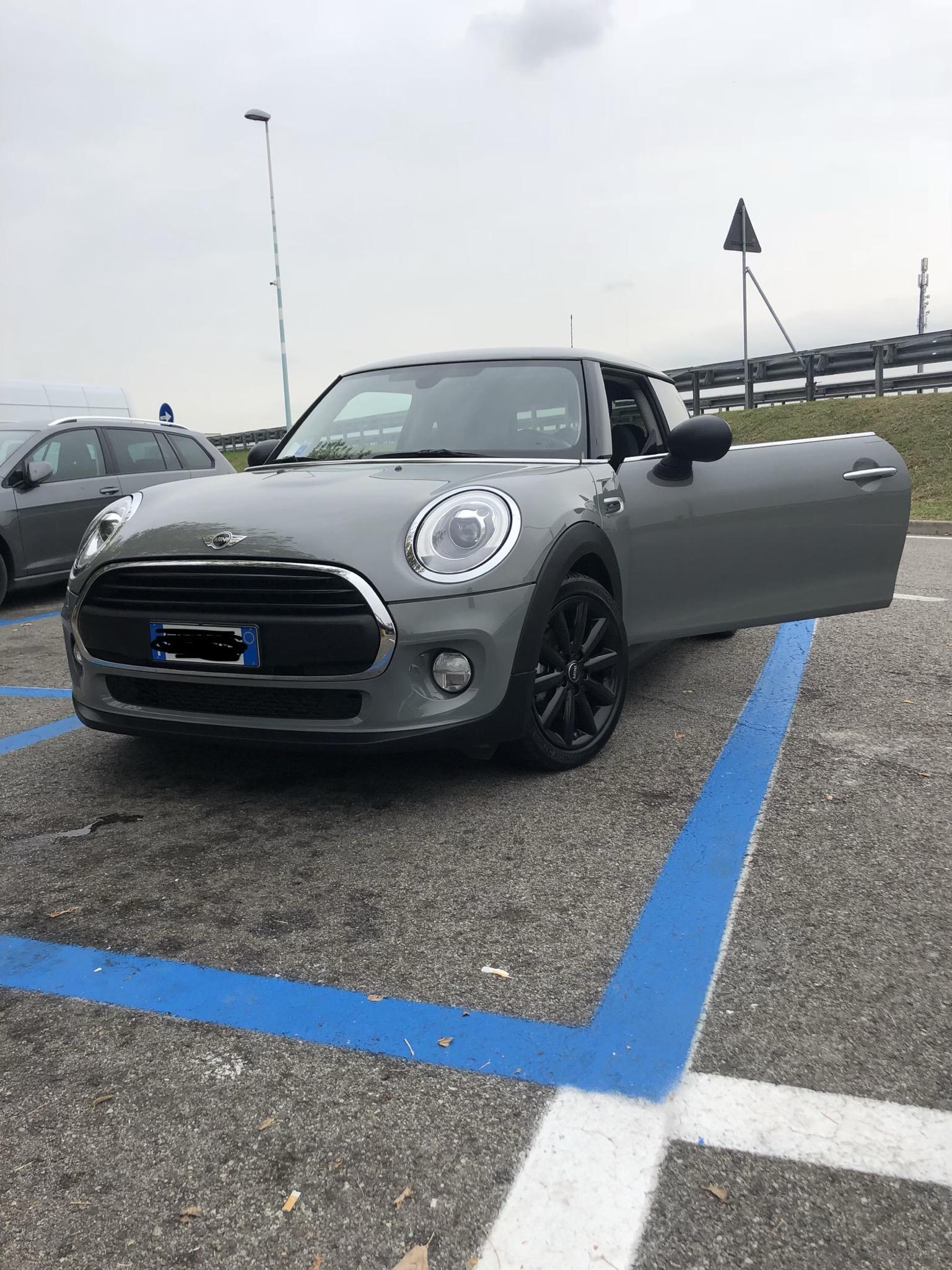
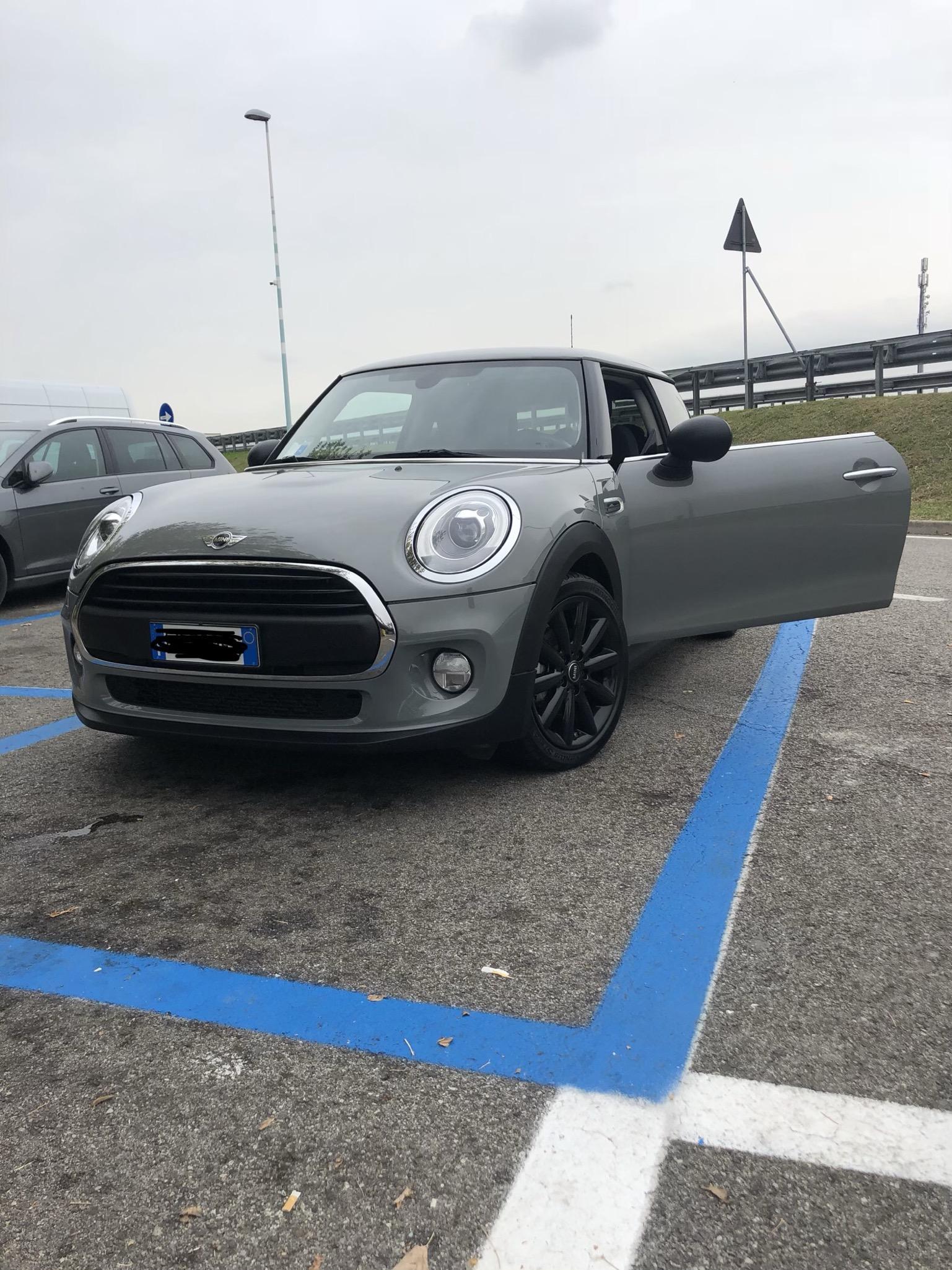
    Buonasera a tutti sono Tommaso possessore di mini f56. Sono molto contento di aver preso parte di questo gruppo.
Account

Navigation

Cerca

Cerca

Configure browser push notifications

Chrome (Android)
  1. Tap the lock icon next to the address bar.
  2. Tap Permissions → Notifications.
  3. Adjust your preference.
Chrome (Desktop)
  1. Click the padlock icon in the address bar.
  2. Select Site settings.
  3. Find Notifications and adjust your preference.