Vai al contenuto
View in the app

A better way to browse. Learn more.

mega MINI forum

A full-screen app on your home screen with push notifications, badges and more.

To install this app on iOS and iPadOS
  1. Tap the Share icon in Safari
  2. Scroll the menu and tap Add to Home Screen.
  3. Tap Add in the top-right corner.
To install this app on Android
  1. Tap the 3-dot menu (⋮) in the top-right corner of the browser.
  2. Tap Add to Home screen or Install app.
  3. Confirm by tapping Install.

Kimba2013

Utente forum
  • Iscritto

  • Ultima visita

Tutti i contenuti di Kimba2013

  1. Kimba2013 ha risposto a leprinocooper nella discussione Varie
    Ciao ti chiedo scusa per il disturbo sono possessore di una Mini Countryman 1.6D 110cv R60 anno 2013 Ho letto alcuni tuoi post sei un mito! 🙌🔝💯😂 vorrei modificare delle impostazioni es. disattivare lo START/STOP, dis attivare la fastidiosa chiusura porte automatica,attivare la chiusura finestre tenendo premuto il pulsante chiusure da telecomando riusciresti a darmi qualche dritta ??? tu sai fare le codifiche? Tramite OBD? ovviamente pagandoti il lavoro io vivo a Modena conosci qualcuno che potrebbe aiutarmi? buona serata Enzo
  2. Kimba2013 ha pubblicato una discussione in New megaMINI DRIVERS
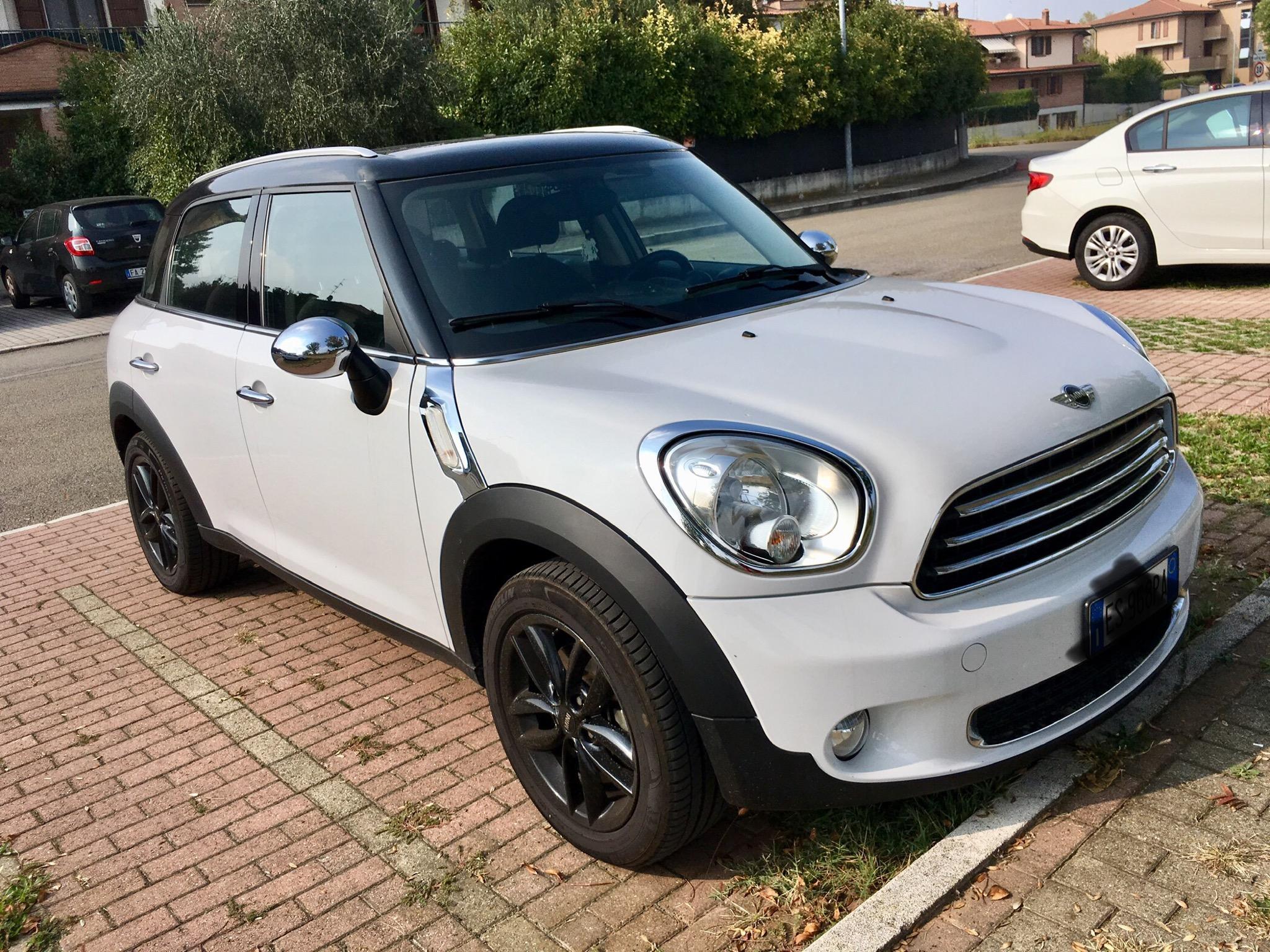
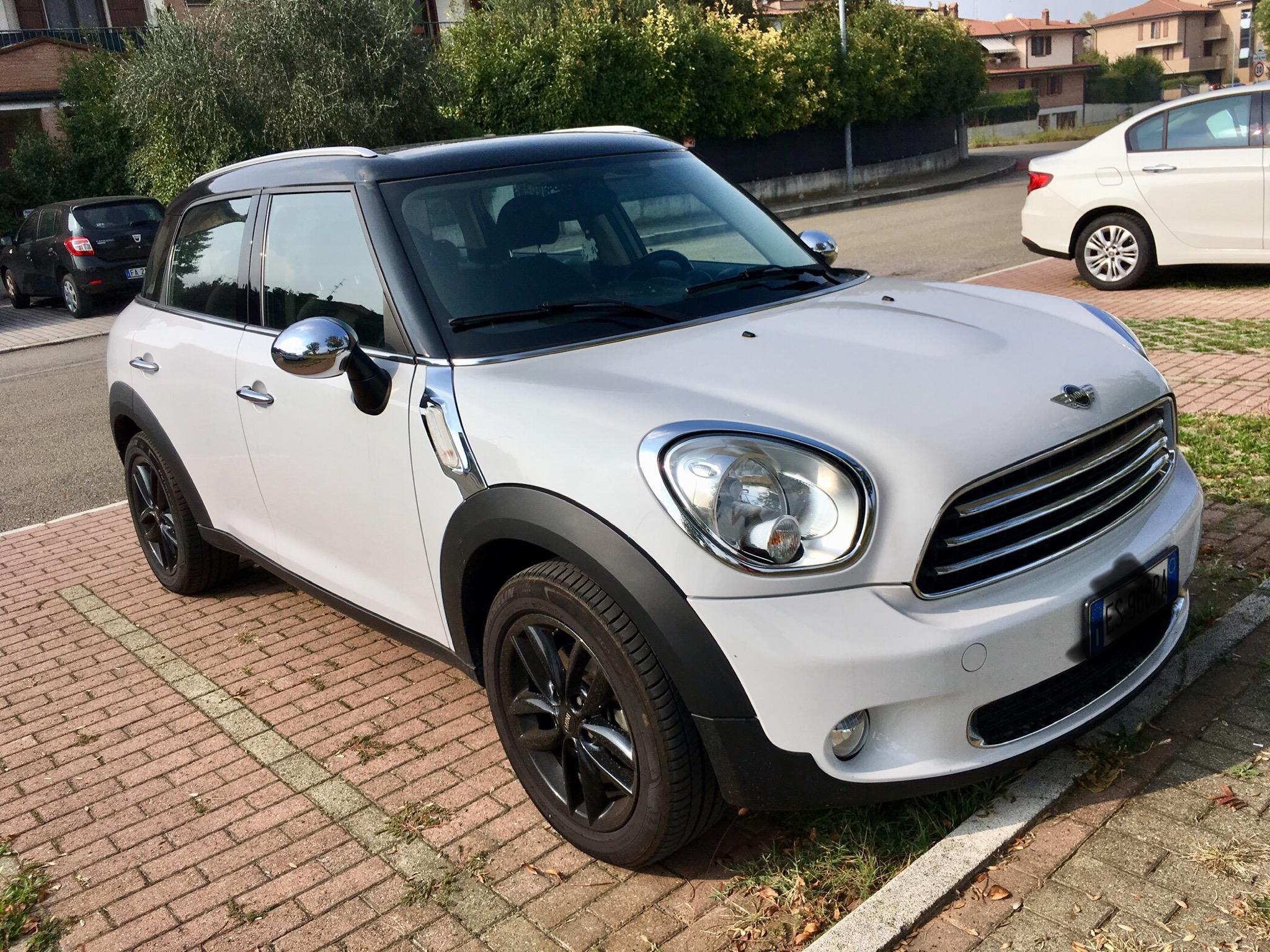
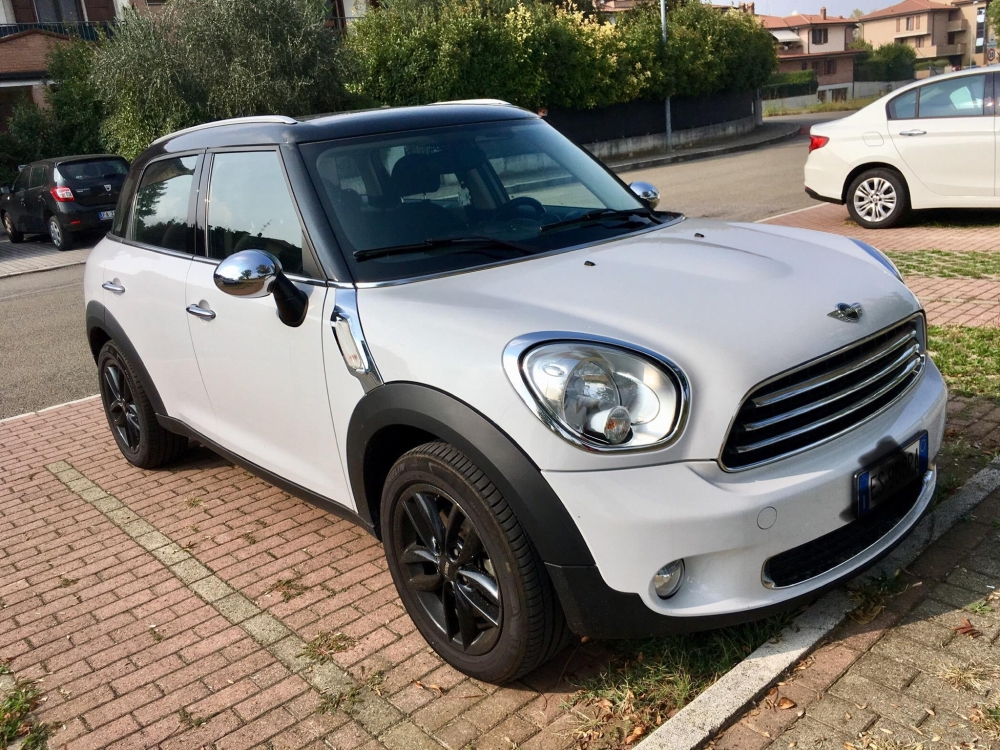
    Ciao sono nuovo appena iscritto possiedo Una Countryman R60 2013 1.6 110cv Diesel
Account

Navigation

Cerca

Cerca

Configure browser push notifications

Chrome (Android)
  1. Tap the lock icon next to the address bar.
  2. Tap Permissions → Notifications.
  3. Adjust your preference.
Chrome (Desktop)
  1. Click the padlock icon in the address bar.
  2. Select Site settings.
  3. Find Notifications and adjust your preference.