Vai al contenuto
View in the app

A better way to browse. Learn more.

mega MINI forum

A full-screen app on your home screen with push notifications, badges and more.

To install this app on iOS and iPadOS
  1. Tap the Share icon in Safari
  2. Scroll the menu and tap Add to Home Screen.
  3. Tap Add in the top-right corner.
To install this app on Android
  1. Tap the 3-dot menu (⋮) in the top-right corner of the browser.
  2. Tap Add to Home screen or Install app.
  3. Confirm by tapping Install.

miriana

Utente forum
  • Iscritto

  • Ultima visita

Tutti i contenuti di miriana

  1. miriana ha pubblicato una discussione in New megaMINI DRIVERS
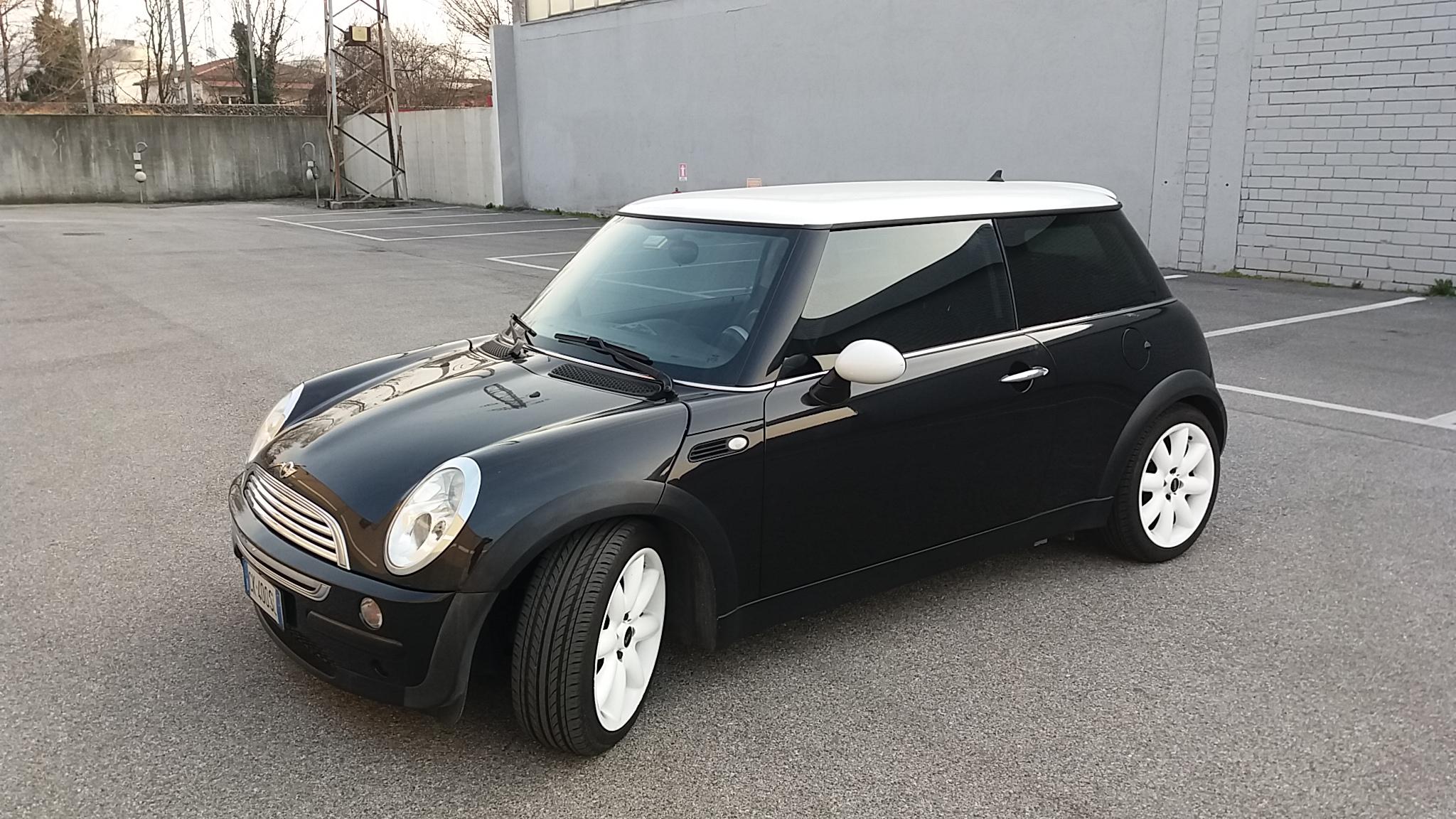
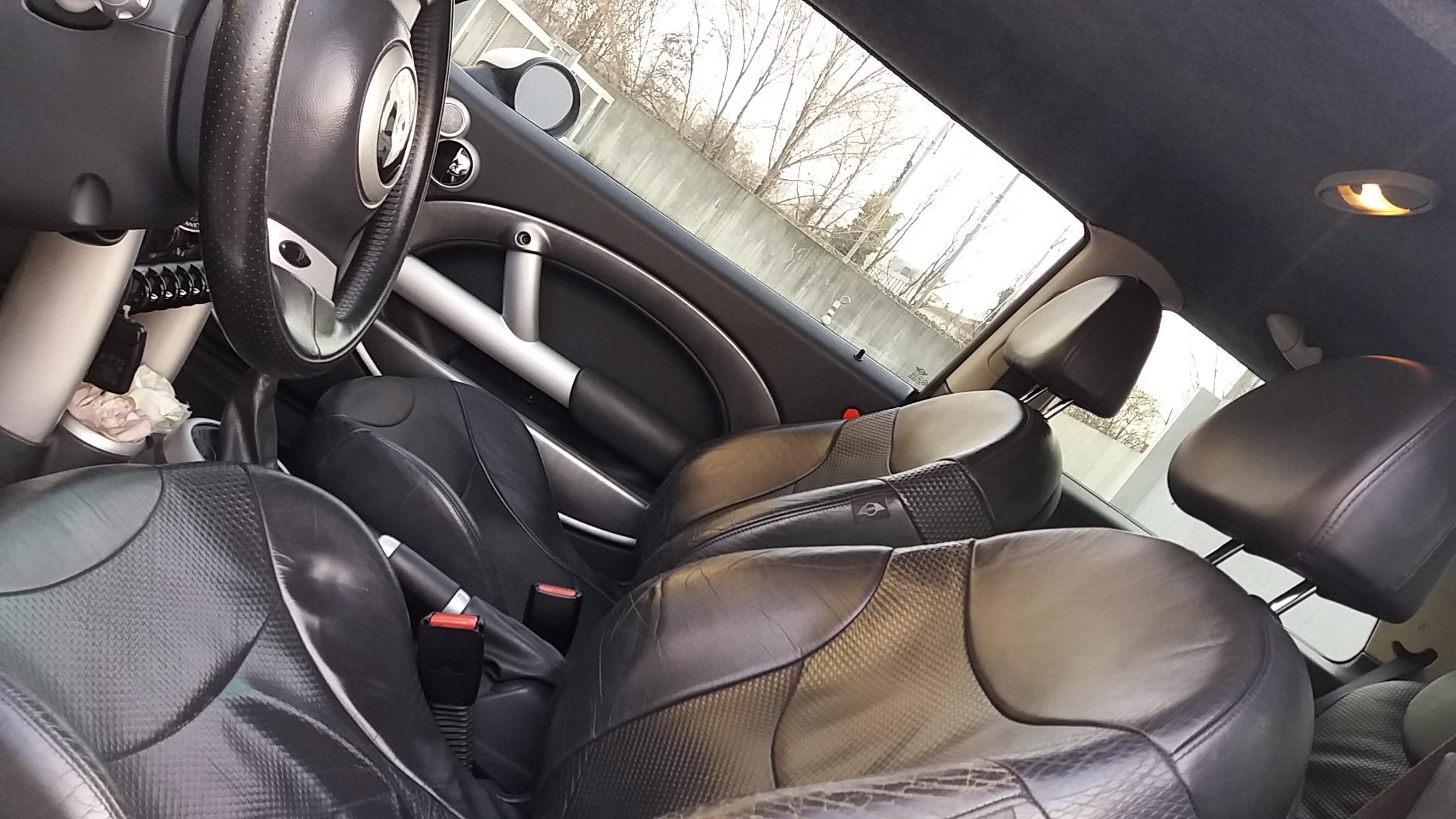
    Ciao a tutti! Ho una mini cooper meravigliosa con impianto a metano e a malincuore devo venderla, ha tanti km ma gli ho sempre fatto i lavori necessari e da vera appassionata lavata tutte le settimane !😍 Se tra voi appassionati c'è qualcuno che può essere interessato vi lascio il mio numero! Miriana 340 2386508 Di seguito qualche foto, è davvero bella ...
Account

Navigation

Cerca

Cerca

Configure browser push notifications

Chrome (Android)
  1. Tap the lock icon next to the address bar.
  2. Tap Permissions → Notifications.
  3. Adjust your preference.
Chrome (Desktop)
  1. Click the padlock icon in the address bar.
  2. Select Site settings.
  3. Find Notifications and adjust your preference.