Vai al contenuto
View in the app

A better way to browse. Learn more.

mega MINI forum

A full-screen app on your home screen with push notifications, badges and more.

To install this app on iOS and iPadOS
  1. Tap the Share icon in Safari
  2. Scroll the menu and tap Add to Home Screen.
  3. Tap Add in the top-right corner.
To install this app on Android
  1. Tap the 3-dot menu (⋮) in the top-right corner of the browser.
  2. Tap Add to Home screen or Install app.
  3. Confirm by tapping Install.

abe

Utente forum
  • Iscritto

  • Ultima visita

Tutti i contenuti di abe

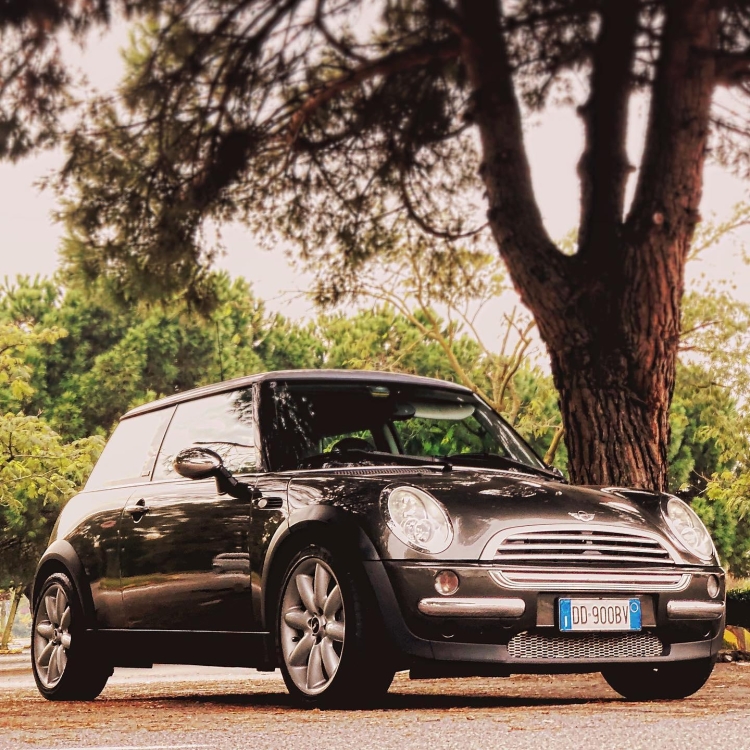
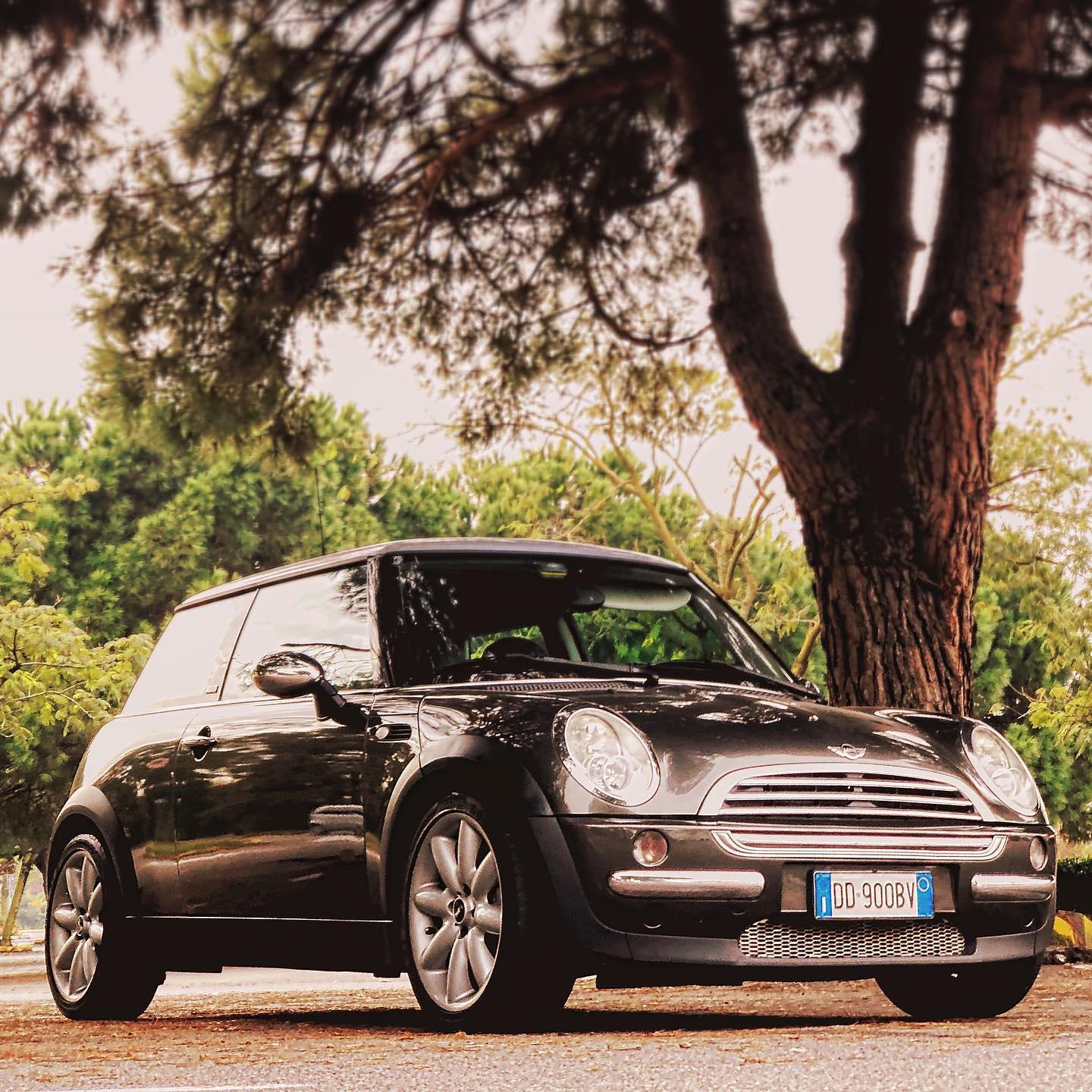
  1. Ciao a tutti, mi chiamo Alberto e ho 30 anni. La mia "carriera" automobilistica è iniziata con una MX5 (NBFL) del 2005 con la quale mi sono divertito a trafficare parecchio, per sfociare sul fuoristrada recentemente con un Pajero 3.2 diesel. Ora, venduto il naftone, mi sono concesso uno sfizio che da molto desideravo: Mini Cooper R50 del 2006. L'ho presa usata, e sinceramente ha un pò di lavoretti da fare, sia estetici che motoristici, ma sinceramente preferisco. Un'auto usata con 90 mila km perfetta mi avrebbe reso un pò diffidente. Ho già ordinato dischi e pastiglie nuove, gomme e tutto il necessario per un tagliandone. Seguirà anche una bella convergenza. Spero di poter partecipare attivamente e di poter attingere a molte cose che non so su questa macchina! Ciao
Account

Navigation

Cerca

Cerca

Configure browser push notifications

Chrome (Android)
  1. Tap the lock icon next to the address bar.
  2. Tap Permissions → Notifications.
  3. Adjust your preference.
Chrome (Desktop)
  1. Click the padlock icon in the address bar.
  2. Select Site settings.
  3. Find Notifications and adjust your preference.