Vai al contenuto
View in the app

A better way to browse. Learn more.

mega MINI forum

A full-screen app on your home screen with push notifications, badges and more.

To install this app on iOS and iPadOS
  1. Tap the Share icon in Safari
  2. Scroll the menu and tap Add to Home Screen.
  3. Tap Add in the top-right corner.
To install this app on Android
  1. Tap the 3-dot menu (⋮) in the top-right corner of the browser.
  2. Tap Add to Home screen or Install app.
  3. Confirm by tapping Install.

Treqqua

Utente forum
  • Iscritto

  • Ultima visita

  1. Treqqua ha pubblicato una discussione in Freni
    Ciao a tutti!! Qualcuno mi saprebbe dare i codici dei supporto pinza per disco da 280 e 294??
  2. Fabry Geims Din ha incominciato a seguire Treqqua
  3. Treqqua ha pubblicato una discussione in Motore
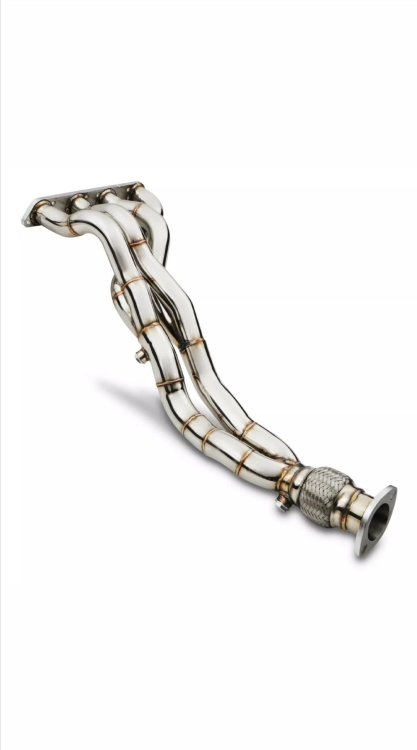
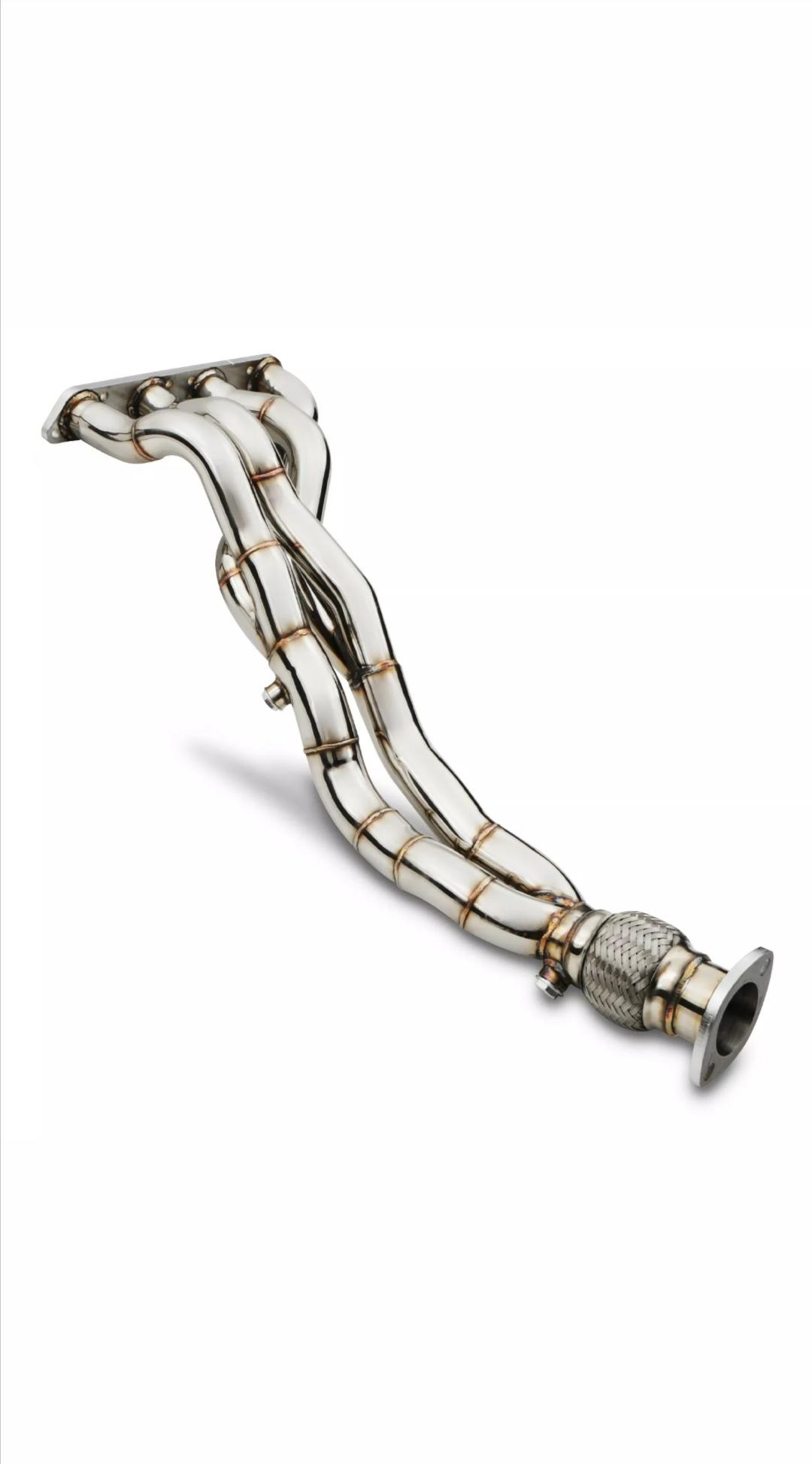
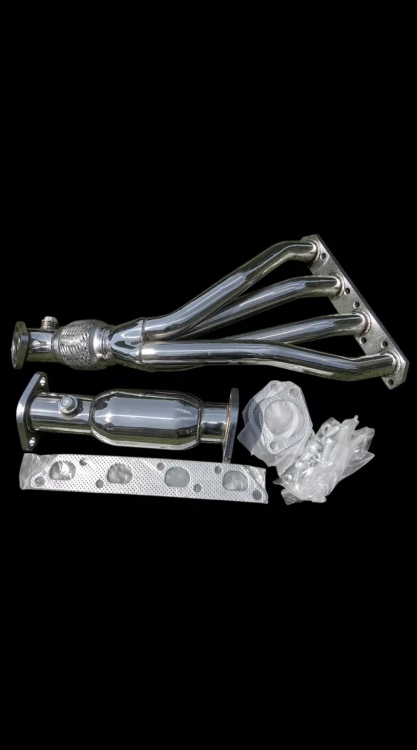
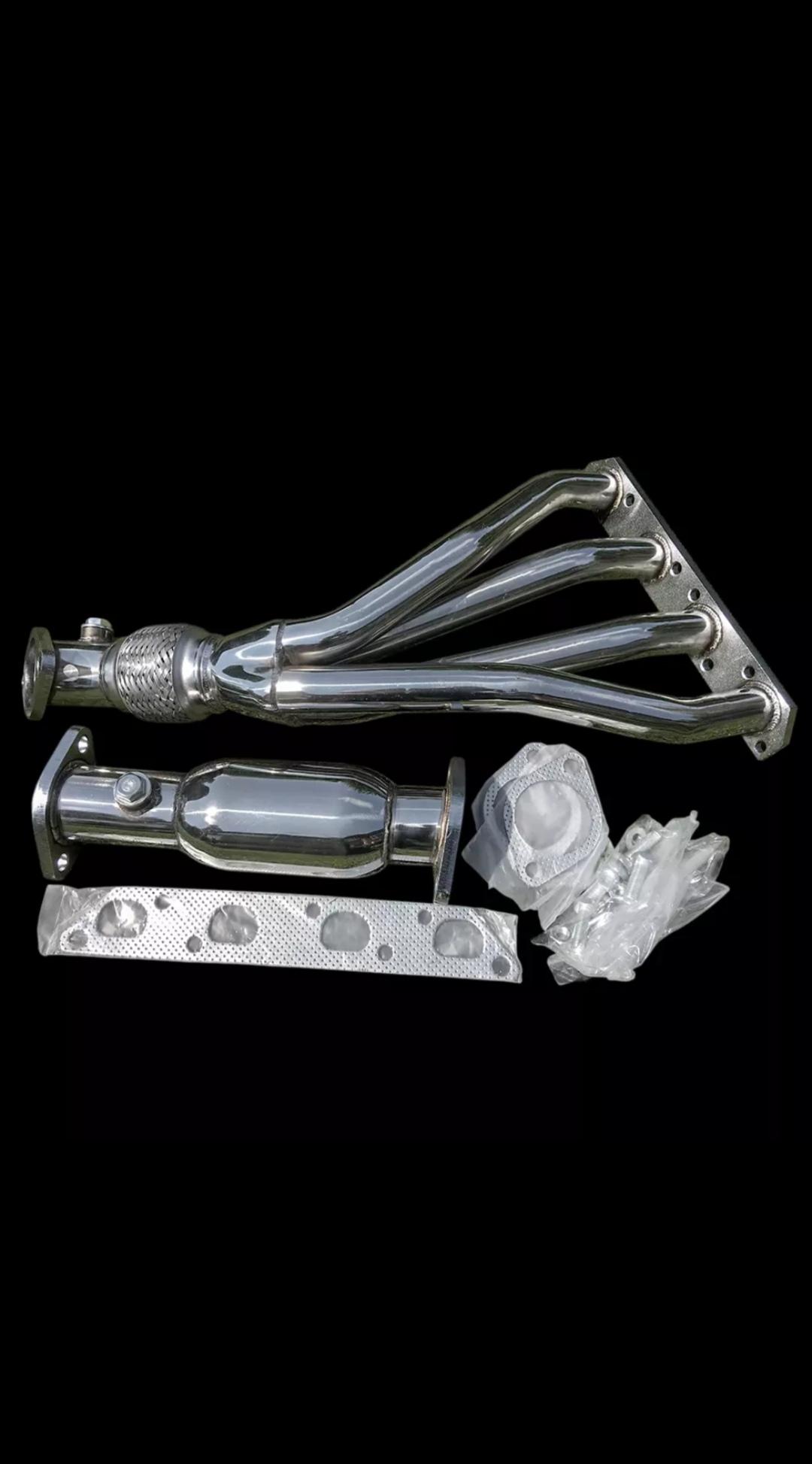
    Salve a tutti, qualcuno ha mai montato uno di questi collettori?
  4. Treqqua ha pubblicato una discussione in New megaMINI DRIVERS
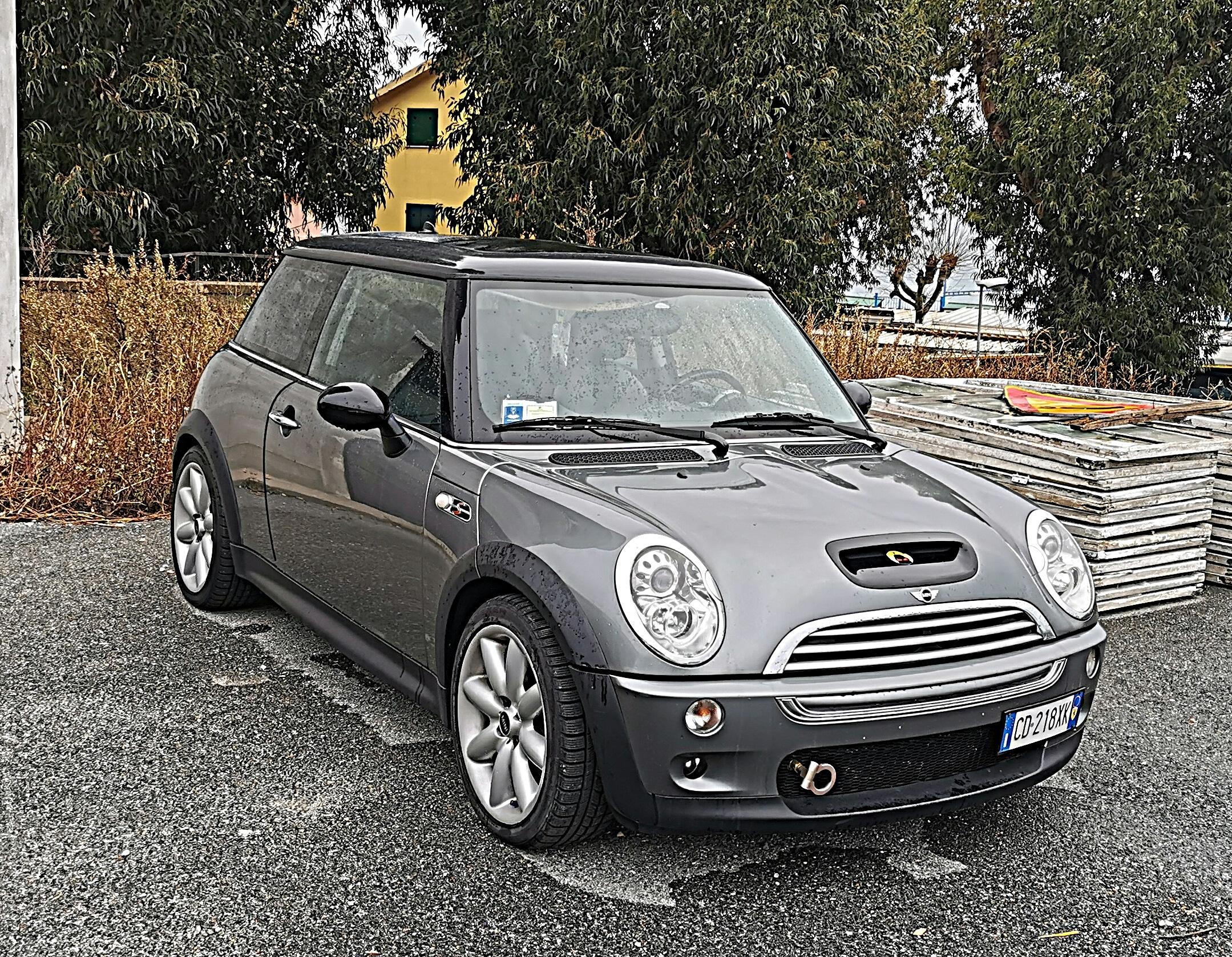
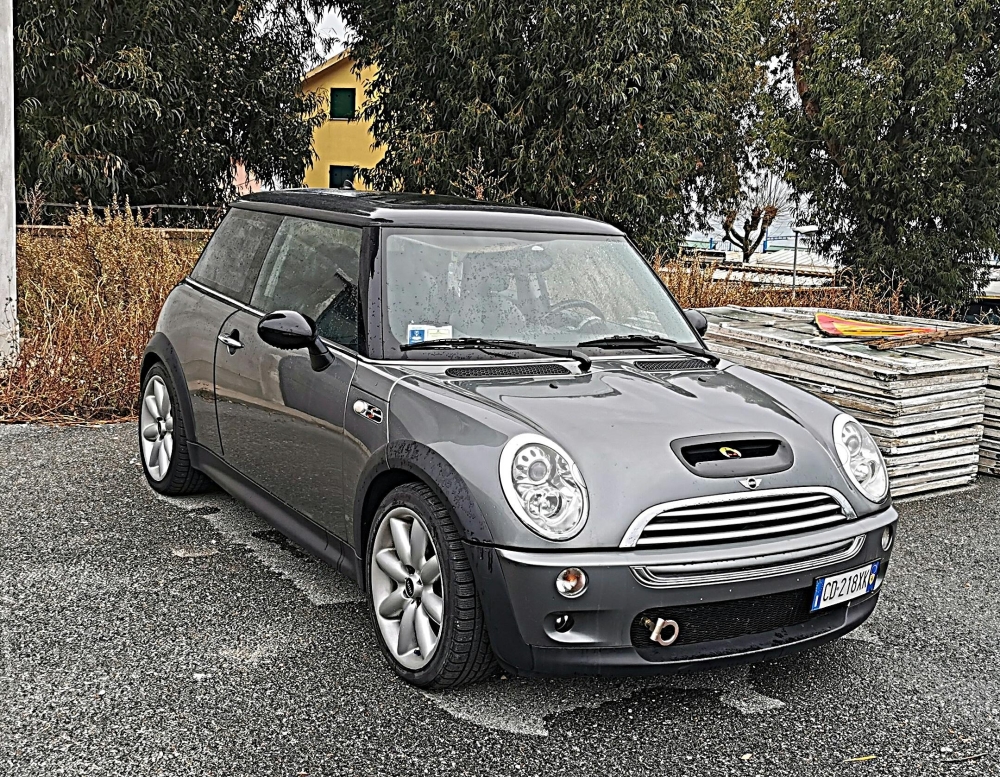
    Ciao a tutti, ho sempre pensato che il mini fosse una macchina da femminucce fino a quando un bel giorno un mio amico mi fa provare la sua cooper d pompata... Dopo qualche mese ecco qua mi ritrovo un R53 in casa 😁 che sballo😎
Account

Navigation

Cerca

Cerca

Configure browser push notifications

Chrome (Android)
  1. Tap the lock icon next to the address bar.
  2. Tap Permissions → Notifications.
  3. Adjust your preference.
Chrome (Desktop)
  1. Click the padlock icon in the address bar.
  2. Select Site settings.
  3. Find Notifications and adjust your preference.