Vai al contenuto
View in the app

A better way to browse. Learn more.

mega MINI forum

A full-screen app on your home screen with push notifications, badges and more.

To install this app on iOS and iPadOS
  1. Tap the Share icon in Safari
  2. Scroll the menu and tap Add to Home Screen.
  3. Tap Add in the top-right corner.
To install this app on Android
  1. Tap the 3-dot menu (⋮) in the top-right corner of the browser.
  2. Tap Add to Home screen or Install app.
  3. Confirm by tapping Install.

Andy87

Utente forum
  • Iscritto

  • Ultima visita

  1. Grazie ragazzi!!! Appena la ritiro vi giro qualche foto 🤤🤤🤤🤤
  2. O lo facevo bene o non lo facevo per niente 🤣 non vedo l'ora di ritirarla!!
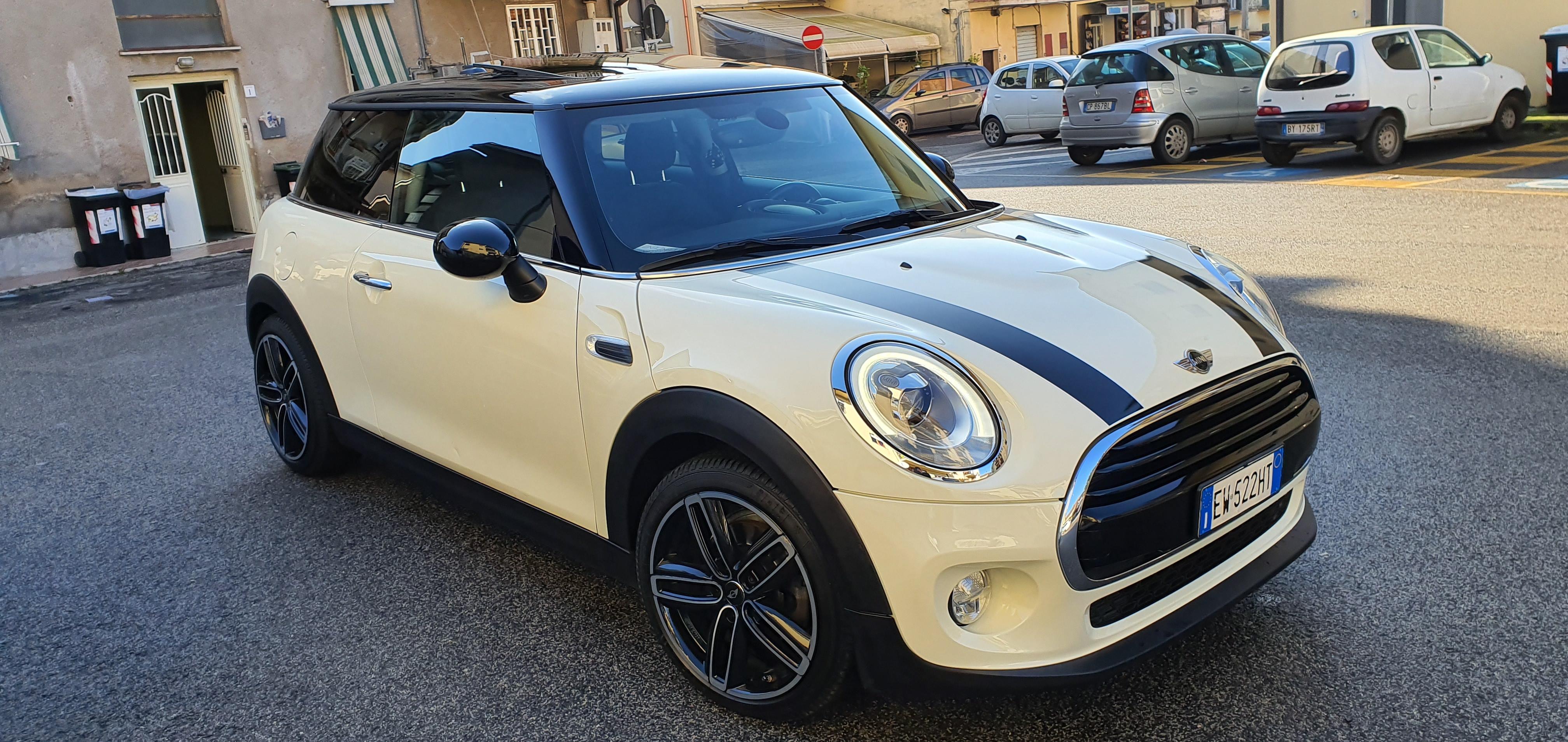
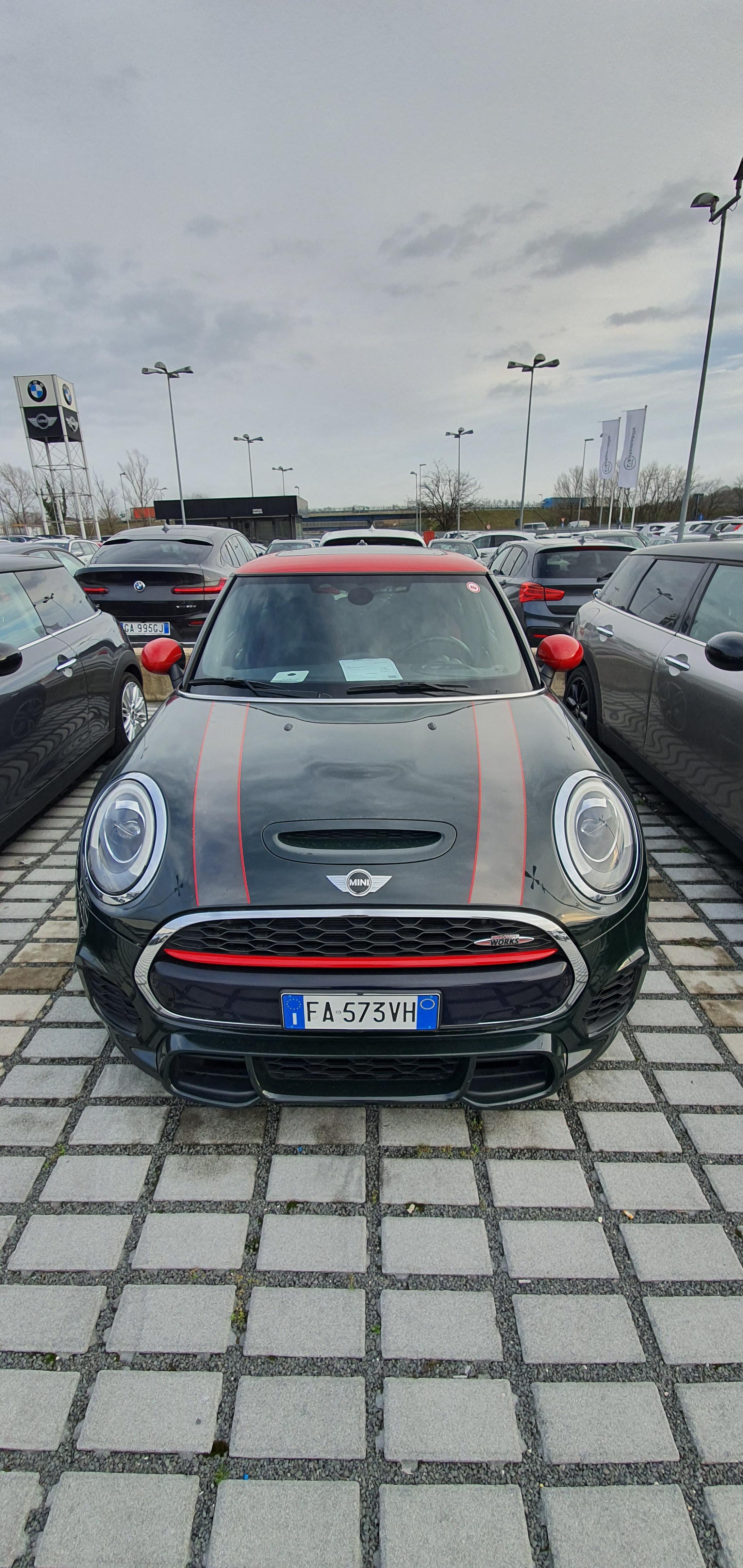
  3. Ciao ragazzi sono Andrea ho 32 anni e 1 anno fa nella scelta del cambio della mia vecchia auto (vecchia fiesta1.2 quindi niente di che) ho provato una mini cooper benzina e da li mi sono innamorato! Dopo svariati giri 8 mesi fà ho acquistato una mini cooper d f56 usata pensando di accontentarmi... beh a inizio settimana mentre la piccola faceva un controllo in conce, ho fatto una botta da matto e ora la sto dando dentro per una jcw (sempre usata)🥰🤤 e ora vorrei chiedervi dei consigli!!! Un saluto a tutti e grazie della vostra disponibilità
Account

Navigation

Cerca

Cerca

Configure browser push notifications

Chrome (Android)
  1. Tap the lock icon next to the address bar.
  2. Tap Permissions → Notifications.
  3. Adjust your preference.
Chrome (Desktop)
  1. Click the padlock icon in the address bar.
  2. Select Site settings.
  3. Find Notifications and adjust your preference.