Tobone
Utente forum
-
Iscritto
-
Ultima visita
Tutti i contenuti di Tobone
-
Eheh lo so...ma sarà inevitabile, già sto pensando al bracciolo da prendere nel quel vorrei installare internamente una specie di spazio in cui fissare l’ipod e quindi portarci dentro i cablaggi... 🤓
-
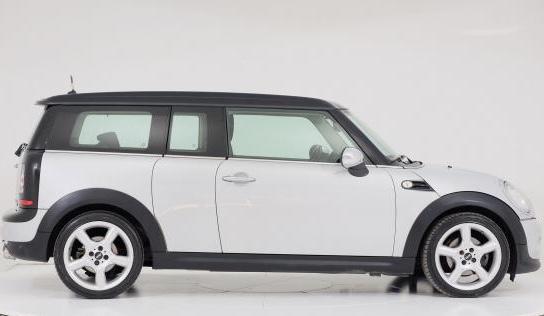
Ciao a tutti, sono Paolo da Roma, 38 anni...ho preso oggi la mia prima Mini r55 del 2007! È una Cooper d, 1.6cc e con 109cv credo, allestimento chili. A breve farò delle foto, intanto ci devo ancora fare amicizia. Ora mi studierò un po’ il sistema navi di serie per vedere che tipo di funzioni ha...anche se a prima vista mi sembra un bel po’ limitato...va beh è del 2007 non posso chiede troppo. Ho già stilato una lista di lavoretti e upgrade da fare per sistemare qualche difettuccio e adattarla un po’ alle mie esigenze. alla prossima ciao a tutti p.s. La foto è presa da internet, ma la mia è praticamente identica