Vai al contenuto
View in the app

A better way to browse. Learn more.

mega MINI forum

A full-screen app on your home screen with push notifications, badges and more.

To install this app on iOS and iPadOS
  1. Tap the Share icon in Safari
  2. Scroll the menu and tap Add to Home Screen.
  3. Tap Add in the top-right corner.
To install this app on Android
  1. Tap the 3-dot menu (⋮) in the top-right corner of the browser.
  2. Tap Add to Home screen or Install app.
  3. Confirm by tapping Install.

TrillifraR56

Utente forum
  • Iscritto

  • Ultima visita

Tutti i contenuti di TrillifraR56

  1. Ok, grazie
  2. Ho provato a scaricare tapatalk ma non trova il forum megamini
  3. TrillifraR56 ha pubblicato una discussione in Motore
    Volevo qualche info da chi ha avuto modo di provare entrambe le soluzioni, la mia mini (cooper s r56) attualmente monta: centrale e finale silenziati gp garage, intercooler airtec, aspirazione aem, turbina jcw, decanter vapori olio. Stavo valutando se installare un cat200 celle o lo skat, soprattutto per il fattore temperature, per chi ha provato entrambi c’è molta differenza di rumore tra i due?
  4. TrillifraR56 ha pubblicato una discussione in New megaMINI DRIVERS
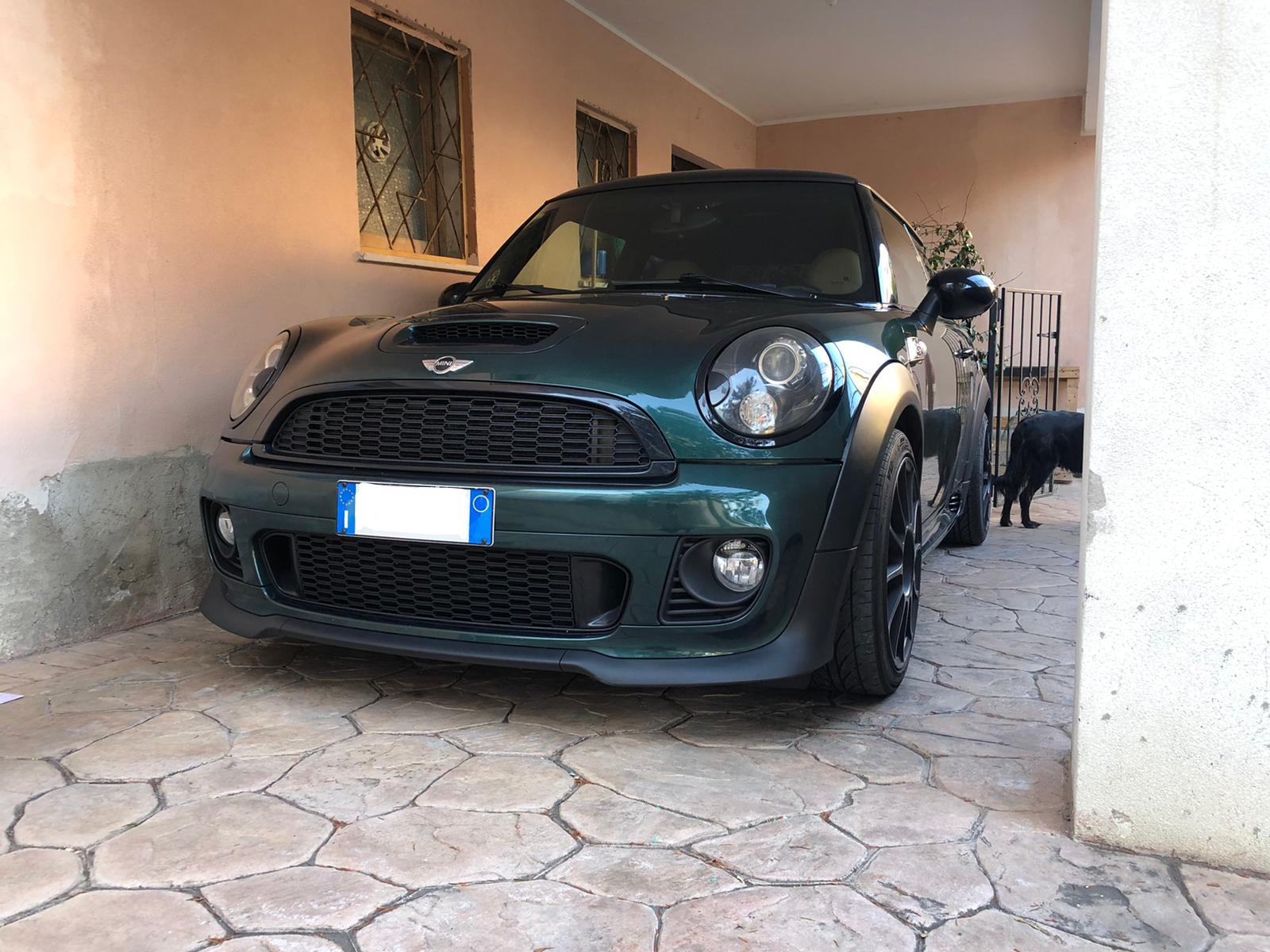
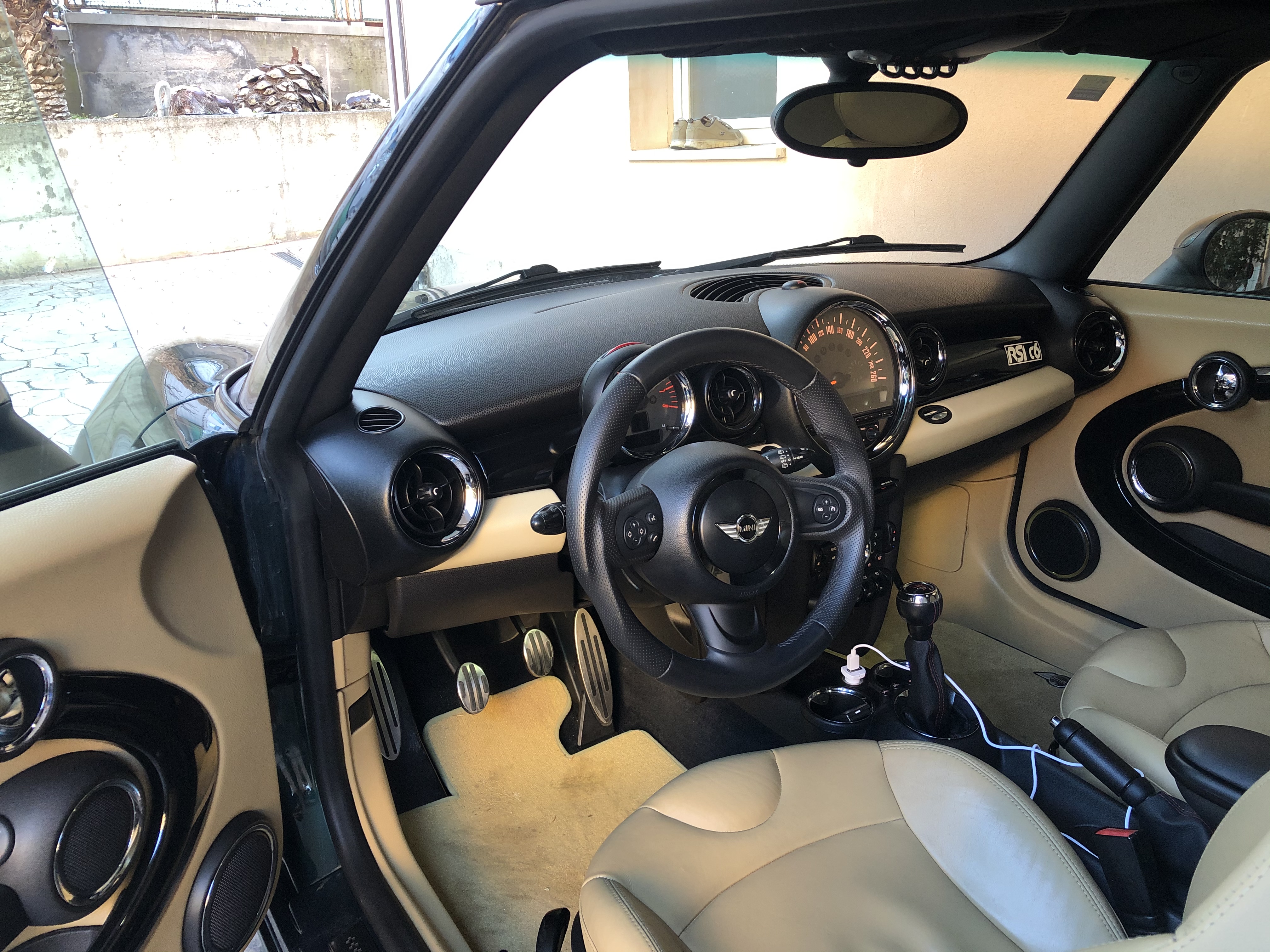
    Mi sono appena iscritto al forum, sperando di trovare consigli tecnici sul mondo delle mini, possiedo una cooper s r56 n14, vi lascio una foto 😁, c’è qualche app per consultare il forum senza aprire il browser?
Account

Navigation

Cerca

Cerca

Configure browser push notifications

Chrome (Android)
  1. Tap the lock icon next to the address bar.
  2. Tap Permissions → Notifications.
  3. Adjust your preference.
Chrome (Desktop)
  1. Click the padlock icon in the address bar.
  2. Select Site settings.
  3. Find Notifications and adjust your preference.