
Vai al contenuto
View in the app

A better way to browse. Learn more.

mega MINI forum

A full-screen app on your home screen with push notifications, badges and more.

To install this app on iOS and iPadOS
  1. Tap the Share icon in Safari
  2. Scroll the menu and tap Add to Home Screen.
  3. Tap Add in the top-right corner.
To install this app on Android
  1. Tap the 3-dot menu (⋮) in the top-right corner of the browser.
  2. Tap Add to Home screen or Install app.
  3. Confirm by tapping Install.

MiniMike

Utente forum
  • Iscritto

  • Ultima visita

Tutti i contenuti di MiniMike

  1. MiniMike ha risposto a minifeel78 nella discussione Video
    Quoto wwleone, in alternativa puoi usare anche l'app bimmercode (io ho usato quella), sempre dopo aver comprato un'interfaccia fisica OBD2 tra le compatibili (prezzo molto basso). Bimmercode si trova anche come apk da siti terzi.
  2. MiniMike ha pubblicato una discussione in New megaMINI DRIVERS
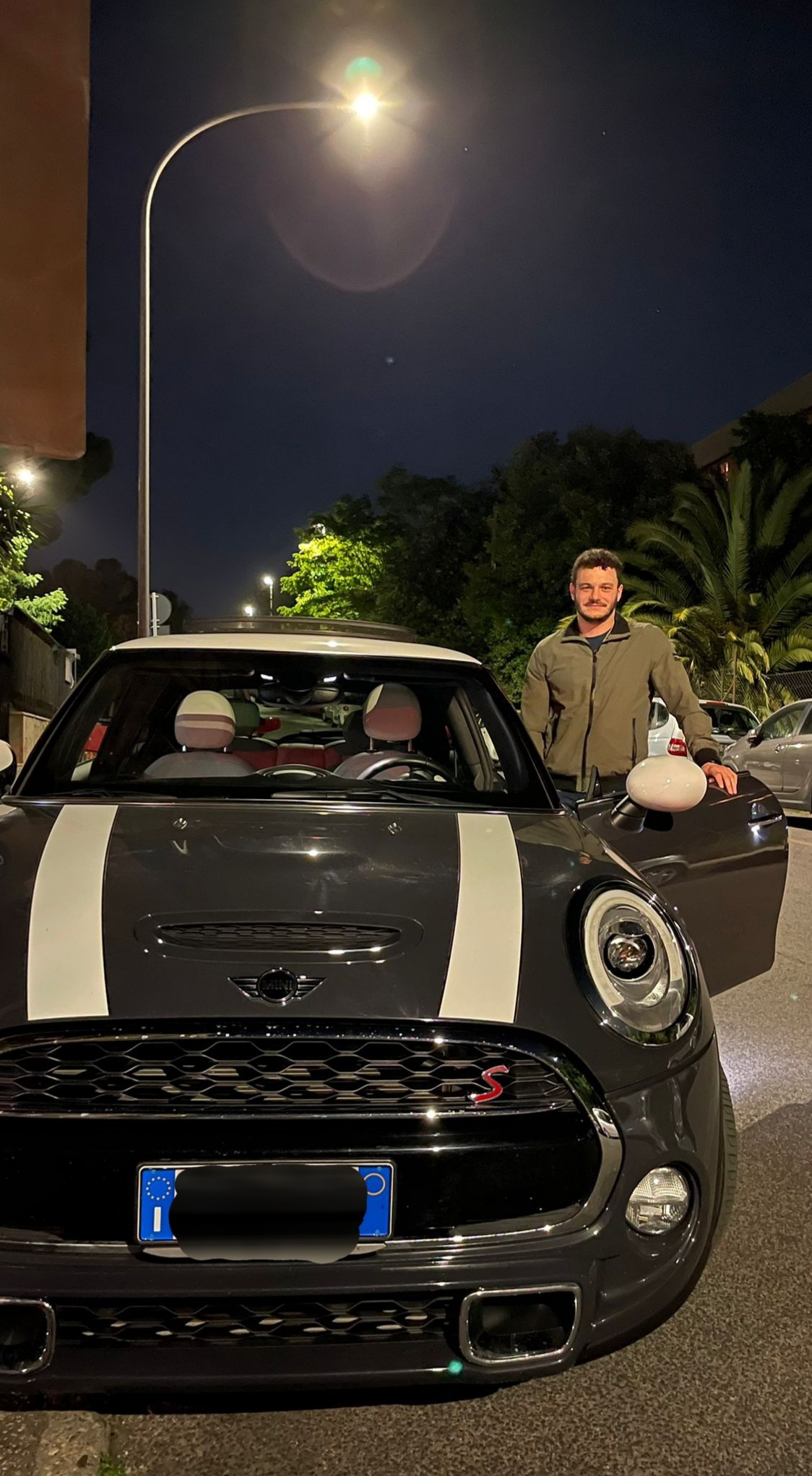
    Ciao a tutti! Sono Giuseppe da Roma, felice possessore di una Mini Cooper S (F56) del 2017 acquistata usata Venerdi scorso in concessionaria. Una scelta di cuore più che di testa... Spero di non essere l'unico a dover fronteggiare lo scetticismo di alcuni parenti e amici (forse un po' invidiosi 😅)...


Account

Navigation

Cerca

Cerca

Configure browser push notifications

Chrome (Android)
  1. Tap the lock icon next to the address bar.
  2. Tap Permissions → Notifications.
  3. Adjust your preference.
Chrome (Desktop)
  1. Click the padlock icon in the address bar.
  2. Select Site settings.
  3. Find Notifications and adjust your preference.