Vai al contenuto
View in the app

A better way to browse. Learn more.

mega MINI forum

A full-screen app on your home screen with push notifications, badges and more.

To install this app on iOS and iPadOS
  1. Tap the Share icon in Safari
  2. Scroll the menu and tap Add to Home Screen.
  3. Tap Add in the top-right corner.
To install this app on Android
  1. Tap the 3-dot menu (⋮) in the top-right corner of the browser.
  2. Tap Add to Home screen or Install app.
  3. Confirm by tapping Install.

simoscaro79

Utente forum
  • Iscritto

  • Ultima visita

  1. Devo dire che all inizio non piacevano nemmeno a me,con il tempo ci ho fatto l occhio e ora non mi dispiacciono affatto…😉
  2. Il fatto che sottostimi i km di autonomia mette un po di ansia,non so se e’ cosi anche per te,per il resto mi sto trovando da dio veramente 😍
  3. Appena ho un attimo di tempo faro’ altre foto promesso 😉
  4. simoscaro79 si è unito alla community
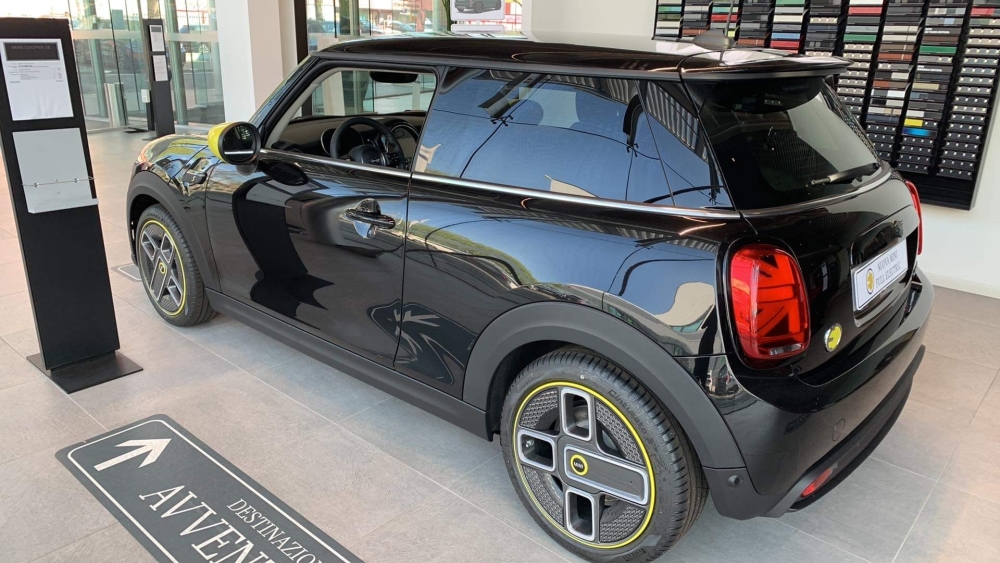
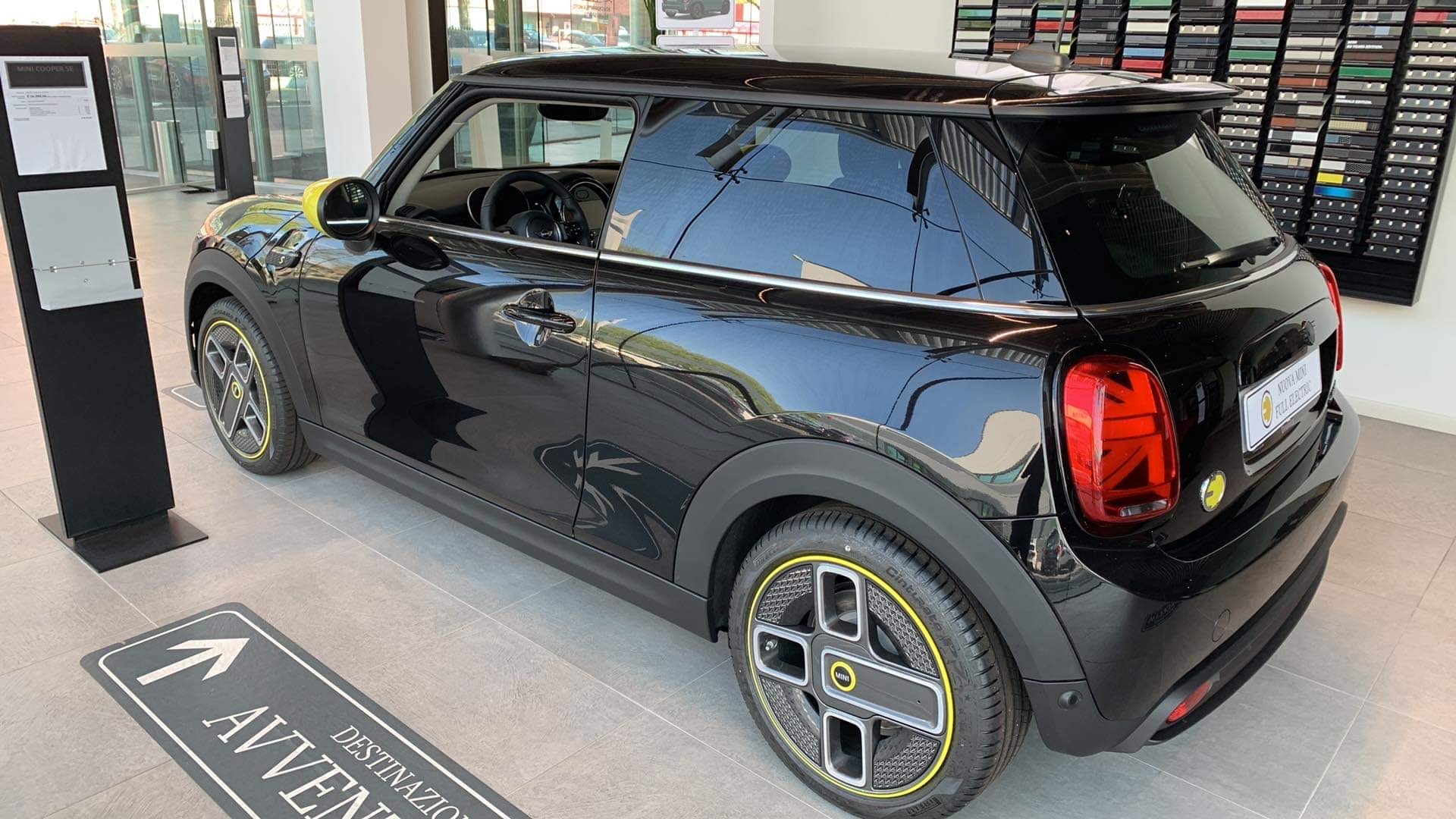
  5. Ciao,sono Simone,da stamattina sono proprietario di una stupenda MINI Cooper se elettrica,spero di avere qualche consiglio dai piu esperti elettronauti 😊
Account

Navigation

Cerca

Cerca

Configure browser push notifications

Chrome (Android)
  1. Tap the lock icon next to the address bar.
  2. Tap Permissions → Notifications.
  3. Adjust your preference.
Chrome (Desktop)
  1. Click the padlock icon in the address bar.
  2. Select Site settings.
  3. Find Notifications and adjust your preference.
