SALVOARTWORK
Utente forum
-
Iscritto
-
Ultima visita
Tutti i contenuti di SALVOARTWORK
-
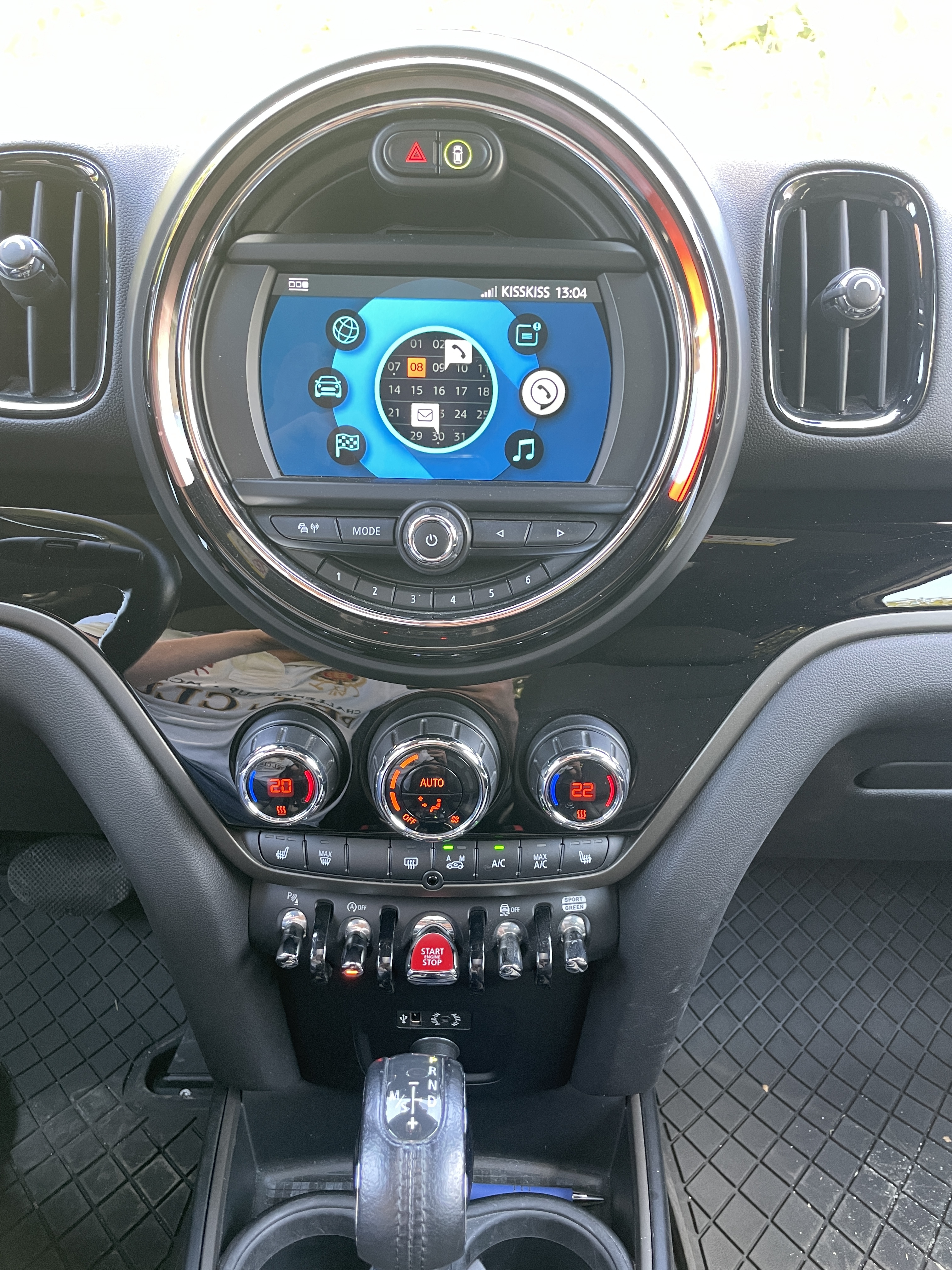
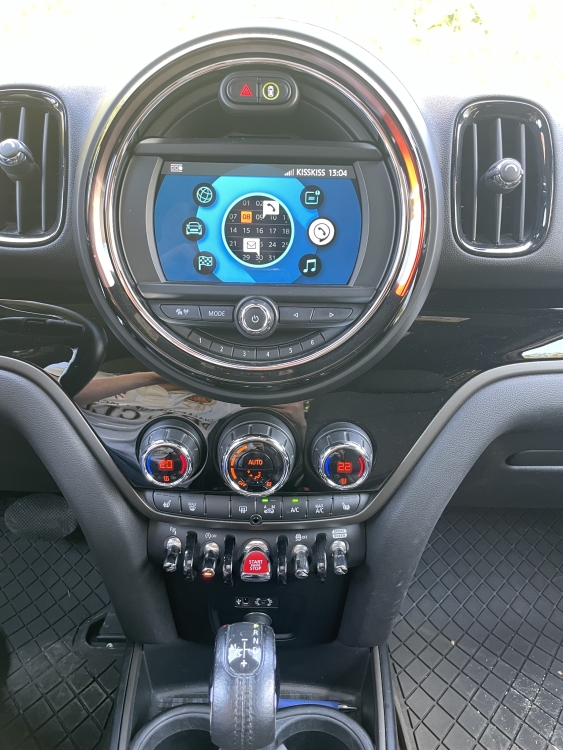
Salve a tutti, vorrei fare l’upgrade del sistema all’ultima versione ecc… qualcuno che può aiutarmi ? Consigliarmi ? O Farlo ? Grazie anticipatamente…
-
Ti ho scritto anch’io in privato, ricevuto ???
-
Grazie a tutti 🤗 sono davvero contento di questo acquisto, mi sta sorprendendo giorno per giorno per caratteristiche e prestazioni! Gran bella scoperta !
-
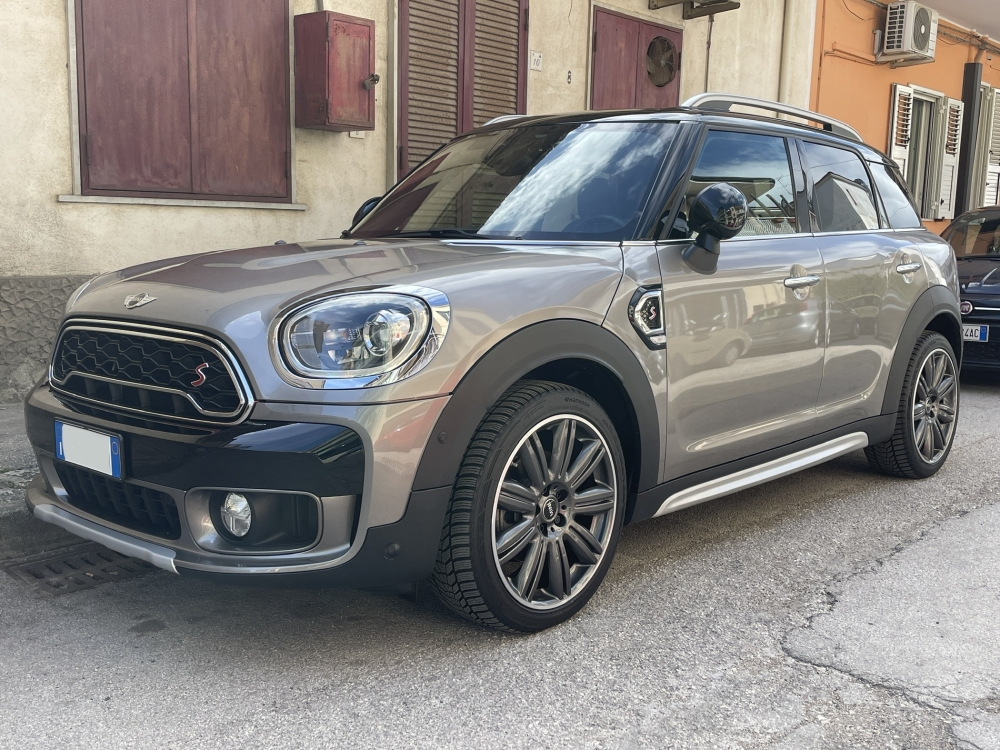
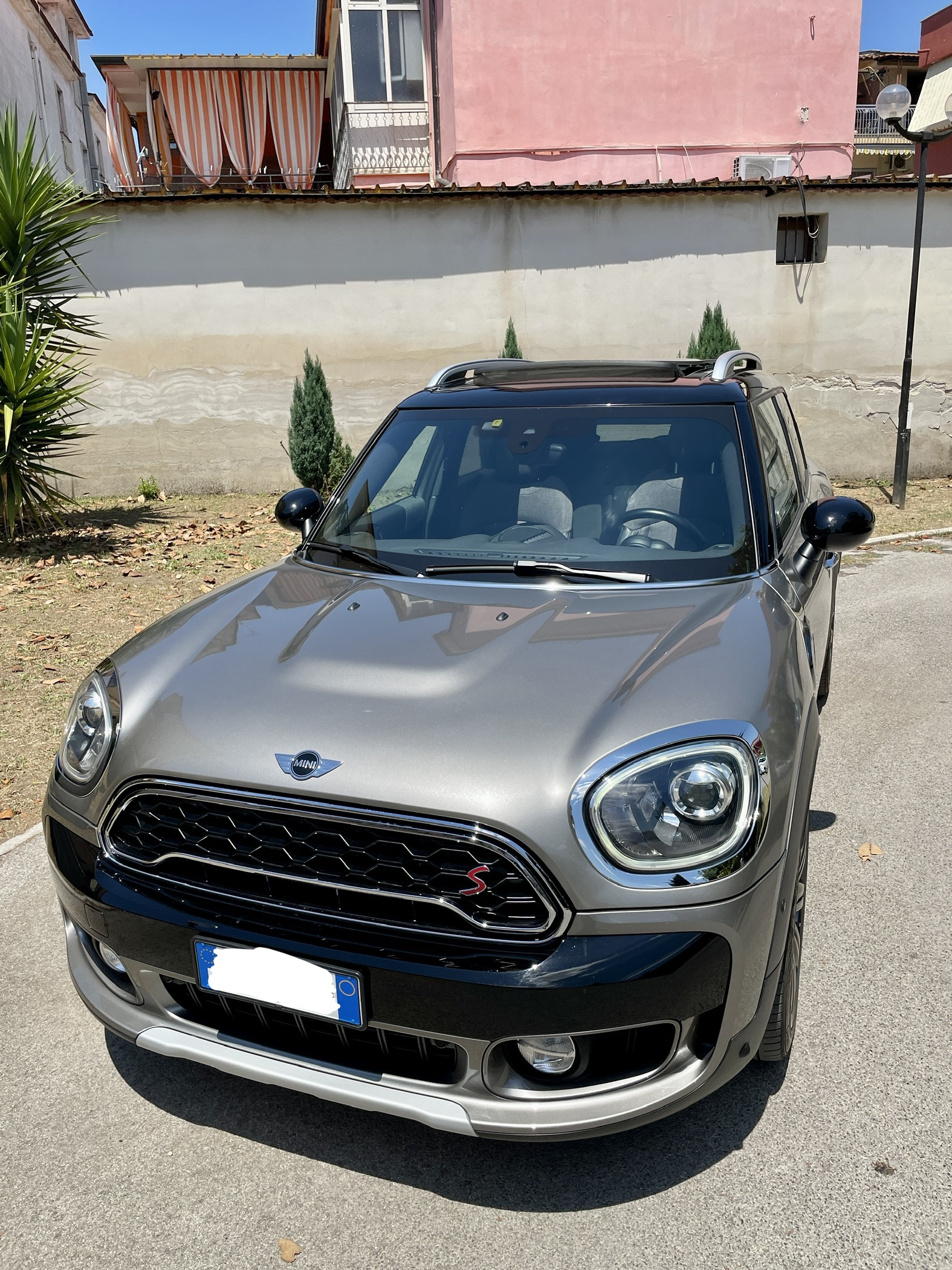
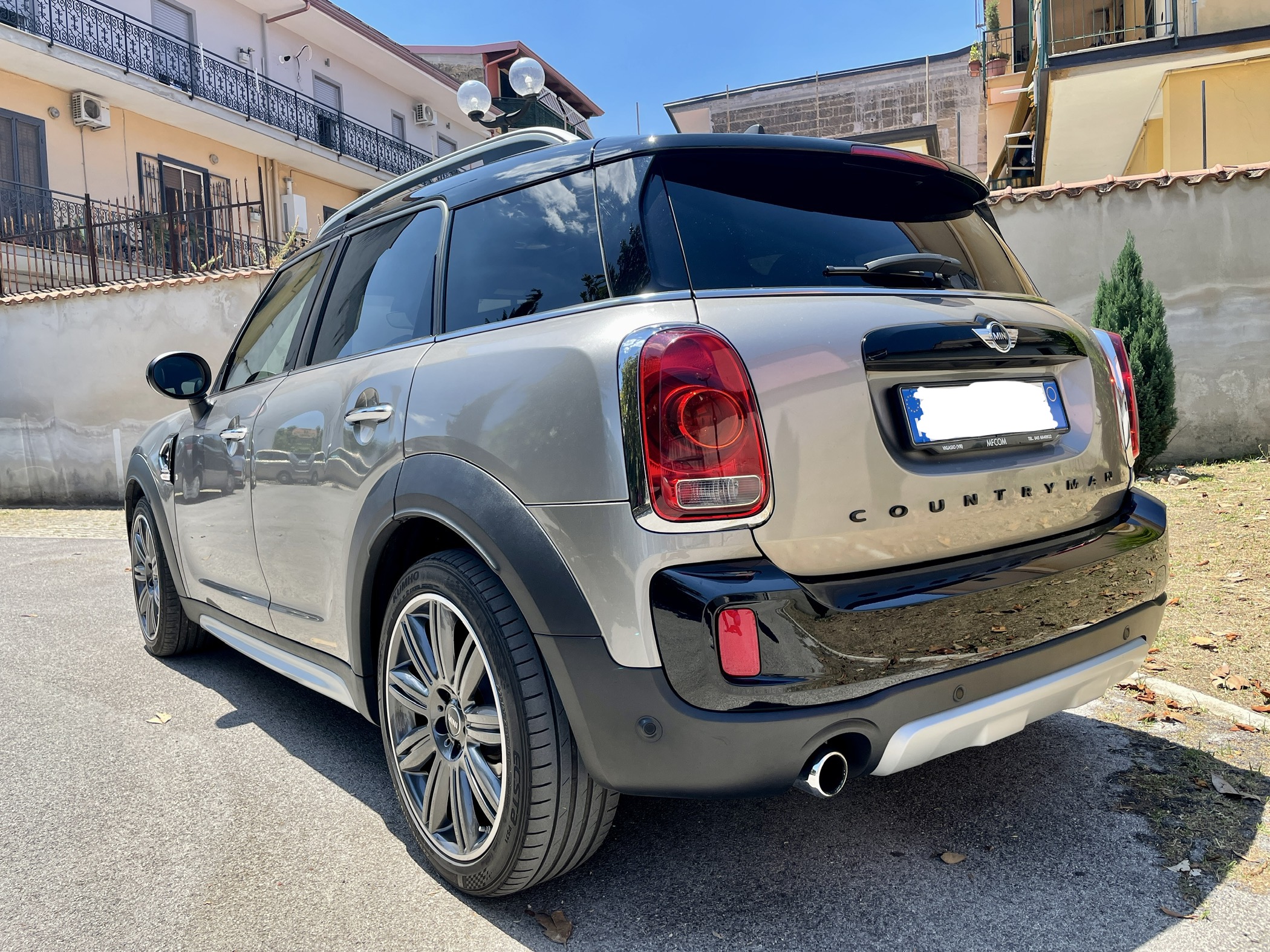
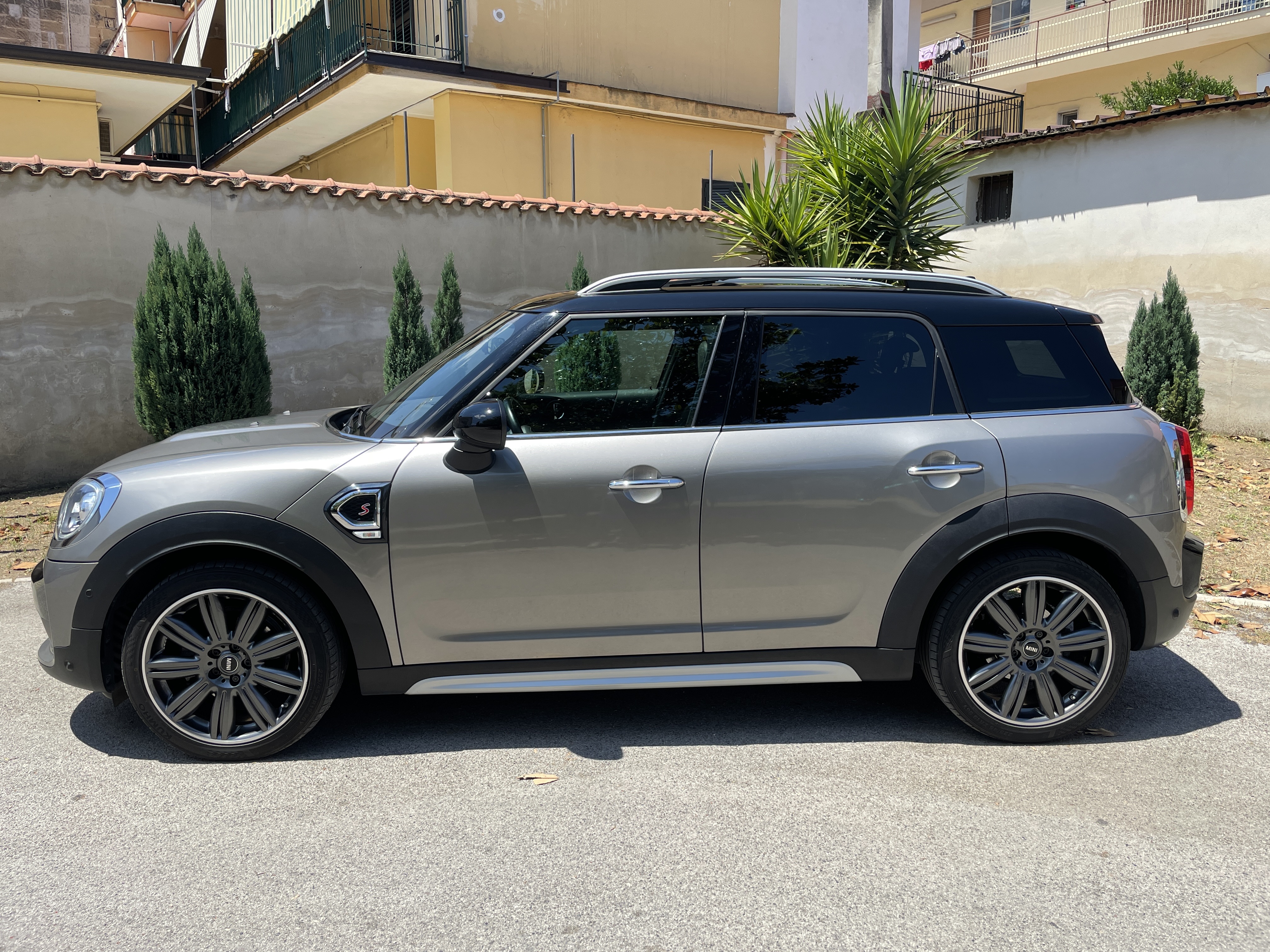
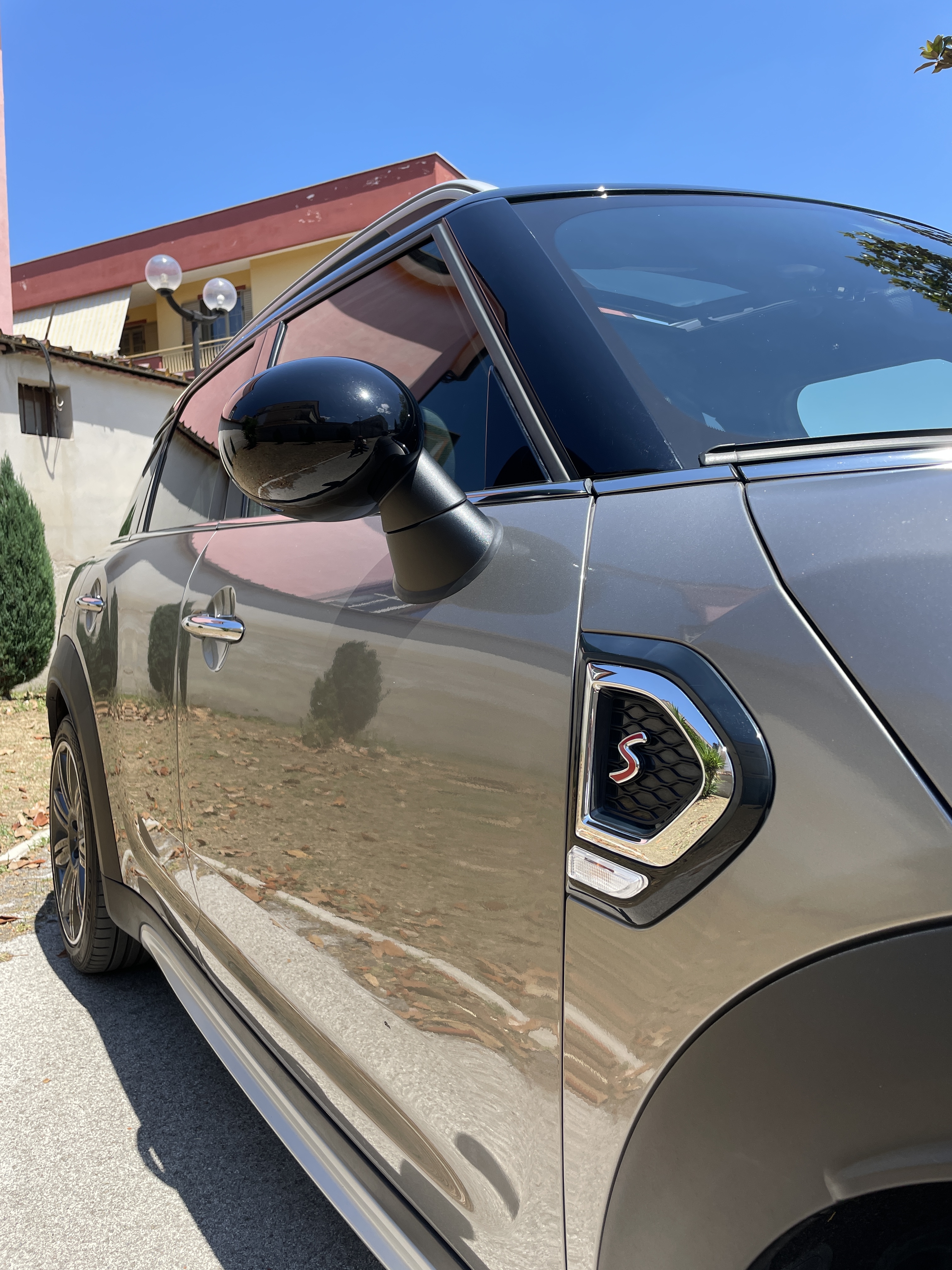
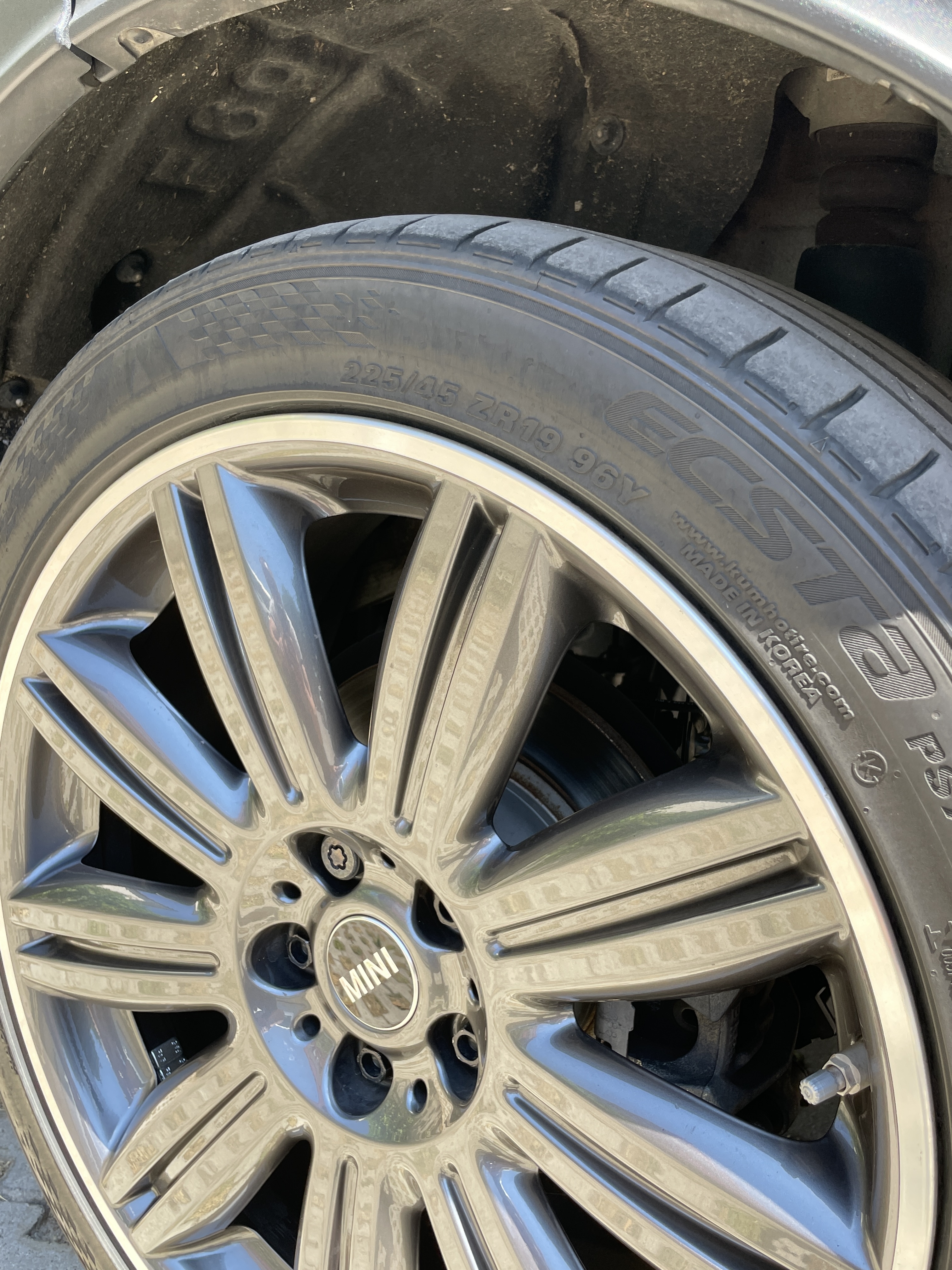
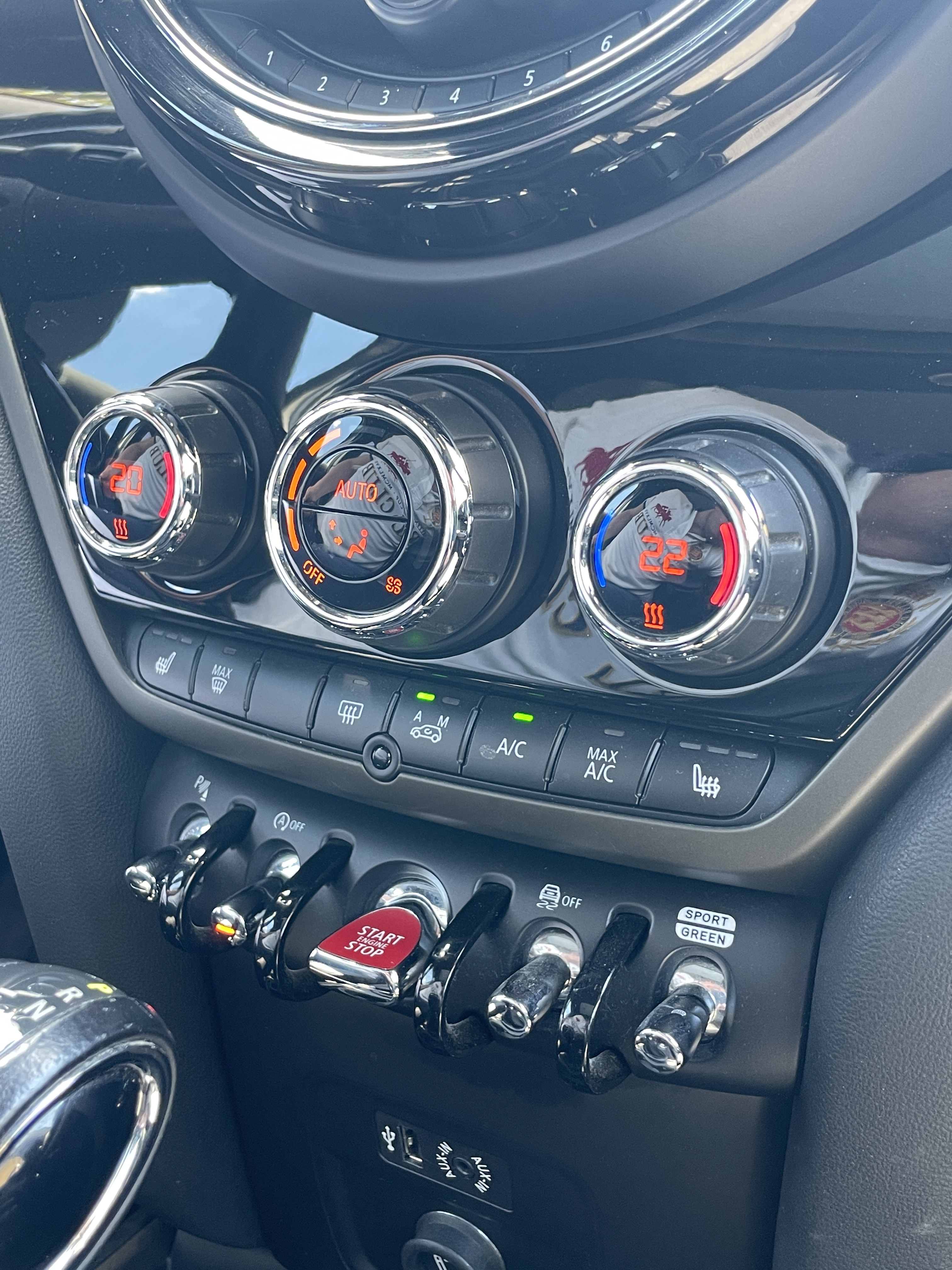
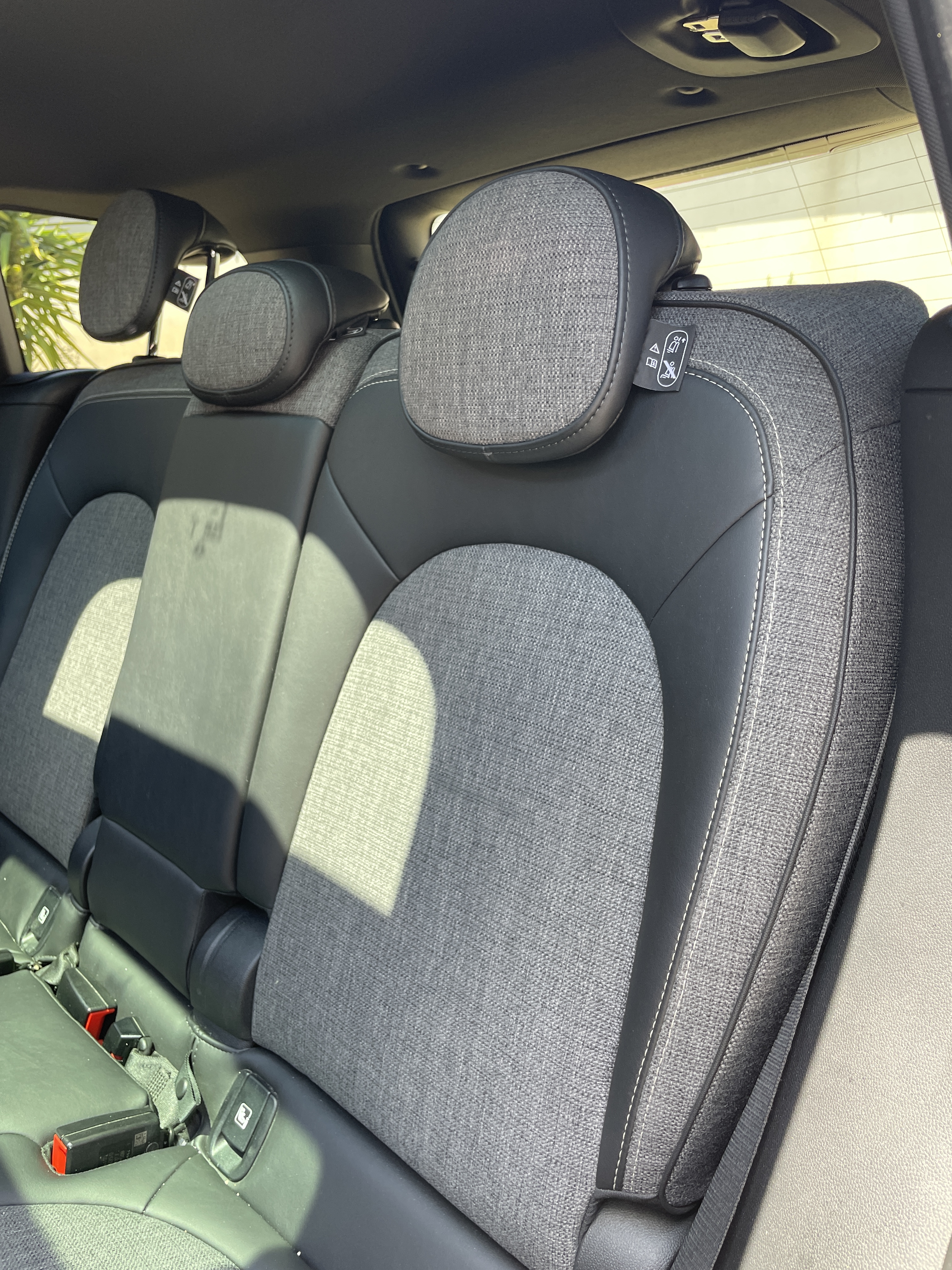
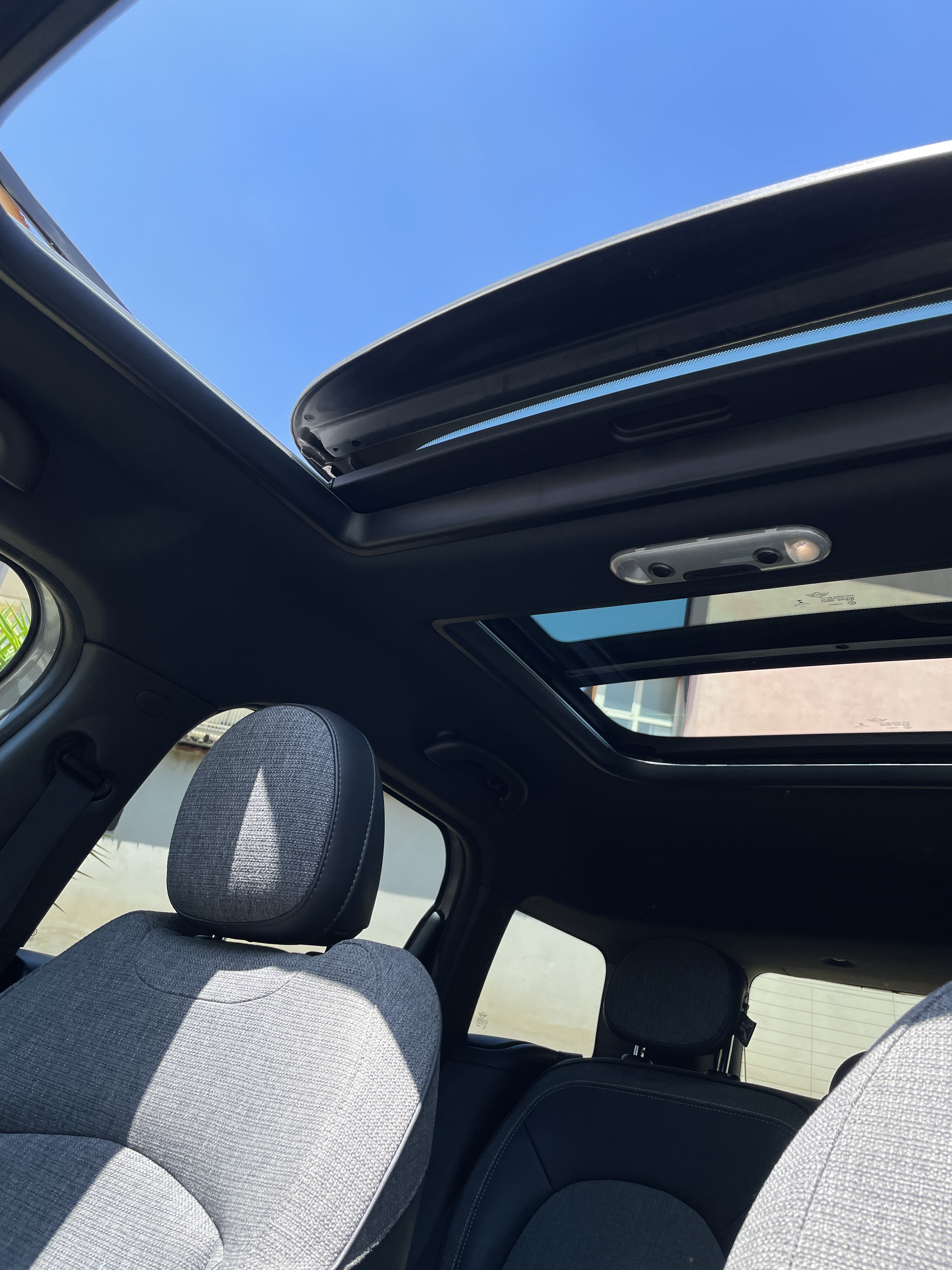
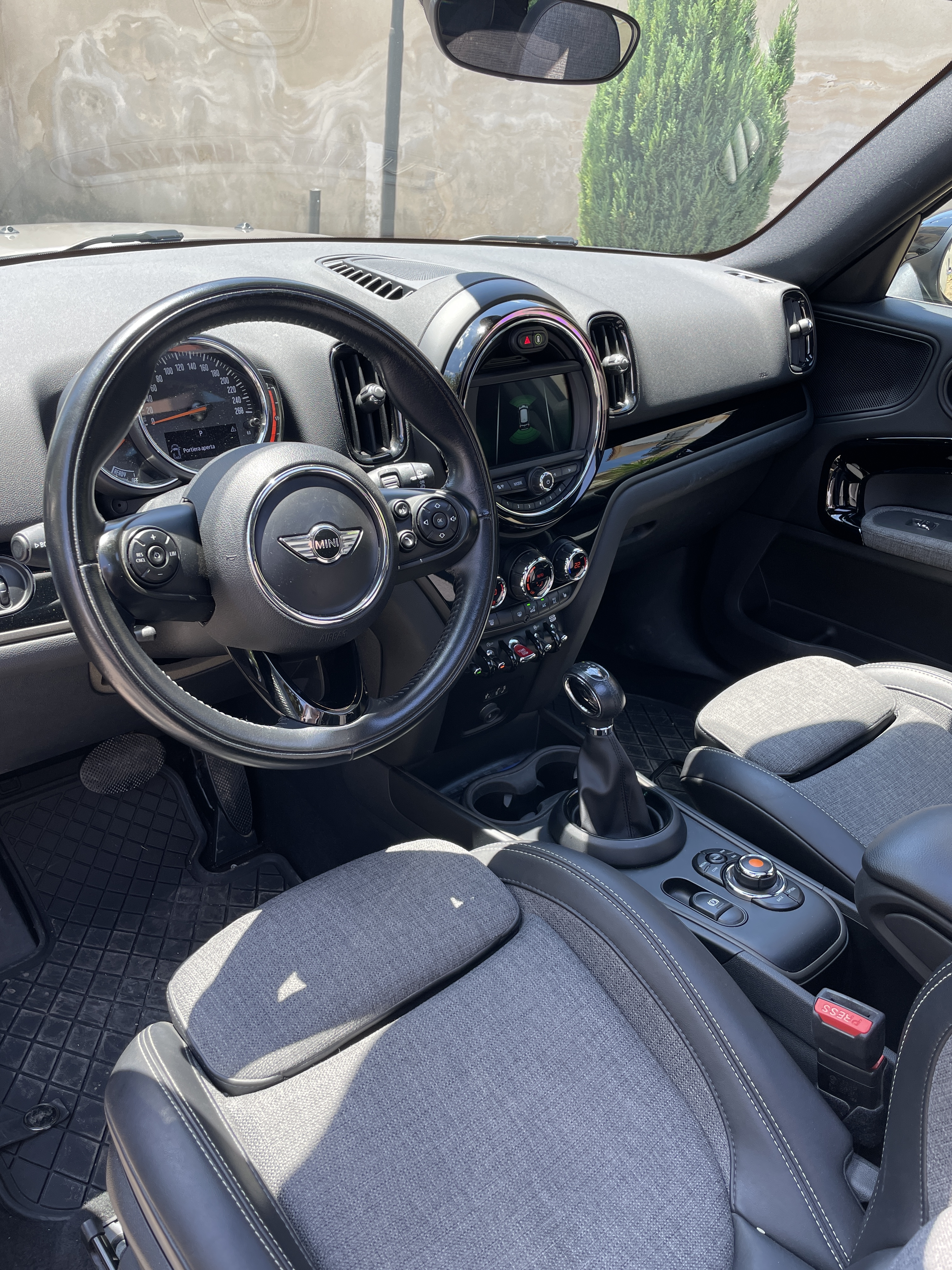
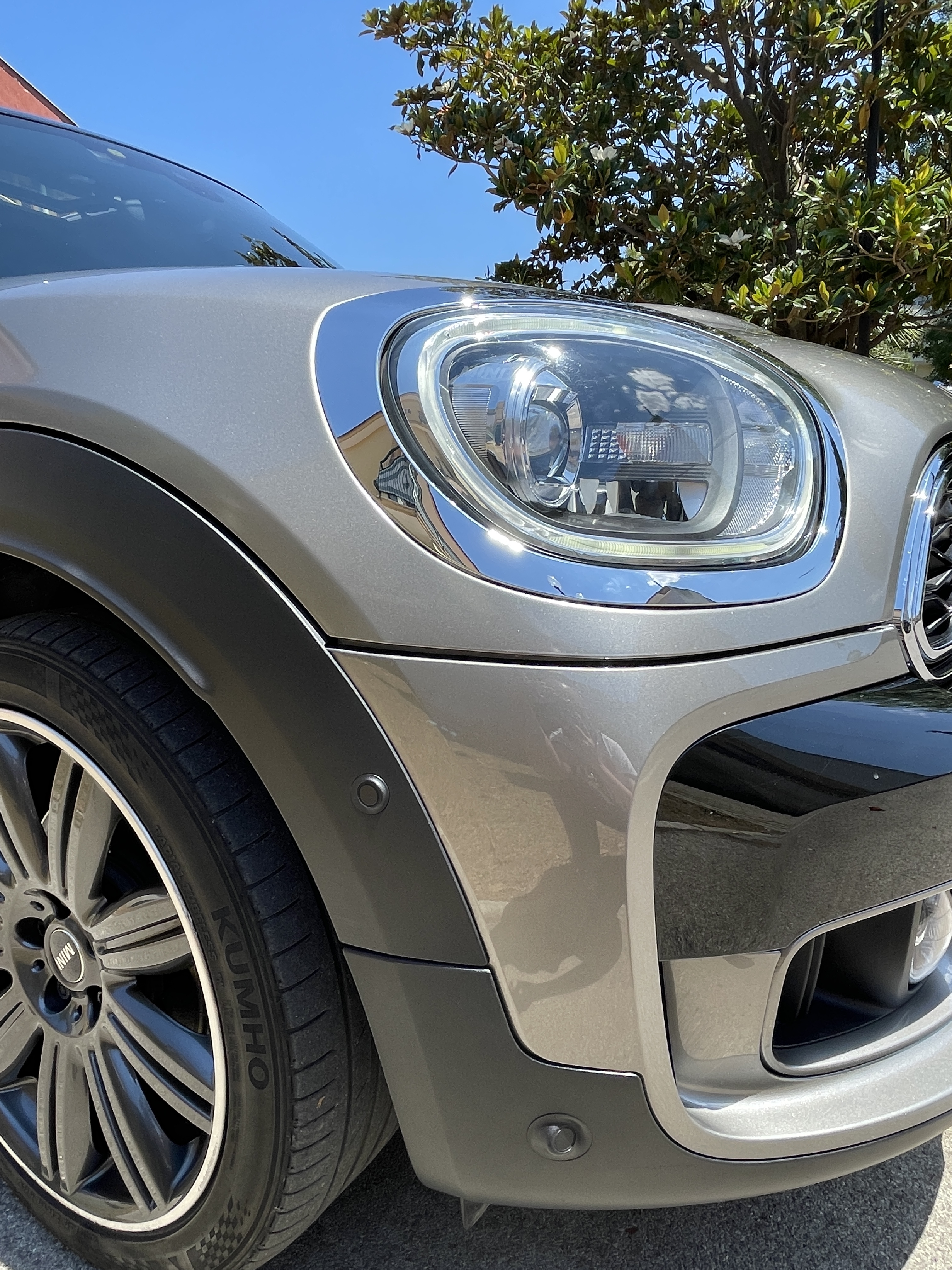
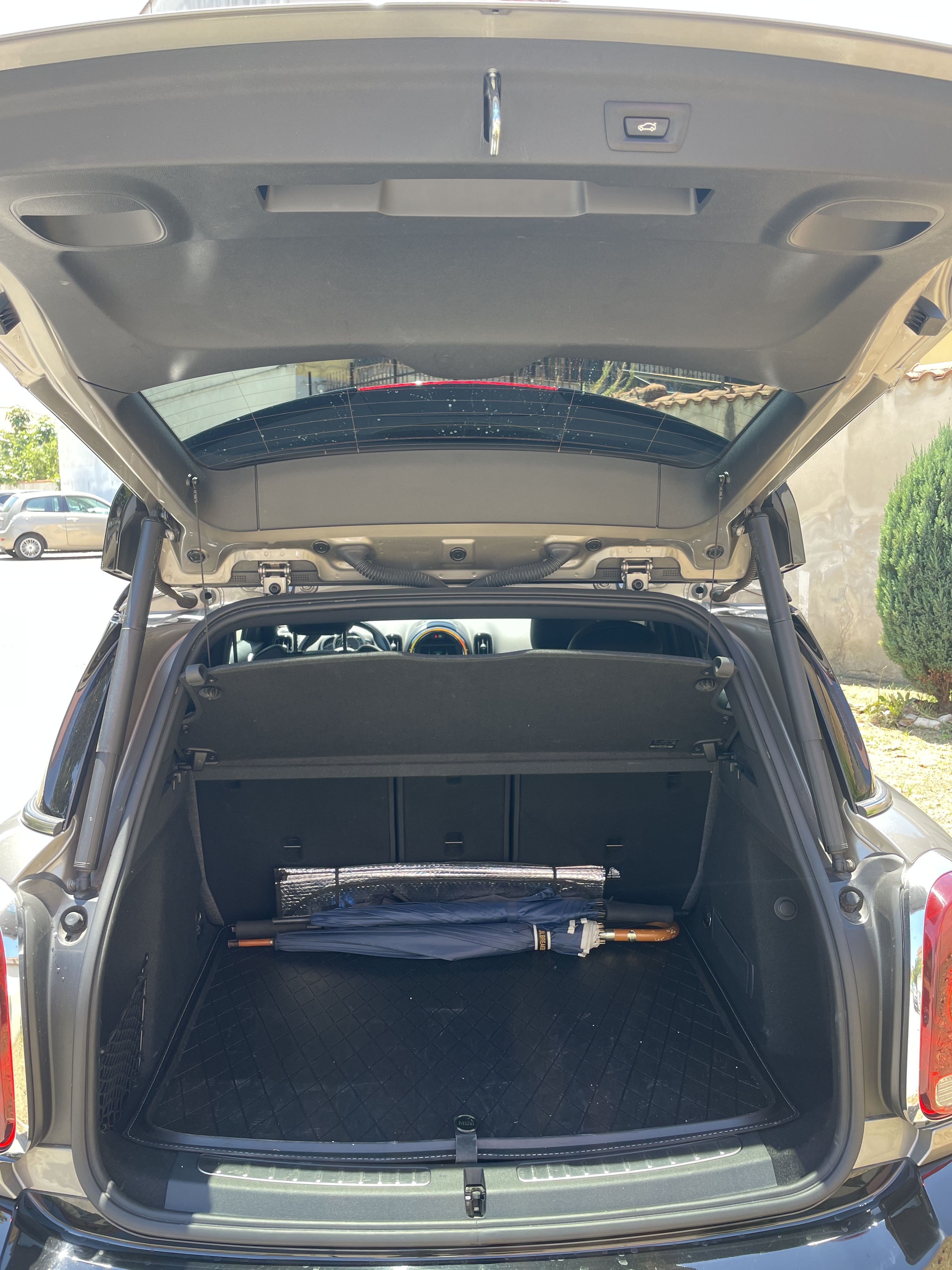
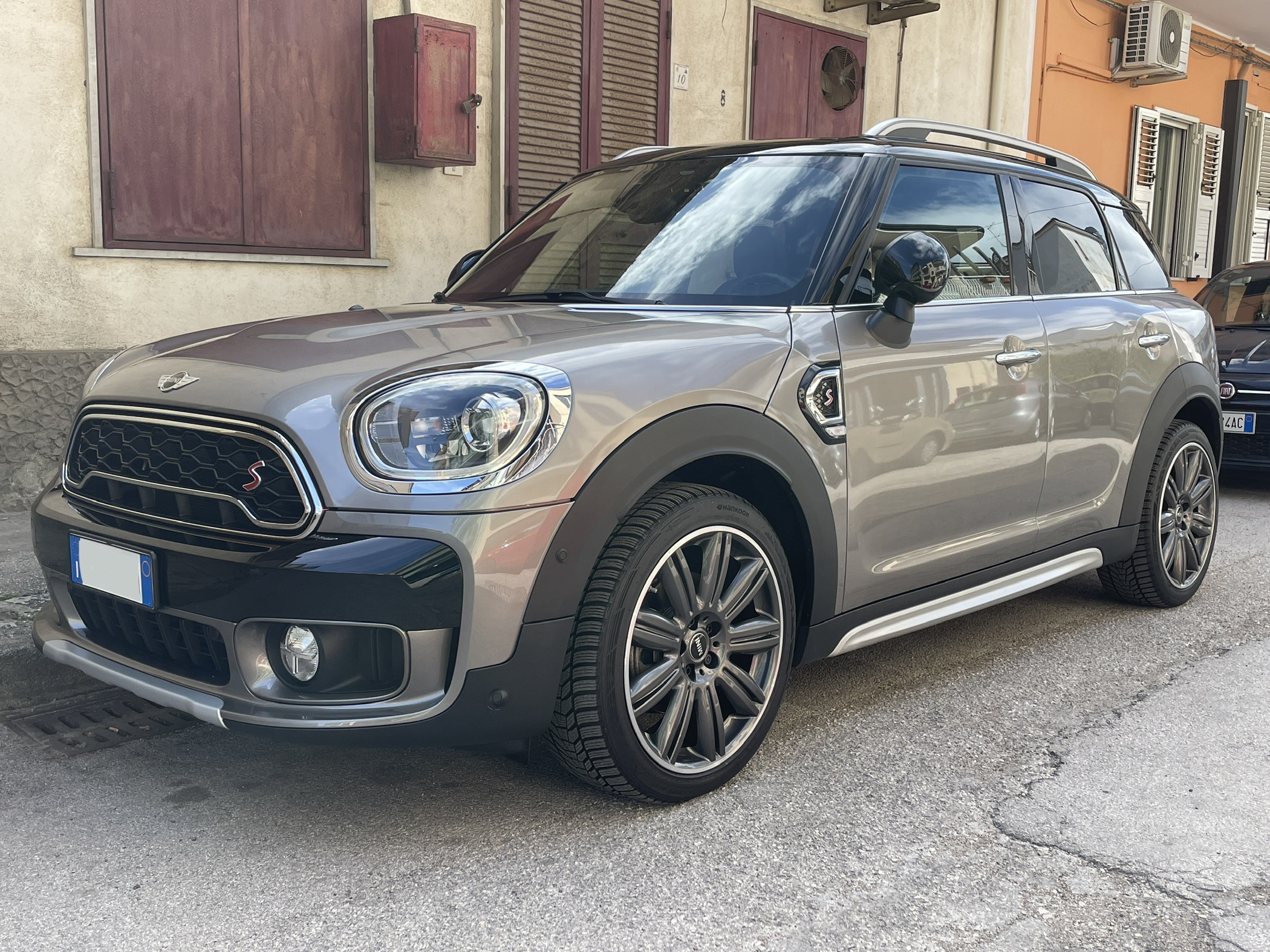
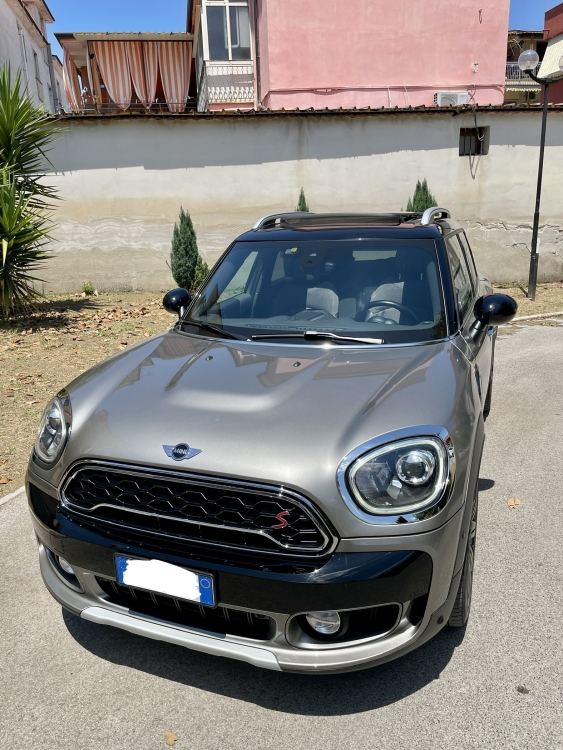
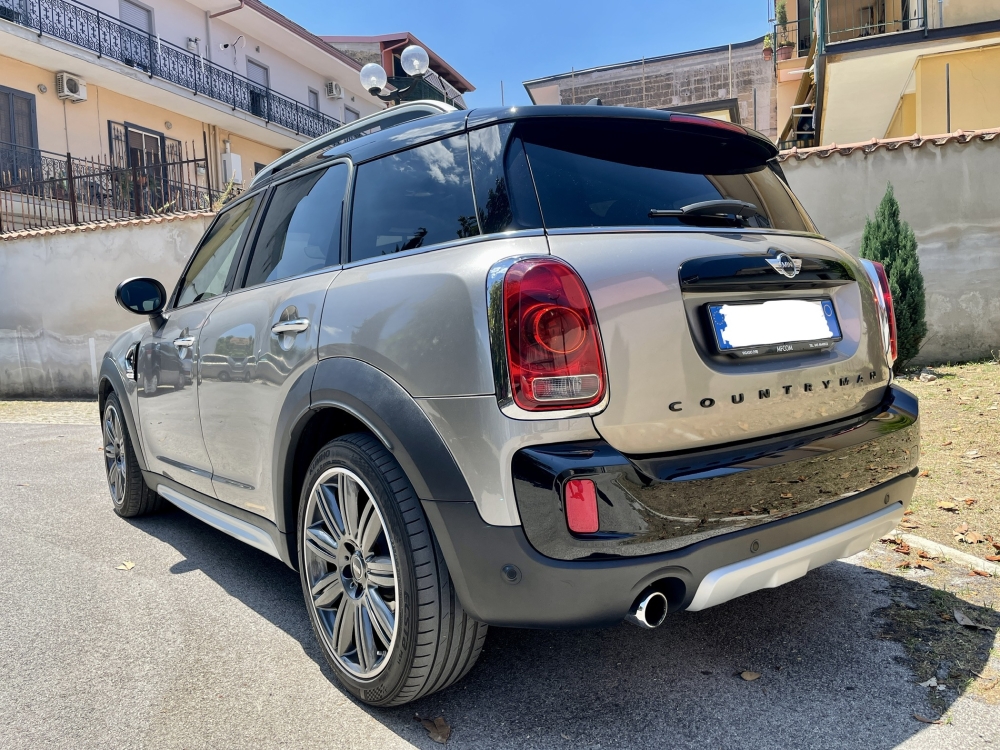
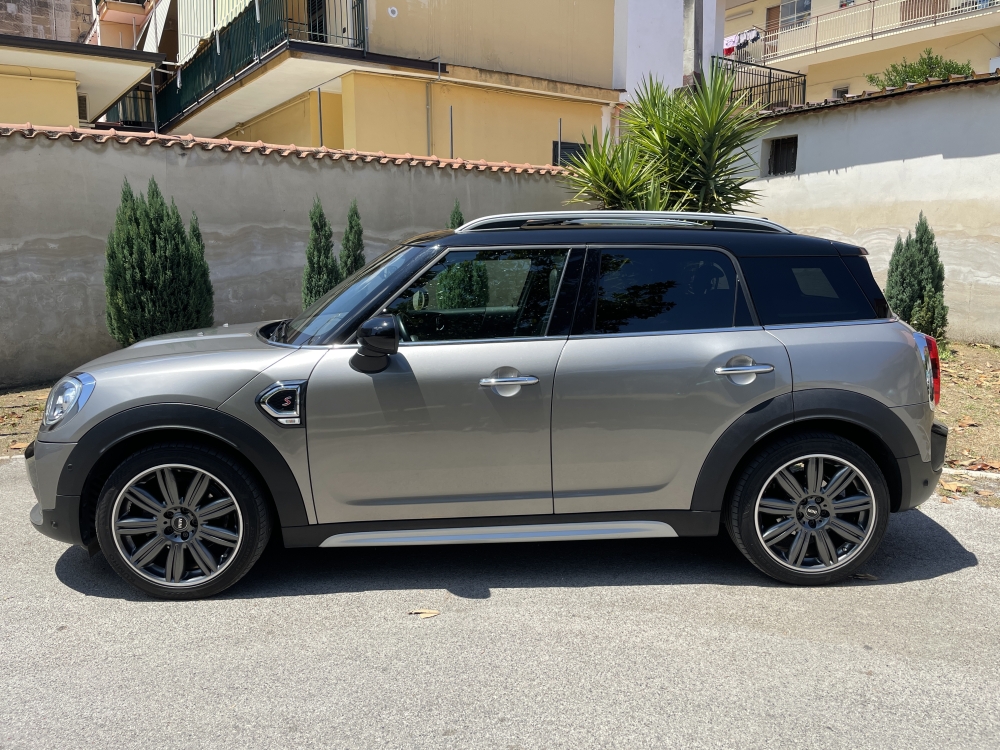
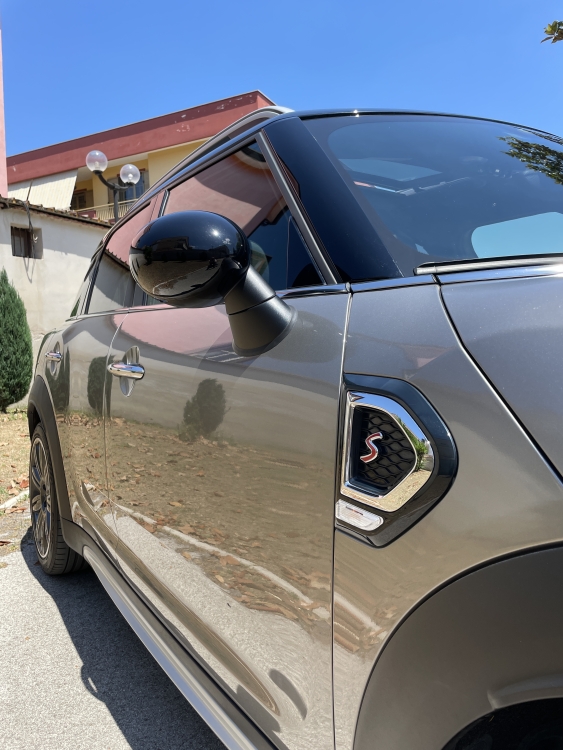
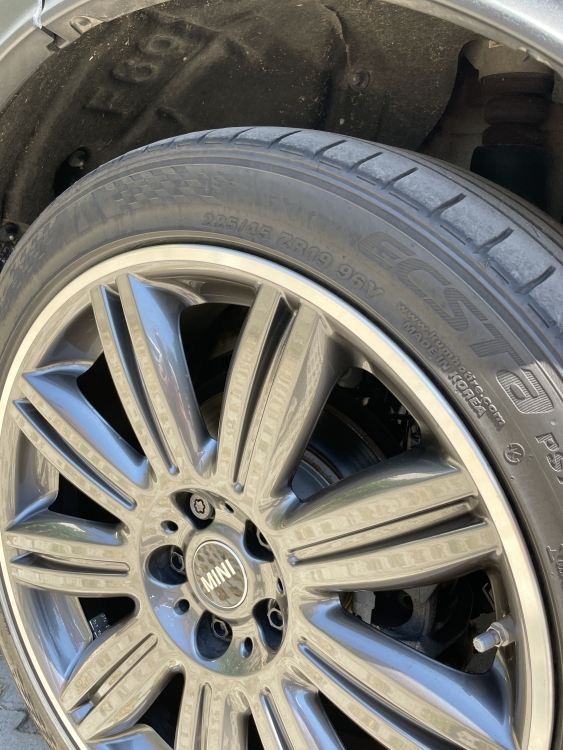
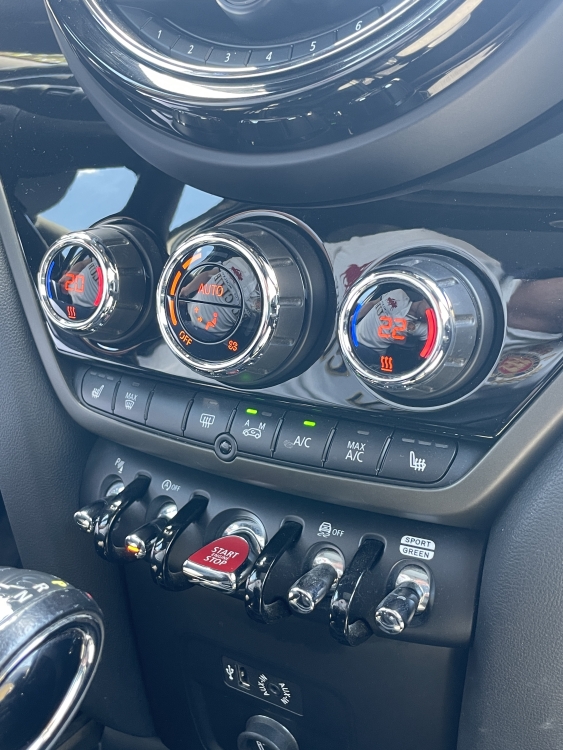
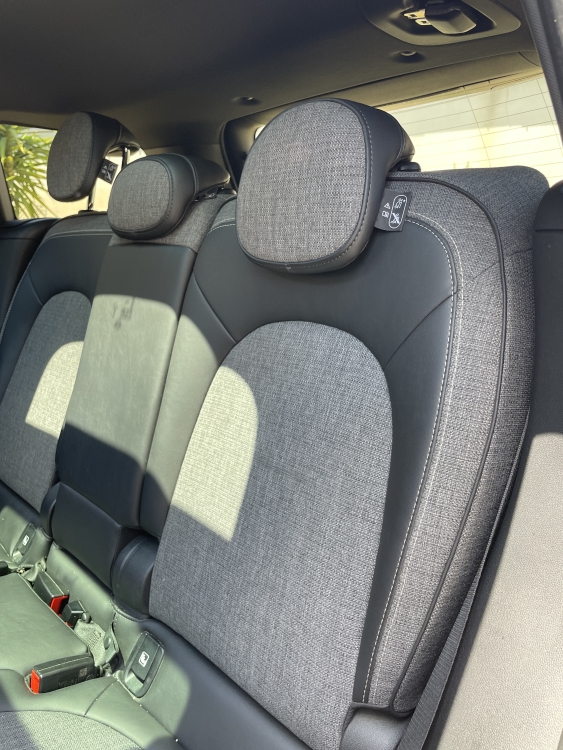
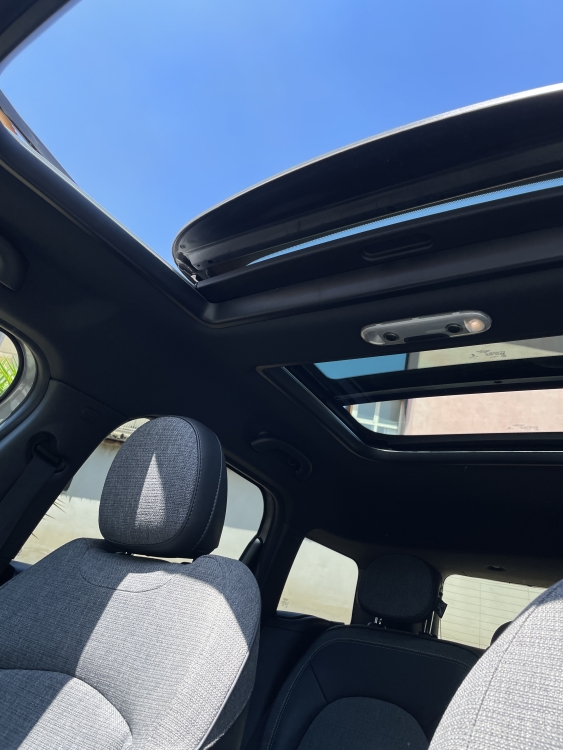
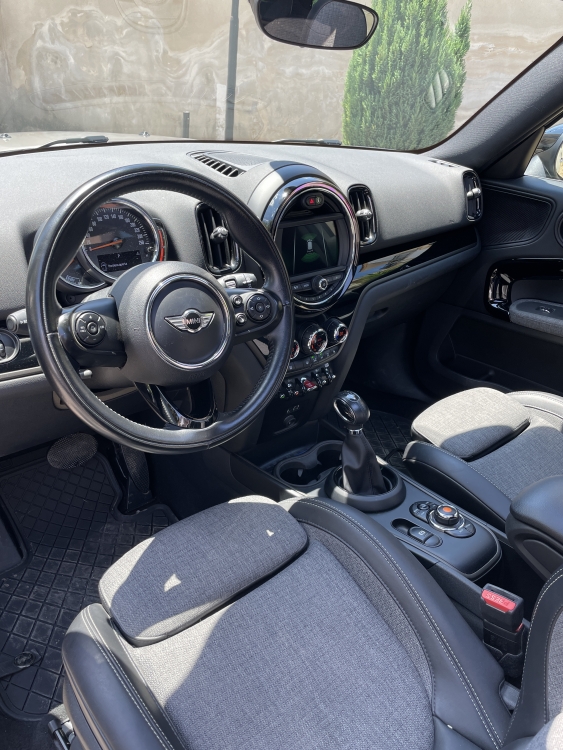
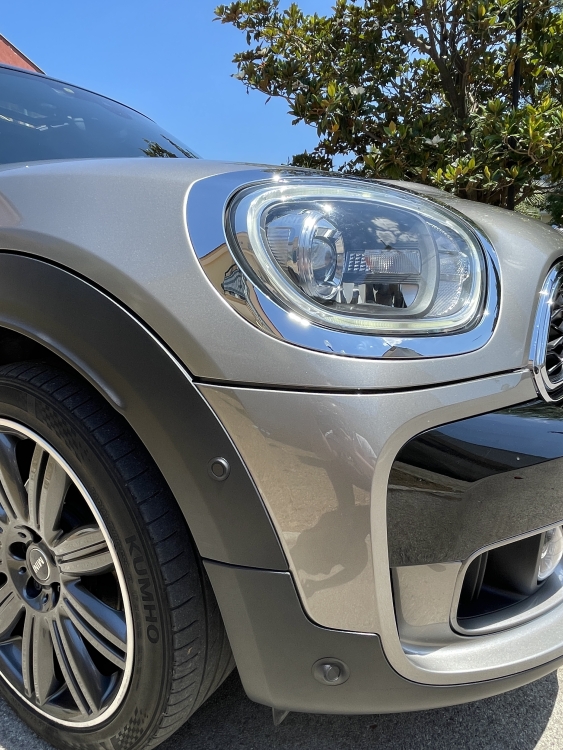
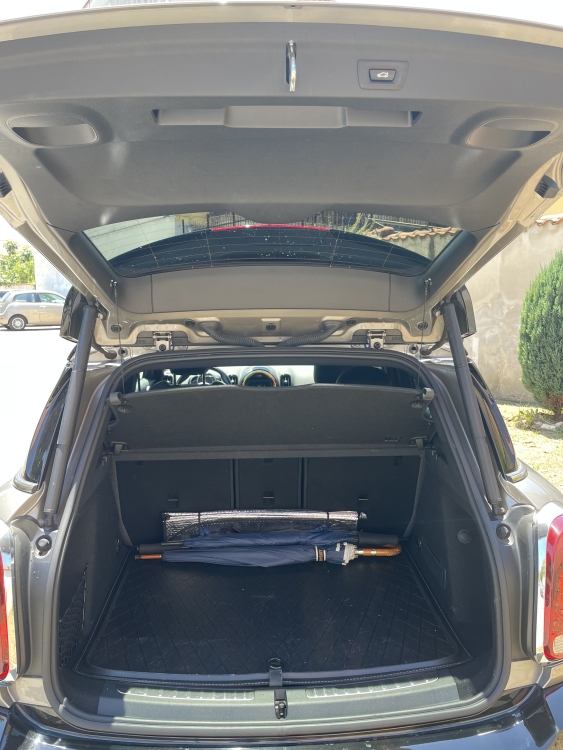
Finalmente trovo il tempo per qualche foto dedicata… da poco possessore di questa MINI e sorprendentemente soddisfatto 💪😁
-
Ciao a Tutti… mi chiamo Salvatore e sono di Napoli, ho da poco acquistato una Contryman S, non era quello che cercavo ma sono stato attratto, affascinato e sorpreso da questa meravigliosa auto !!! Successivamente ho da chiedervi alcuni dubbi e richiesta di fattibilità per qualche upgrade… grazie anticipatamente, a presto !