Vai al contenuto
View in the app

A better way to browse. Learn more.

mega MINI forum

A full-screen app on your home screen with push notifications, badges and more.

To install this app on iOS and iPadOS
  1. Tap the Share icon in Safari
  2. Scroll the menu and tap Add to Home Screen.
  3. Tap Add in the top-right corner.
To install this app on Android
  1. Tap the 3-dot menu (⋮) in the top-right corner of the browser.
  2. Tap Add to Home screen or Install app.
  3. Confirm by tapping Install.

Baby and Max

Utente forum
  • Iscritto

  • Ultima visita

  1. Collegato anche il cavetto ma nulla purtroppo
  2. Provato anche con carplay ma nulla
  3. Baby and Max ha cambiato la sua immagine del profilo
  4. Buongiorno, abbiamo abbinato il nostro Iphone 11 via bluetooth a MINI Connected, ma le uniche info visibili sono i contatti telefonici, quando invece mi aspettavo anche sincronizzazione con calendario, note ecc. Nel Manuale di manutenzione non trovo nulla che mi possa aiutare a risolvere o capire se è un problema di non compatibilità. A qualcuno è capitato ?
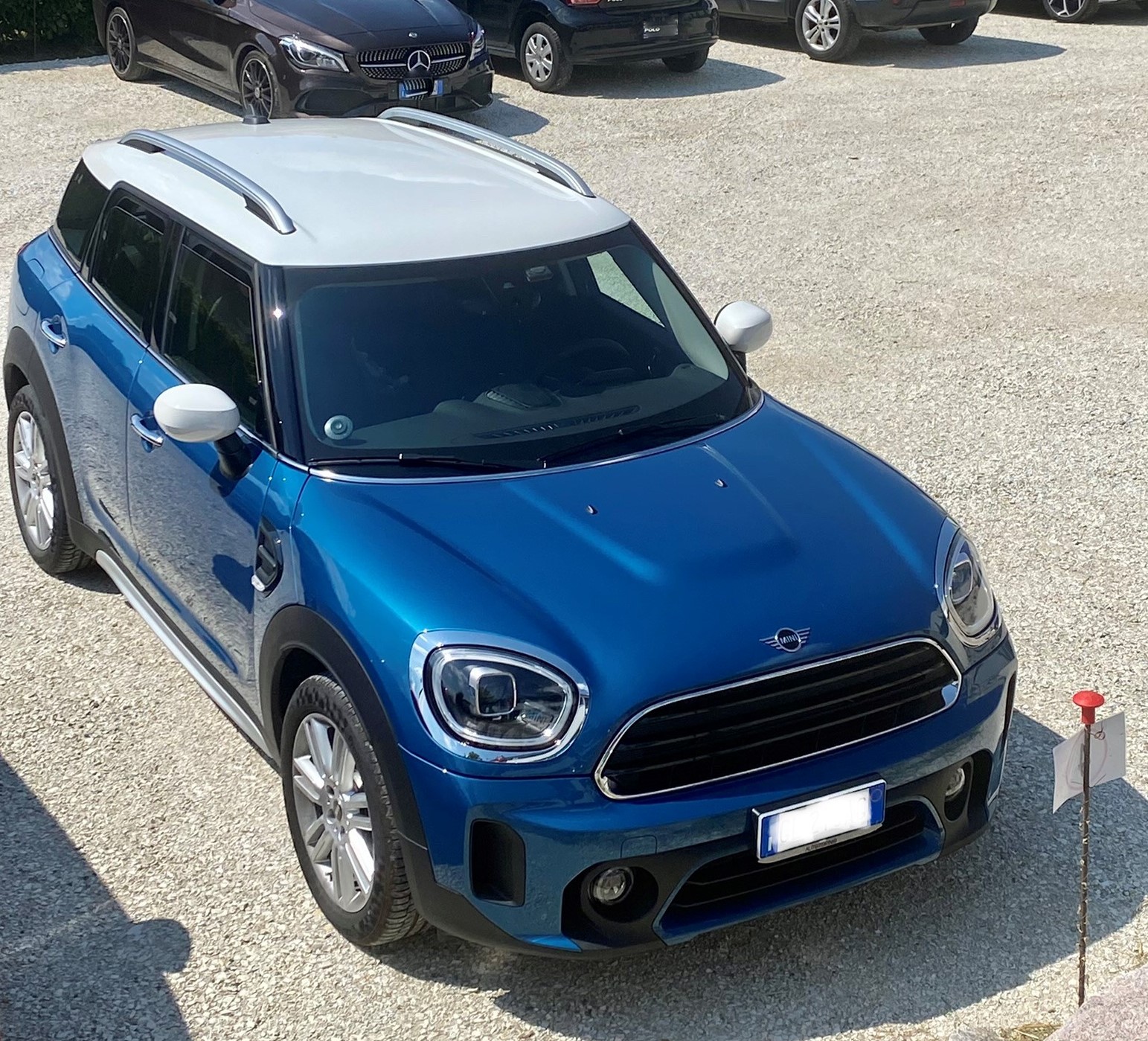
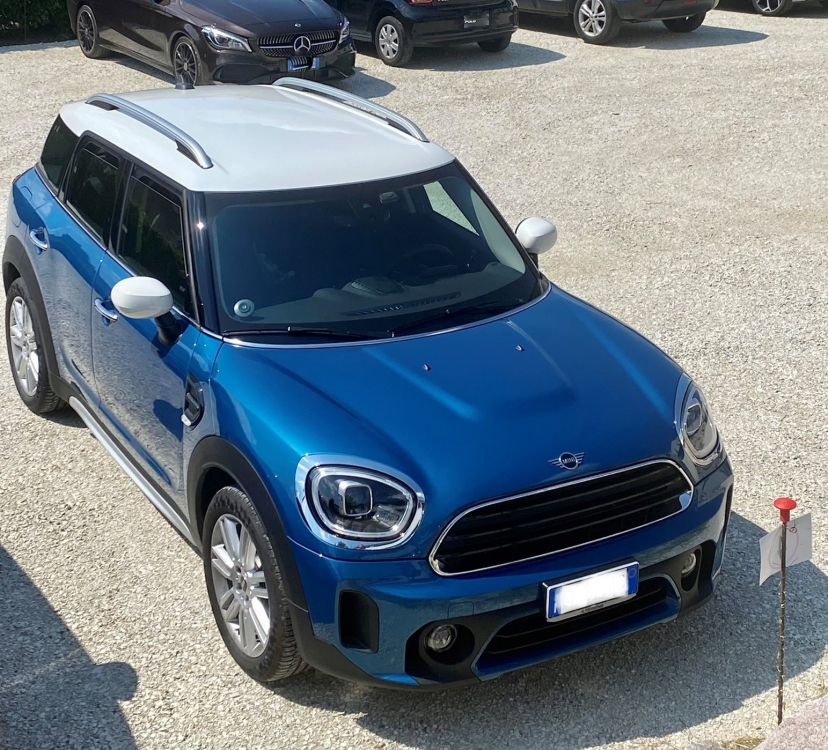
  5. Ciao siamo Max & Barbara e 1 settimana fa abbiamo ritirato la nostra terza MINI Countryman, inseriamo anche 1 foto anche se non bellissima
Account

Navigation

Cerca

Cerca

Configure browser push notifications

Chrome (Android)
  1. Tap the lock icon next to the address bar.
  2. Tap Permissions → Notifications.
  3. Adjust your preference.
Chrome (Desktop)
  1. Click the padlock icon in the address bar.
  2. Select Site settings.
  3. Find Notifications and adjust your preference.