


.jpg.fbd652459183496c87be02224ca4be42.jpg)

Nik_F56_JCW
Utente forum
-
Iscritto
-
Ultima visita
Tutti i contenuti di Nik_F56_JCW
-
Ti ringrazio 👍
-
Buongiorno a tutti! Sono possessore da un anno di una MINI F56 JCW restyling anno 2019 e la domanda che volevo porvi è: esiste un file o un metodo non troppo costoso per aggiornare il sofware di sistema come nel modello nuovo versione 2022-2023?Sul sito BMW inserendo numero di telaio mi dice che non ci sono aggiornamenti ma so che si può fare aftermarket. Grazie in anticipo
-
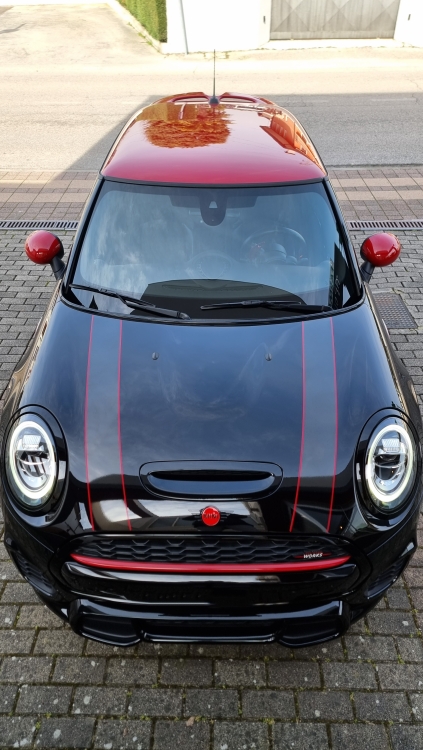
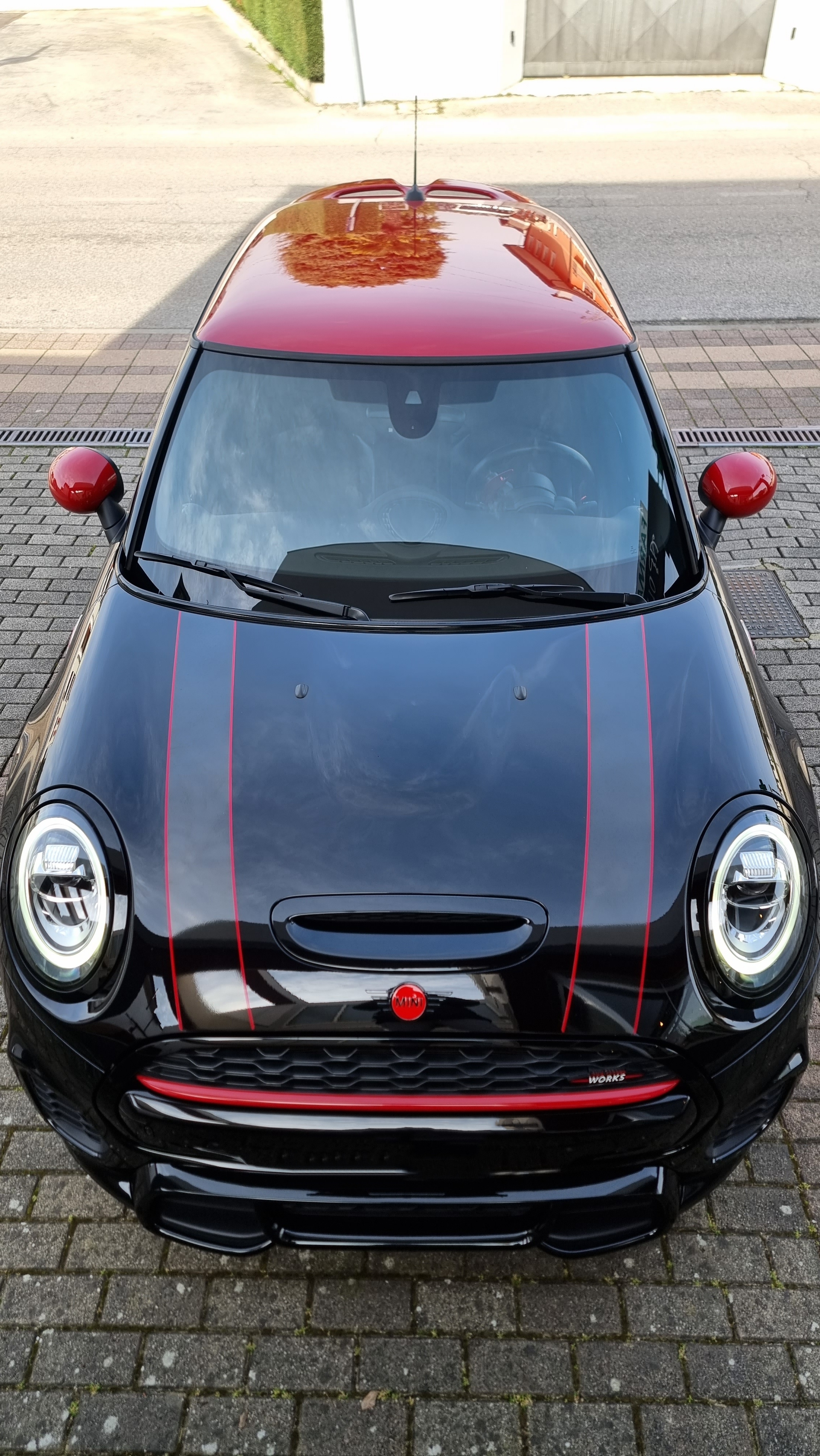
Buongiorno a tutti! Sono possessore da quasi un anno di questo esemplare di F56 JCW 2019. 💣💥
_remastered.thumb.jpg.9ec18827cd838ec4fbb35df428e79928.jpg)
.thumb.jpg.4030444a45ce2f54f9f16ab68cfb53e3.jpg)
_remastered.thumb.jpg.b51758a1ef222e934035f059dea2ece4.jpg)
_remastered.jpg.4847a1fcc90a26a3de6ab83e29f0fea8.jpg)
.jpg.b27bafab0aa8250667133fb7392af5a7.jpg)
_remastered.jpg.0478532c3d9306b981f1a651e20bbfde.jpg)
