Vai al contenuto
View in the app

A better way to browse. Learn more.

mega MINI forum

A full-screen app on your home screen with push notifications, badges and more.

To install this app on iOS and iPadOS
  1. Tap the Share icon in Safari
  2. Scroll the menu and tap Add to Home Screen.
  3. Tap Add in the top-right corner.
To install this app on Android
  1. Tap the 3-dot menu (⋮) in the top-right corner of the browser.
  2. Tap Add to Home screen or Install app.
  3. Confirm by tapping Install.

messi91

Utente forum
  • Iscritto

  • Ultima visita

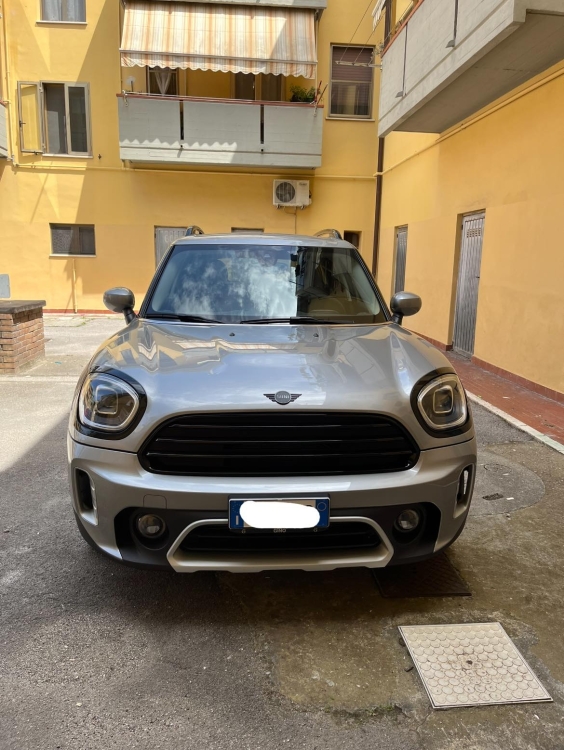
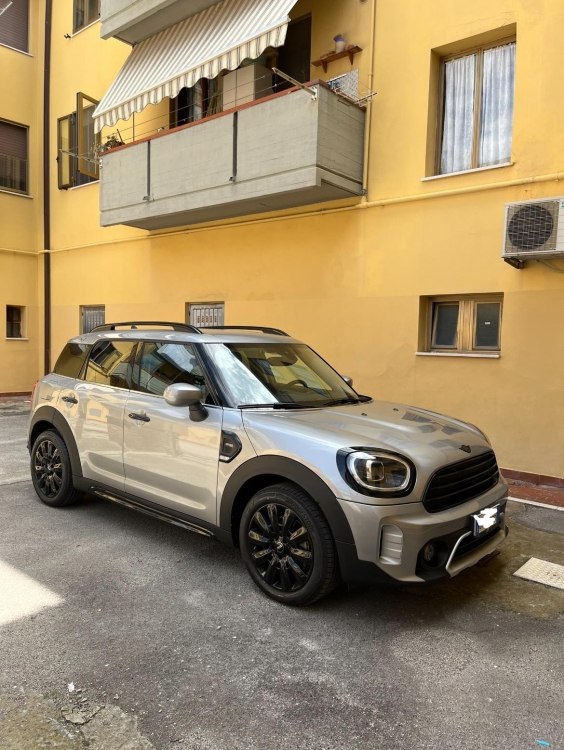
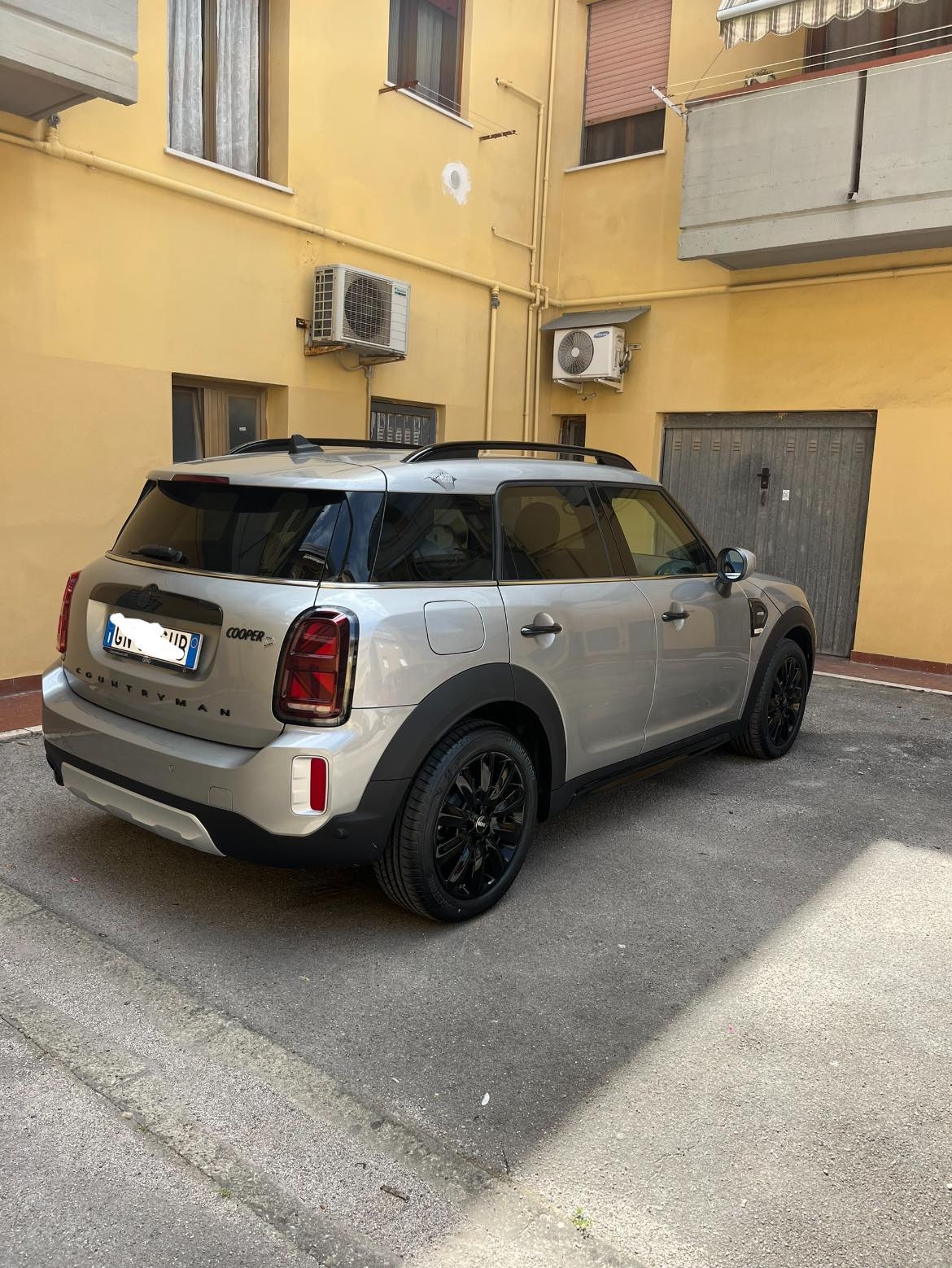
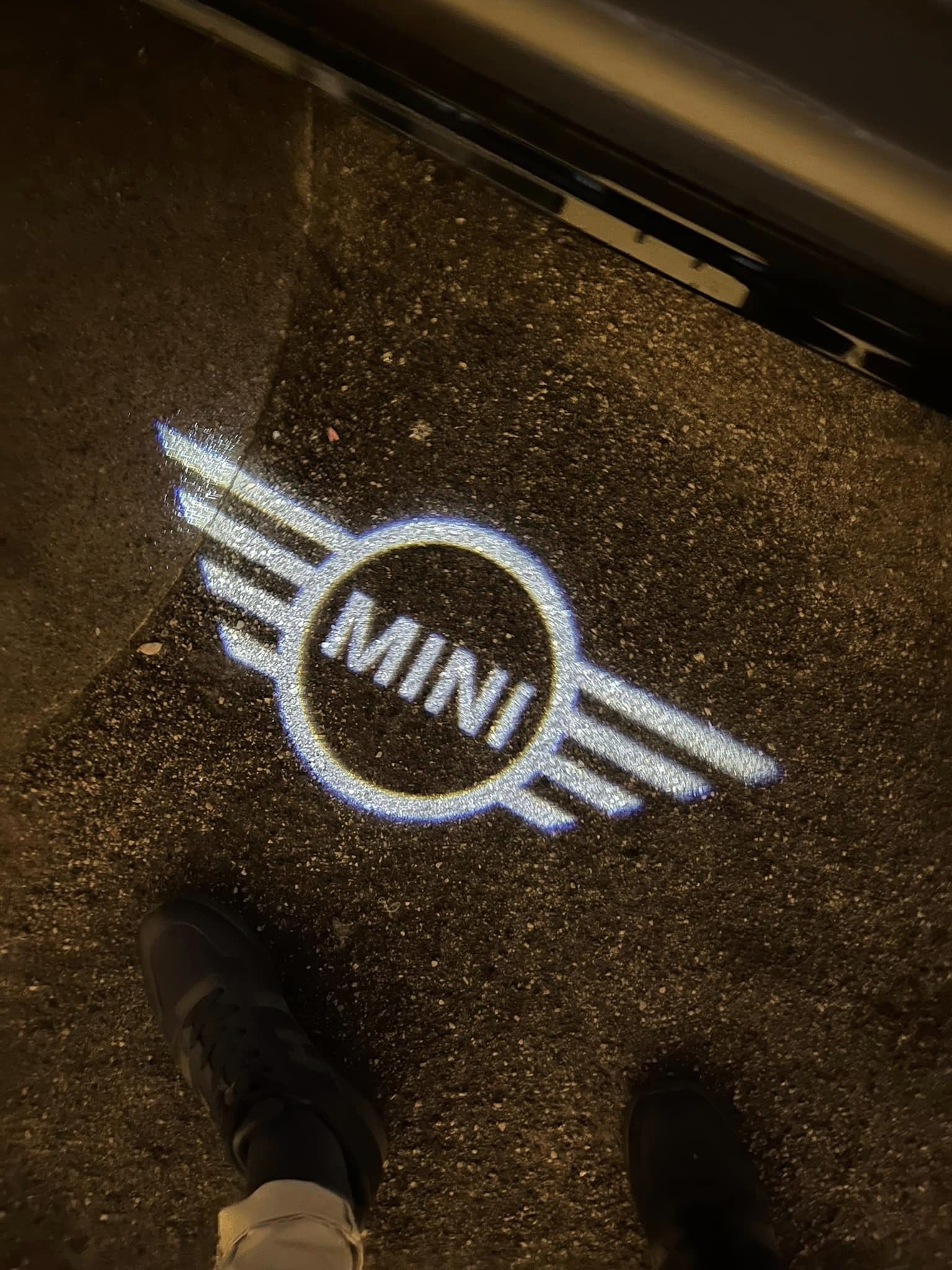
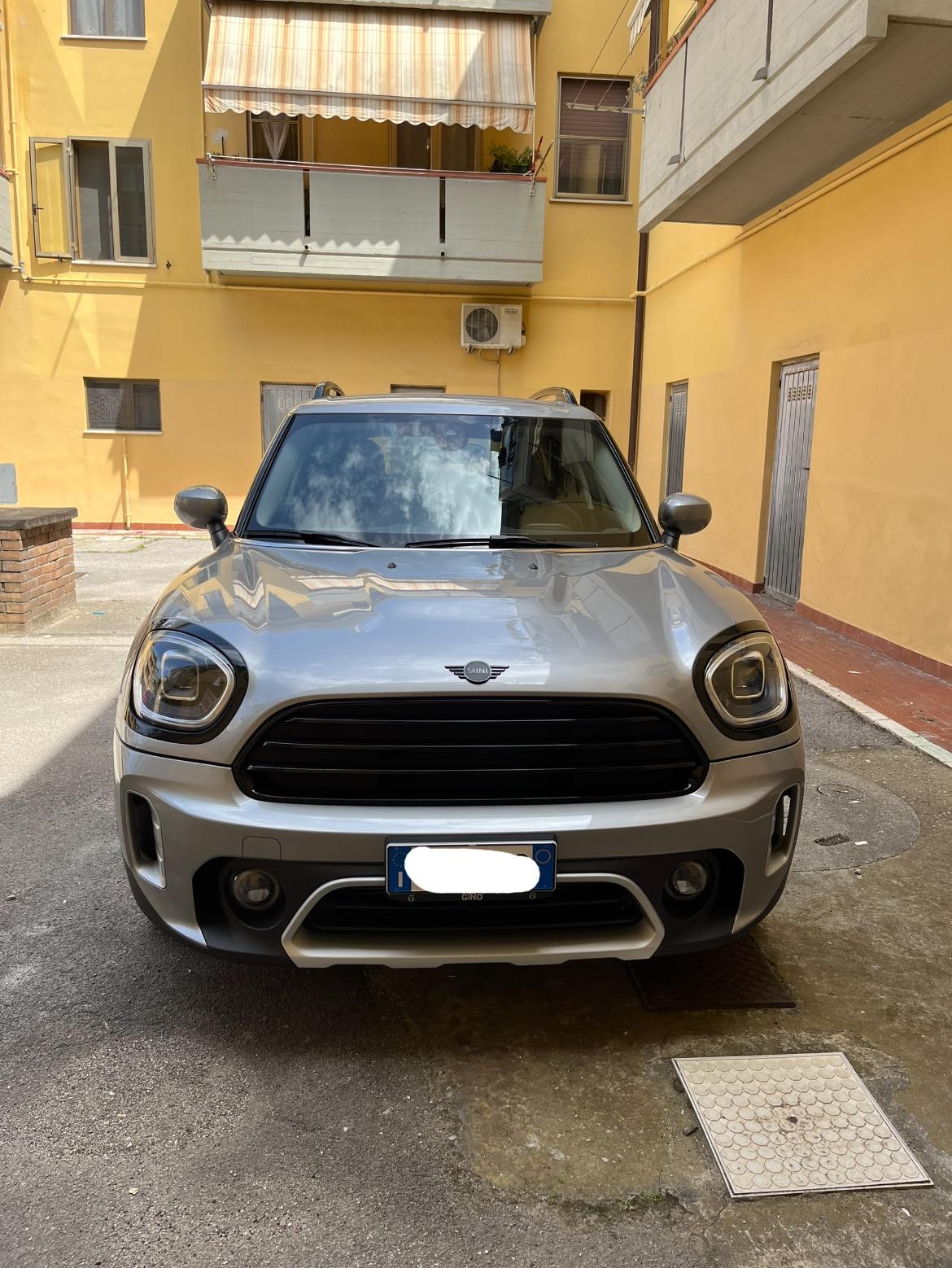
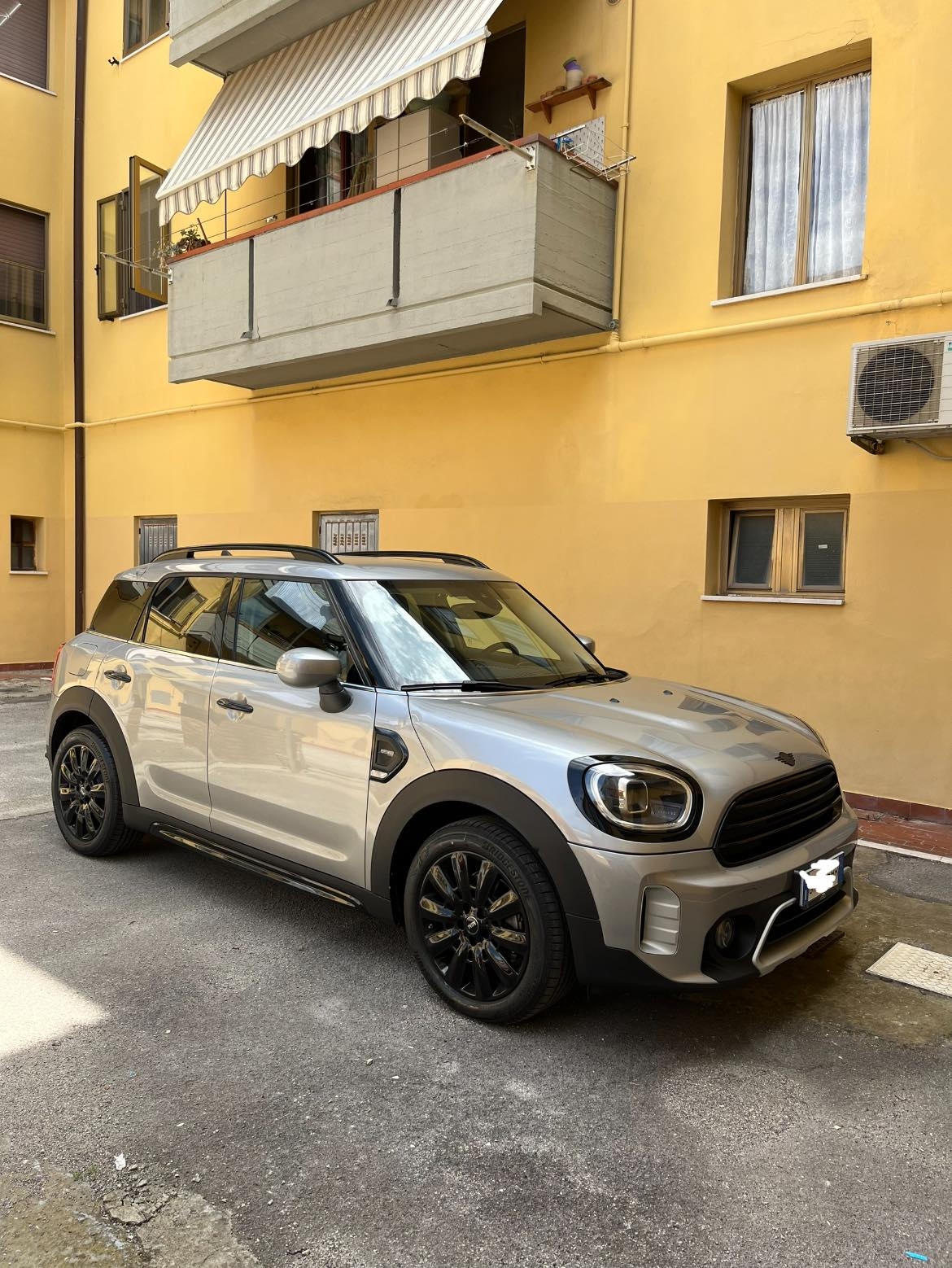
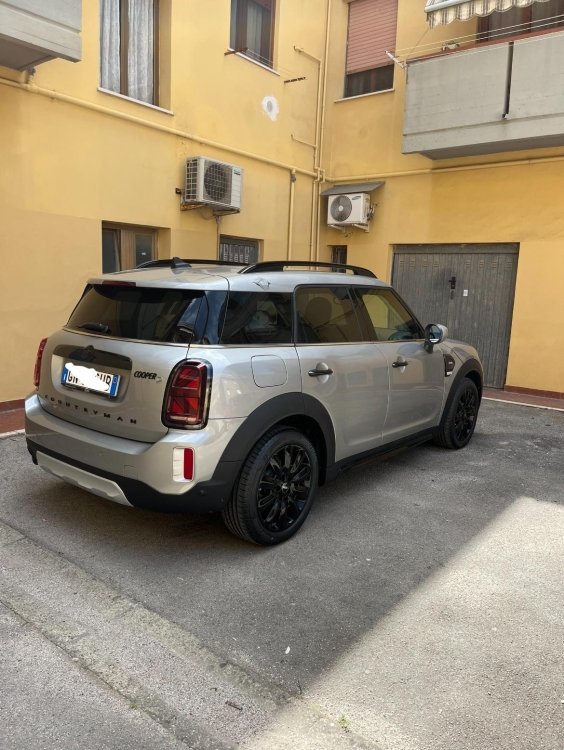
  1. Ciao a tutti!! Dopo averla sognata per anni, eccola qui: MINI Countryman Cooper D 2.0 allestimento Northwood, cambio automatico. Colore Melting Silver III. Optional: cerchi da 18 black pin spoke e pacchetto black exterior + vetri oscurati. Ordinata con Arval a fine novembre. Immatricolata a metà marzo e consegnata oggi. Ero incerto sul colore ma devo dire che dal vivo è davvero bello. Purtroppo pensavo arrivasse con il tetto nero ma farò installare una pellicola per risolvere. L’unica vera delusione il cruise control non adattivo. Provengo da una troc che lo aveva ed è davvero comodo. Per il resto molto soddisfatto 😁
Account

Navigation

Cerca

Cerca

Configure browser push notifications

Chrome (Android)
  1. Tap the lock icon next to the address bar.
  2. Tap Permissions → Notifications.
  3. Adjust your preference.
Chrome (Desktop)
  1. Click the padlock icon in the address bar.
  2. Select Site settings.
  3. Find Notifications and adjust your preference.