Vai al contenuto
View in the app

A better way to browse. Learn more.

mega MINI forum

A full-screen app on your home screen with push notifications, badges and more.

To install this app on iOS and iPadOS
  1. Tap the Share icon in Safari
  2. Scroll the menu and tap Add to Home Screen.
  3. Tap Add in the top-right corner.
To install this app on Android
  1. Tap the 3-dot menu (⋮) in the top-right corner of the browser.
  2. Tap Add to Home screen or Install app.
  3. Confirm by tapping Install.

campodoro74

Utente forum
  • Iscritto

  • Ultima visita

  1. campodoro74 ha pubblicato una discussione in Interior
    Ciao a tutti! Ho l'impianto audio standard nel mio MINI e ho trovato un contachilometri (p/n 9125836) con display multifunzione (p/n 3448226) e il MINI Navigation System (p/n 9255065) per pochi euro. Posso installarlo senza problemi? Posso utilizzare i cavi già presenti nel "vecchio" impianto? Ho visto che per poter installare anche il controllo remoto (quello sotto il cambio) con il suo cover (p/n 9803308) devo togliere il rail esistente? Grazie mille!
  2. campodoro74 ha cambiato la sua immagine del profilo
  3. campodoro74 ha pubblicato una discussione in New megaMINI DRIVERS
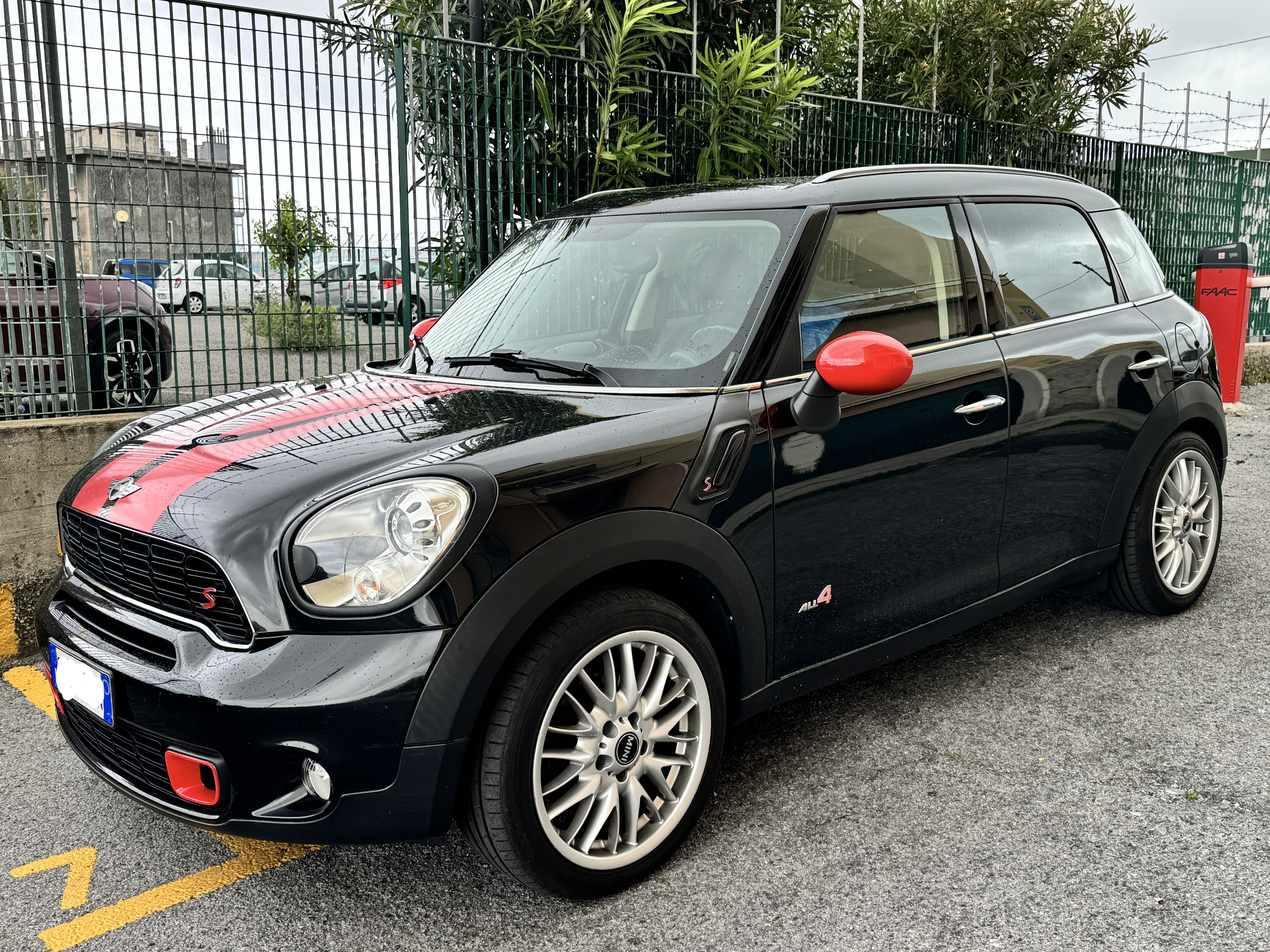
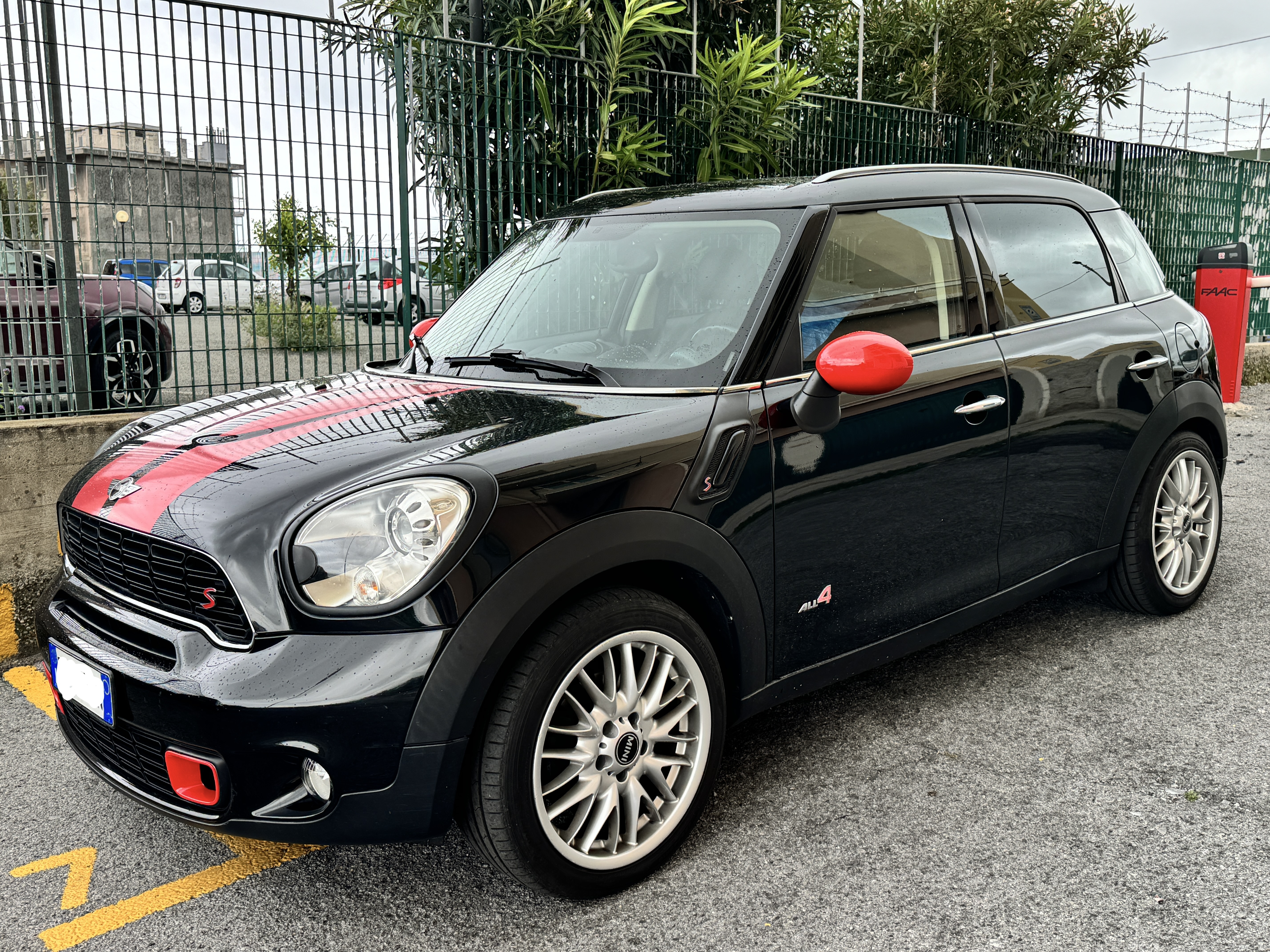
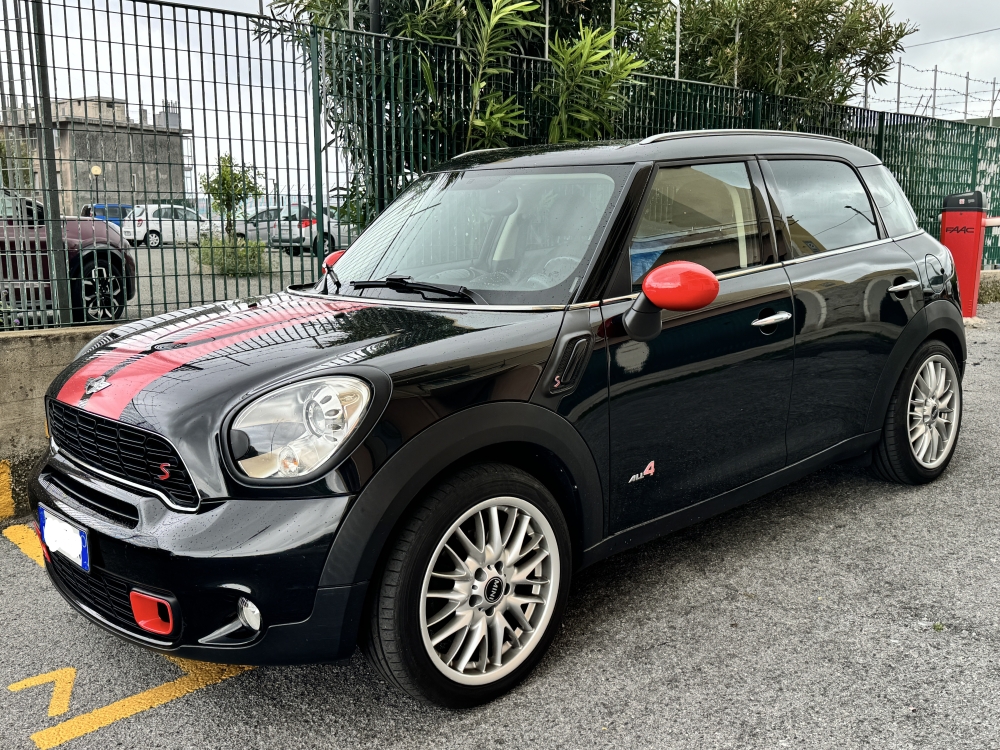
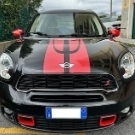
    Ciao! Sono Martijn e sono un Olandese perso a Genova da ormai più di 20 anni. In Olanda avevo un 1976 1100 Special e un 1972 1000. Come vole il tempo. La settimana scorsa ho comprato un 2012 Countryman SD All4 e sono molto contento, come mi mancava guidare una MINI. A presto!
Account

Navigation

Cerca

Cerca

Configure browser push notifications

Chrome (Android)
  1. Tap the lock icon next to the address bar.
  2. Tap Permissions → Notifications.
  3. Adjust your preference.
Chrome (Desktop)
  1. Click the padlock icon in the address bar.
  2. Select Site settings.
  3. Find Notifications and adjust your preference.