


benecooper
Utente forum
-
Iscritto
-
Ultima visita
Tutti i contenuti di benecooper
-
Non tutti hanno fb se potete postare il programma dettagliato per tutti così iniziamo lentamente a organizzarci lavoro permettendo..
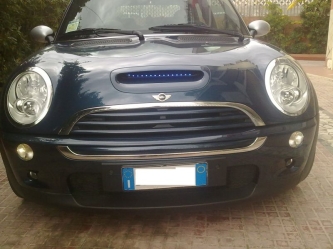 hahahahahahhaha ti prego toglilo ahahah
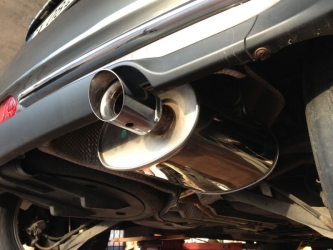 video? :DLe Neova, nella vita di tutti i giorni? Tra il traffico le buche, i sampietrini ( nel caso di Roma), e chi più ne ha più ne metta... ragazzi le AD08 sono delle semislick, come le AD07. Sono delle gomme originariamente pensate per sostituire il sempreverde A048, che ha compiuto 10 anni ormai, ma è ancora il migliore. usare una di queste due coperture per girare in strada non dico che sia pura follia, ma certamente è uno spreco. le AD08 sono gomme da pista, slick intagliate, assolutamente inadatte a sbalzi di temperatura, a variazioni dell'asfalto, e tecnicamente sarebbero pensate per essere usate una volta e poi buttate.. le case costruttrici sponsirizzano queste coperture perche consentono di girare in strada con una gomma pronto pista, eliminando il problema delle omologazioni e la scocciatura di cambiare le gomme in circuito. Non vi bevete queste cretinate, è vero che tutte queste gomme sarebbero tranquillamente usabili per strada, magari anche per 10.000km senza dare problemi, ma non sono assolutamente pensate per questo.
Account
Navigation
Cerca
Configure browser push notifications
Chrome (Android)
- Tap the lock icon next to the address bar.
- Tap Permissions → Notifications.
- Adjust your preference.
Chrome (Desktop)
- Click the padlock icon in the address bar.
- Select Site settings.
- Find Notifications and adjust your preference.
Safari (iOS 16.4+)
- Ensure the site is installed via Add to Home Screen.
- Open Settings App → Notifications.
- Find your app name and adjust your preference.
Safari (macOS)
- Go to Safari → Preferences.
- Click the Websites tab.
- Select Notifications in the sidebar.
- Find this website and adjust your preference.
Edge (Android)
- Tap the lock icon next to the address bar.
- Tap Permissions.
- Find Notifications and adjust your preference.
Edge (Desktop)
- Click the padlock icon in the address bar.
- Click Permissions for this site.
- Find Notifications and adjust your preference.
Firefox (Android)
- Go to Settings → Site permissions.
- Tap Notifications.
- Find this site in the list and adjust your preference.
Firefox (Desktop)
- Open Firefox Settings.
- Search for Notifications.
- Find this site in the list and adjust your preference.
