PeppeR56
Utente forum
-
Iscritto
-
Ultima visita
Tutti i contenuti di PeppeR56
-
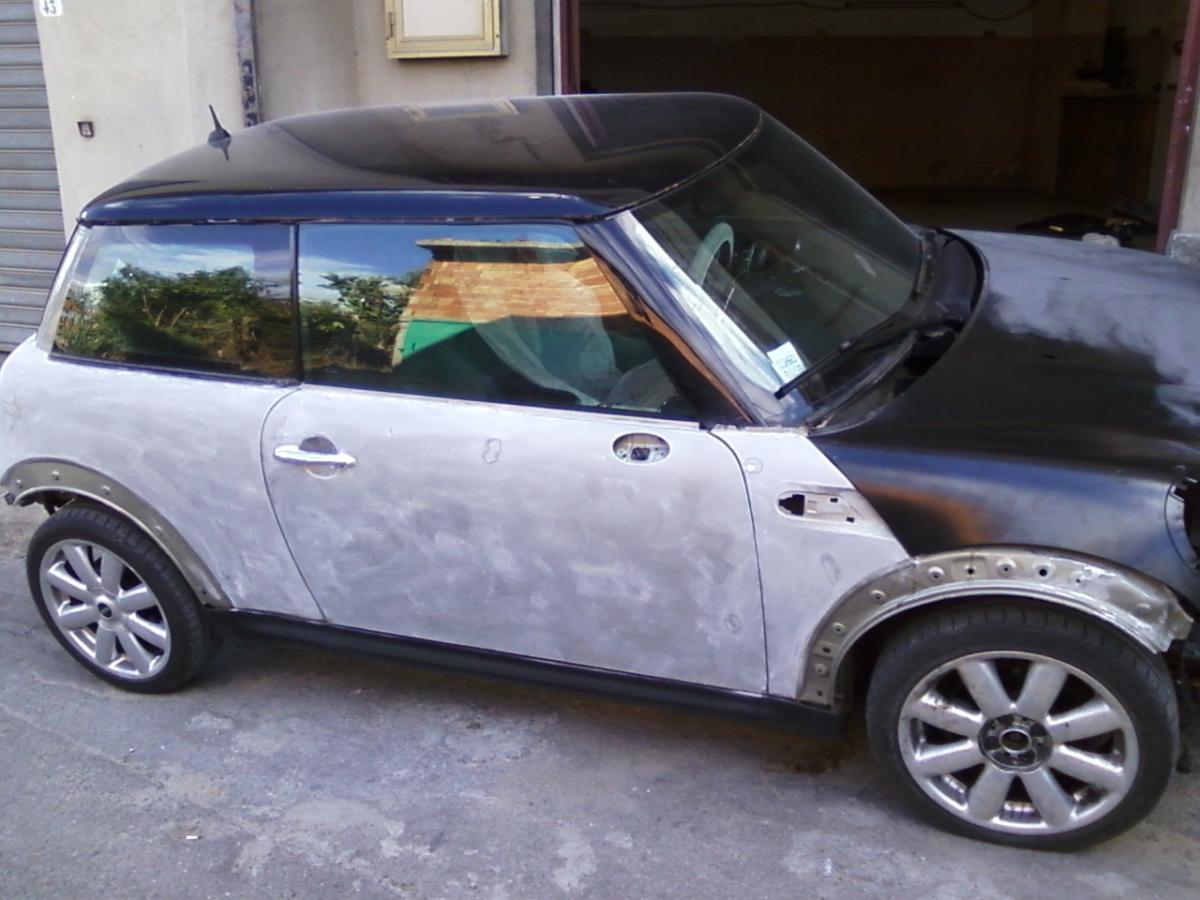
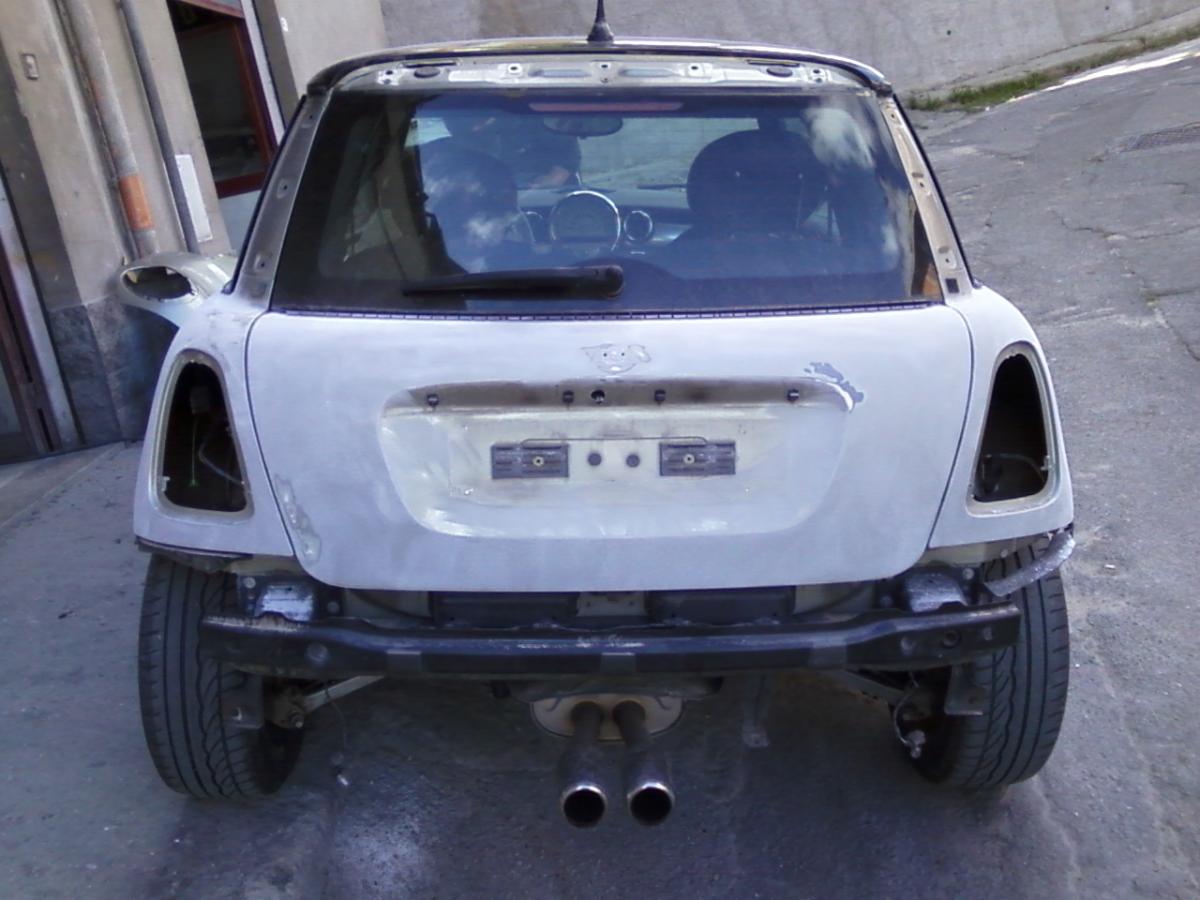
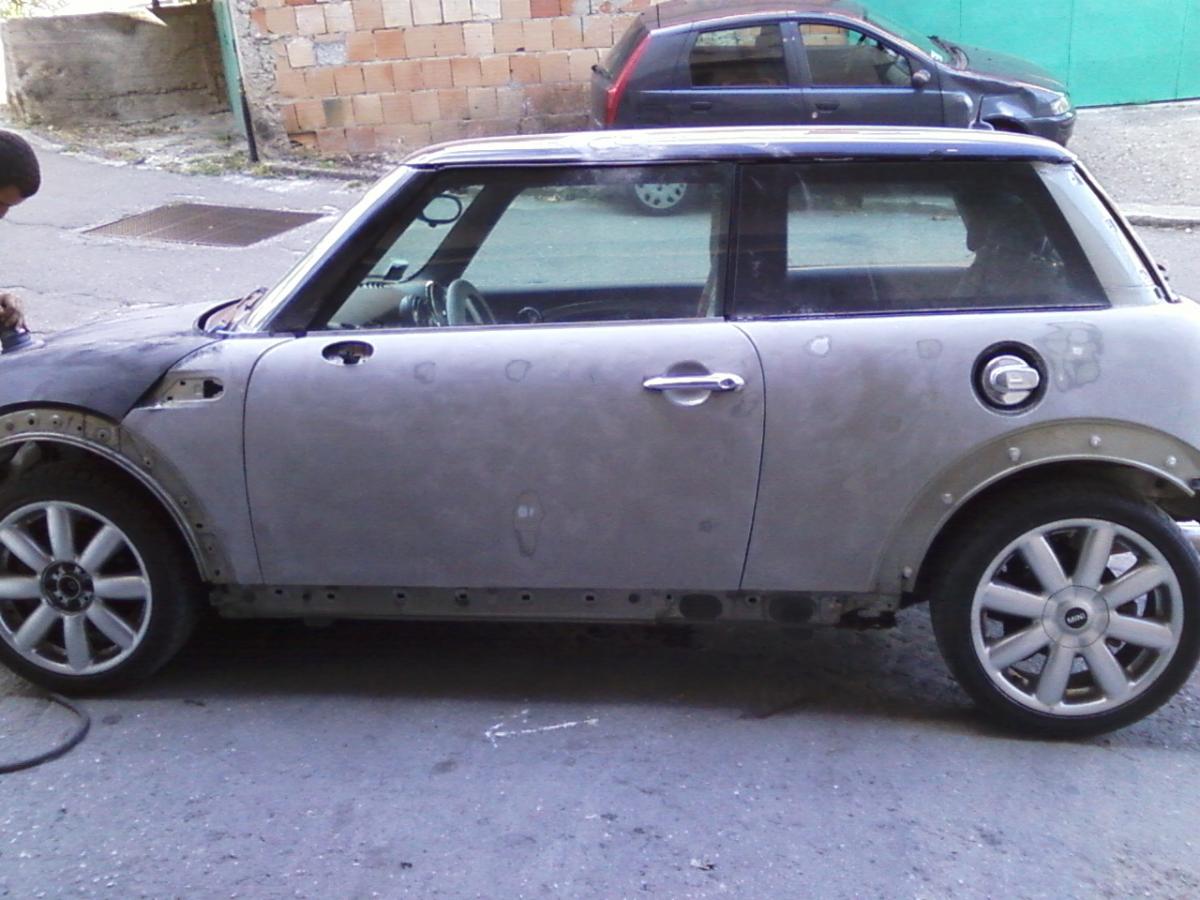
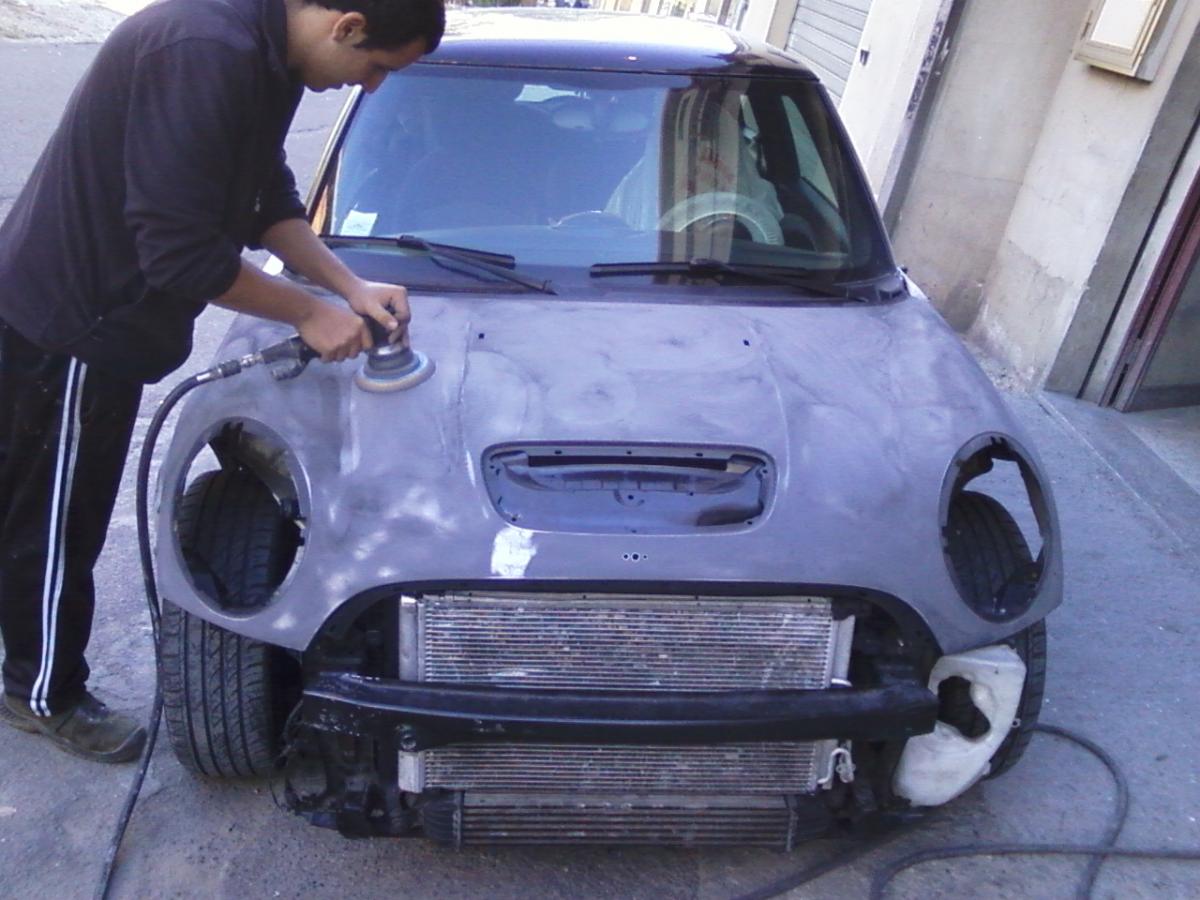
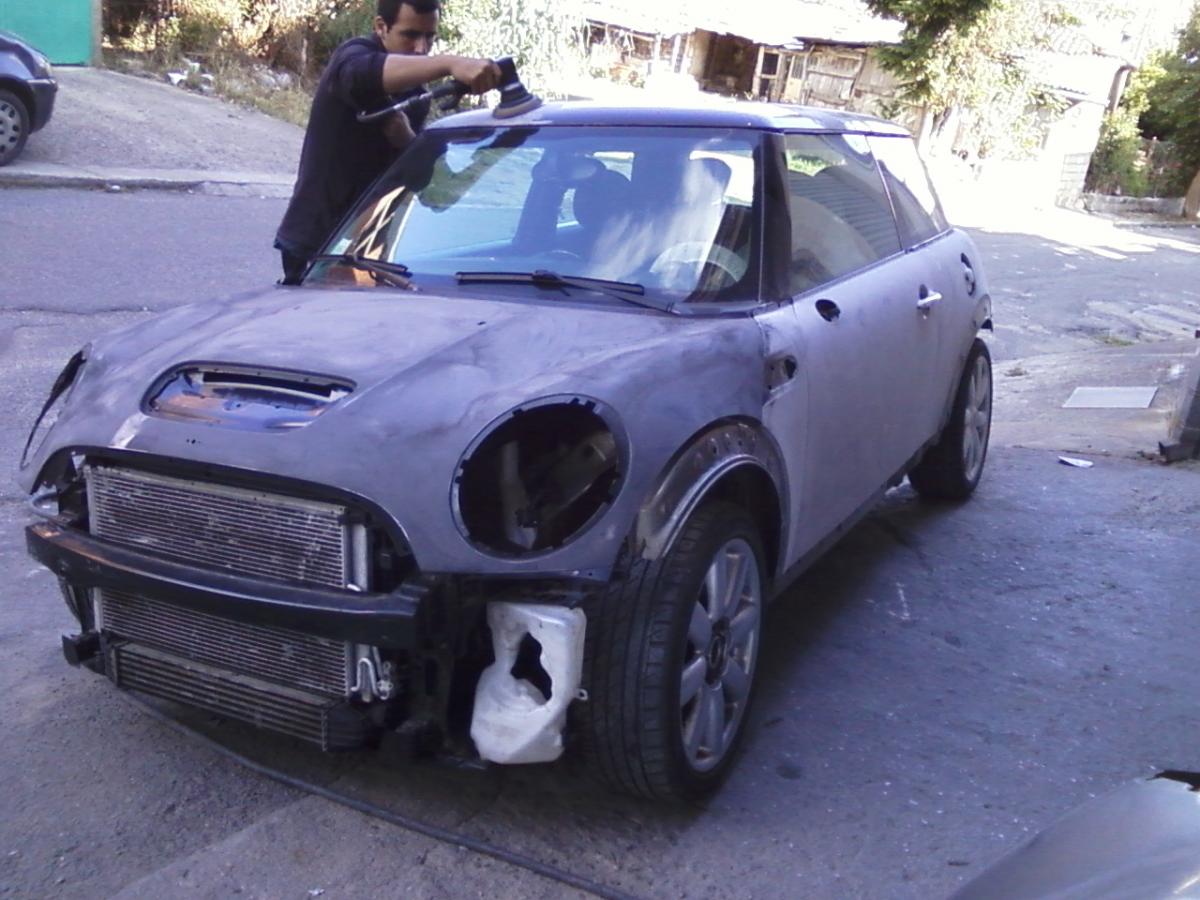
ciao ragazzi ho aggiustato la mia mini sia di motore che di sospensione.....Mi rimane un problema solo.....Mi si accende la spia del DSC e quella del freno a mano gialla che sta vicino,cioè quella del freno a mano....Ho azzerato gli errori,fatto la taratura dello sterzo e regolato anche il sensore di sterzata ma niente,come supero i 30km mi si accende di nuovo..secondo voi cosa può essere? quando ho investito se nè uscito il semiasse e l ho cambiato completo,l auto sulla strada va bene nessun rumore e le marce vanno perfette,qualcuno ha idea di cosa può essere?
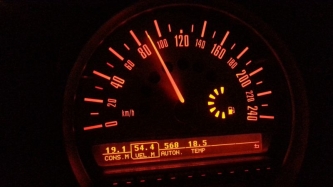 scusa come fai a fare 19 a litro? hai modificato qualcosa?
Account
Navigation
Cerca
Configure browser push notifications
Chrome (Android)
- Tap the lock icon next to the address bar.
- Tap Permissions → Notifications.
- Adjust your preference.
Chrome (Desktop)
- Click the padlock icon in the address bar.
- Select Site settings.
- Find Notifications and adjust your preference.
Safari (iOS 16.4+)
- Ensure the site is installed via Add to Home Screen.
- Open Settings App → Notifications.
- Find your app name and adjust your preference.
Safari (macOS)
- Go to Safari → Preferences.
- Click the Websites tab.
- Select Notifications in the sidebar.
- Find this website and adjust your preference.
Edge (Android)
- Tap the lock icon next to the address bar.
- Tap Permissions.
- Find Notifications and adjust your preference.
Edge (Desktop)
- Click the padlock icon in the address bar.
- Click Permissions for this site.
- Find Notifications and adjust your preference.
Firefox (Android)
- Go to Settings → Site permissions.
- Tap Notifications.
- Find this site in the list and adjust your preference.
Firefox (Desktop)
- Open Firefox Settings.
- Search for Notifications.
- Find this site in the list and adjust your preference.