


Ale Bugatti
Utente forum
-
Iscritto
-
Ultima visita
Tutti i contenuti di Ale Bugatti
-
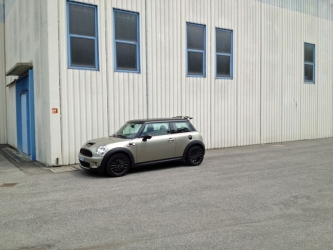 non posso che darti ragione! manca quella cattiveria che da il kit estetico!
 -
stavo giusto guardando i ns. sponsor entrambi ne hanno in offerta un set solo che sono sempre 500euro + verniciatura,solo quelle a questo punto mi prendo tutto il kit e via no? ;)
-
hai pienamente ragione, infatti sto meditando l'acquisto! ;)
-
Dall'album: My mini
-
Il centrale stock ha un diametro di 57 mm
-
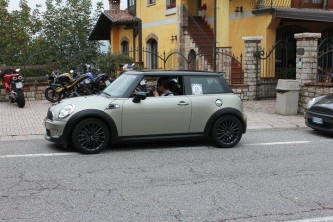 Grazie ragazzi!
 -
grazie!
-
Ciao ragazzi! finalmente mi sono iscritto! dopo tanto tempo a leggere e a seguire le discussioni senza partecipare ora faccio parte anche io di questo fantastico forum!
-
Dall'album: My mini
-
bel sound complimenti!
-
che centrale hai montato?
