Albert clubman soho
Utente forum
-
Iscritto
-
Ultima visita
Tutti i contenuti di Albert clubman soho
-
Top grande Simo!
-
Sono i contorni della griglia
-
Io non so usarlo ahahahahah mi sono iscritto da un paio di settimaneAlbert clubman soho ha commentato al immagine della galleria Albert clubman soho in MINI degli utenti
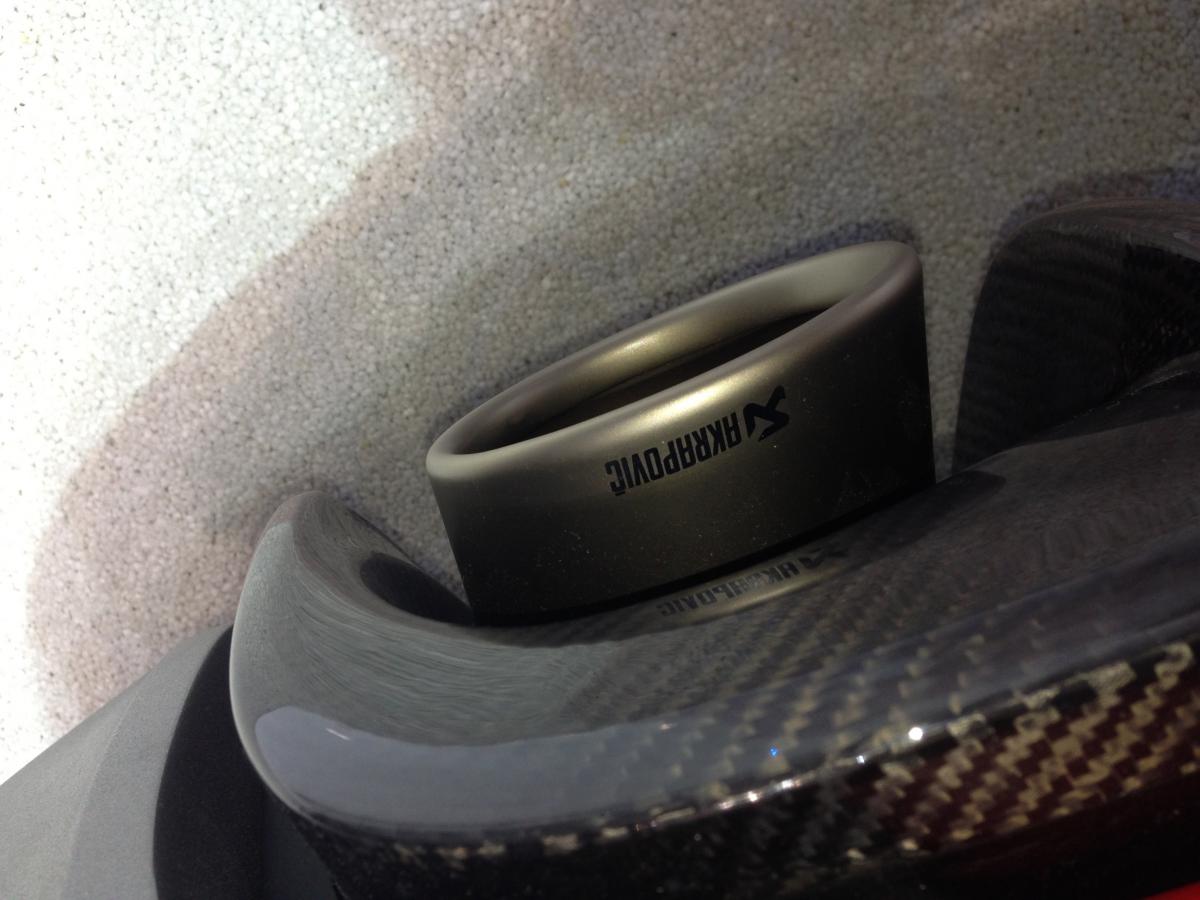
 Gallina vecchia fa buon brodo Ale! :PRagazzi qualche dettaglio scattato ieri :)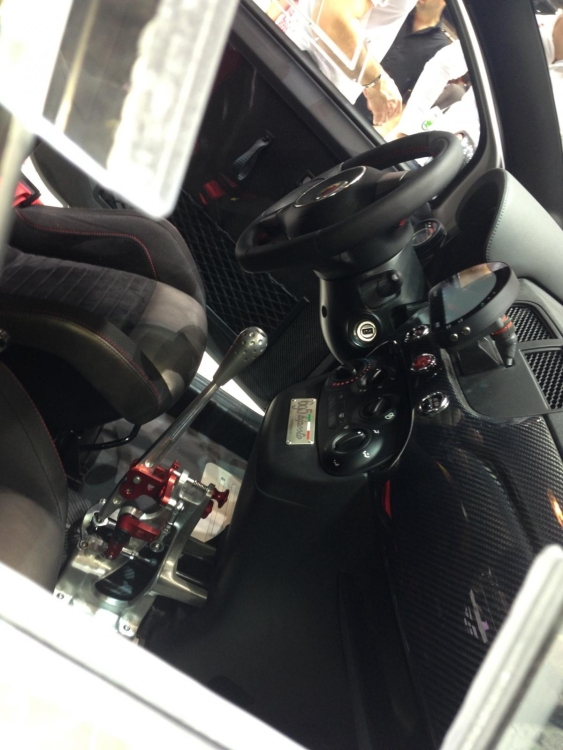
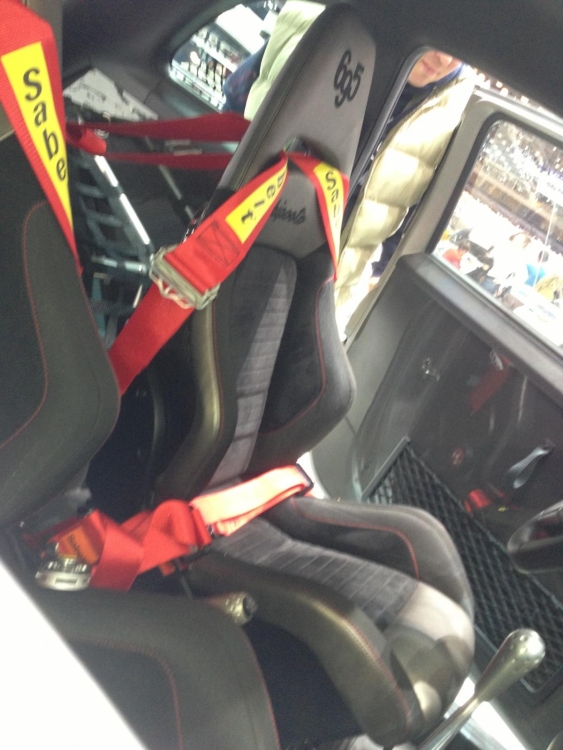
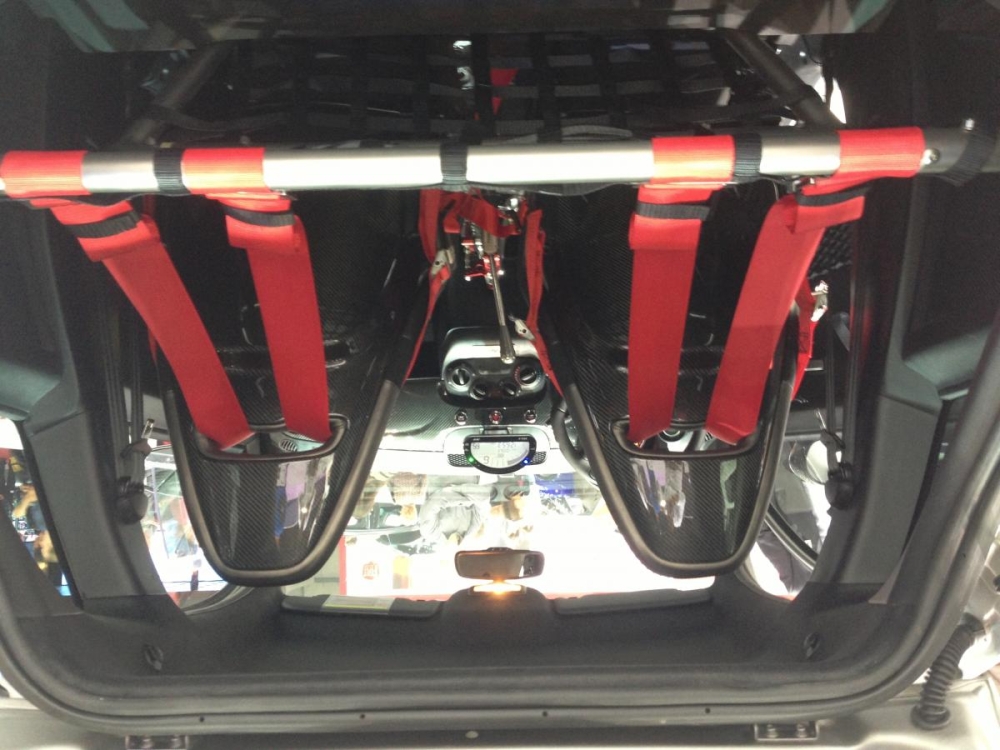
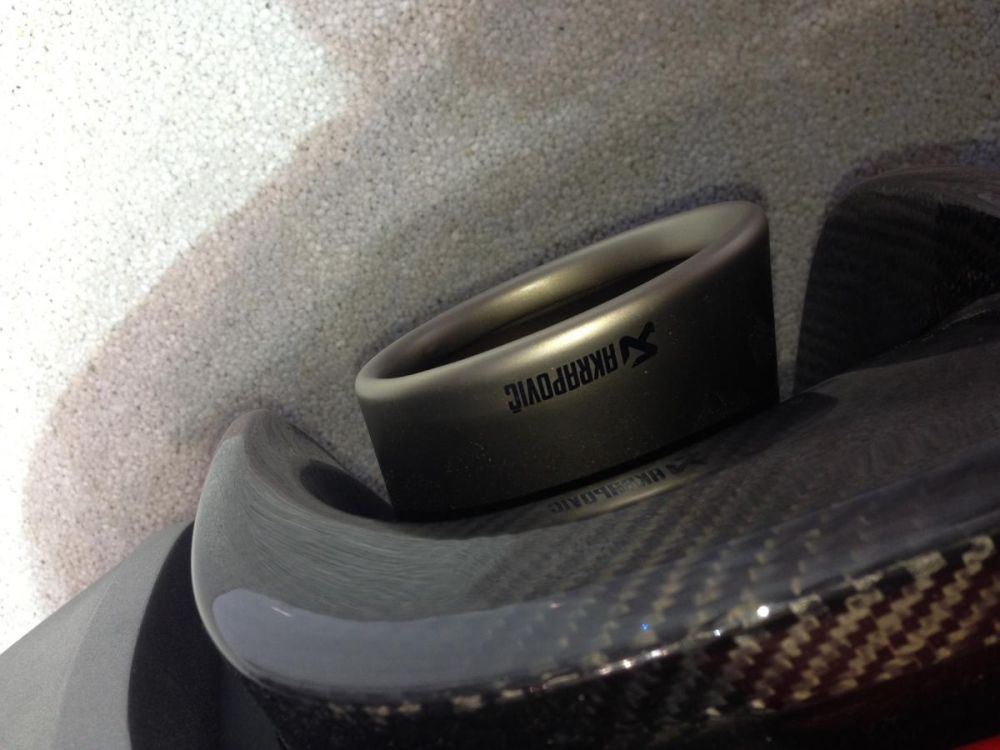 Buondì :DSi monta secondo meDipende anche dal budget secondo me :) Comunque benvenuto :DUna foto fatta di fretta oggi al salone, domani ci ritorno e ne faccio di meglio! ;)
 Dalle adesive così se dovessi cambiare idea le puoi rimuovere in un attimoAlbert clubman soho ha commentato al immagine della galleria Albert clubman soho in MINI degli utenti
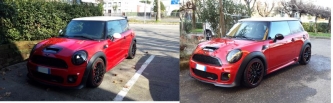 Forse nere.. Ma è una scelta arduaAlbert clubman soho ha commentato al immagine della galleria Albert clubman soho in MINI degli utenti
 I dischi sono ebc presi da alby?Buongiorno ragaaaaaDario over the top! Dai che facciamo una bella memoria per dimy
Account
Navigation
Cerca
Configure browser push notifications
Chrome (Android)
- Tap the lock icon next to the address bar.
- Tap Permissions → Notifications.
- Adjust your preference.
Chrome (Desktop)
- Click the padlock icon in the address bar.
- Select Site settings.
- Find Notifications and adjust your preference.
Safari (iOS 16.4+)
- Ensure the site is installed via Add to Home Screen.
- Open Settings App → Notifications.
- Find your app name and adjust your preference.
Safari (macOS)
- Go to Safari → Preferences.
- Click the Websites tab.
- Select Notifications in the sidebar.
- Find this website and adjust your preference.
Edge (Android)
- Tap the lock icon next to the address bar.
- Tap Permissions.
- Find Notifications and adjust your preference.
Edge (Desktop)
- Click the padlock icon in the address bar.
- Click Permissions for this site.
- Find Notifications and adjust your preference.
Firefox (Android)
- Go to Settings → Site permissions.
- Tap Notifications.
- Find this site in the list and adjust your preference.
Firefox (Desktop)
- Open Firefox Settings.
- Search for Notifications.
- Find this site in the list and adjust your preference.