


Albert clubman soho
Utente forum
-
Iscritto
-
Ultima visita
Tutti i contenuti di Albert clubman soho
-
Simo e Cippy.. Voi 2 con 40/50 mila euro e alla ricerca di un'auto per andare in pista tutte le domeniche o quasi prendereste questa?Io le ho messe gialle!! Sono il top!!
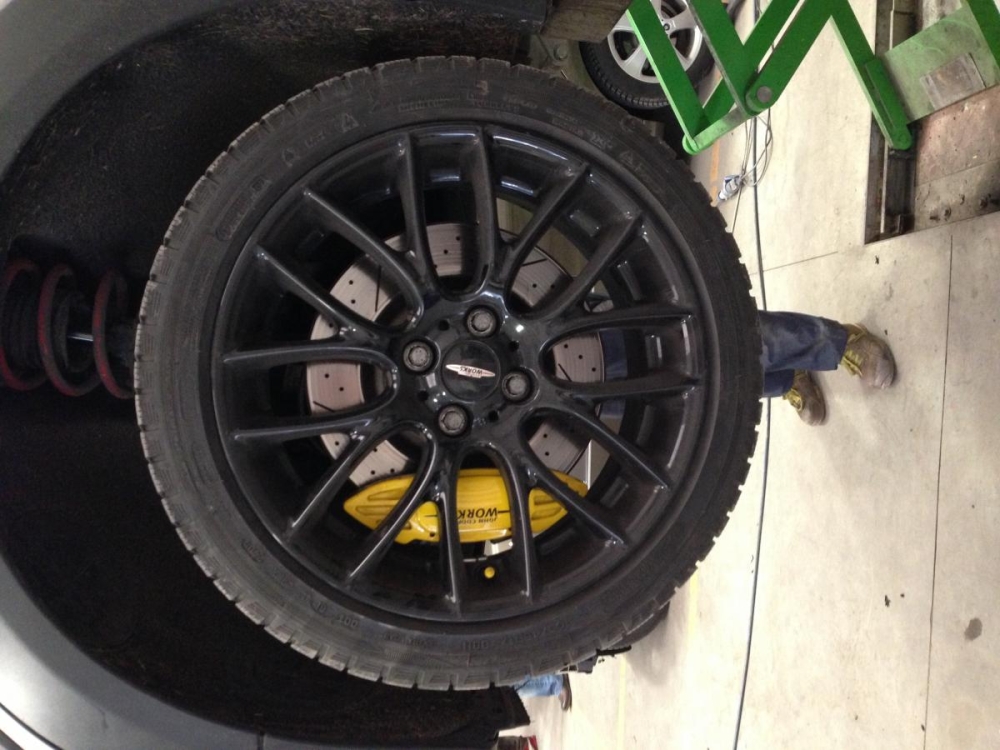 Allora in estate uno come fa ad usarla senza clima e finestrini?? Va via con le porte aperte??http://www.allaguida.it/articolo/abarth-695-biposto-dai-rally-al-salone-di-ginevra-2014-foto-e-video/75695/ Porca vacca!! Tanta robaBuondì ;)Albert clubman soho ha commentato al immagine della galleria Albert clubman soho in MINI degli utenti
 Gradasso!!! :DCi sono incontri in trentino.. Informati al mini4fun che è anche il mio club.. Comunque il 16 marzo c'è un grande evento nei dintorni del lago.. Guarda ;)
Account
Navigation
Cerca
Configure browser push notifications
Chrome (Android)
- Tap the lock icon next to the address bar.
- Tap Permissions → Notifications.
- Adjust your preference.
Chrome (Desktop)
- Click the padlock icon in the address bar.
- Select Site settings.
- Find Notifications and adjust your preference.
Safari (iOS 16.4+)
- Ensure the site is installed via Add to Home Screen.
- Open Settings App → Notifications.
- Find your app name and adjust your preference.
Safari (macOS)
- Go to Safari → Preferences.
- Click the Websites tab.
- Select Notifications in the sidebar.
- Find this website and adjust your preference.
Edge (Android)
- Tap the lock icon next to the address bar.
- Tap Permissions.
- Find Notifications and adjust your preference.
Edge (Desktop)
- Click the padlock icon in the address bar.
- Click Permissions for this site.
- Find Notifications and adjust your preference.
Firefox (Android)
- Go to Settings → Site permissions.
- Tap Notifications.
- Find this site in the list and adjust your preference.
Firefox (Desktop)
- Open Firefox Settings.
- Search for Notifications.
- Find this site in the list and adjust your preference.


