


themas
Utente forum
-
Iscritto
-
Ultima visita
Tutti i contenuti di themas
-
ciao raga avvolte preso dalla scimmia mi viente in mente di cambiare colore ai cerchi calotte e tetto da bianco a nero ...cosi' per dare un po piu di aggressivita' alla minella ....che ne dite c sta?
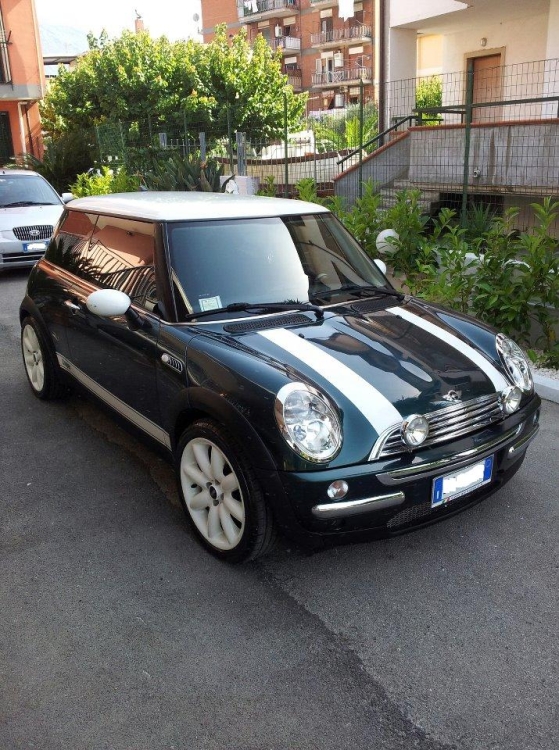
-
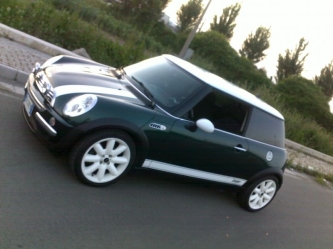 nn si puo' montare ho il gpl ( ora mi linceranno )
 -
benvenuto e complimenti per il mezzo
-
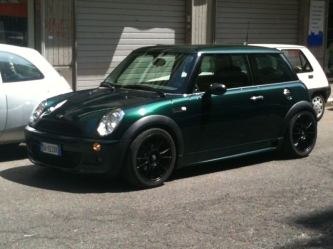 paco guardando le foto della tua mini mi sale la scimmia di invertire i colori alla mia .....verde e nero ...chisa'
 -
thanks luca
-
raga sono riuscito a mettere le foto , le ho postate nel mio album passate per un consiglio ....grazie a ttt x il benvenuto
-
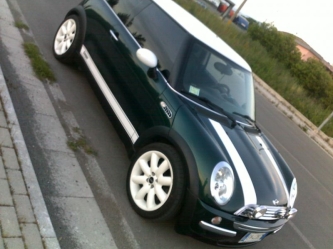
Dall'album: la mia mini
posa 3 -
Dall'album: la mia mini
posa 2 -

Dall'album: la mia mini
profilo migliore -
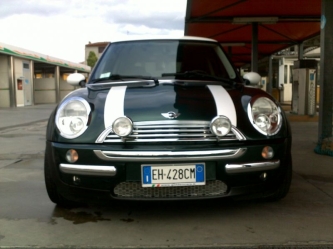
Dall'album: la mia mini
musetto -
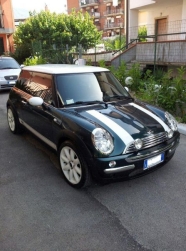
Dall'album: la mia mini
in posa ahaha -
salve a tutti mi presento , mi chiamo massimo e da piu' di un anno sono un felice possessore di una bellissima mini cooper r50 anno 2005 color verde inglese . sono orgoglioso di far parte di questo club e spero di poter condividere quante piu emozioni possibili daltronde le mini sono famose per questo ahahaha saluti a tutti massimo . ps appena riesco posto le foto ( sono un po impedito :-( )
