


FrancescoMoustaches
Utente forum
-
Iscritto
-
Ultima visita
Tutti i contenuti di FrancescoMoustaches
-
FrancescoMoustaches ha commentato al immagine della galleria FrancescoMoustaches in MINI degli utenti
 Grazieeeee :)
 -
FrancescoMoustaches ha commentato al immagine della galleria FrancescoMoustaches in MINI degli utenti
 i cerchi jcw vorrei mettere, viper stripes nere su cofano e credo su tetto bianche e poi cambiare i paraurti ma ancora non so se prendere l'aero all'anteriore e lasciare il posteriore di serie eliminando solo il fascione cromato...poi altre chicche da vedere :) ma prima di ogni cosa devo cambiare alcuni pezzi della meccanica
 -
-
Però secondo me ha troppo sottosterzo :)
-
FrancescoMoustaches ha commentato al immagine della galleria FrancescoMoustaches in MINI degli utenti
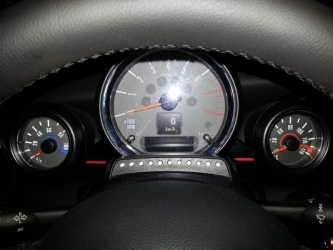 Bello!! Piacerebbe anche a me realizzare una cosa del genere. Complimenti :)
 -
FrancescoMoustaches ha commentato al immagine della galleria FrancescoMoustaches in MINI degli utenti
Prima la rendo prestazionale però :) Devo cambiare Giunto Omocinetico, Semiassi e frizione...poi passerò all'estetica :)
-
Grazie ancora per il Vostro benvenuto ^_^ Mi fa molto piacere!!
-
FrancescoMoustaches ha commentato al immagine della galleria FrancescoMoustaches in MINI degli utenti
Da migliorare :) Grazie comunque :D
Dall'album: Mini Cooper 1.6 16v
Frigo da Auto! L'ho verniciato da Blu al colore della mia Mini, poi ho messo delle Viper Stripes sullo sportellino anteriore e messo il logo Mini che mi si era scollato dal motore della mia Mini :) Bello no!?
Dall'album: Mini Cooper 1.6 16v
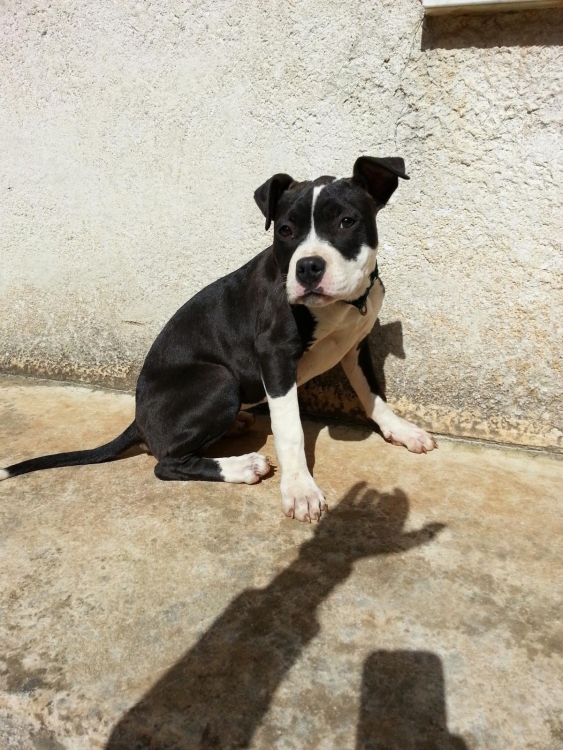
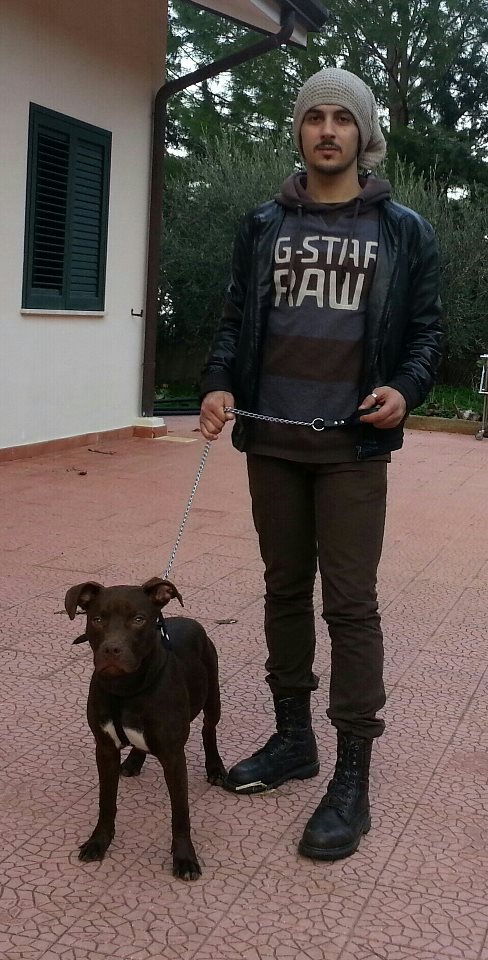
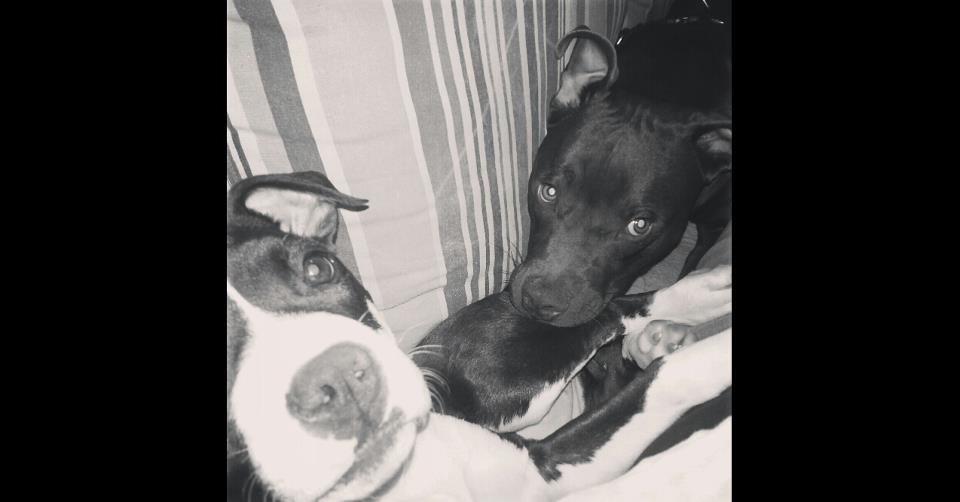
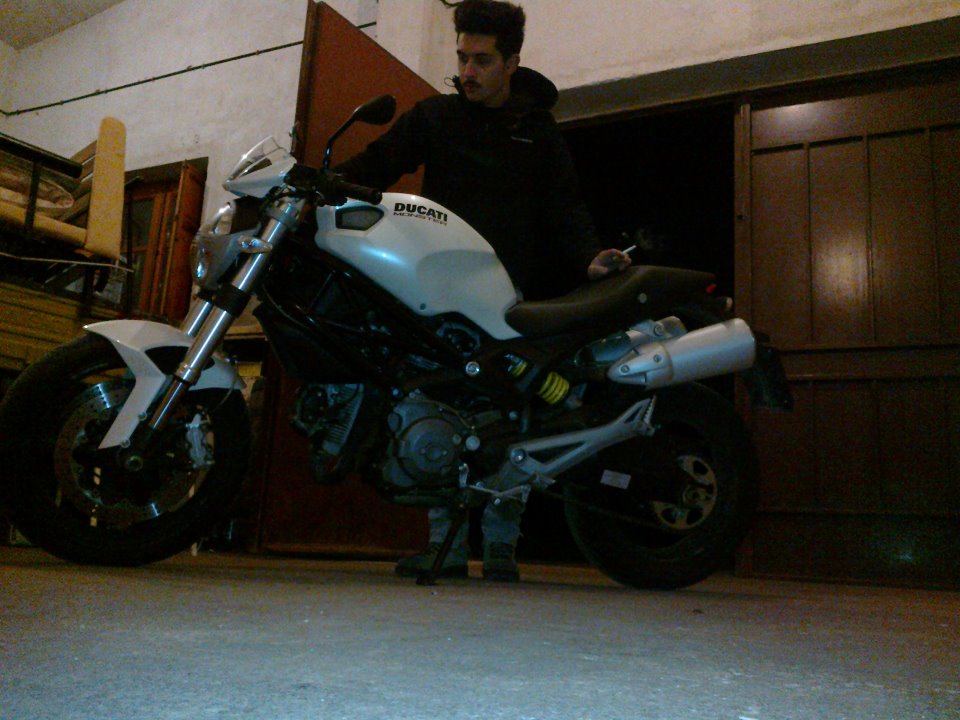
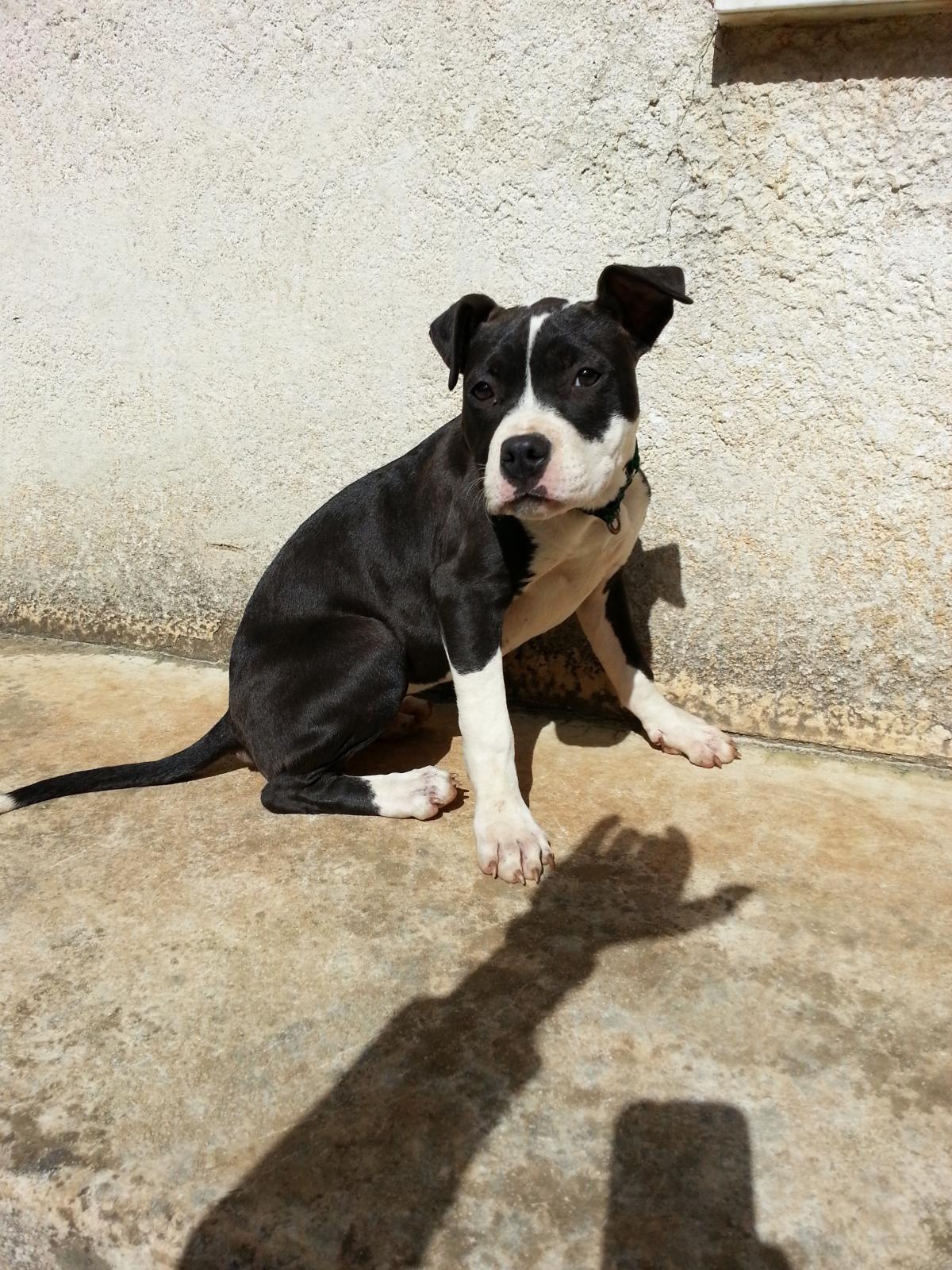
Forse faccio oscurare i vetri :post-8-1120393966:Grazie a tutti :DNome: Francesco Moustaches Età: 22 Località: Palermo Auto avute: Mini Cooper Ray 1.4 del 2009, Suzuki Swift bruttissima, Mini Cooper 1.6 16v del 2003 ;) Moto avute: KTM 200 EXC del 2009, Ducati Monster 696 Passioni: Auto, Moto, Fuoristrada, Pit Bulls, Musica Rock, Rock'n Roll e MINI's Al momento non mi viene nient altro... :)

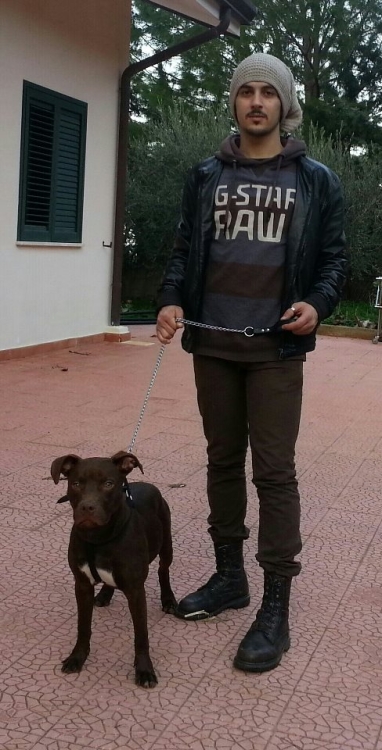
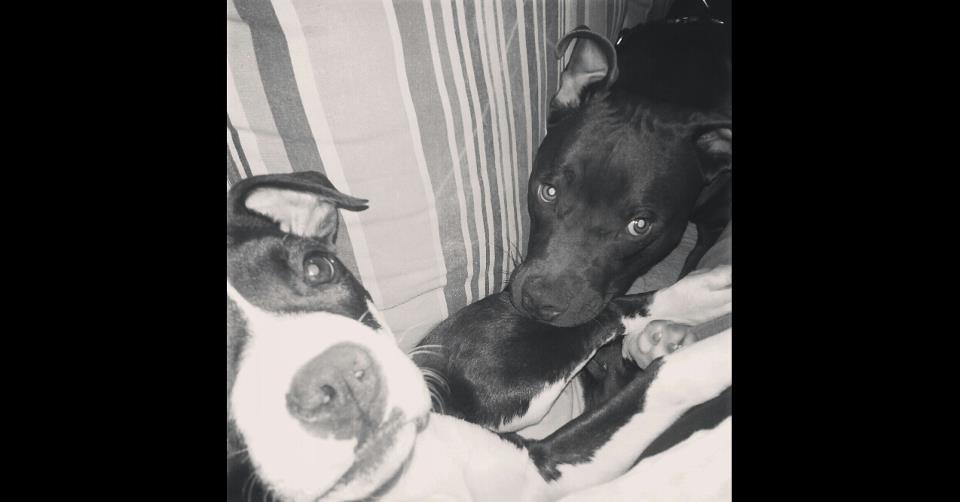
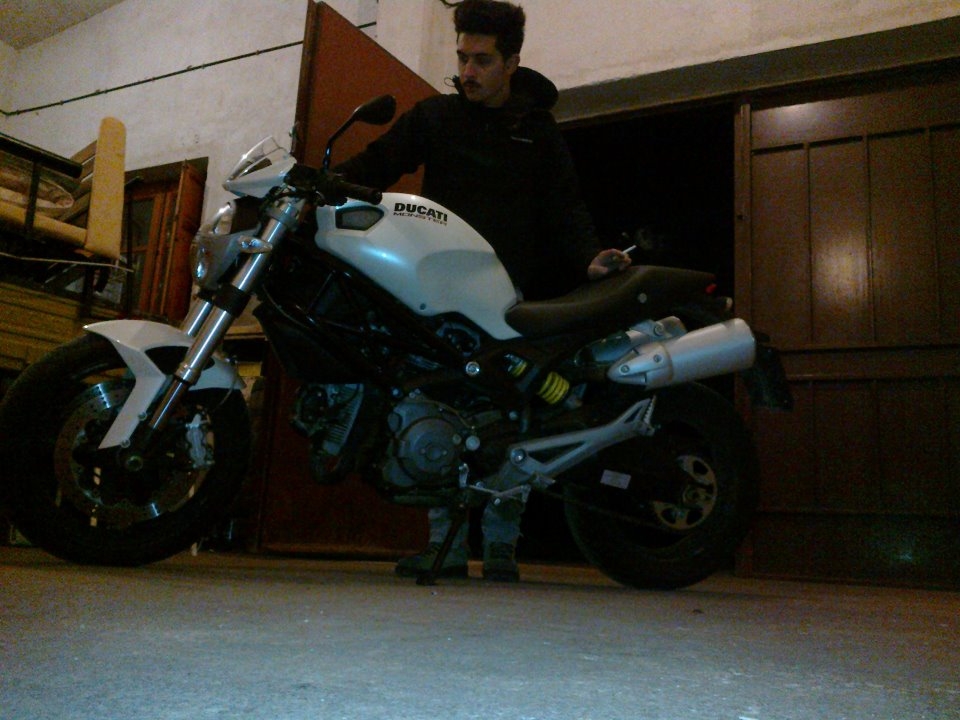
Dall'album: Mini Cooper 1.6 16v
Freccie Bianche e tappo ESSE :D




Account
Navigation
Cerca
Configure browser push notifications
Chrome (Android)
- Tap the lock icon next to the address bar.
- Tap Permissions → Notifications.
- Adjust your preference.
Chrome (Desktop)
- Click the padlock icon in the address bar.
- Select Site settings.
- Find Notifications and adjust your preference.
Safari (iOS 16.4+)
- Ensure the site is installed via Add to Home Screen.
- Open Settings App → Notifications.
- Find your app name and adjust your preference.
Safari (macOS)
- Go to Safari → Preferences.
- Click the Websites tab.
- Select Notifications in the sidebar.
- Find this website and adjust your preference.
Edge (Android)
- Tap the lock icon next to the address bar.
- Tap Permissions.
- Find Notifications and adjust your preference.
Edge (Desktop)
- Click the padlock icon in the address bar.
- Click Permissions for this site.
- Find Notifications and adjust your preference.
Firefox (Android)
- Go to Settings → Site permissions.
- Tap Notifications.
- Find this site in the list and adjust your preference.
Firefox (Desktop)
- Open Firefox Settings.
- Search for Notifications.
- Find this site in the list and adjust your preference.