Classifica
-

Vam
Moderatore3Punti14.896Numero contenuti -
MINIco007
Socio 20243Punti4.729Numero contenuti -

Fabry Geims Din
Utente forum2Punti6.780Numero contenuti -

Mr. Bluesman
Socio 20251Punti2.208Numero contenuti



Contenuto Popolare
Mostra il contenuto con la massima reputazione di 12/04/2023 in Risposte
-
2 punti
-
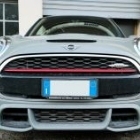
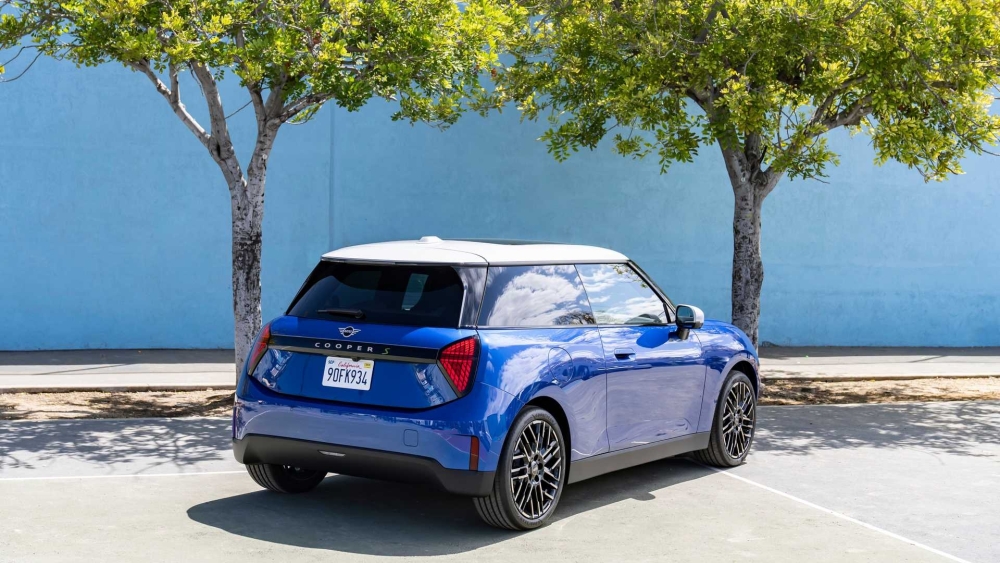
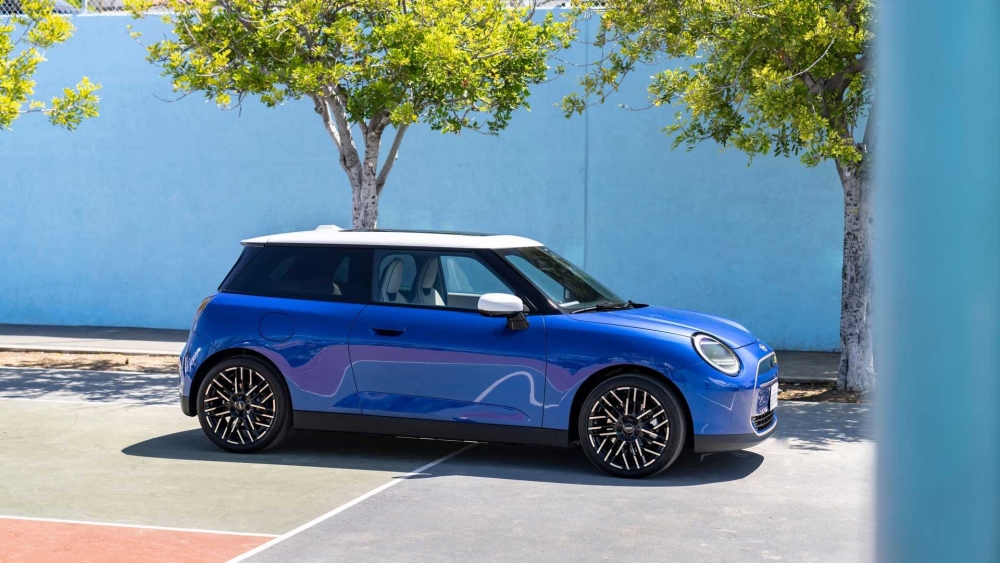
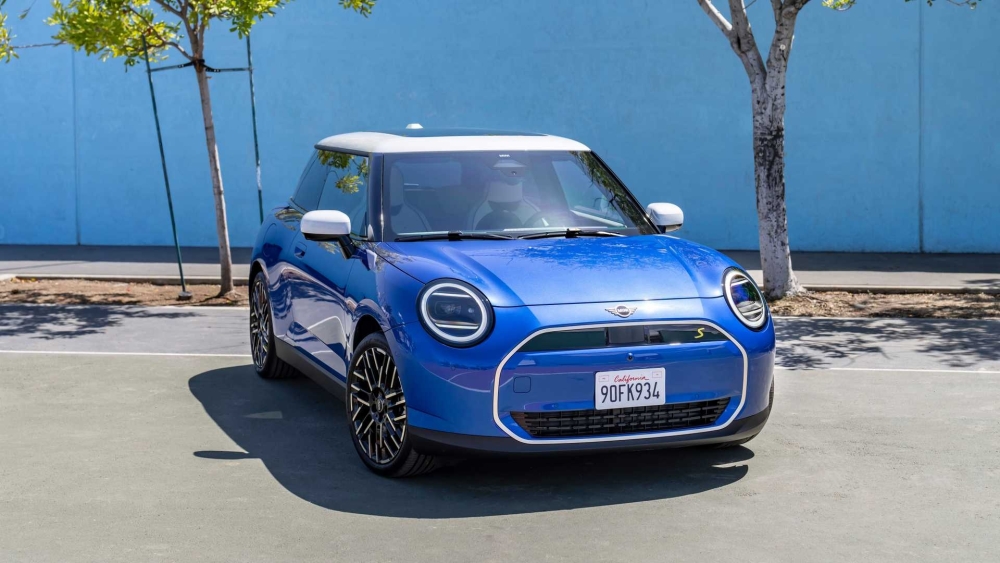
1 punto1 punto1 punto1 punto1 punto1 puntoConcordo! Molto bella! Unica cosa l’ottagono anteriore è molto grande e bianco magari risalta troppo, ma come sempre mi riservo di vederla dal vivo.1 punto1 puntoBenvenuto! Potresti aprire un topic nella sezione MINI Ritratto che ce la presenti come merita!1 punto1 puntoFoto più pulite e fatte "in posa" giusta. Probabilmente confermati anche gli interni spiati in precedenza, con il mega pad centrale molto sottile e head up display di fronte al guidatore.
 1 punto1 puntoBenvenuto,qualche riga di presentazione non sarebbe male..................................1 punto1 punto