Vai al contenuto
View in the app

A better way to browse. Learn more.

mega MINI forum

A full-screen app on your home screen with push notifications, badges and more.

To install this app on iOS and iPadOS
  1. Tap the Share icon in Safari
  2. Scroll the menu and tap Add to Home Screen.
  3. Tap Add in the top-right corner.
To install this app on Android
  1. Tap the 3-dot menu (⋮) in the top-right corner of the browser.
  2. Tap Add to Home screen or Install app.
  3. Confirm by tapping Install.

Classifica

Contenuto Popolare

Mostra il contenuto con la massima reputazione di 04/04/2026 in Risposte

  1. 2 punti
    Buongiorno capretti 🐐
  2. 2 punti
    Buongiorno
  3. 1 punto
    Buonasera calzolai
  4. 1 punto
    Buonasera camminatori 🏔️
  5. 1 punto
    Buon pomeriggio tamarri con il sub a palla nella MINI ahahahaahah
  6. 1 punto
    Buon pomeriggio dubbiosi
  7. 1 punto
    Buongiorno anche a chi ha vita più lunga 🤣
  8. 1 punto
    Buona vigilia di Pasqua e buona cena prepasquale da usanza del sud come me .
  9. 1 punto
    Ciao Domenico. No sono andato sal gommista approfittando della chiusura aziendale della società per cui lavoro che fa tutt’altro.
  10. 1 punto
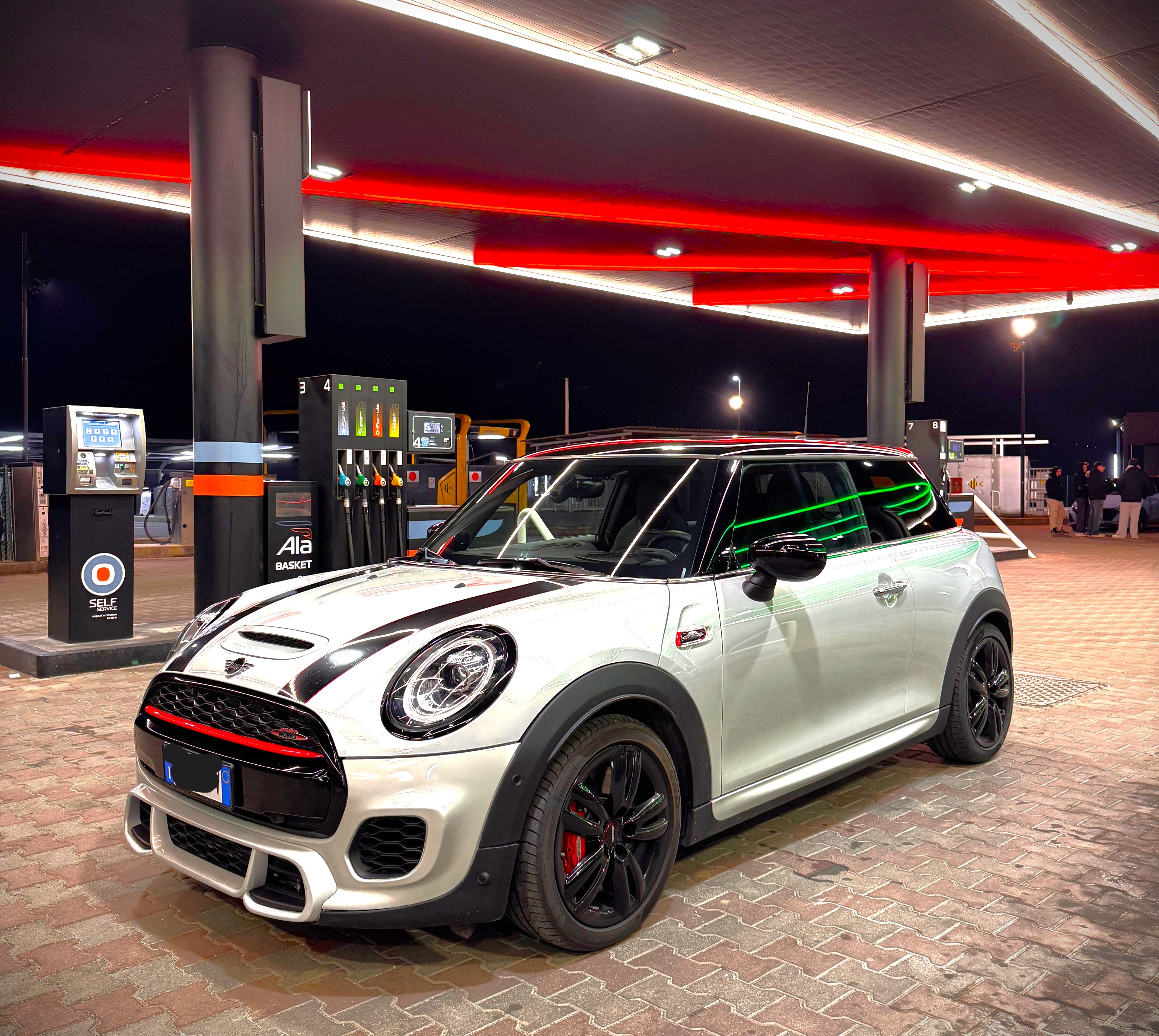
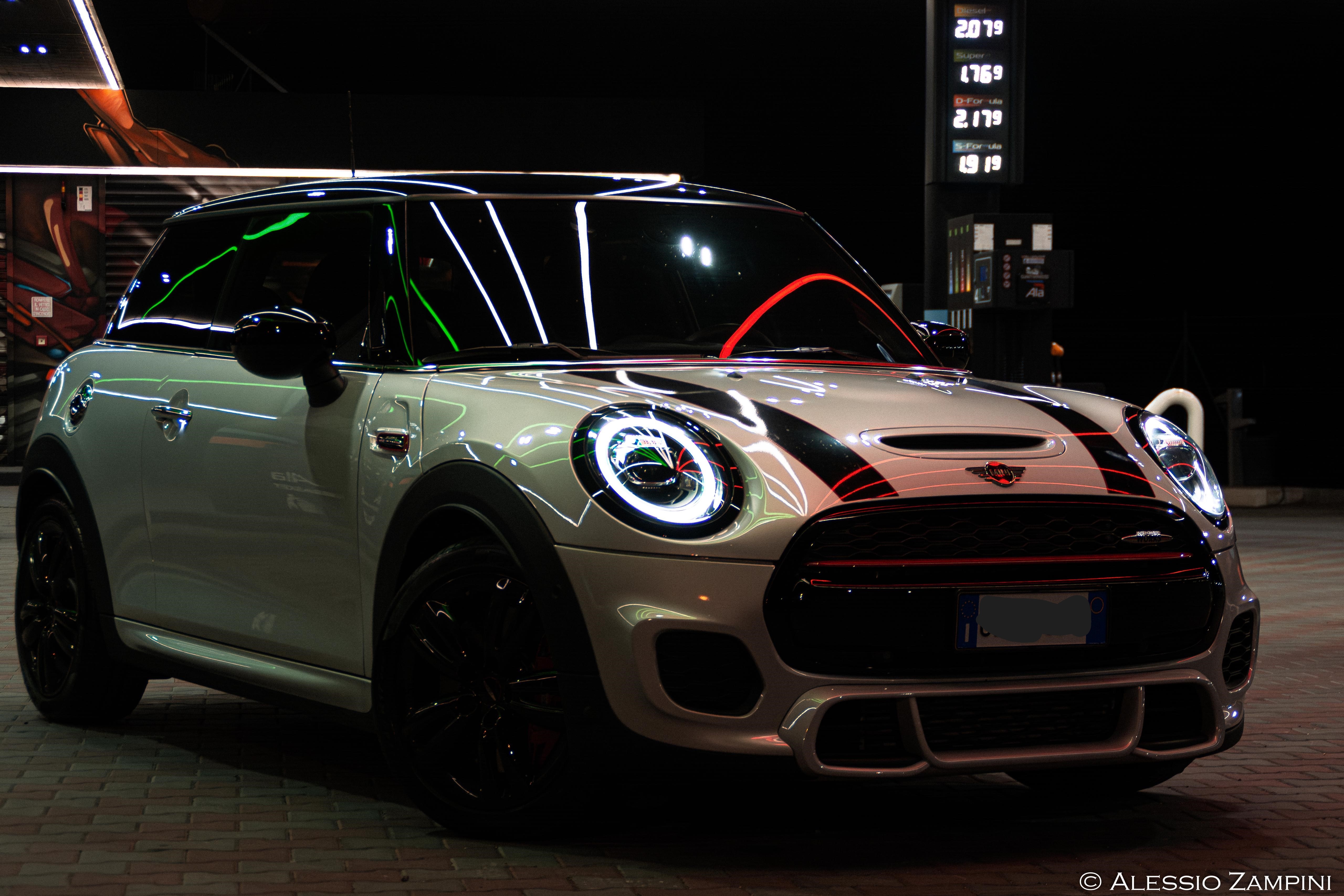
    salve a tutti volevo condividere con voi il nuovo aquisto,la vecchia ONE r56 e' stata venduta,al suo posto una magnifica JCW del 2020 che goduria guidare quest'auto
  11. 1 punto
  12. 1 punto
    Molto bella complimenti 🎉🎈🍾
  13. 1 punto
    Concordo
  14. 1 punto
    Bella!

Account

Navigation

Cerca

Cerca

Configure browser push notifications

Chrome (Android)
  1. Tap the lock icon next to the address bar.
  2. Tap Permissions → Notifications.
  3. Adjust your preference.
Chrome (Desktop)
  1. Click the padlock icon in the address bar.
  2. Select Site settings.
  3. Find Notifications and adjust your preference.