Rist
Socio 2015
-
Iscritto
-
Ultima visita
Tutti i contenuti di Rist
-
Benvenuto, non vedo l'ora di ammirare le foto
-
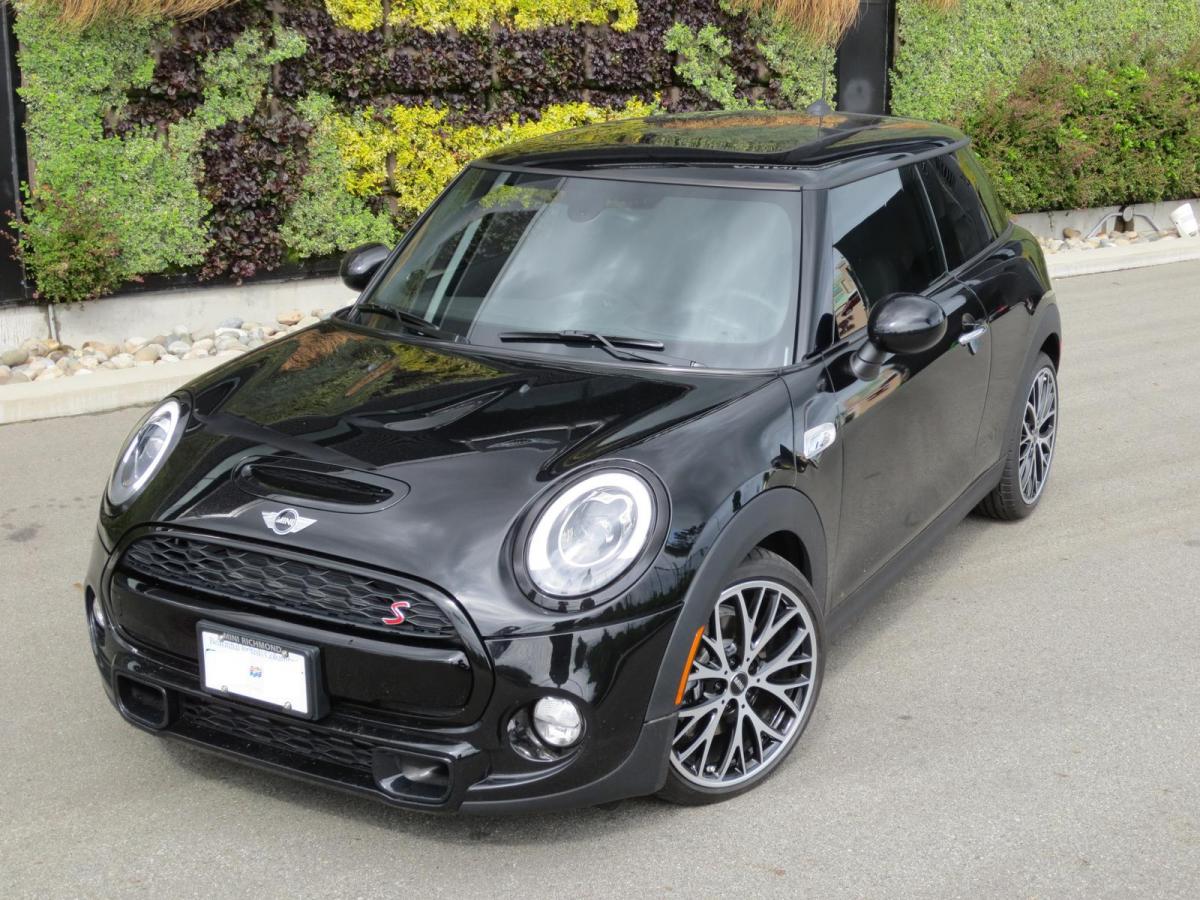
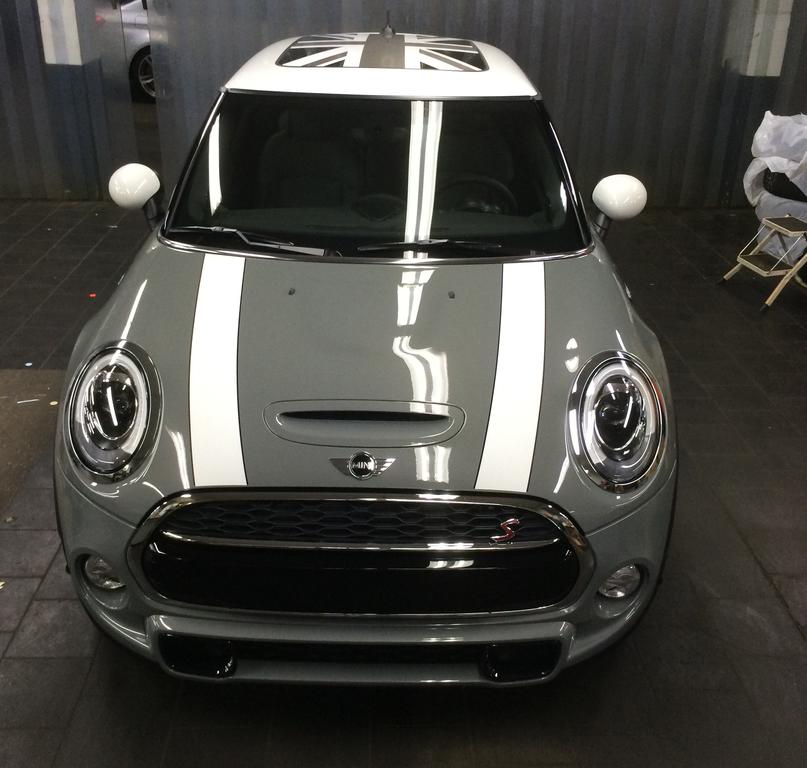
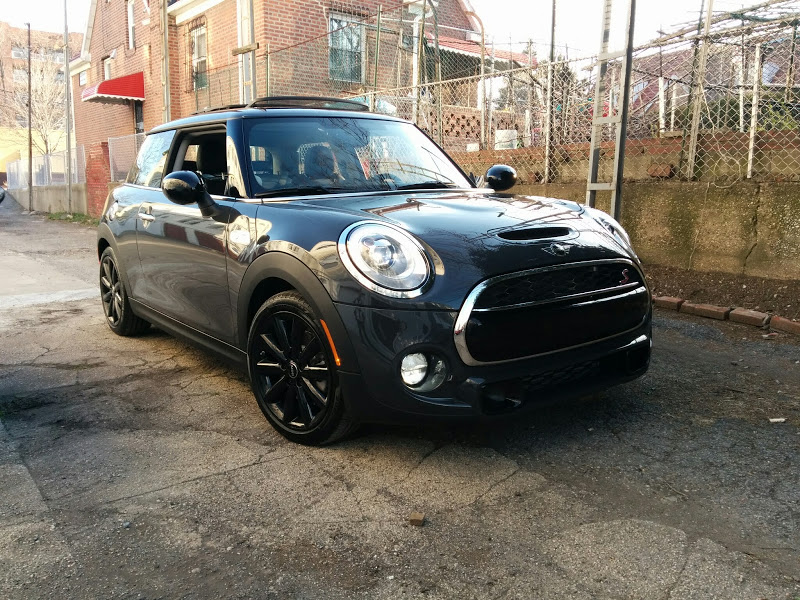
Due foto che mi ero salvato tempo fa, quando speravo di poter prendere quei cerchi :D
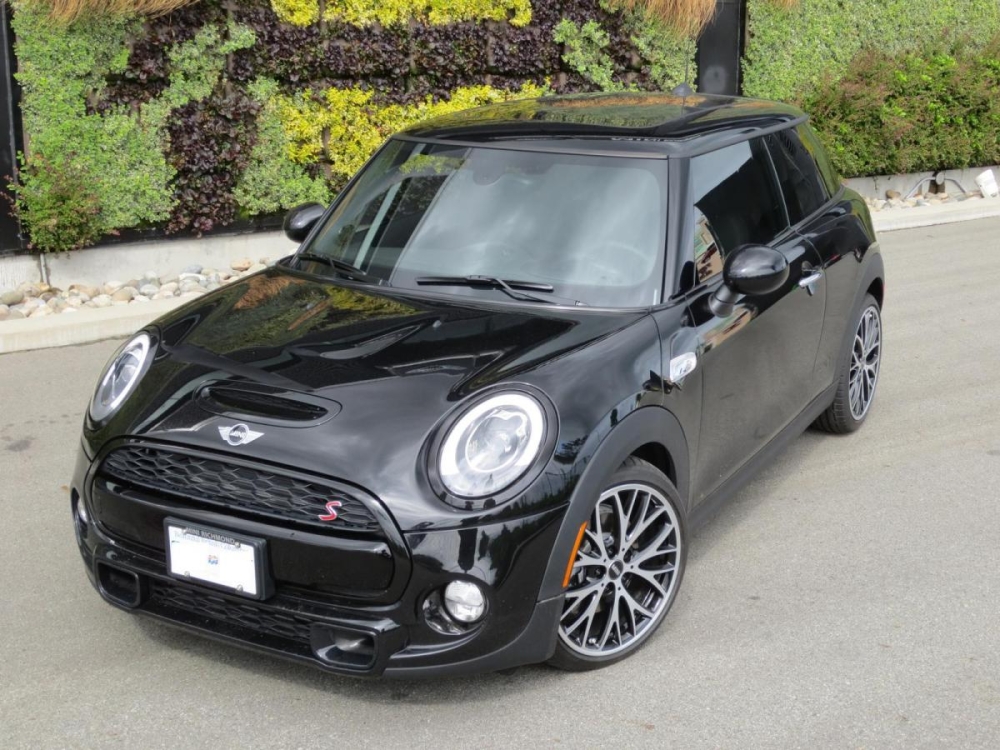
 BenvenutoBenvenutoBenvenutoBenvenutoBenvenutoBenvenutoBenvenutoVuoi mettere? Niente chrome, specialmente sul portellone dietro, e magari bonnet nere...io l'avrei fatta così
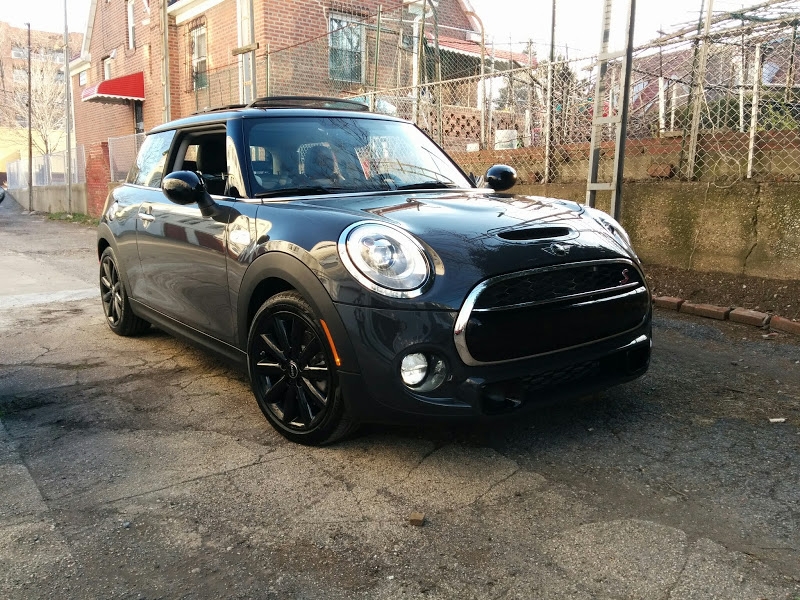 Eccoti le due versioni. A me la chrome esterna non piace, infatti se vedi la mia galleria ho messo solo le bonnet, ma tieni conto che se volessi aggiungere le stripes in un secondo momento potresti sempre farlo
 quindi, in previsione di mettere l'impianto frenante jcw (o equivalente), conviene ET35? i distanziali non li ho mai sopportati ;)Gli ET35 li avrei anche trovati, solo non mi è ben chiaro cosa cambi nell'auto con un ET di questo tipo, a parte il fattore estetico :blink: niubbamente, vado a creare possibili problemi a lungo andare? (pista e non)vedo che c'era il sole :D bellissimo video, complimenti
Account
Navigation
Cerca
Configure browser push notifications
Chrome (Android)
- Tap the lock icon next to the address bar.
- Tap Permissions → Notifications.
- Adjust your preference.
Chrome (Desktop)
- Click the padlock icon in the address bar.
- Select Site settings.
- Find Notifications and adjust your preference.
Safari (iOS 16.4+)
- Ensure the site is installed via Add to Home Screen.
- Open Settings App → Notifications.
- Find your app name and adjust your preference.
Safari (macOS)
- Go to Safari → Preferences.
- Click the Websites tab.
- Select Notifications in the sidebar.
- Find this website and adjust your preference.
Edge (Android)
- Tap the lock icon next to the address bar.
- Tap Permissions.
- Find Notifications and adjust your preference.
Edge (Desktop)
- Click the padlock icon in the address bar.
- Click Permissions for this site.
- Find Notifications and adjust your preference.
Firefox (Android)
- Go to Settings → Site permissions.
- Tap Notifications.
- Find this site in the list and adjust your preference.
Firefox (Desktop)
- Open Firefox Settings.
- Search for Notifications.
- Find this site in the list and adjust your preference.