Leus
Utente forum
-
Iscritto
-
Ultima visita
Tutti i contenuti di Leus
-
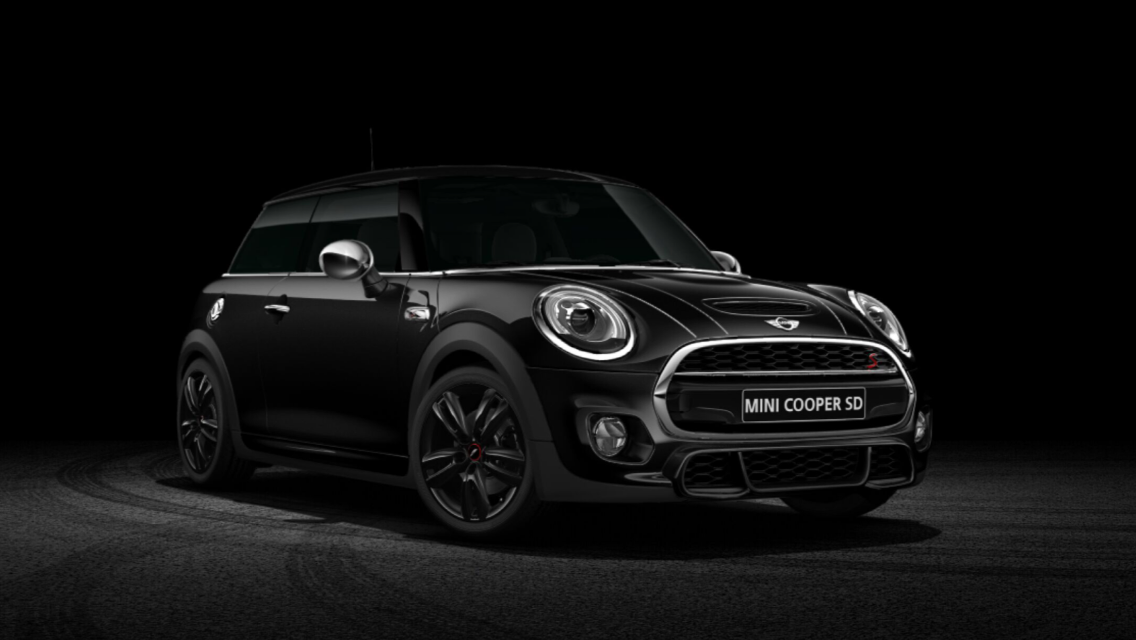
Ragazzi tutto quello che volete, ma secondo me con il cambio automatico è meglio!Io non ce la faccio più!! Non vedo l'ora che arrivi!Ciao Ragazzi! Sono Leo, finalmente anche io nel mondo Mini (anche se non ufficialmente) perchè non è ancora arrivata. All'inizio stavo optando per il noleggio a lungo termine, ma alla fine dopo aver fatto un test drive ho conosciuto la più bella venditrice forse del mondo, mi sa che è stata lei a convincermi a comprarla :P Comunque ho preso un Mini Cooper SD con pacchetto JCW interno ed esterno ed il visibility blueberry, ed abbastanza optional da far salire non di poco il prezzo, speriamo di non essermi dimenticato nulla. Ma sono contentissimo della scelta!! Orinata a Maggio chissà quando arriverà, io spero metà luglio. Ci Vediamo nel forum! Ciaoo Eccola:
Account
Navigation
Cerca
Configure browser push notifications
Chrome (Android)
- Tap the lock icon next to the address bar.
- Tap Permissions → Notifications.
- Adjust your preference.
Chrome (Desktop)
- Click the padlock icon in the address bar.
- Select Site settings.
- Find Notifications and adjust your preference.
Safari (iOS 16.4+)
- Ensure the site is installed via Add to Home Screen.
- Open Settings App → Notifications.
- Find your app name and adjust your preference.
Safari (macOS)
- Go to Safari → Preferences.
- Click the Websites tab.
- Select Notifications in the sidebar.
- Find this website and adjust your preference.
Edge (Android)
- Tap the lock icon next to the address bar.
- Tap Permissions.
- Find Notifications and adjust your preference.
Edge (Desktop)
- Click the padlock icon in the address bar.
- Click Permissions for this site.
- Find Notifications and adjust your preference.
Firefox (Android)
- Go to Settings → Site permissions.
- Tap Notifications.
- Find this site in the list and adjust your preference.
Firefox (Desktop)
- Open Firefox Settings.
- Search for Notifications.
- Find this site in the list and adjust your preference.