Vai al contenuto
View in the app

A better way to browse. Learn more.

mega MINI forum

A full-screen app on your home screen with push notifications, badges and more.

To install this app on iOS and iPadOS
  1. Tap the Share icon in Safari
  2. Scroll the menu and tap Add to Home Screen.
  3. Tap Add in the top-right corner.
To install this app on Android
  1. Tap the 3-dot menu (⋮) in the top-right corner of the browser.
  2. Tap Add to Home screen or Install app.
  3. Confirm by tapping Install.

Cos

Utente forum
  • Iscritto

  • Ultima visita

  1. Cos ha risposto a Panrex1990 nella discussione Sound
    lo sò, costa tanto.... cmq domani dovrebbe arrivare, poi se vuoi metto 2 foto e ti dico se conviene prenderlo o meno
  2. Cos ha risposto a Panrex1990 nella discussione Sound
    occhio che quando ordini per la r56 fà differenza per il modello con o senza vano portaoggetti
  3. Cos ha risposto a Panrex1990 nella discussione Sound
    http://www.broditshop.it/
  4. Cos ha risposto a Panrex1990 nella discussione Sound
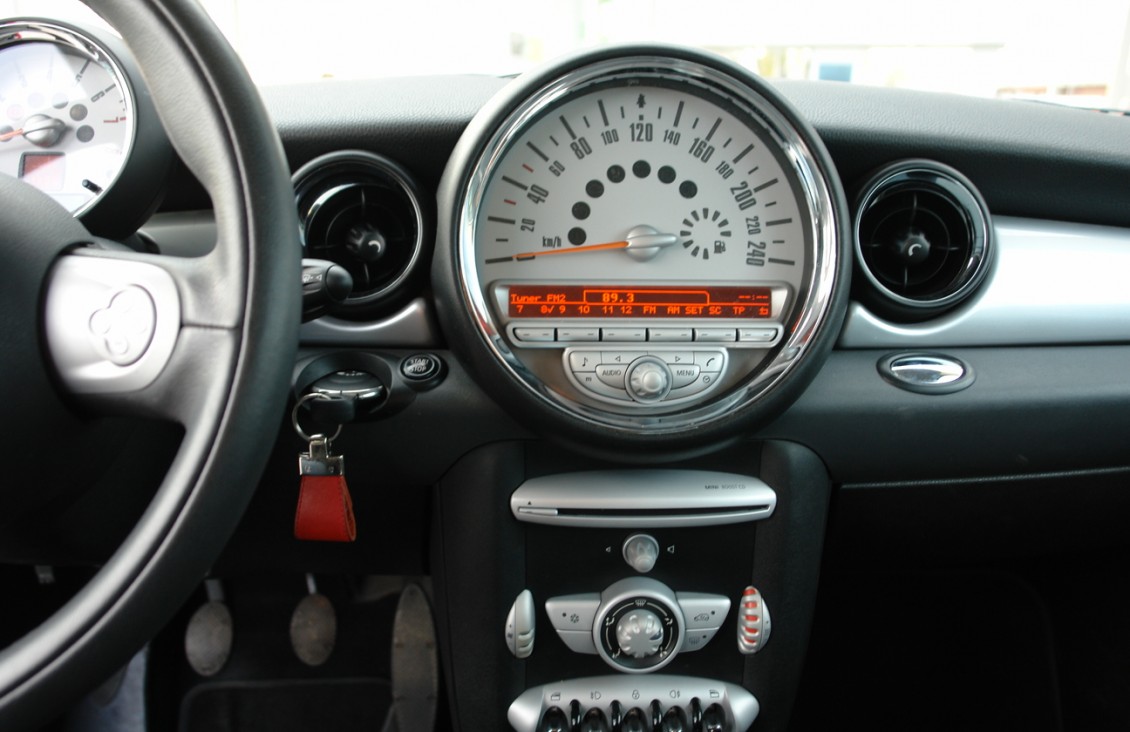
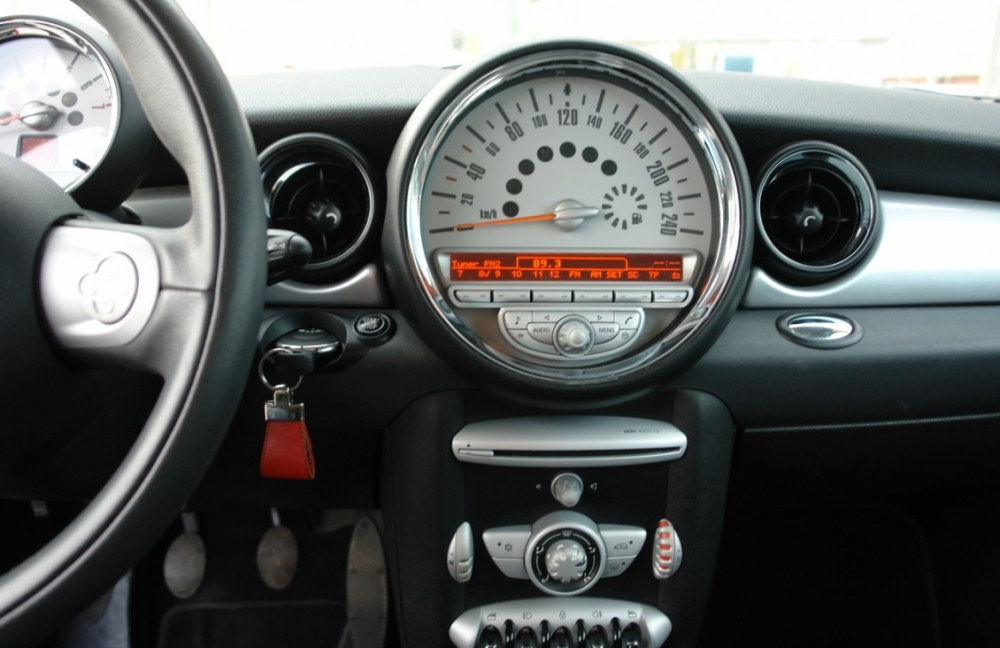
    io grazie a questo video https://www.youtube.com/watch?v=AwUzBSbiwrE ho trovato 2 soluzioni. 1 Ho comprato il Belkin CarAudio Connect e ho risolto il bluetooth e streaming audio + presa usb per ricarcare. 2 ho trovato il supporto per iphone che cercavo nella posizione per me ottimale.
  5. Cos ha pubblicato una discussione in New megaMINI DRIVERS
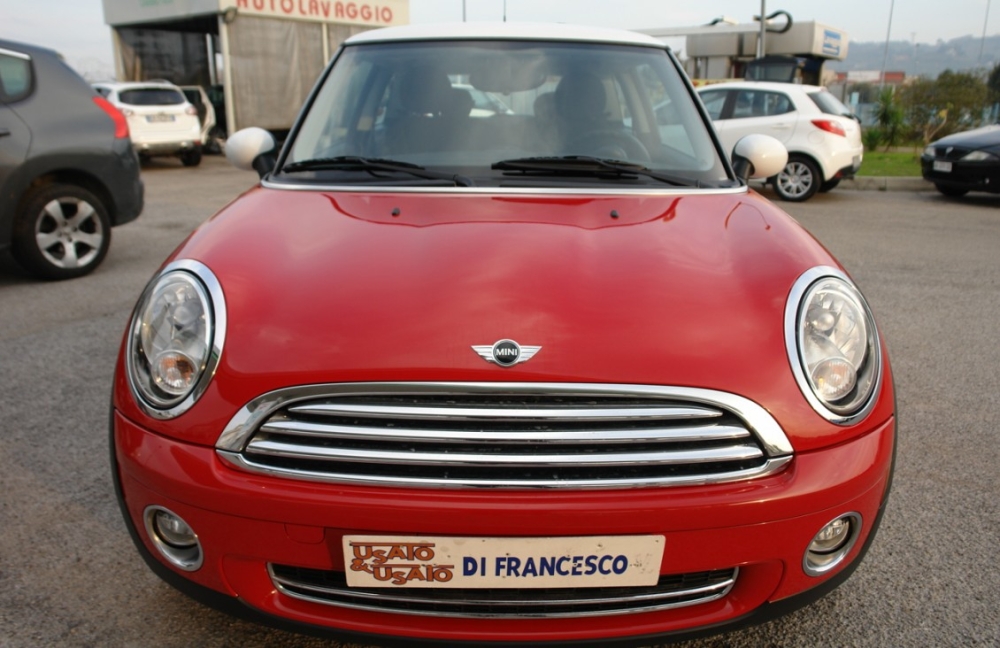
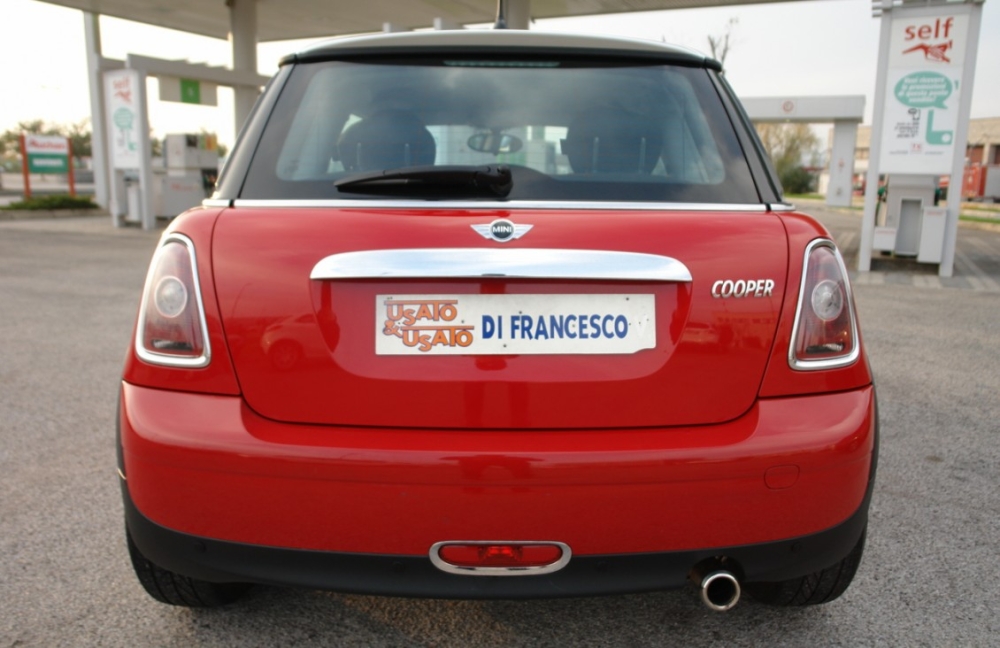
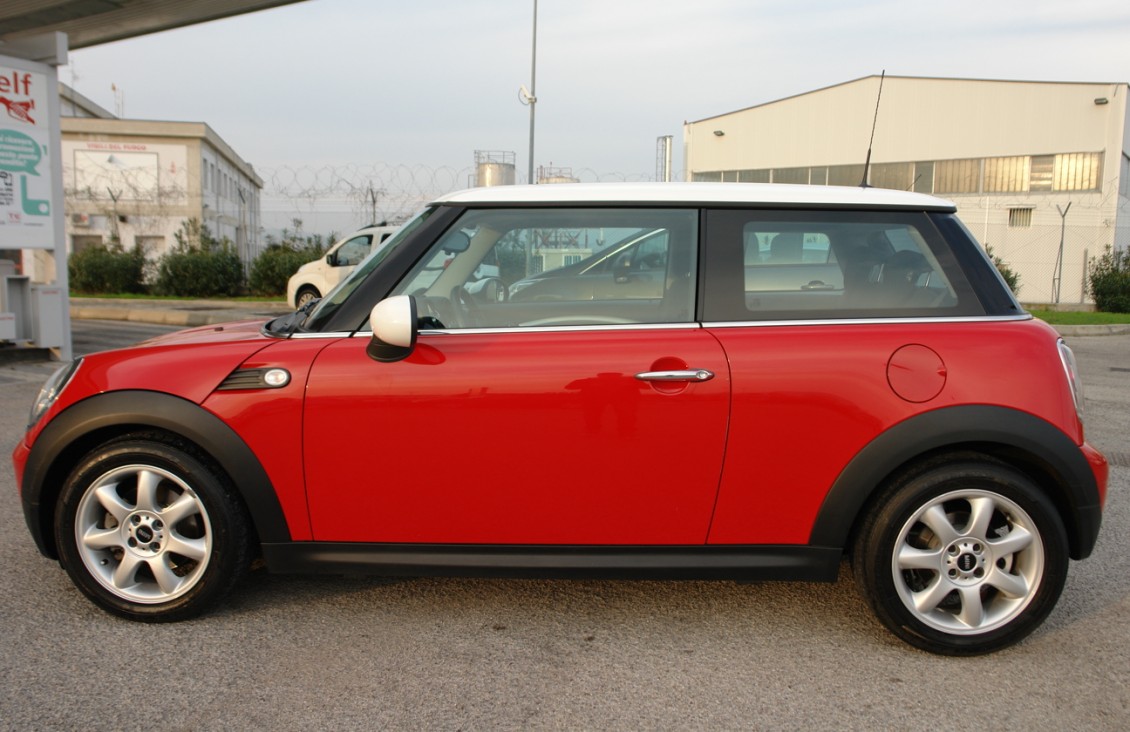
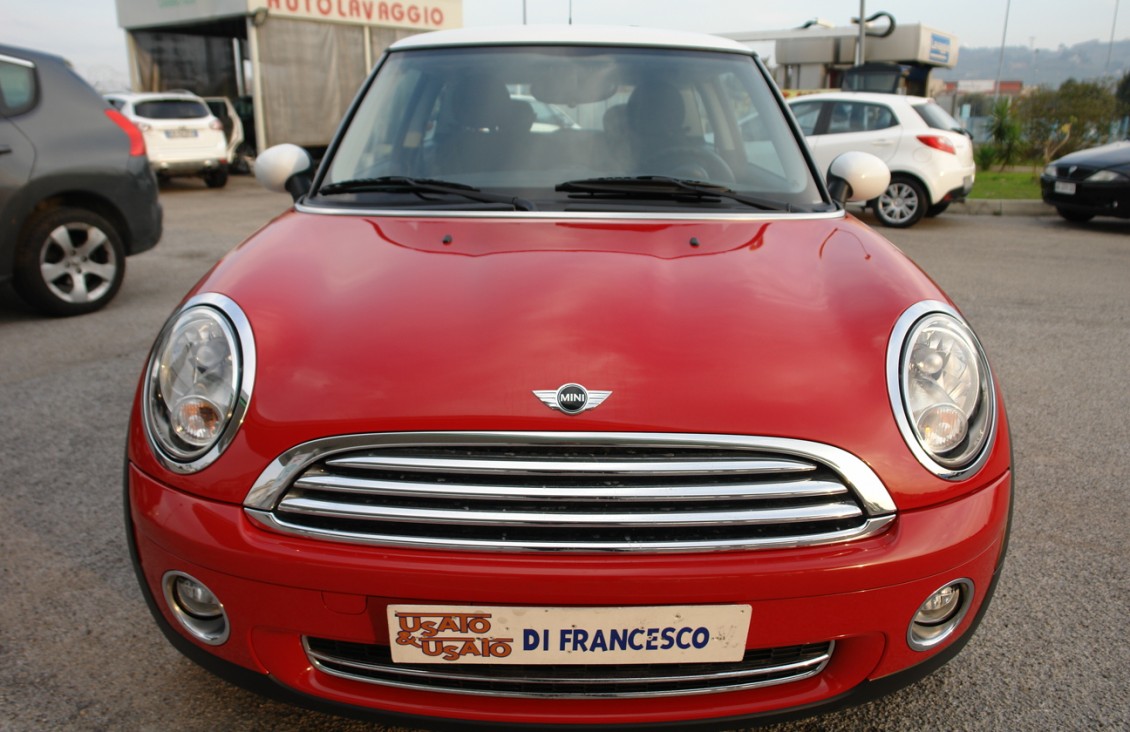
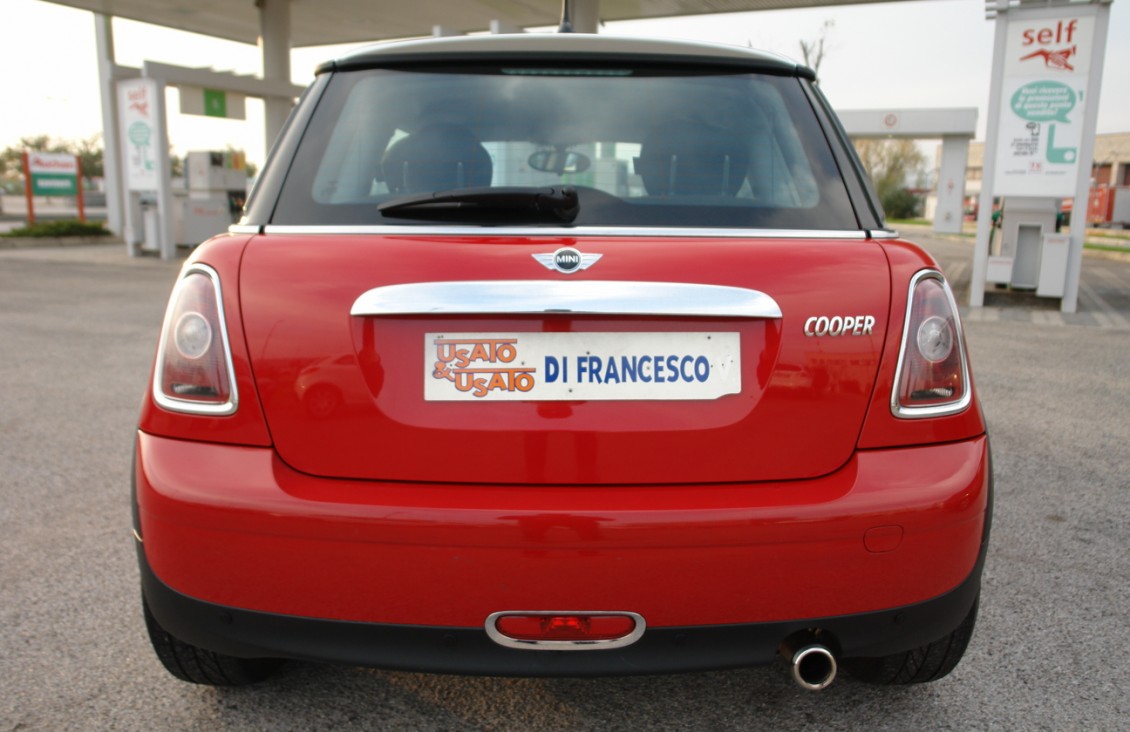
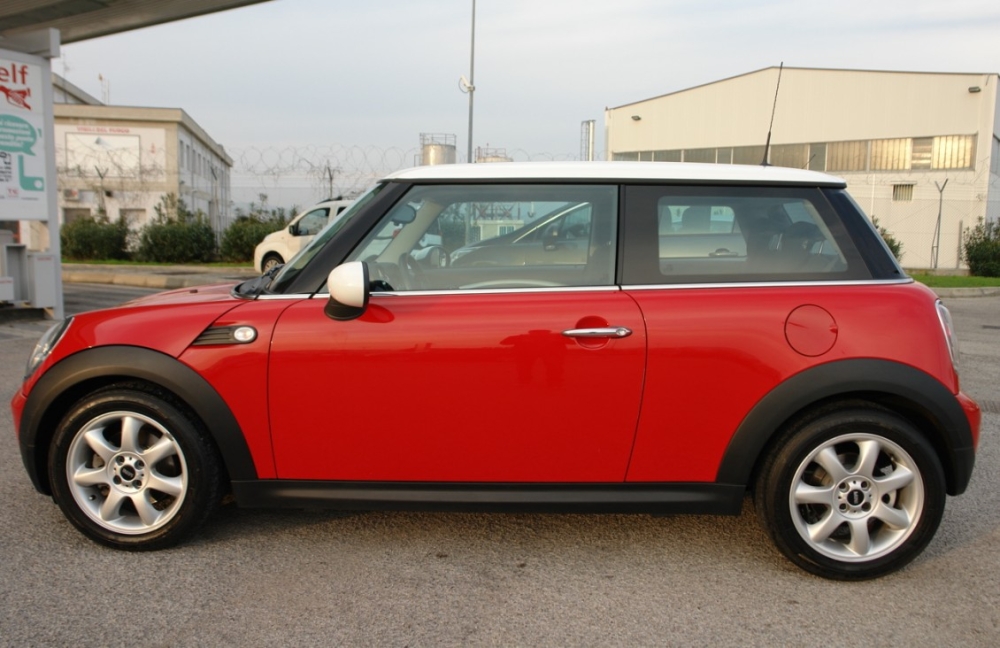
    Ciao Ragazzi, è con piacere che mi aggiungo a voi insieme alla mia nuova macchina! E' una r56 1.6 benzina del 2008 con circa 30000 km usata e ne vado fiero ;)
Account

Navigation

Cerca

Cerca

Configure browser push notifications

Chrome (Android)
  1. Tap the lock icon next to the address bar.
  2. Tap Permissions → Notifications.
  3. Adjust your preference.
Chrome (Desktop)
  1. Click the padlock icon in the address bar.
  2. Select Site settings.
  3. Find Notifications and adjust your preference.