Vai al contenuto
View in the app

A better way to browse. Learn more.

mega MINI forum

A full-screen app on your home screen with push notifications, badges and more.

To install this app on iOS and iPadOS
  1. Tap the Share icon in Safari
  2. Scroll the menu and tap Add to Home Screen.
  3. Tap Add in the top-right corner.
To install this app on Android
  1. Tap the 3-dot menu (⋮) in the top-right corner of the browser.
  2. Tap Add to Home screen or Install app.
  3. Confirm by tapping Install.

MOR&NO

Socio 2018
  • Iscritto

  • Ultima visita

Tutti i contenuti di MOR&NO

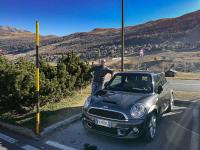
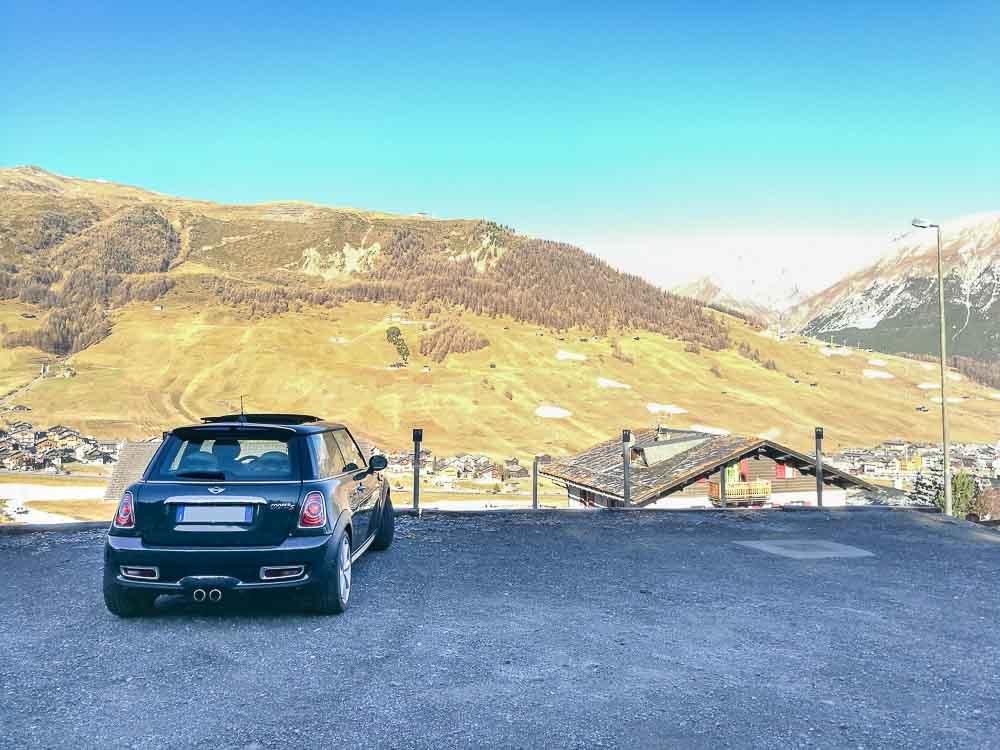
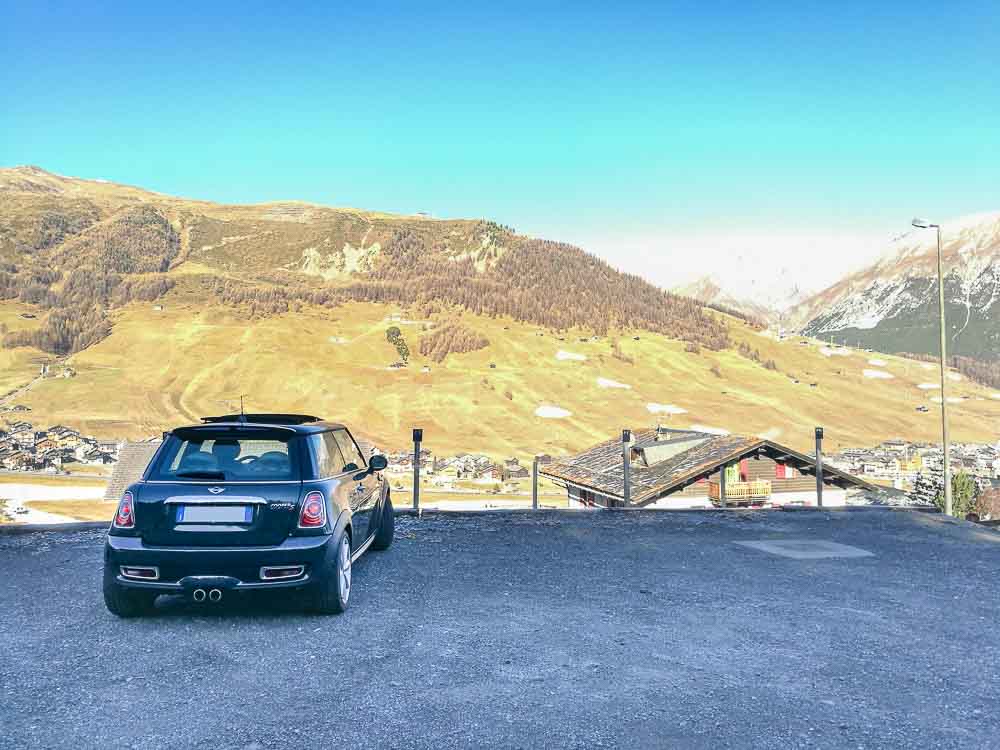
  1. Grazieeeee....in allegato una foto della mia MINIbelva
  2. Grazie molte
  3. MOR&NO ha pubblicato una discussione in New megaMINI DRIVERS
    Ciao a tutti, sono Moreno e sono un orgoglioso possessore di una Cooper S r56 184cv. L'ho acquistata 6 mesi fa e, ad ogni domanda che mi ponevo, mi siete stati sempre molto di aiuto fino al punto di iscrivermi per poter dare anche io una mano a chi, come me, avrà bisogno di consigli on-line. Che dire, mi faccio mille problemi appena si accende una spia, mille problemi quando devo parcheggiare e mille problemi quando ho davanti qualcuno che va troppo piano ....un saluto a tutti!! Moreno
Account

Navigation

Cerca

Cerca

Configure browser push notifications

Chrome (Android)
  1. Tap the lock icon next to the address bar.
  2. Tap Permissions → Notifications.
  3. Adjust your preference.
Chrome (Desktop)
  1. Click the padlock icon in the address bar.
  2. Select Site settings.
  3. Find Notifications and adjust your preference.
