minimitch
Utente forum
-
Iscritto
-
Ultima visita
-
 Mio ahahaah :-)
 -
Grazie davvero,ne vorrei mettere altre ma mi da ERRORE che cazz..........
-
Oh raga ma pagando posso avere i calendari dove c'è la mia?.........alla fine non le ho mai viste :blush:
-
-
Ma le foto del vecchio calendario si possono vedere?io una l'avevo mandata e non ho avuto più notizie
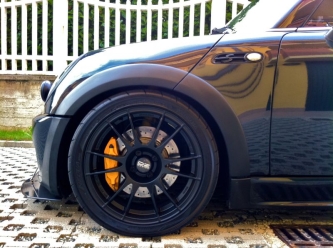
 i miei cerchiiiiiiiiii :D
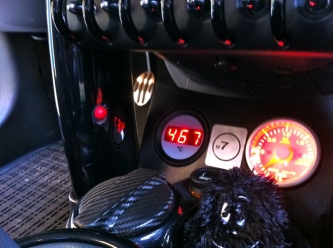
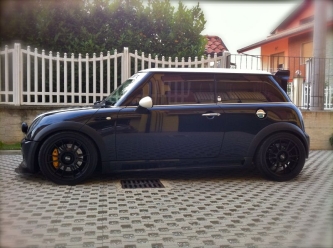 Lasciamo perdere..........ci esce un'altra MINI R53 nuova......e che questa lista sono i pezzi che ci sono ora,ma prima c'è n'erano altri che poi sono stati venduti.........per esempio questo è il 4° set di cerchi......2° set di sedili.........ecc ecc......
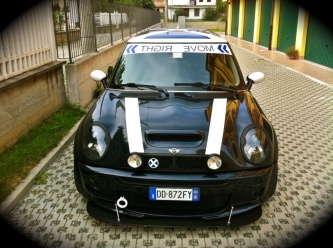 Grazie belli,finalmente col nuovo forum son riuscito a creare la gallery!Prima mi dava l'errore:( Mancano solo più i powerflex e poi chiudo il capitolo!Bella giornatona ragazzi :post-8-1120393919: di voi ho conosciuto solo il Monda :post-8-1120395257: simpaticissimo,poi l'azzento romagnolo mi fa piegare ahahaha grande!Presentissimo più altri scagnozzi del MINI CLUB TORINO :post-8-1120395257:Se si conferma il tutto sarebbe fichissimo un super trenino tutti insieme coi vari clubIo le mie le ho inviate................anche se mo ho fatto due apgreiz importanti :post-8-1120395257:
 I mieiiiiiiiiiiiiiiiiiiii cerchiiiiiiiiiiiiiiiiiiiiiiiiiiiii GRANDE JHONNY stanno stupendamente bene :post-8-1120393919: