Vai al contenuto
View in the app

A better way to browse. Learn more.

mega MINI forum

A full-screen app on your home screen with push notifications, badges and more.

To install this app on iOS and iPadOS
  1. Tap the Share icon in Safari
  2. Scroll the menu and tap Add to Home Screen.
  3. Tap Add in the top-right corner.
To install this app on Android
  1. Tap the 3-dot menu (⋮) in the top-right corner of the browser.
  2. Tap Add to Home screen or Install app.
  3. Confirm by tapping Install.

Moycmika

Utente forum
  • Iscritto

  • Ultima visita

Tutti i contenuti di Moycmika

  1. Ciao, sto cercando da diversi giorni senza trovare nulla per disattivare la sicurezza del Carplay, rotolando impossibile scorrere le playlist o altro solo possibile all'arresto. Avresti un'idea?
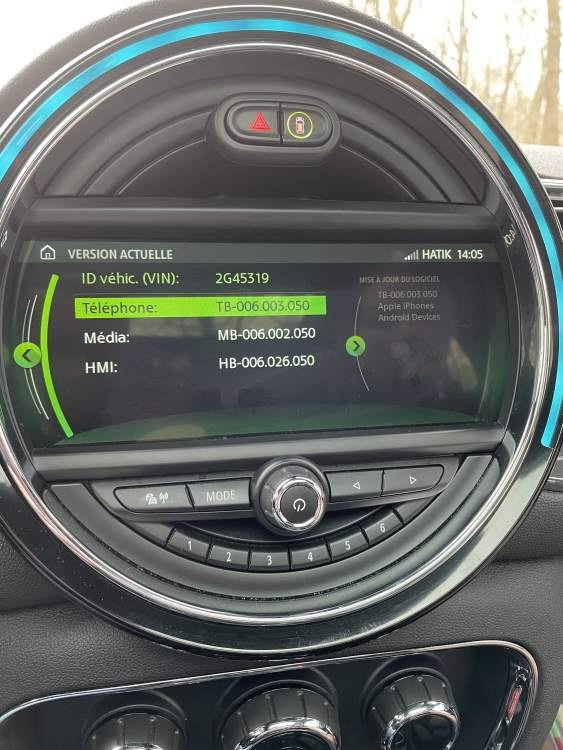
  2. fantastico :), posso sapere come si fa? la versione nbt L dovrebbe essere aumentata a un livello superiore?
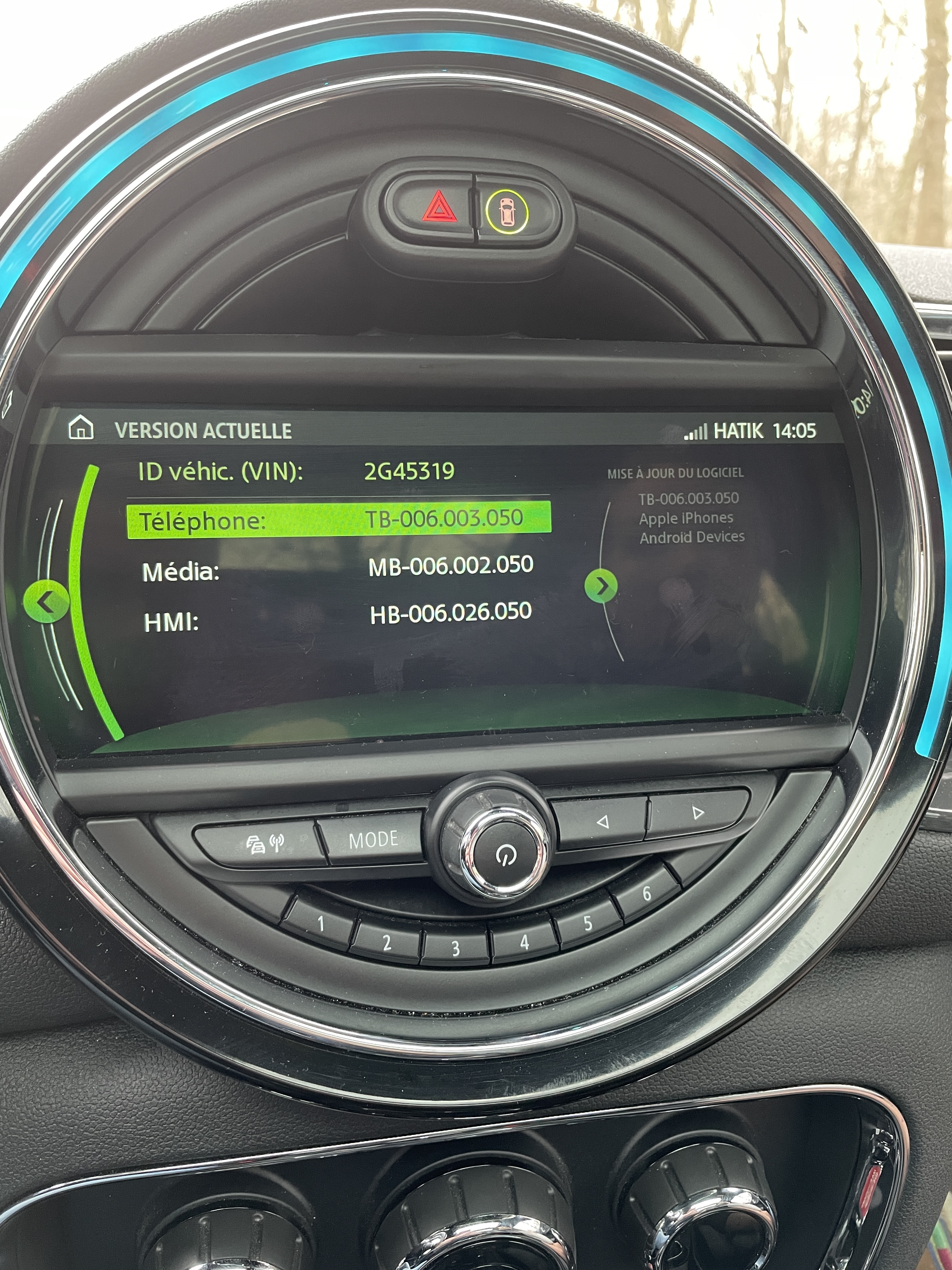
  3. ciao, è possibile sulla mia versione? Grazie in anticipo.
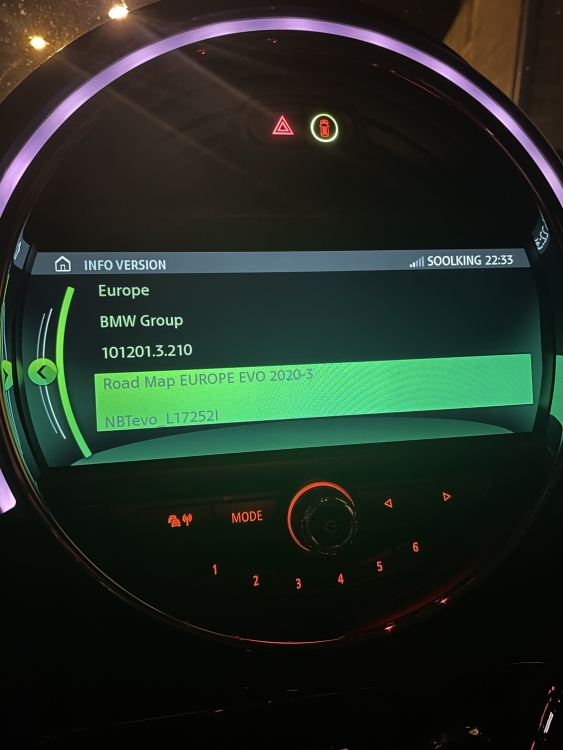
  4. salve a tutti (uso google translate) sono iscritto a diversi MINI forum europei ma non riesco a trovare risposta alle mie domande. felice proprietario del clubman (2017) vorrei apportare alcune modifiche. Sperando in un aiuto da parte italiana.

Account

Navigation

Cerca

Cerca

Configure browser push notifications

Chrome (Android)
  1. Tap the lock icon next to the address bar.
  2. Tap Permissions → Notifications.
  3. Adjust your preference.
Chrome (Desktop)
  1. Click the padlock icon in the address bar.
  2. Select Site settings.
  3. Find Notifications and adjust your preference.