Vai al contenuto
View in the app

A better way to browse. Learn more.

mega MINI forum

A full-screen app on your home screen with push notifications, badges and more.

To install this app on iOS and iPadOS
  1. Tap the Share icon in Safari
  2. Scroll the menu and tap Add to Home Screen.
  3. Tap Add in the top-right corner.
To install this app on Android
  1. Tap the 3-dot menu (⋮) in the top-right corner of the browser.
  2. Tap Add to Home screen or Install app.
  3. Confirm by tapping Install.

Beppe_Flender

Utente forum
  • Iscritto

  • Ultima visita

  1. Beppe_Flender ha incominciato a seguire parzo93
  2. Grazie ti scrivo in privato
  3. Ci sono altri modi per contattarlo?? tipo sito web , officina ....???
  4. Ragazzi riciao..qualcuno che aggiorna la grafica e magari fa anche il retrofit tachimetro in brianza???mi sembra @MassimilianoLC , ma non risponde..
  5. Ciao @MassimilianoLC hai la casella piena svuotala per favore
  6. Grazie avevo capito che si mantenevano le proporzioni anche con lo schermo da 6.5 grazie
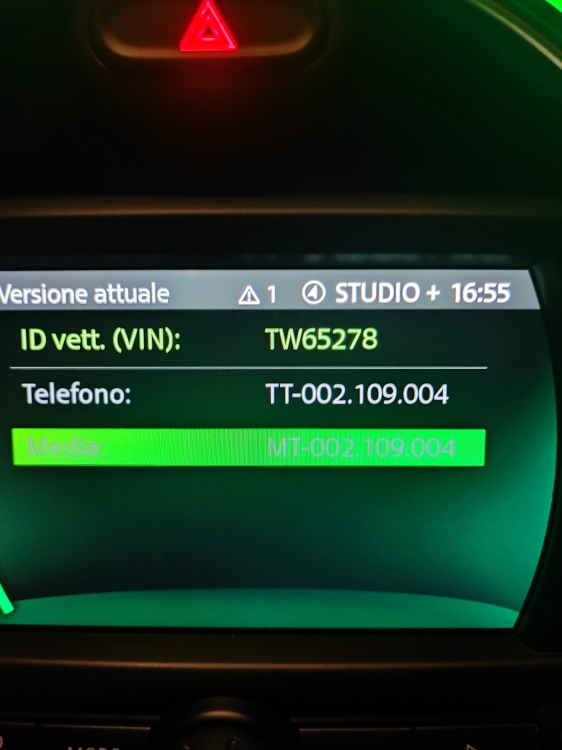
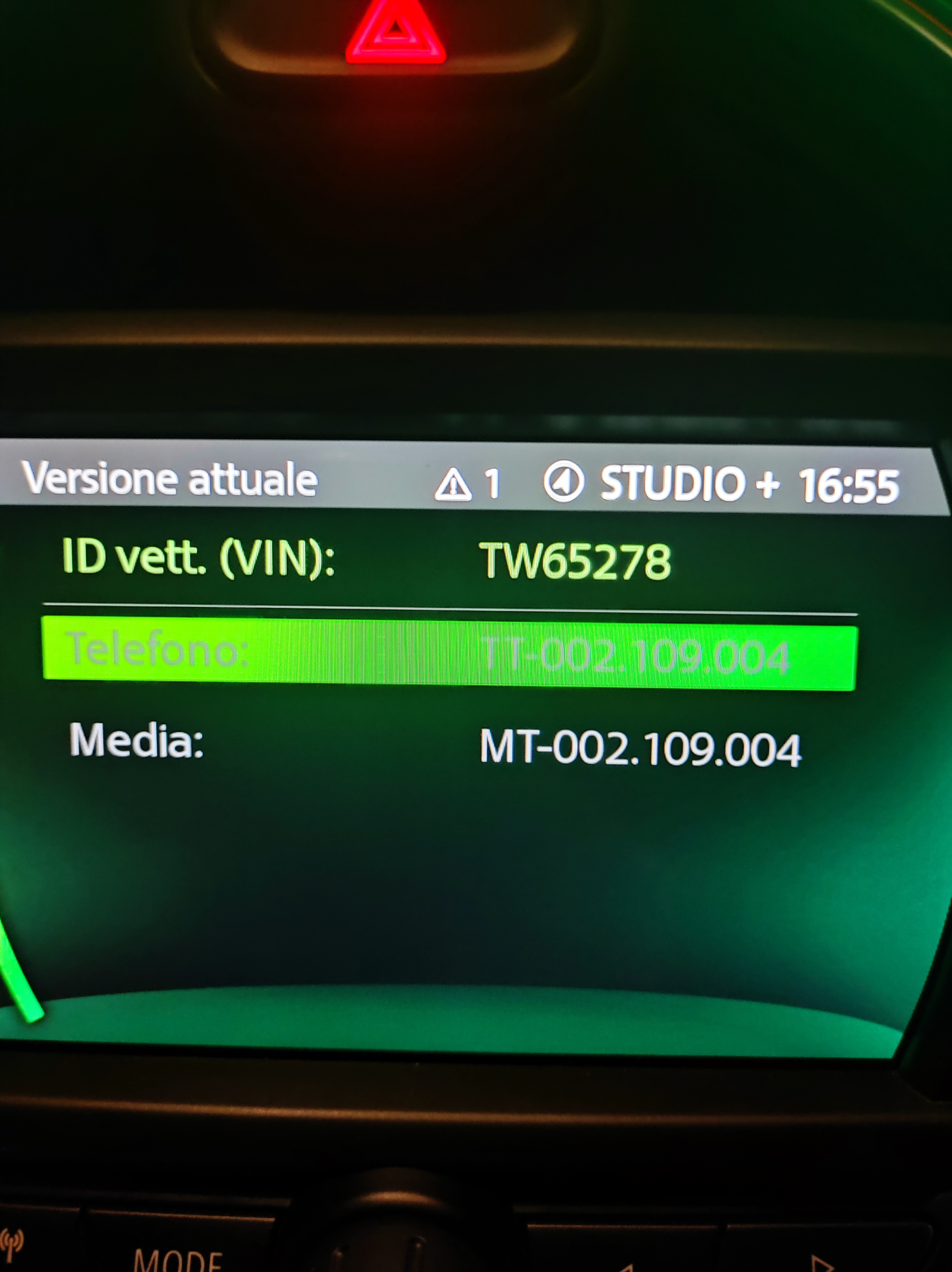
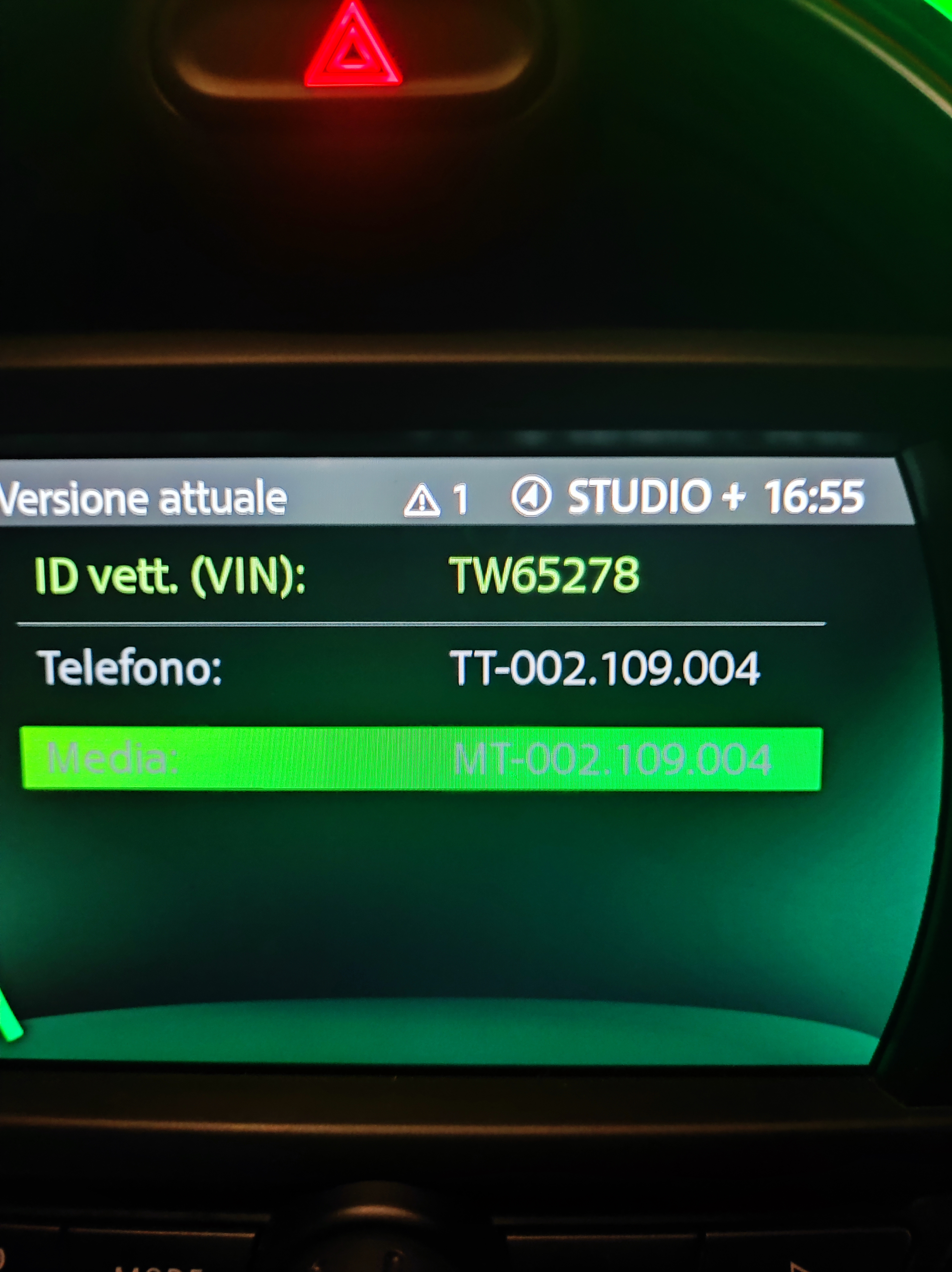
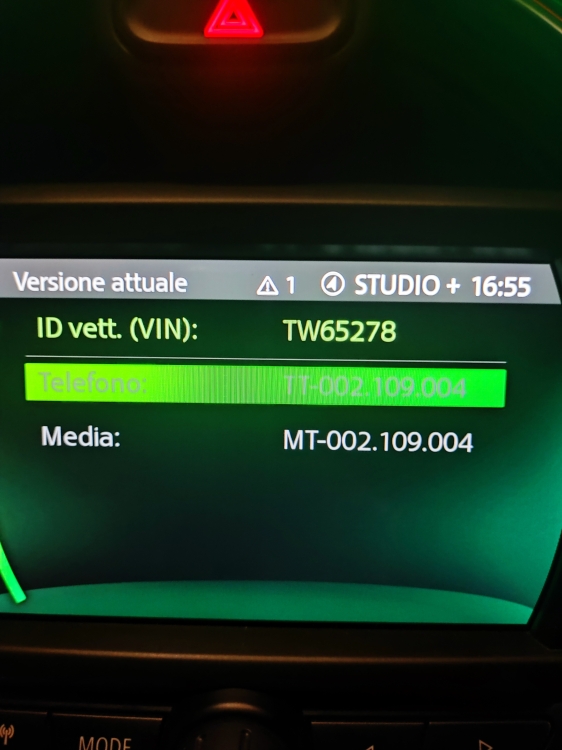
  7. Ciao Ragazzi anche io vorrei aggiornare la grafica della MINI, ho provato a contattare massimilianoLC ma ha la casella strapiena. Allego foto se cortesemente mi dite se è possibile Beppe
  8. Beppe_Flender ha pubblicato una discussione in New megaMINI DRIVERS
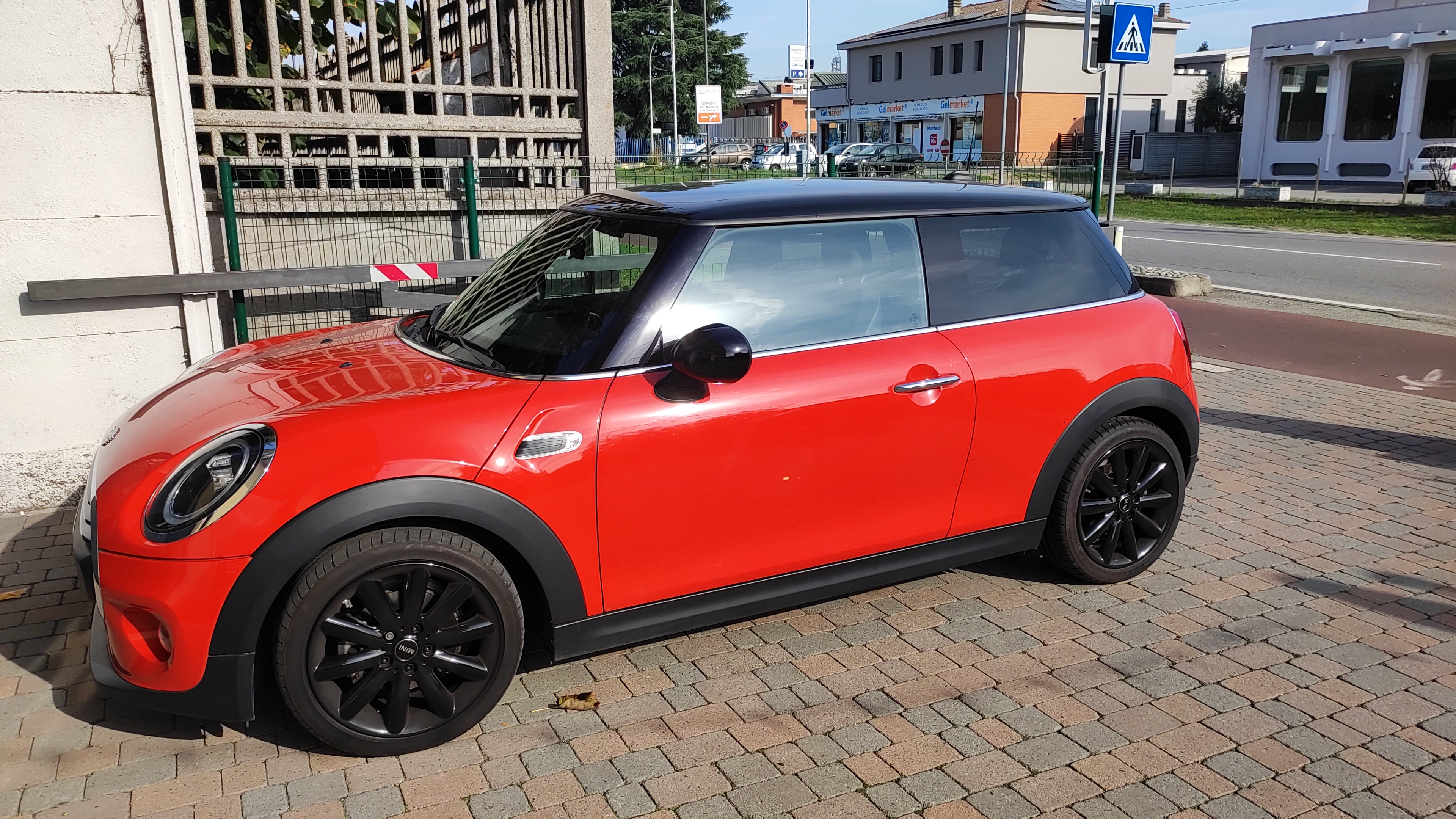
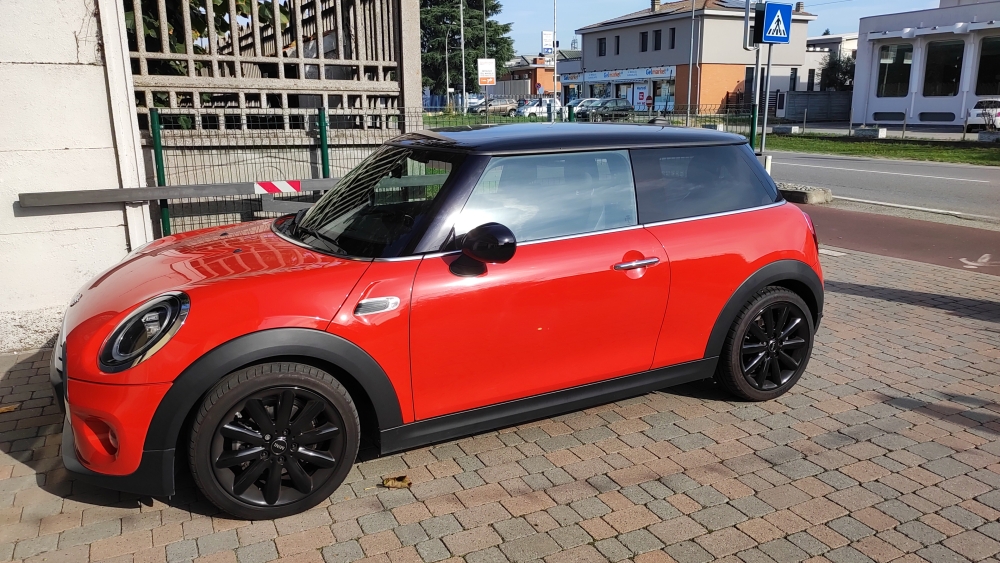
    Ciao a tutti ...dopo tanti anni finalmente sono riuscito a regalarmi una bella MINI (usata ahah aaha) che userò poco perché odio guidare!!!ma mi piace tantissimo
Account

Navigation

Cerca

Cerca

Configure browser push notifications

Chrome (Android)
  1. Tap the lock icon next to the address bar.
  2. Tap Permissions → Notifications.
  3. Adjust your preference.
Chrome (Desktop)
  1. Click the padlock icon in the address bar.
  2. Select Site settings.
  3. Find Notifications and adjust your preference.