Vai al contenuto
View in the app

A better way to browse. Learn more.

mega MINI forum

A full-screen app on your home screen with push notifications, badges and more.

To install this app on iOS and iPadOS
  1. Tap the Share icon in Safari
  2. Scroll the menu and tap Add to Home Screen.
  3. Tap Add in the top-right corner.
To install this app on Android
  1. Tap the 3-dot menu (⋮) in the top-right corner of the browser.
  2. Tap Add to Home screen or Install app.
  3. Confirm by tapping Install.

Frankie75

Utente forum
  • Iscritto

  • Ultima visita

Tutti i contenuti di Frankie75

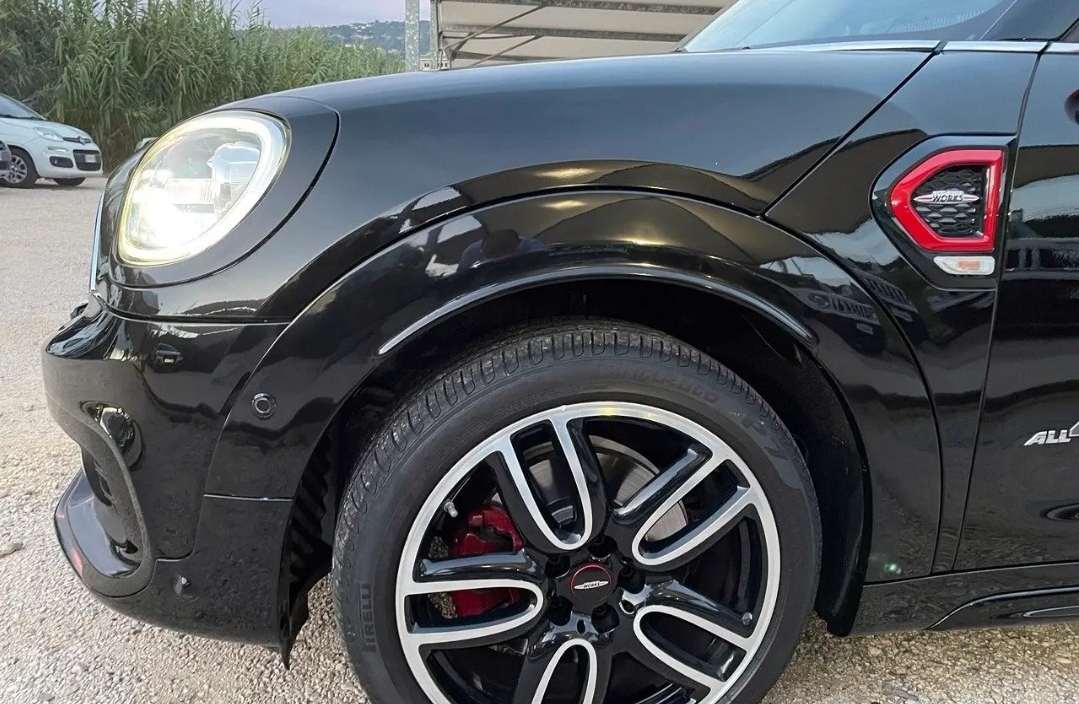
  1. A questo punto mi sà che conviene dirottare su altro, peccato mi piaceva aveva 70k km e si prendeva anche la mia indietro.
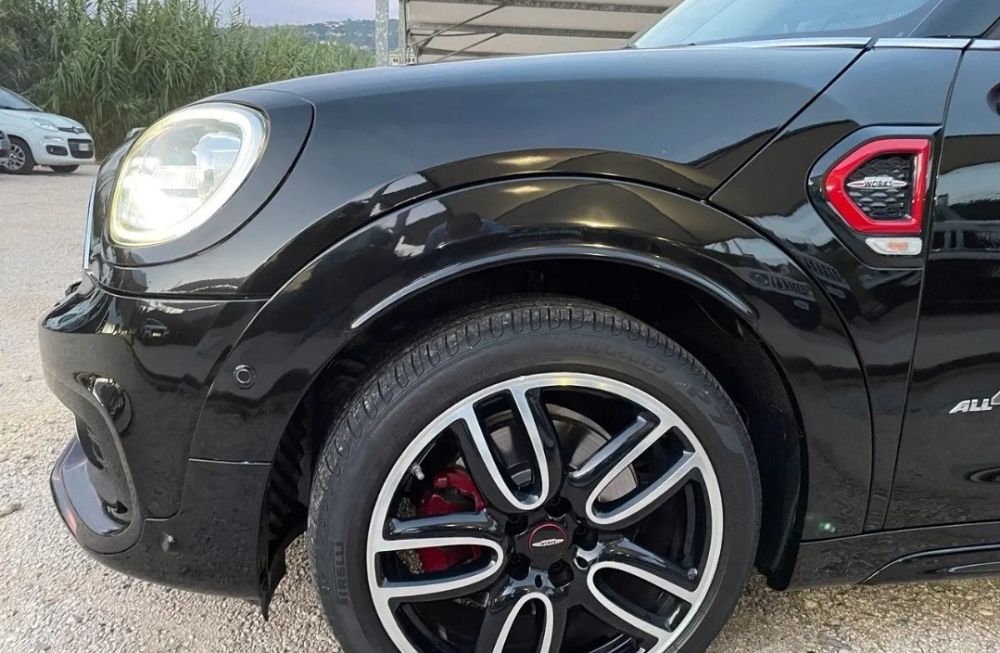
  2. Grazie mille, avevo questo dubbio poiché tutte pe altre che guardavo avevano quelle parti in nero opaco
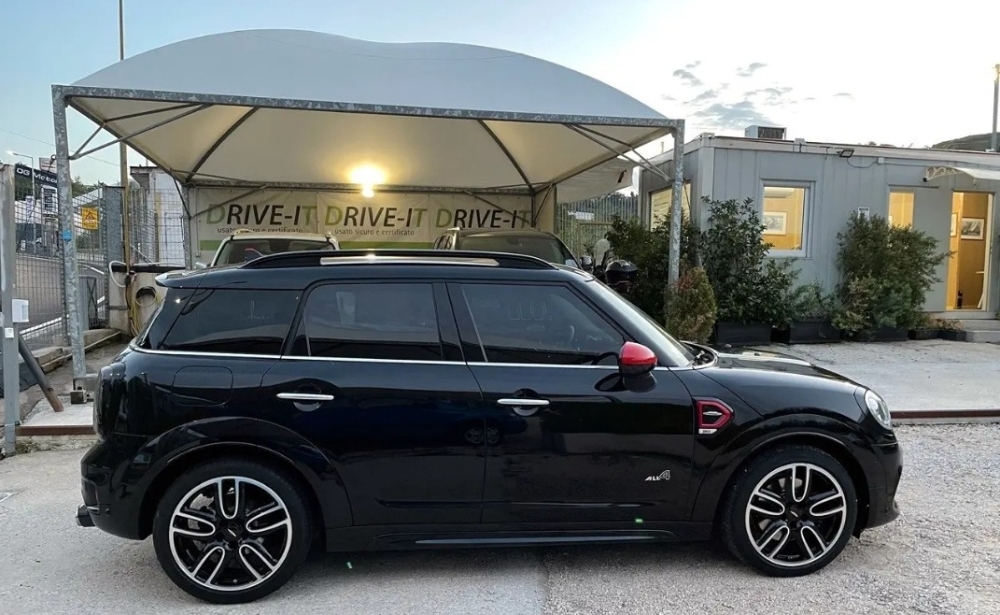
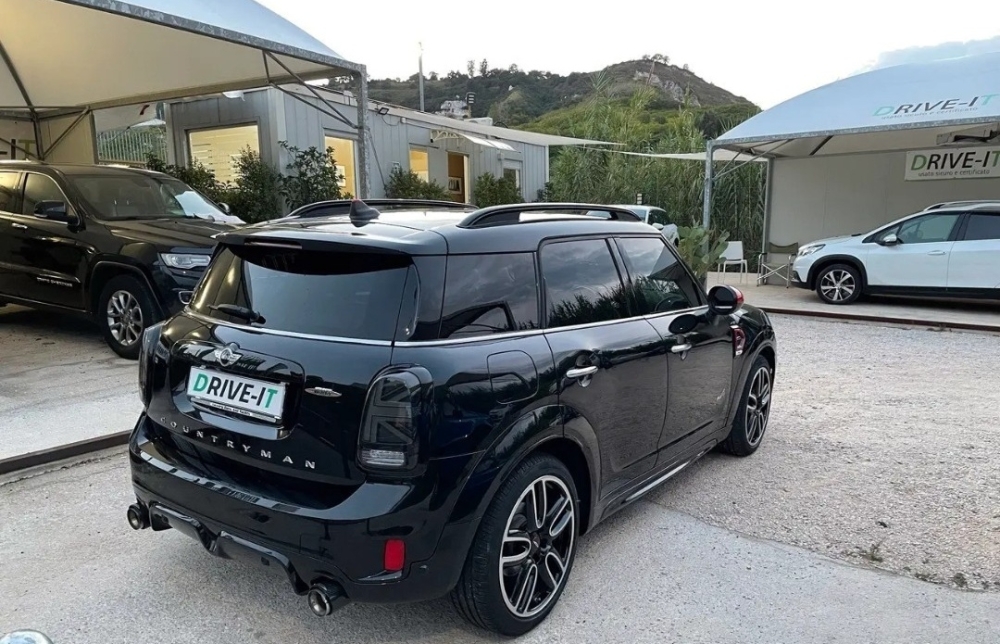
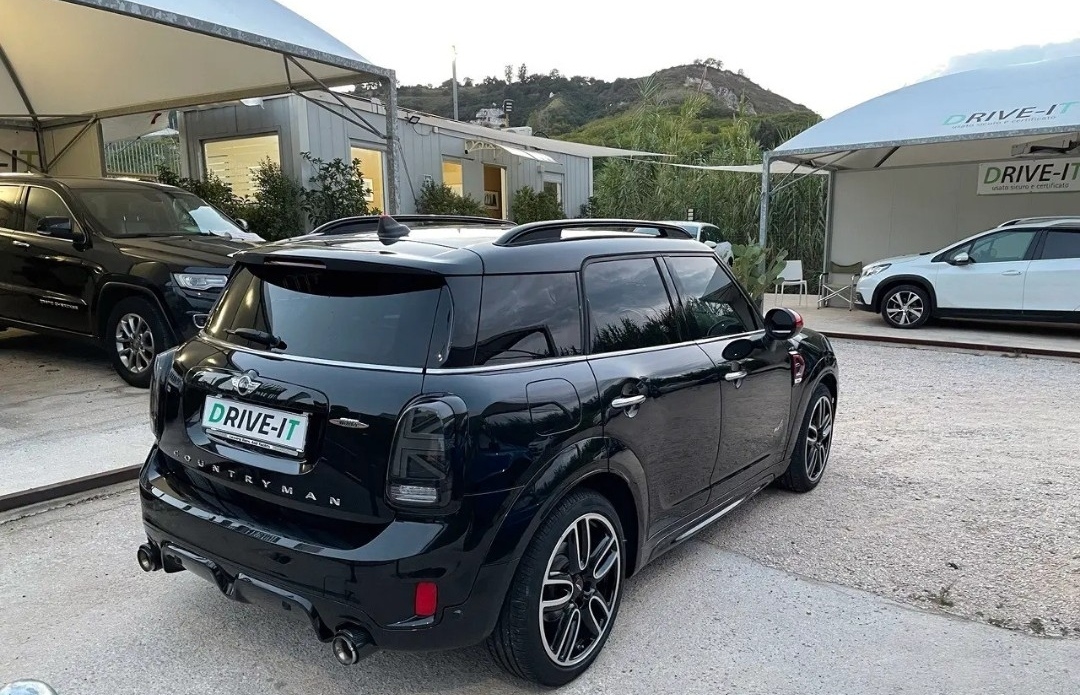
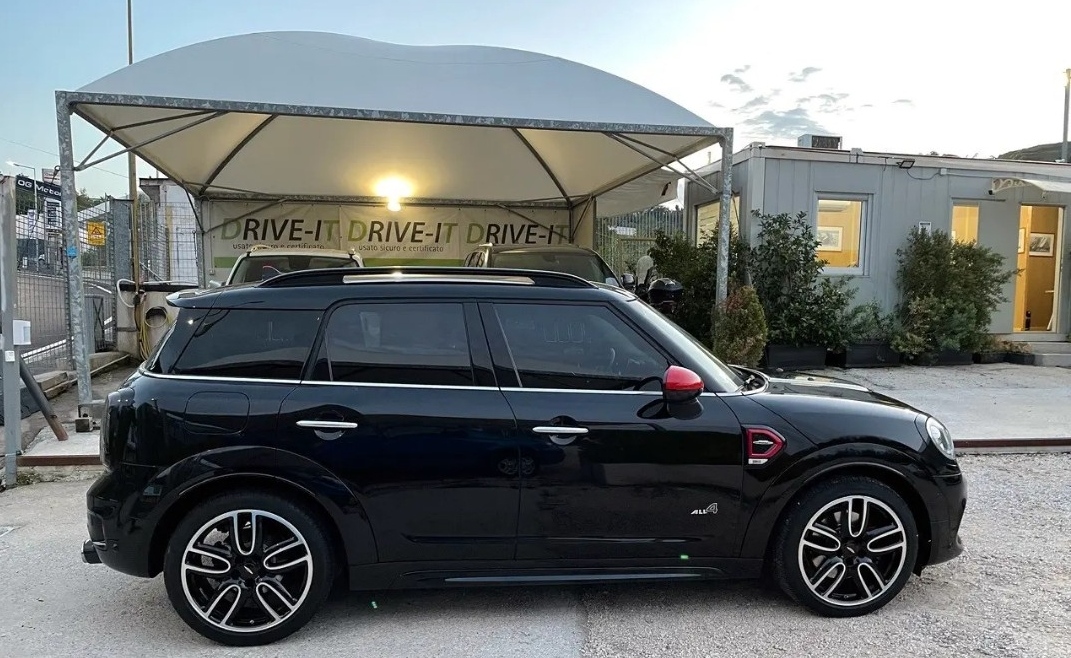
  3. Ciao ragazzi, sto valutando una F60 usata cooper SD con pacchetto JCW. Ho però un grosso dubbio...la macchina ha i parafanghini verniciati nero lucido come la macchina. Ma che voi sappiate esisteva questa possibilità di scelta al moemnto dell'acquisto? Oppure sono stati verniciati expost da vecchio proprietario? Grazie
  4. Frankie75 ha pubblicato una discussione in New megaMINI DRIVERS
    Ciao a tutti, sono Francesco e sto sto guardando in giro per prendere un Countryman F60 Copper D o SD... P.s. sono in ogni caso proprietario di una MINI Rover del 1990 ..
Account

Navigation

Cerca

Cerca

Configure browser push notifications

Chrome (Android)
  1. Tap the lock icon next to the address bar.
  2. Tap Permissions → Notifications.
  3. Adjust your preference.
Chrome (Desktop)
  1. Click the padlock icon in the address bar.
  2. Select Site settings.
  3. Find Notifications and adjust your preference.